Enterprise hardware · New & pre-owned supply
sales@aster-rackit.com English / Global
Exact identifiers. Clear specifications. A connected quotation.
ProductsView all products
BrandsView all brands
SolutionsView all solutions
ServicesView all services
Resources
AboutView all about
Request a quote
FROM REQUIREMENT TO THE RIGHT RECORD

Start with what
your project needs.

Six practical routes through enterprise hardware. Find the exact identity, review the configuration and turn your shortlist into a clear enquiry.

Already have a part number?

Enter the complete identifier, including its suffix, then check the brand and product family in the result.

  1. 01

    Identify

    Exact model, PN and revision

  2. 02

    Specify

    Workload, environment and quantity

  3. 03

    Review

    Evidence, fit and included items

  4. 04

    Enquire

    One clear requirements brief

CHOOSE YOUR EQUIPMENT

One category. A clearer next step.

Each path connects the catalogue to the information needed for review.

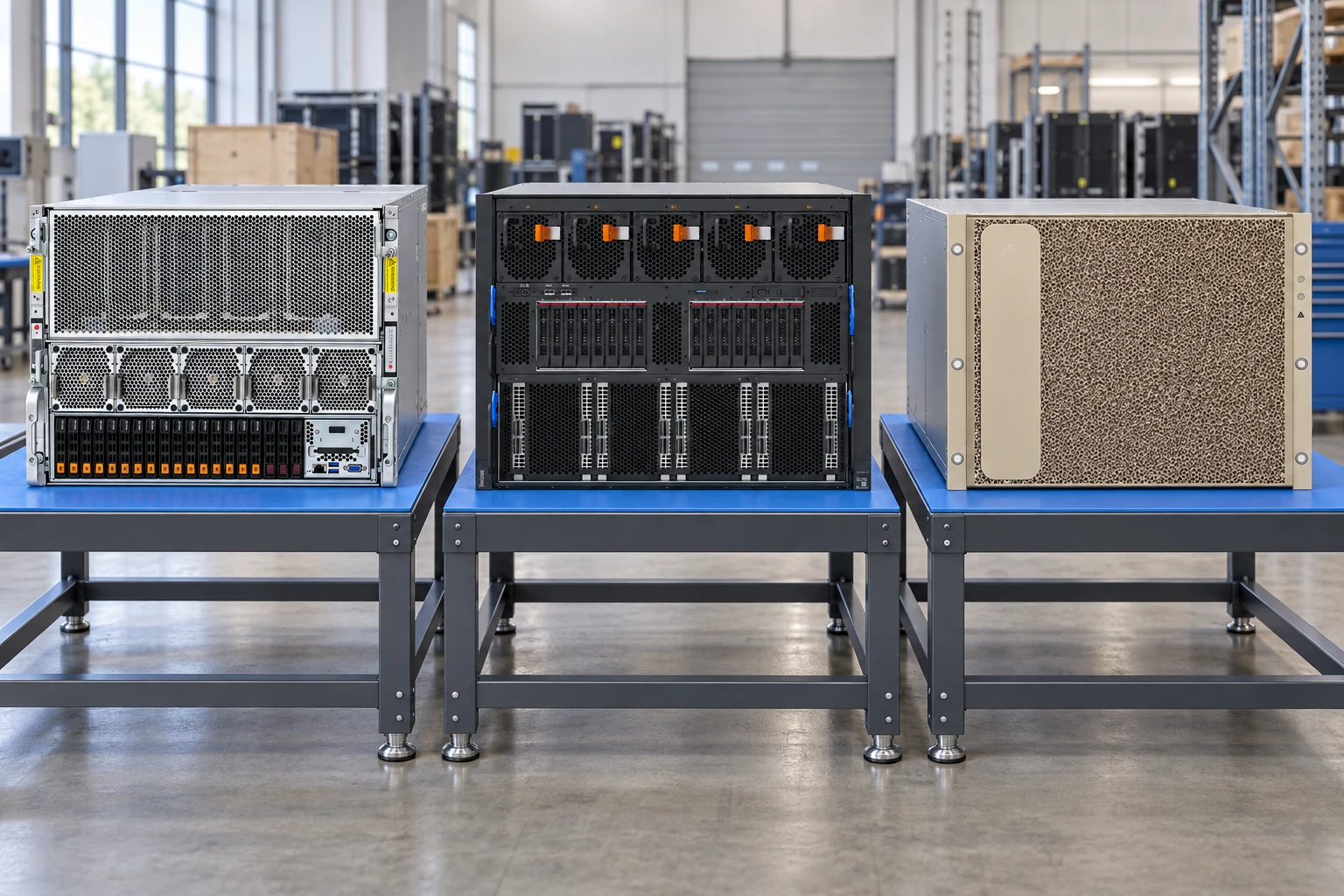
Generated category scene of large GPU server platforms supported separately on blue workbench mats
01

GPU servers & AI systems

Describe the workload first, then shortlist a platform and its complete accelerator configuration.

Prepare these details

  • Training, fine-tuning or inference? Record the model, precision, concurrent users and response-time target.
  • Specify the accelerator model, quantity and required memory. Ask for the supported interconnect topology.
  • Confirm rack depth, weight, power feeds, cooling and the network path alongside the server configuration.

Include the workload brief, GPU requirement and site constraints in your planning request.
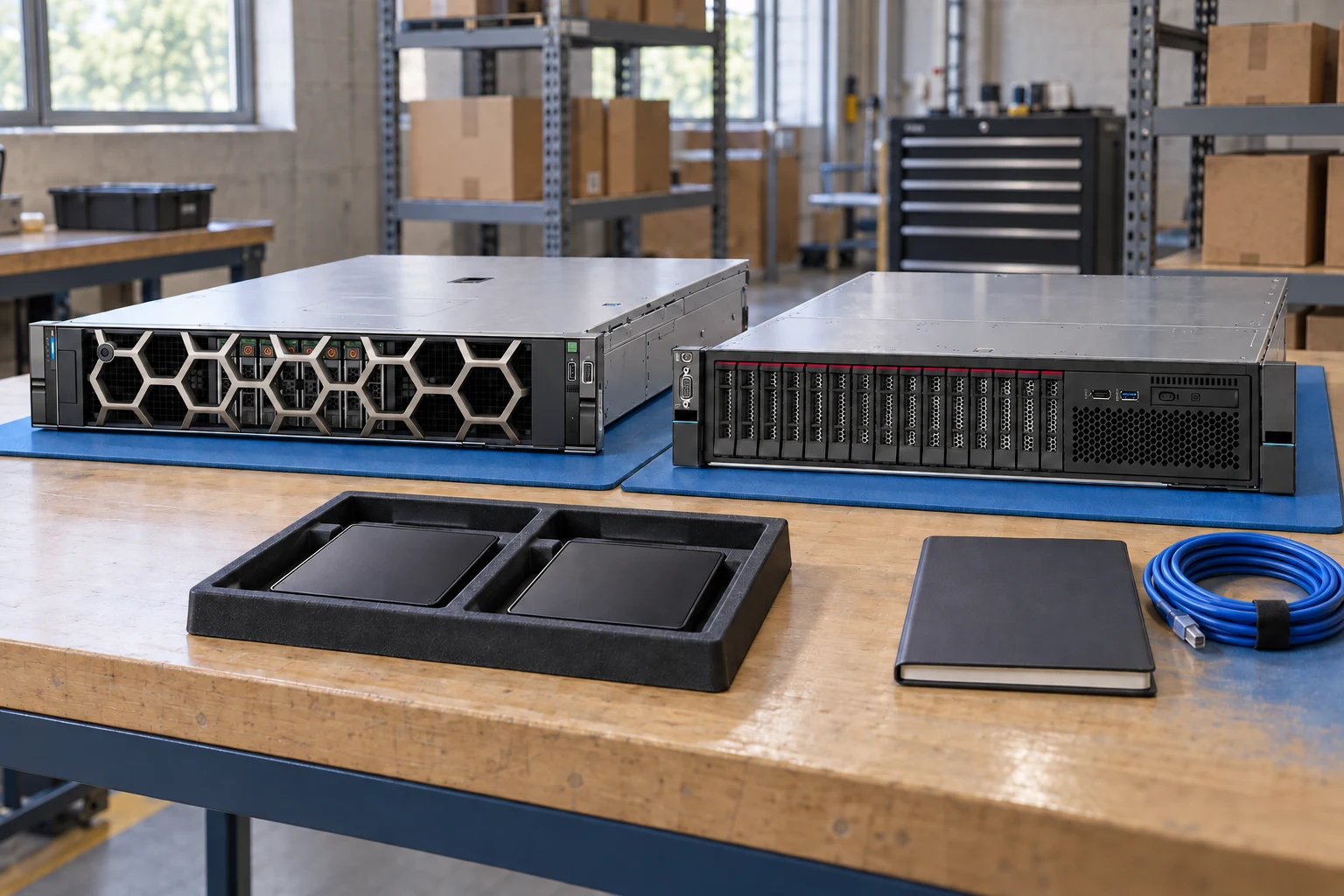
Generated category scene of two enterprise rack servers on separate blue workbench mats
02

Refurbished enterprise servers

Choose the exact chassis, then document what must be installed and what must arrive with it.

Prepare these details

  • Is the request for a base chassis, a configured system or an upgrade to equipment you already own?
  • List CPU, DIMM population, drive bays, storage controller, adapters, power supplies, rails and cable requirements.
  • Request the offered configuration, condition notes, current-unit photographs and agreed acceptance evidence.

Keep the requested bill of materials separate from the configuration confirmed in the quotation.

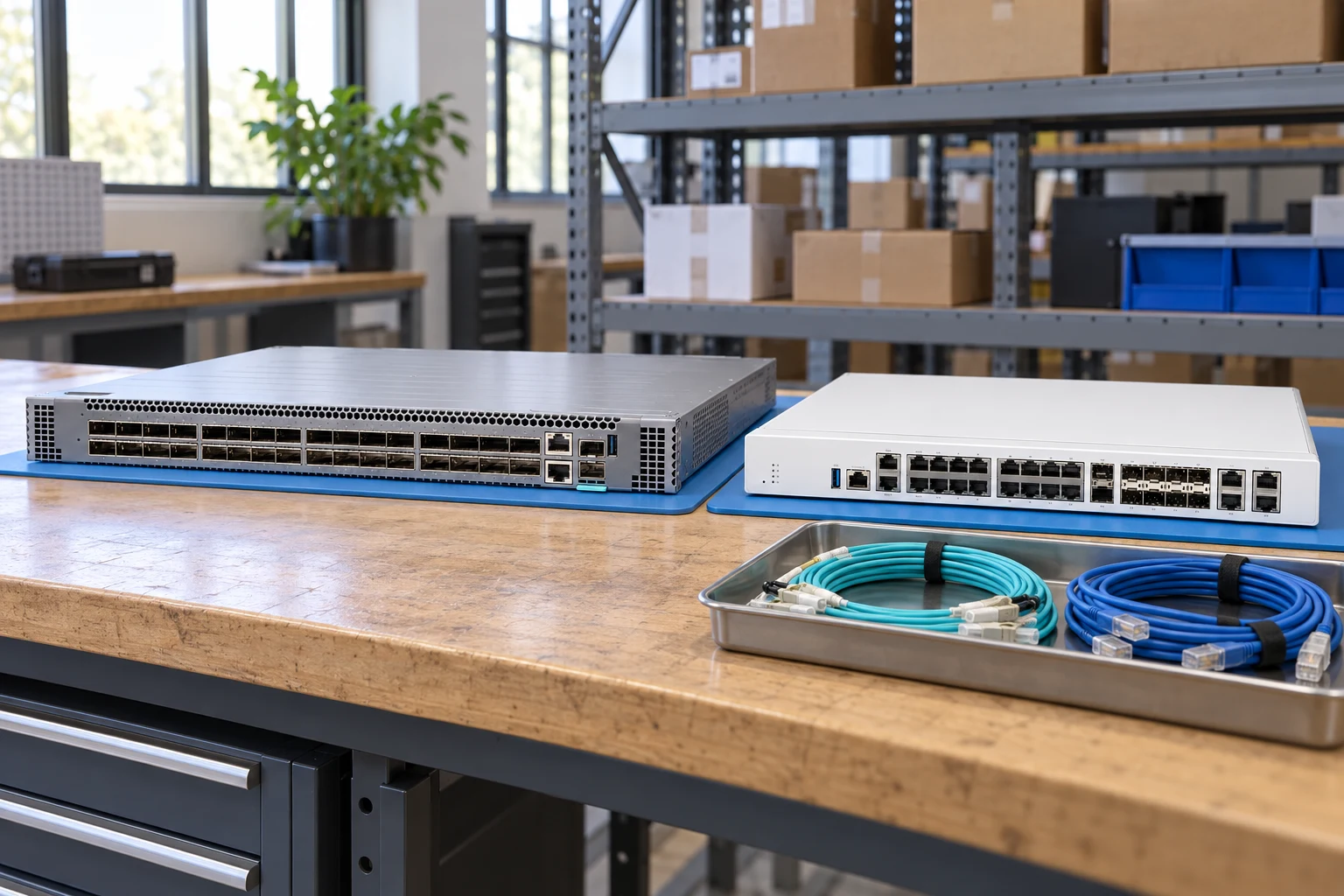
Generated category scene of network equipment with fibre and copper cables on a blue workbench mat
03

Switching, routing & security

Start with the deployment role and port plan. Carry optics, airflow and software requirements into the same request.

Prepare these details

  • Is the device for access, aggregation, a data-centre fabric, a branch or an internet edge?
  • Record copper and fibre port quantities, link speeds, uplinks, PoE demand and cable or optic requirements.
  • Confirm the exact hardware suffix, airflow direction, power arrangement and required software entitlements.

Attach a port schedule and network diagram, and identify items that still need compatibility review.

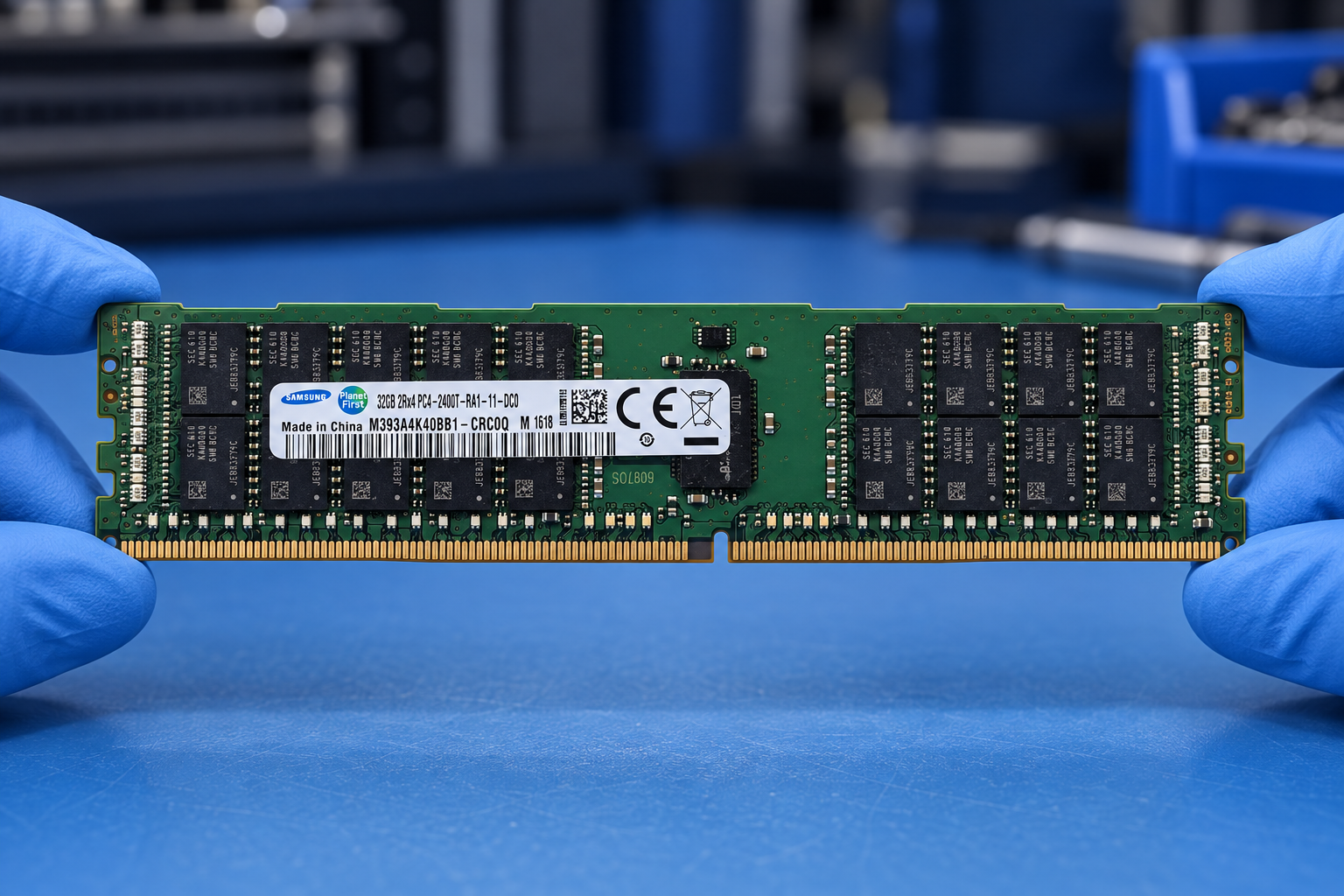
Generated memory illustration based on Samsung M393A4K40BB1-CRC0Q, held by two blue-gloved hands
04

Server memory

Search the entire label identifier, including its suffix. Use the target system to review the installation separately.

Prepare these details

  • Record the module manufacturer, full PN, capacity, DDR generation, module type, rank and rated speed.
  • Identify the server model, installed CPUs, existing modules and intended DIMM population.
  • If you need an OEM option, supply its OEM PN as well as any manufacturer PN visible on the module.

Include clear label photographs and keep requested substitutions subject to explicit review.

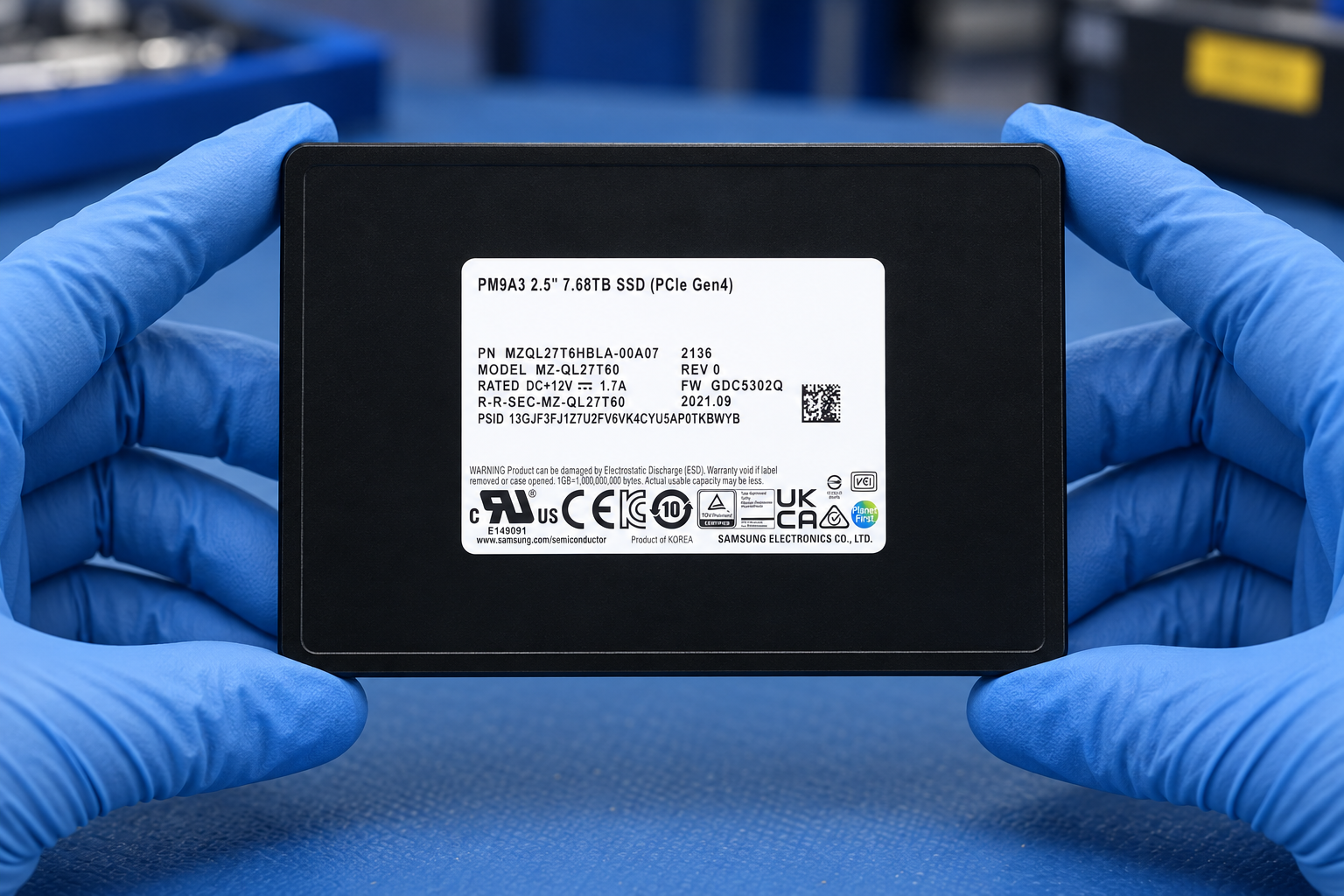
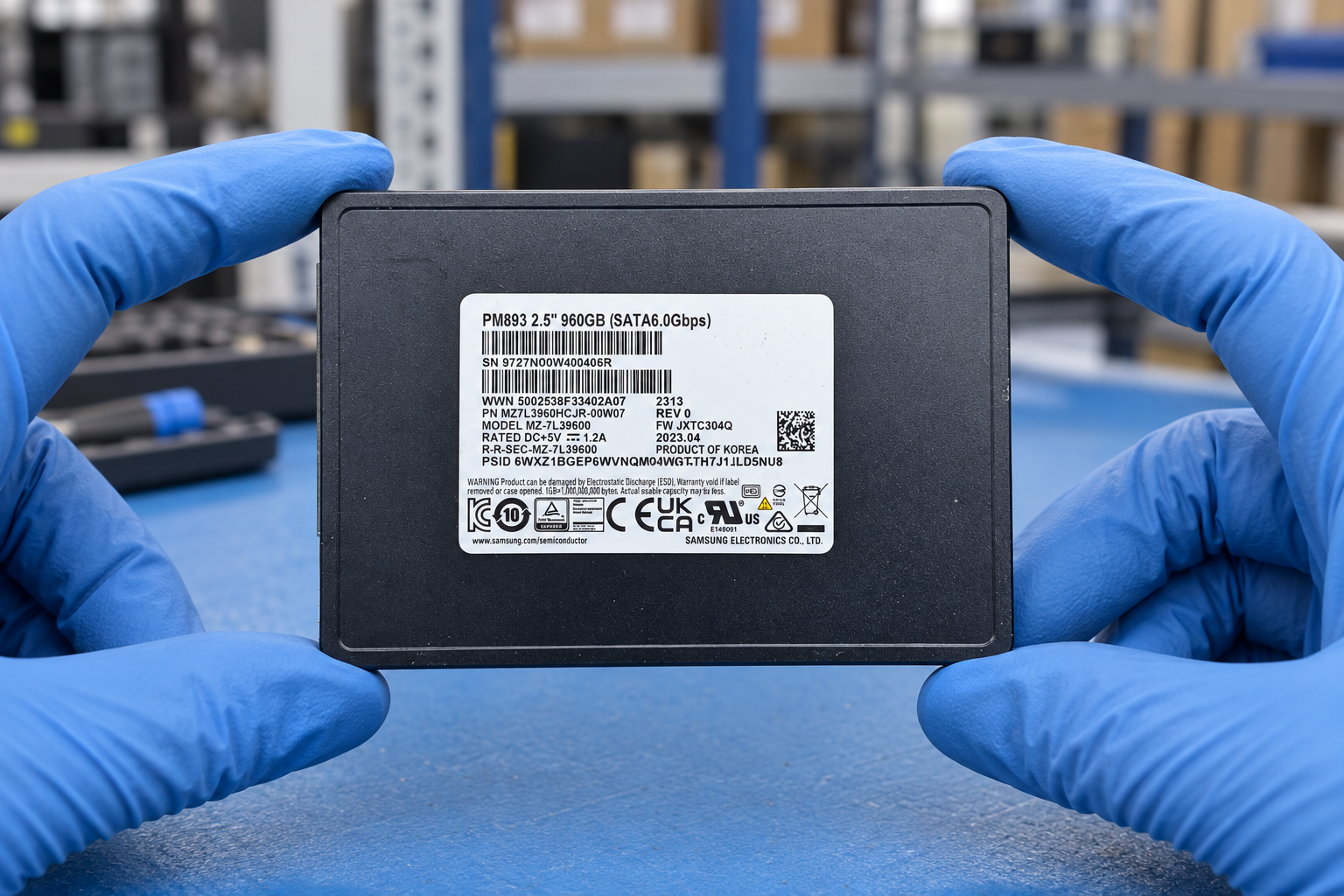
Generated SSD illustration based on Samsung MZQL27T6HBLA-00A07, held by two blue-gloved hands
05

Enterprise SSDs & hard drives

Keep the full drive PN and suffix intact, then confirm the host interface and installation requirements.

Prepare these details

  • Specify the manufacturer PN, capacity, interface and physical format, including the carrier if required.
  • Record the target system, controller, backplane, firmware requirements and the intended storage workload.
  • For used media, agree which health, endurance and data-erasure records are required for the offered units.

Request drive identity and condition evidence together; an identical capacity is only one selection field.

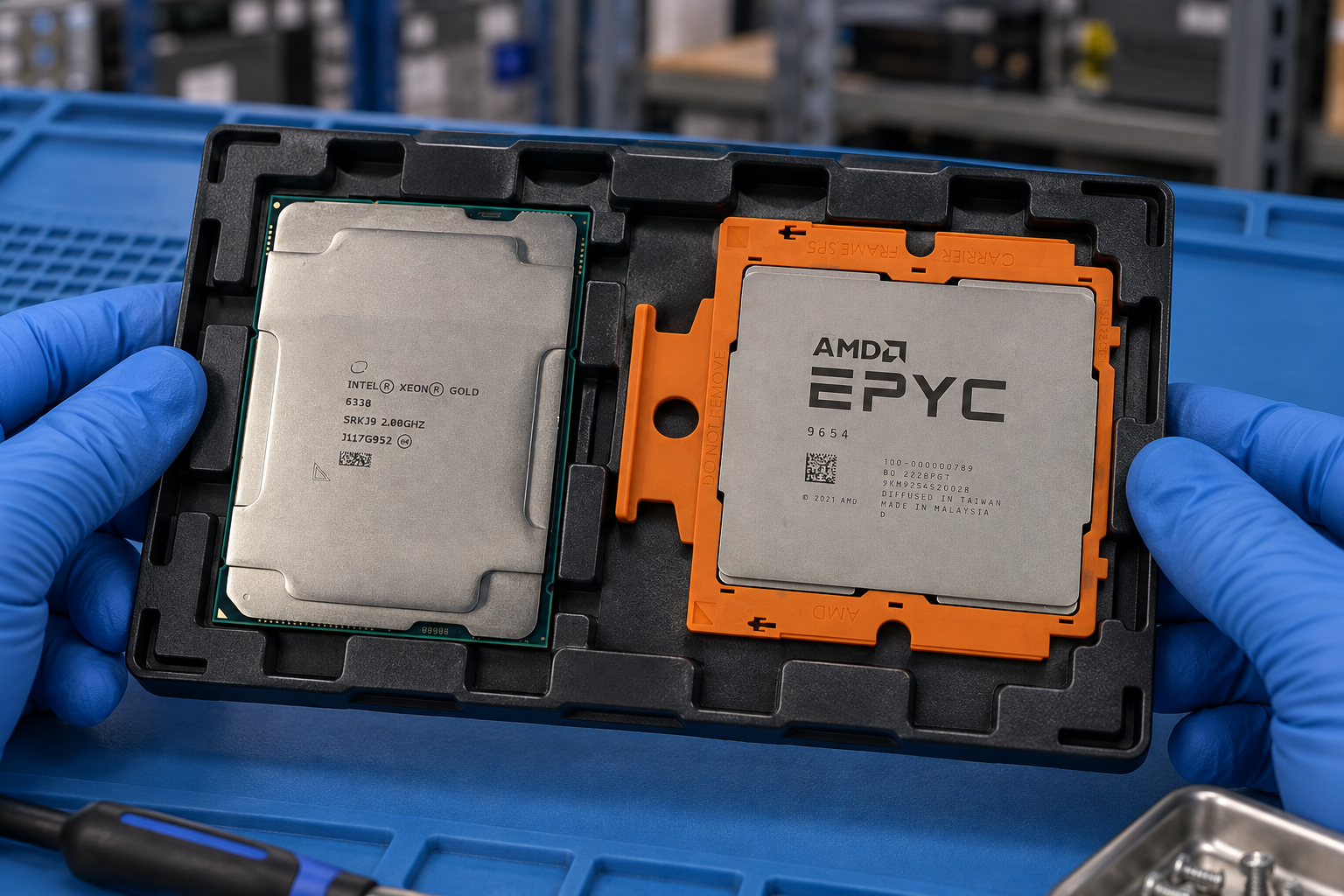
Generated processor selection scene showing Intel Xeon Gold 6338 and AMD EPYC 9654 in separate protected trays held by two blue-gloved hands
06

CPUs & OEM upgrade kits

Separate the processor identity from the complete kit required by the target server.

Prepare these details

  • Capture the full Intel or AMD model and ordering code, plus the OEM option or spare PN when applicable.
  • Record the server generation, current CPU population, firmware and supported processor requirements.
  • Confirm kit contents: processor, heatsink, carrier, fans, power components and any installation hardware.

Ask for a reviewed kit list and target-platform confirmation before approving a substitution.

BRING THE DETAILS TOGETHER

A shortlist becomes a useful brief.

Keep the original part numbers, quantities and open questions together. Add requirements for current-unit photographs, accessories and delivery to the enquiry.