1 / 2
01 / EXPLORE
GPU Servers
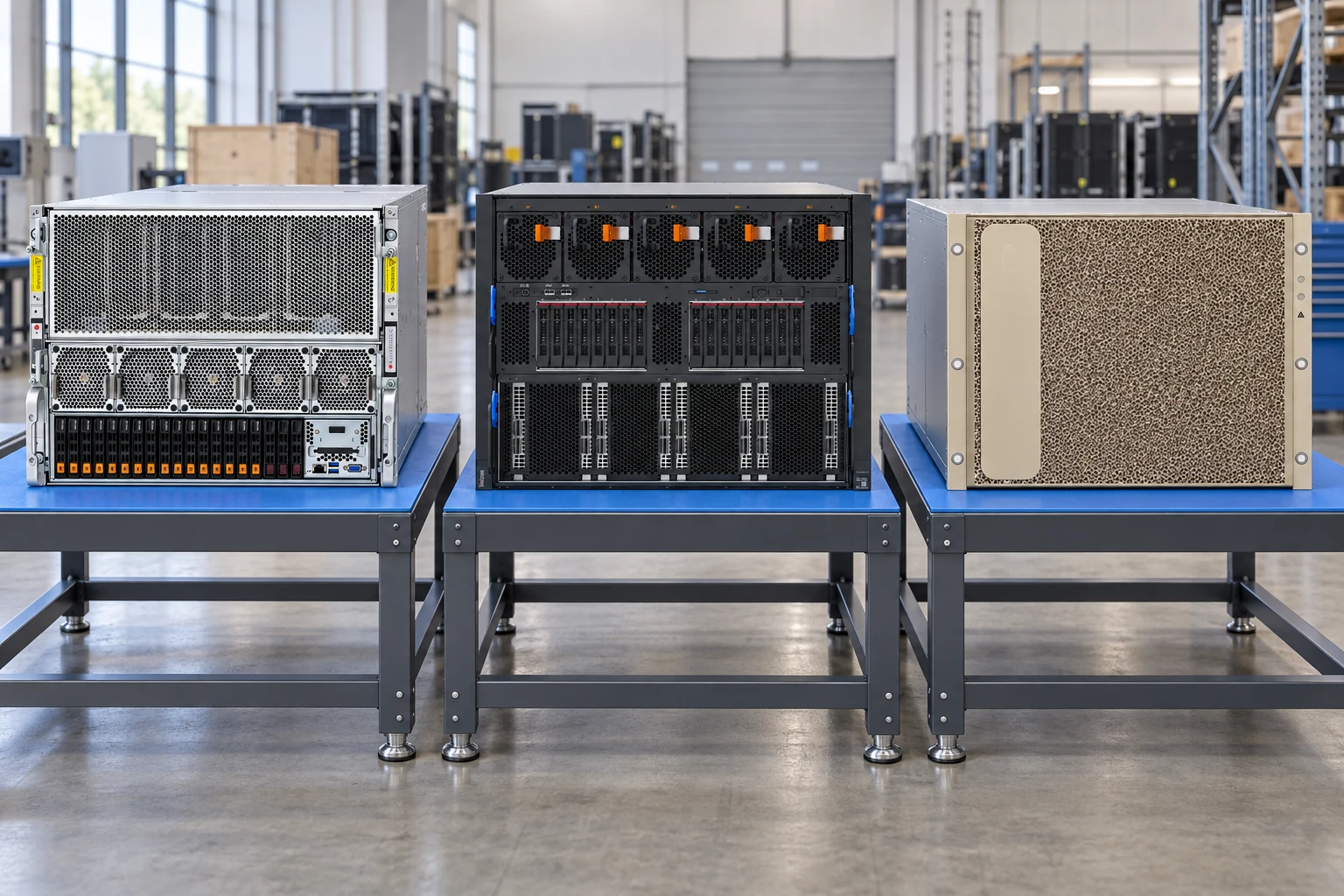
Compare accelerator layouts, PCIe platforms and integrated GPU baseboards before choosing a system.
- 1GPU layout
- 2Power & cooling
- 3Fabric
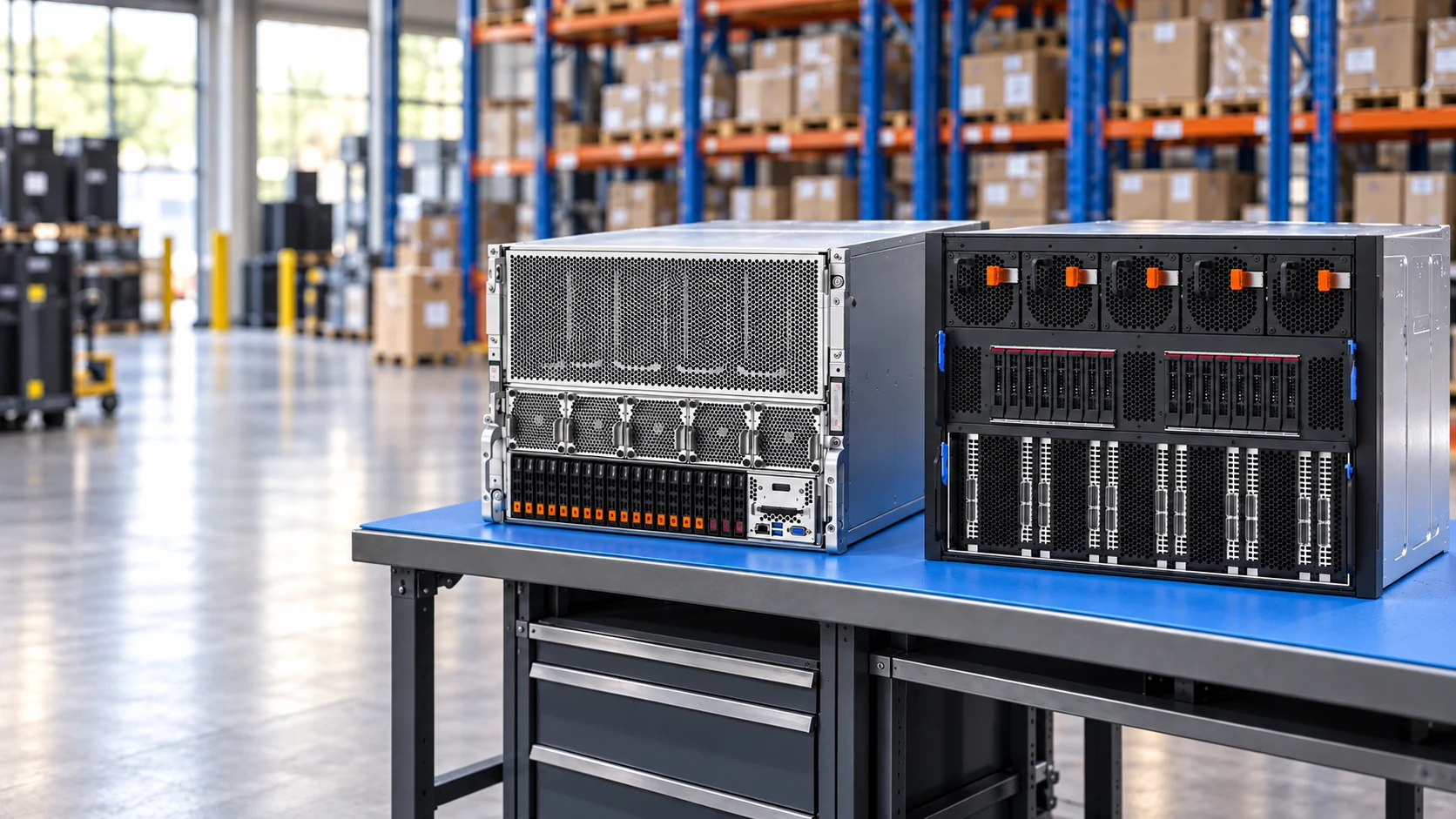
Explore the hardware. Understand the options. Build a clear enquiry.
Compare accelerator layouts, PCIe platforms and integrated GPU baseboards before choosing a system.
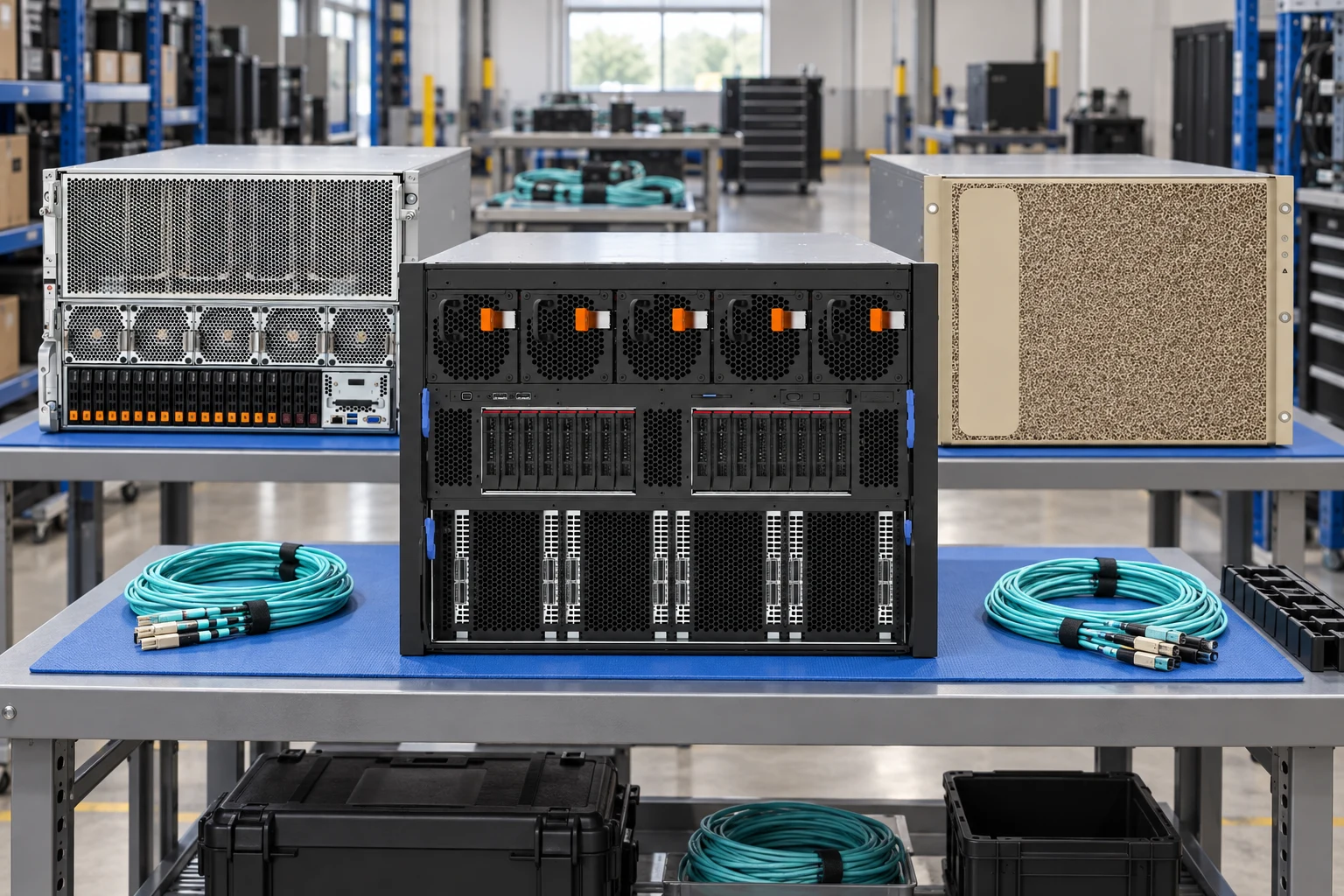
Start with model size, precision and training data, then review memory, interconnect and storage.
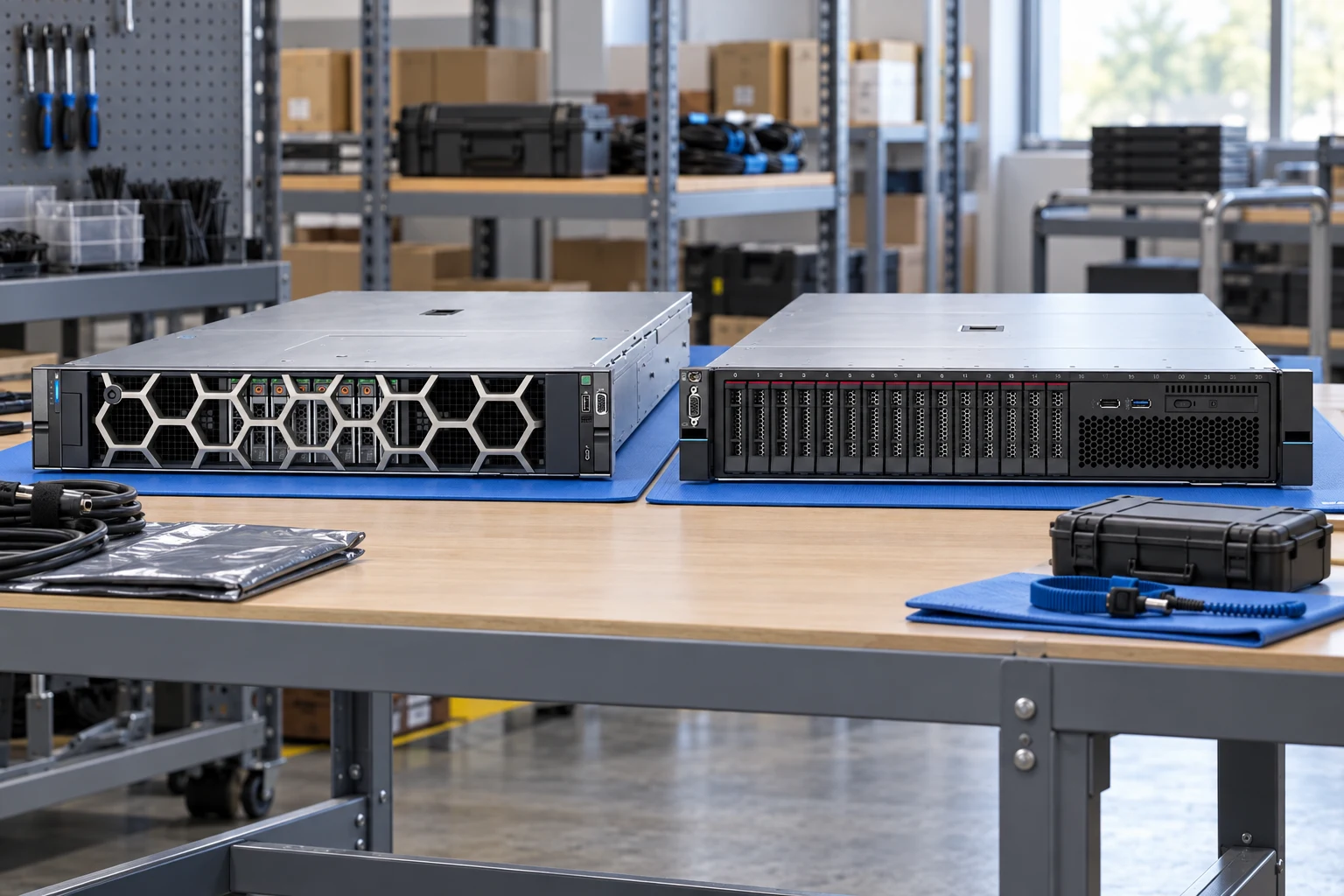
Plan for latency, concurrent requests and model memory with a configuration sized for deployment.
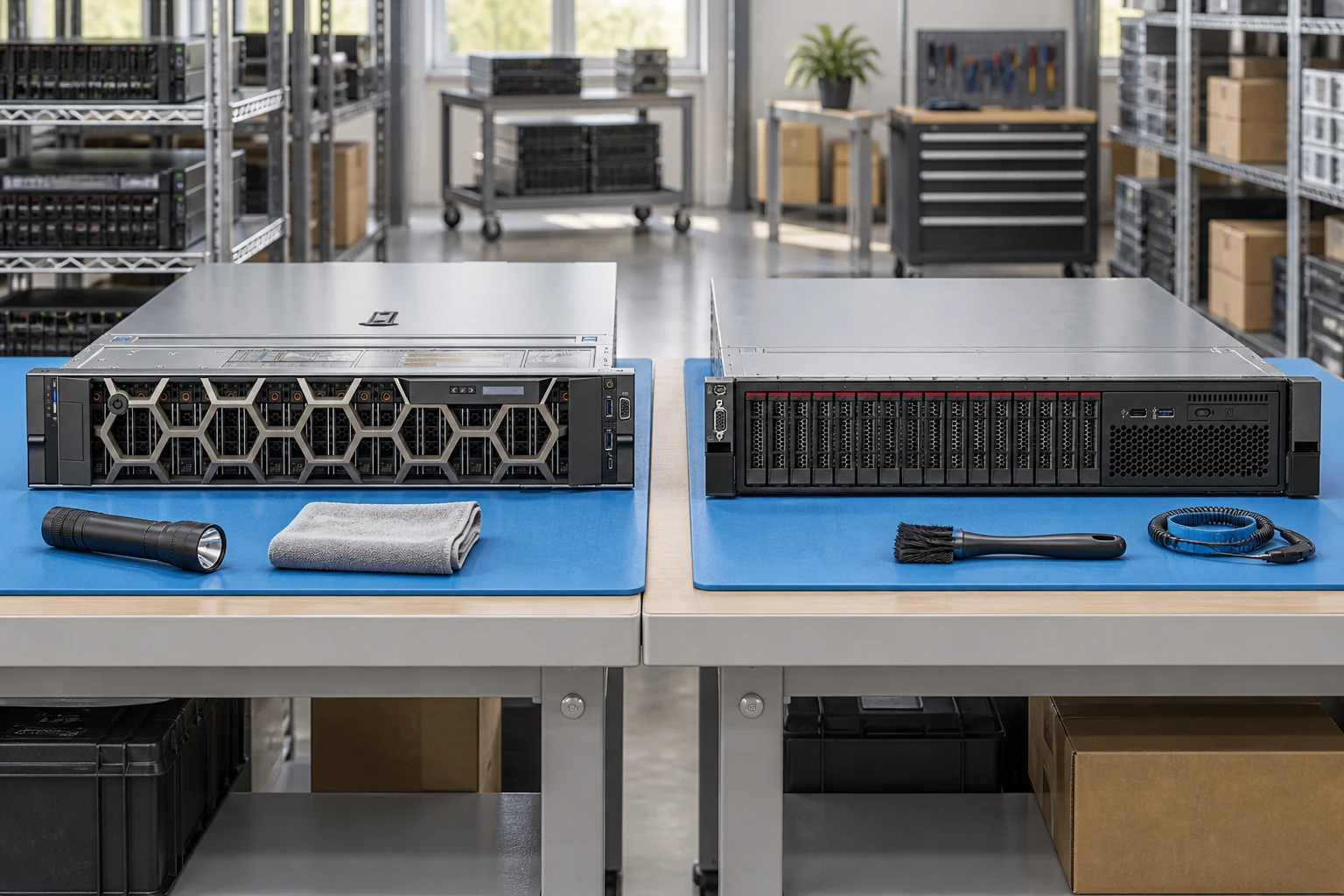
Make condition, service history, diagnostics and included accessories part of the enquiry.
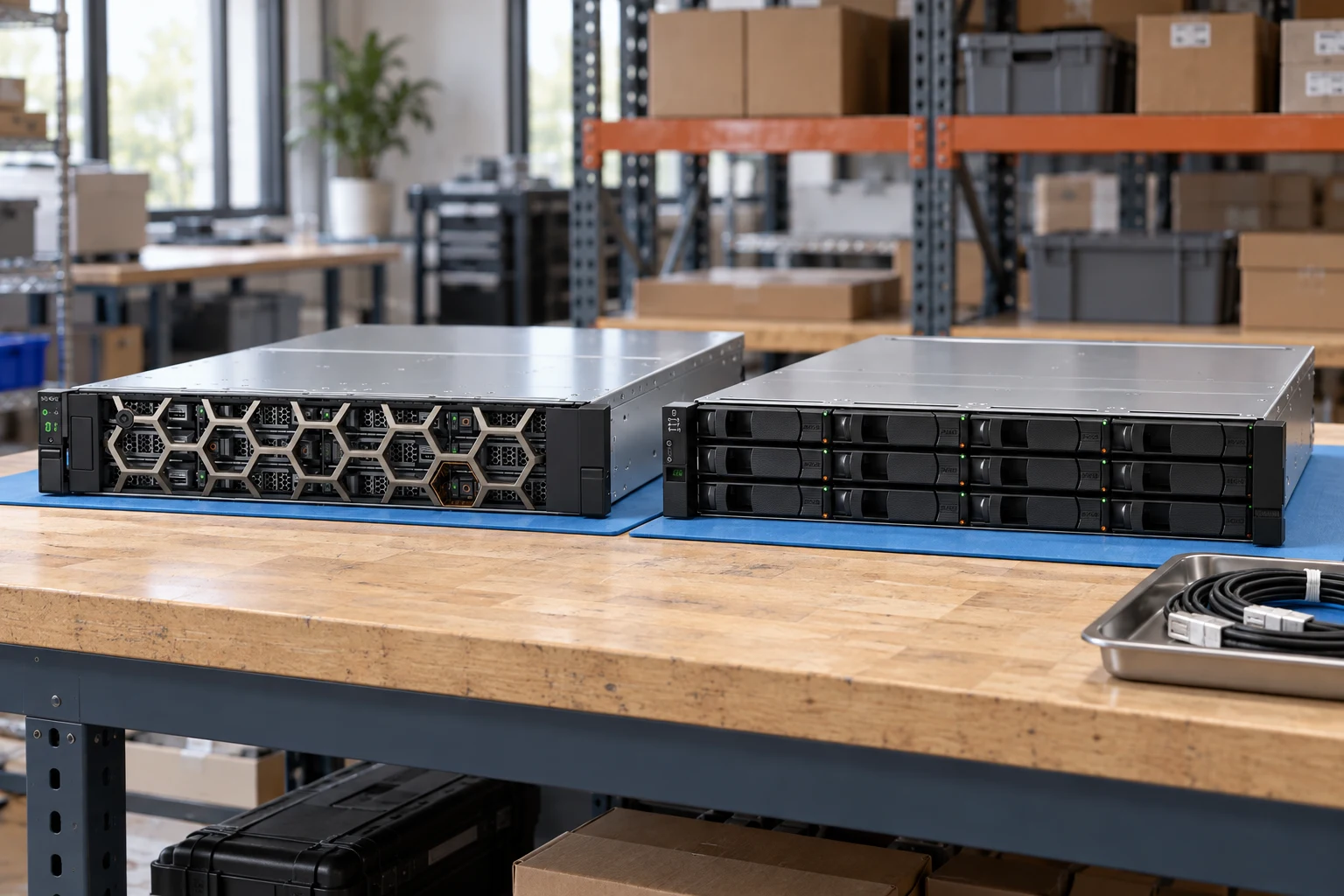
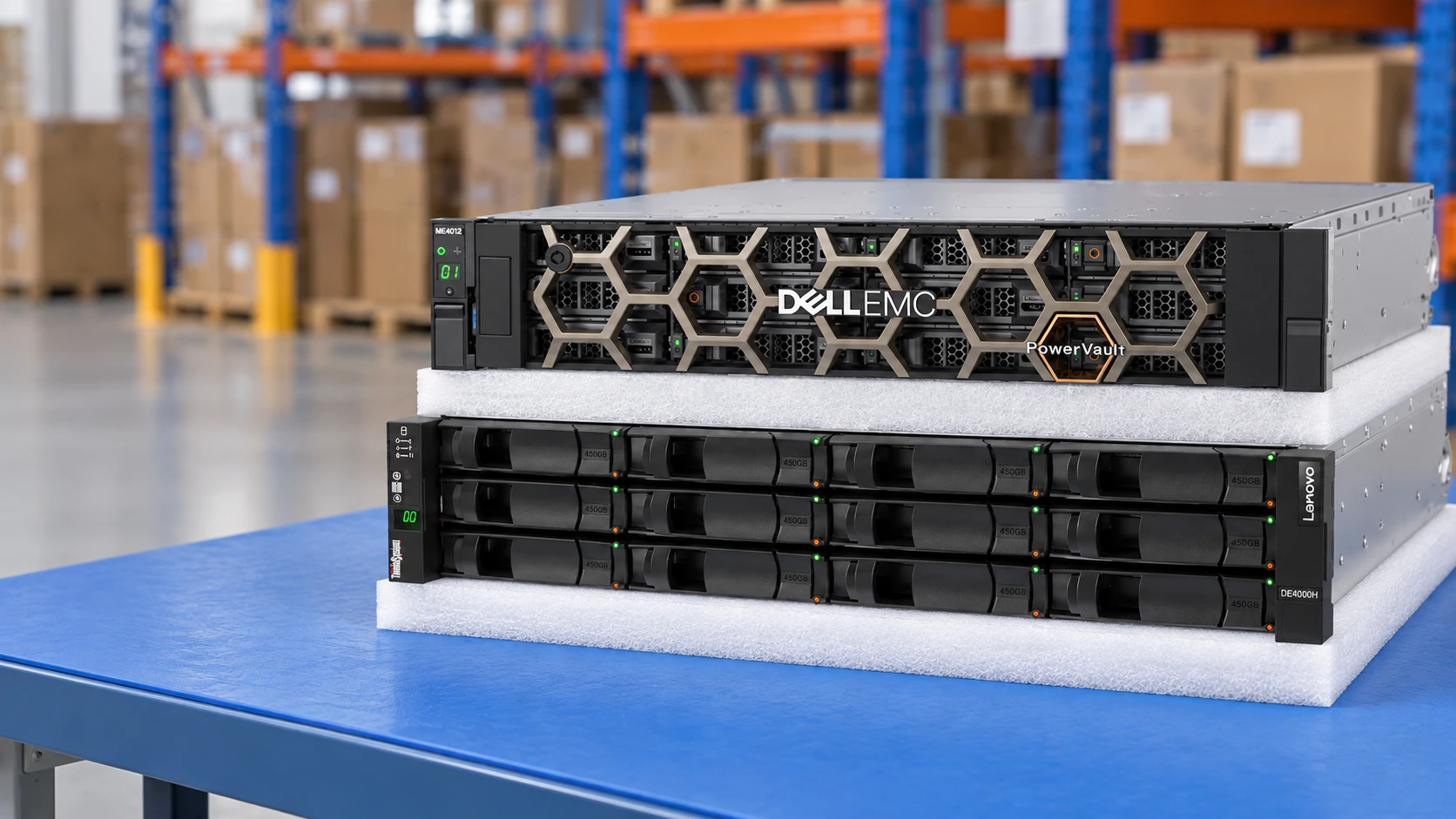
Connect capacity, endurance and host interfaces with the right storage platform and drive media.
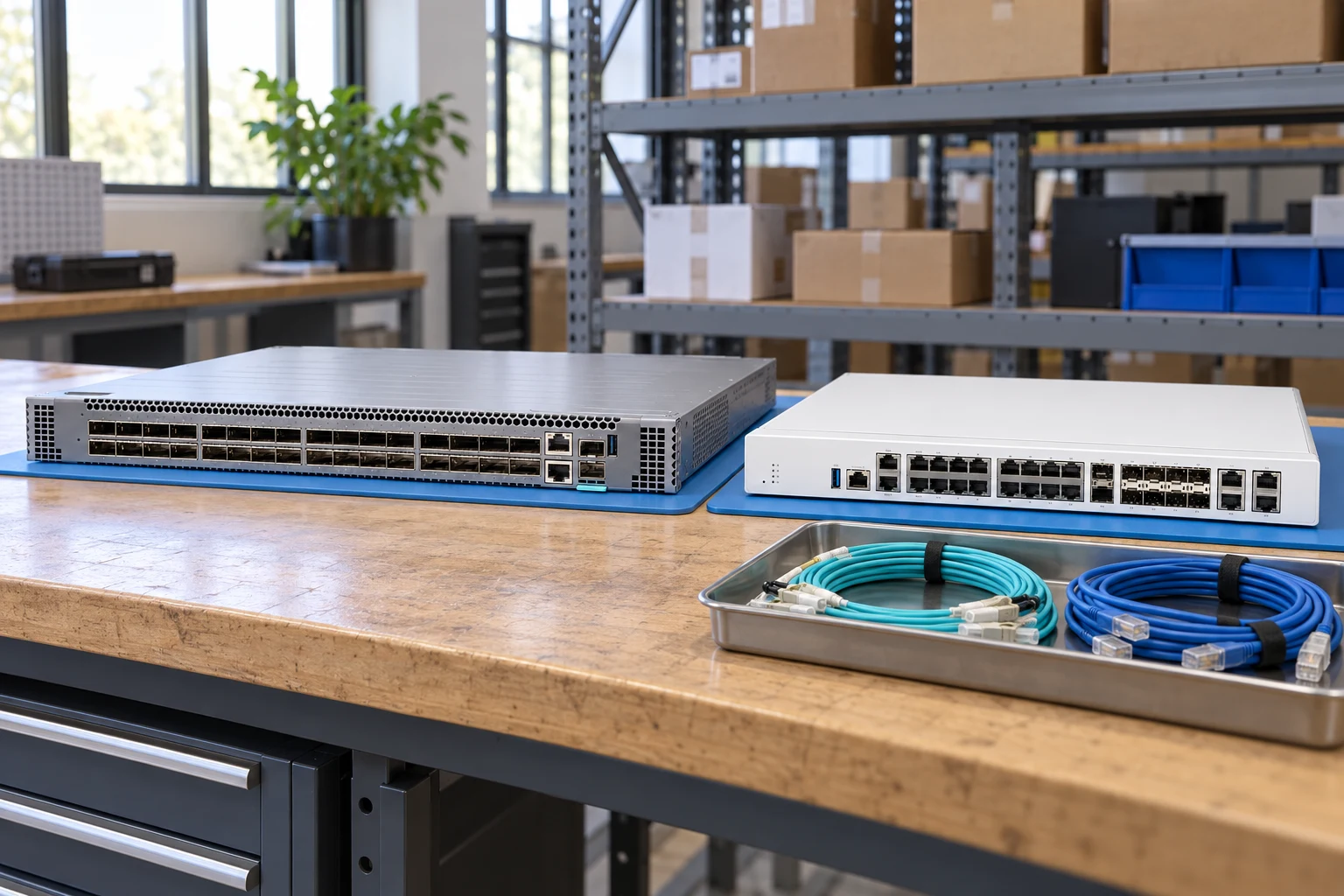
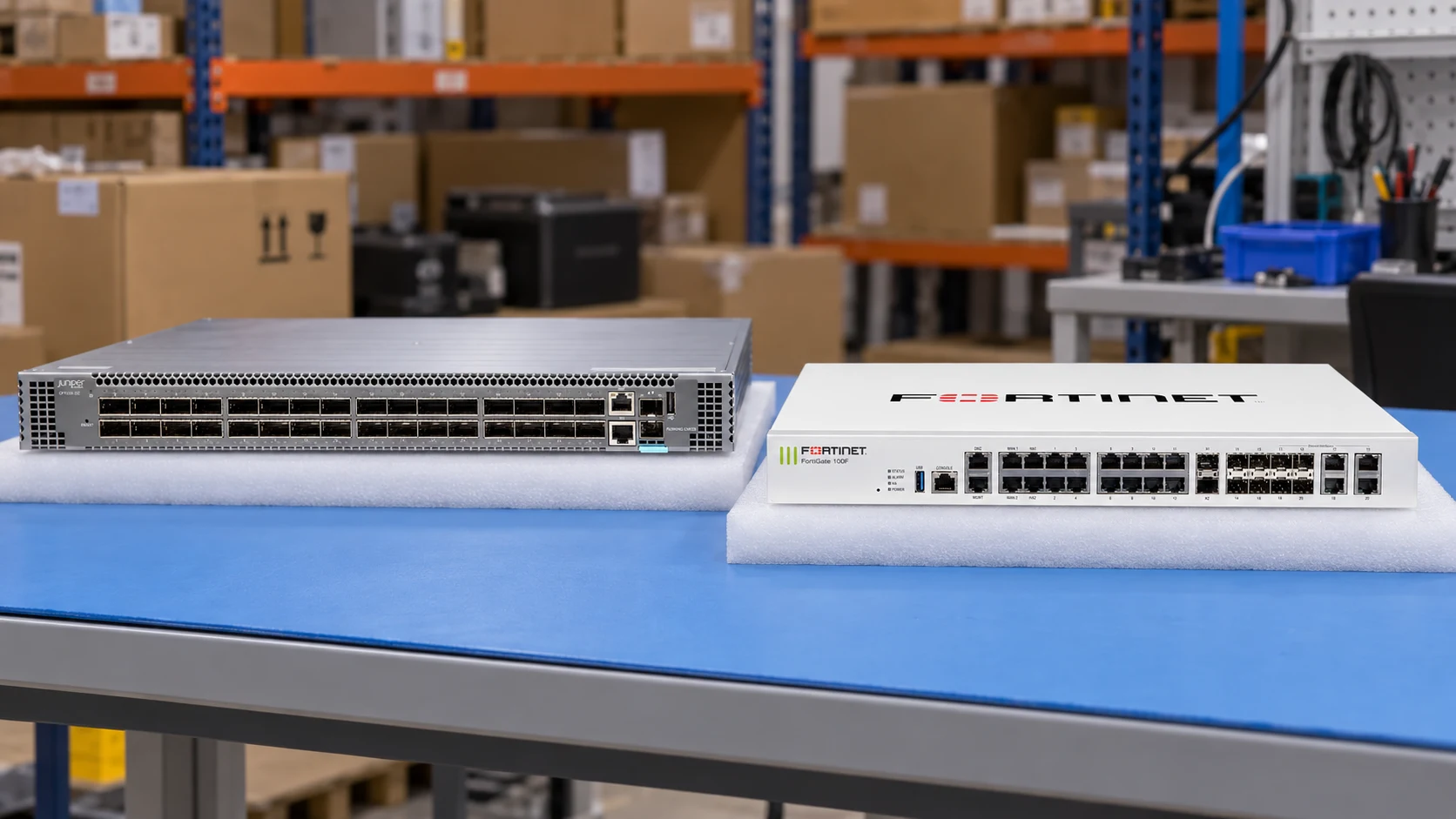
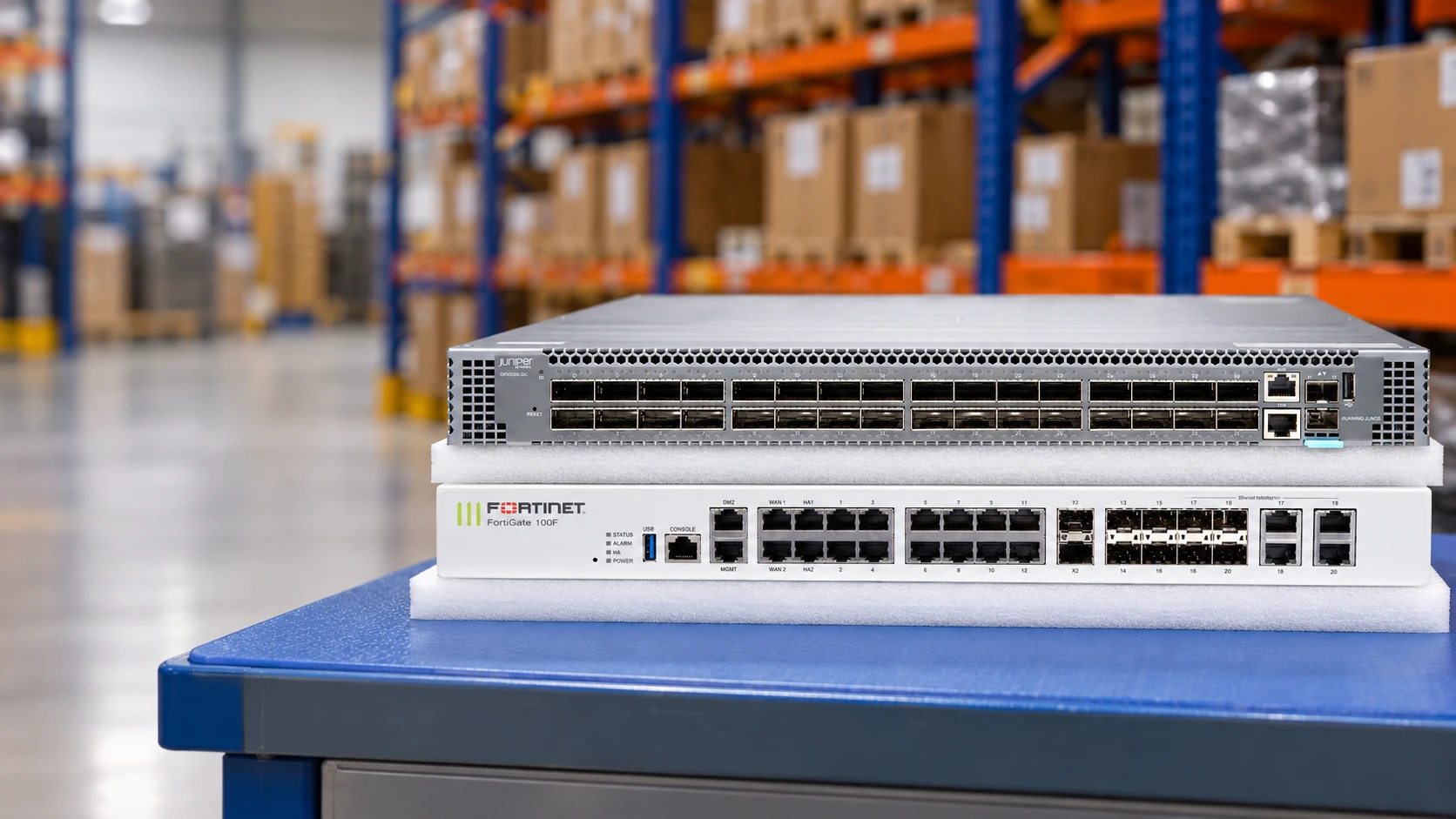
Review ports, optics, airflow, power and software entitlements as one network requirement.
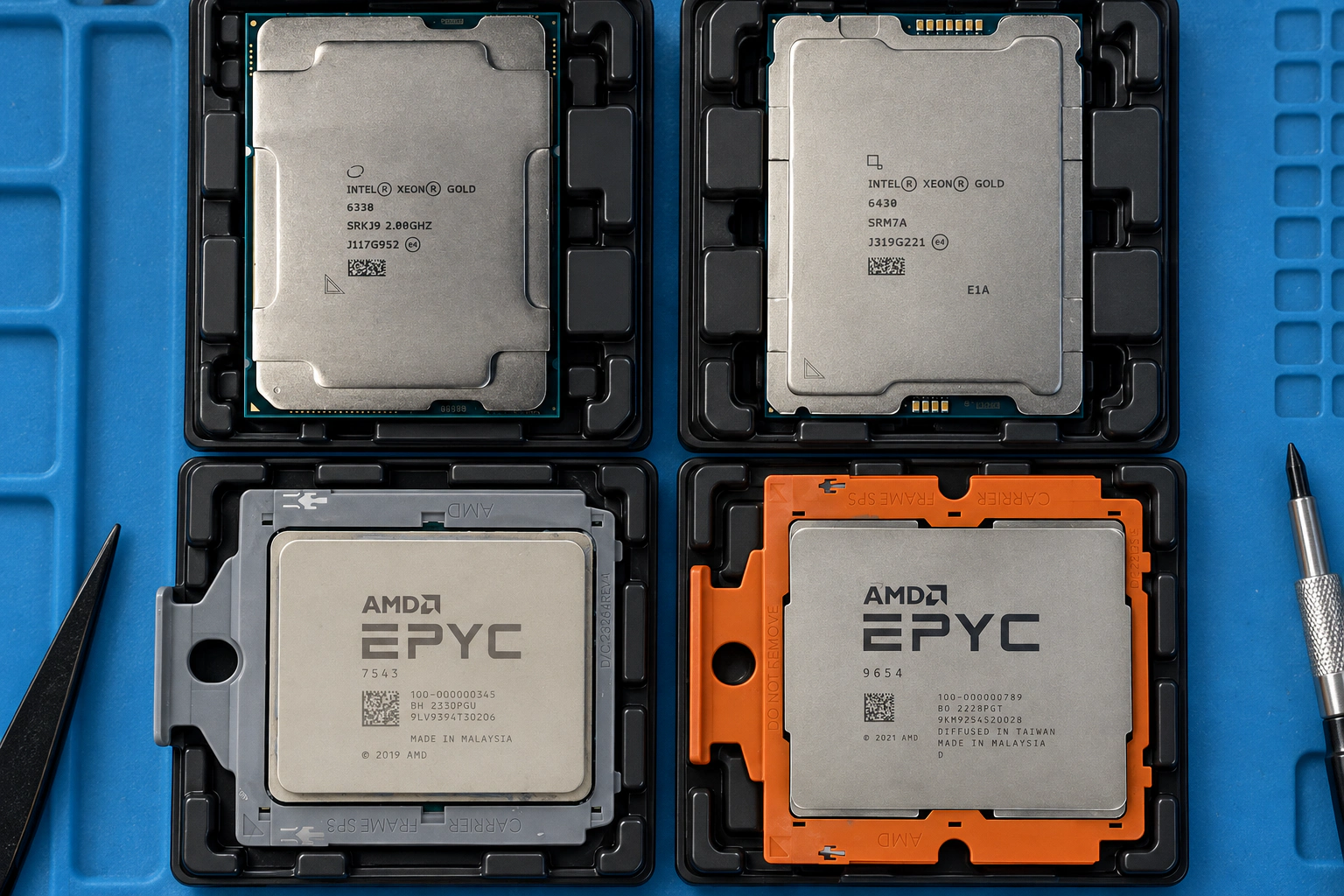
Find the complete part number and revision, with target-system fit kept separate from name matching.
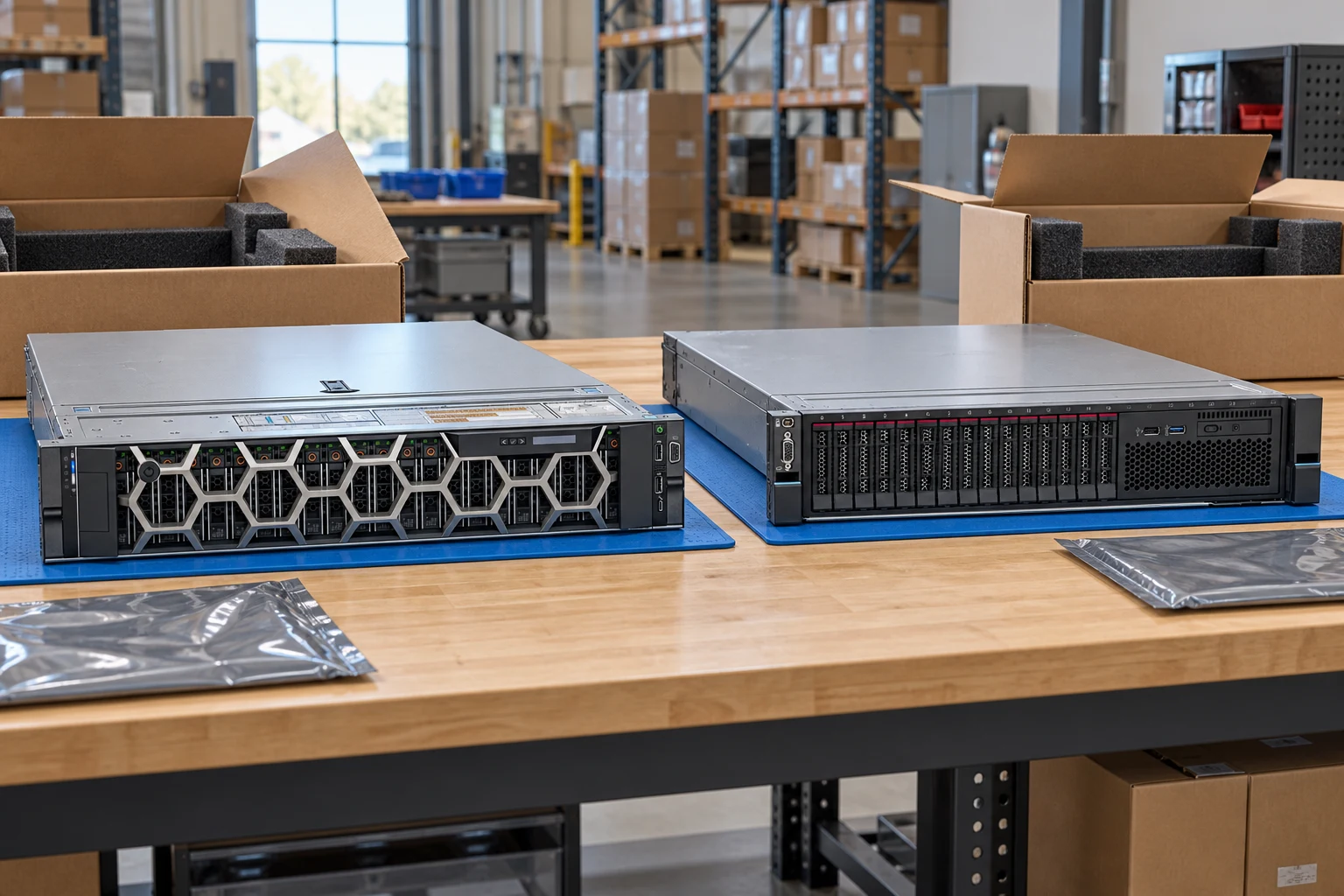
Prepare an equipment list, ownership scope and data-handling requirements for a recovery enquiry.
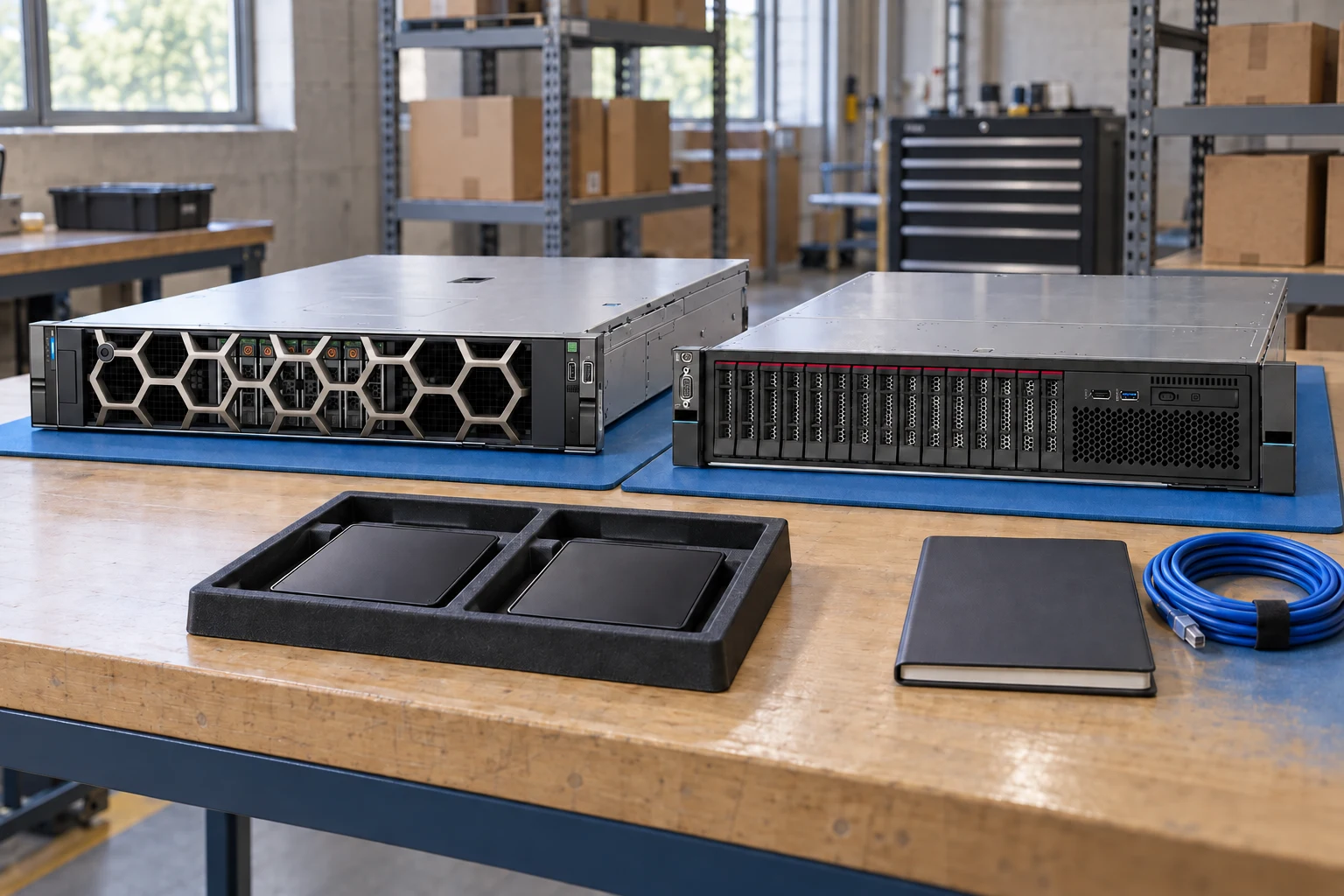
Bring chassis, processors, memory, storage and connectivity together in a reviewable project draft.
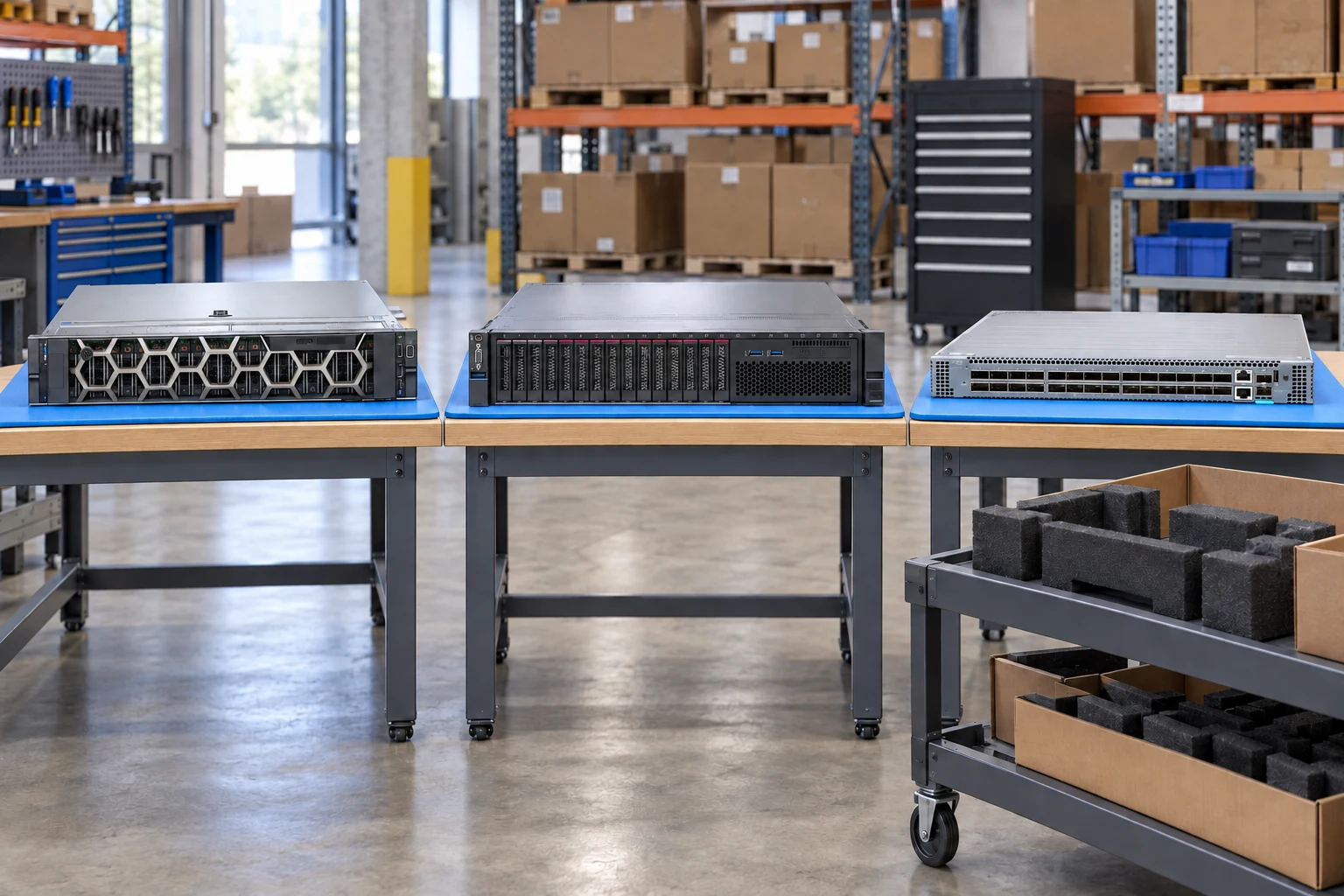
Exact identities, visible evidence and a clear specification form the starting point for every request.











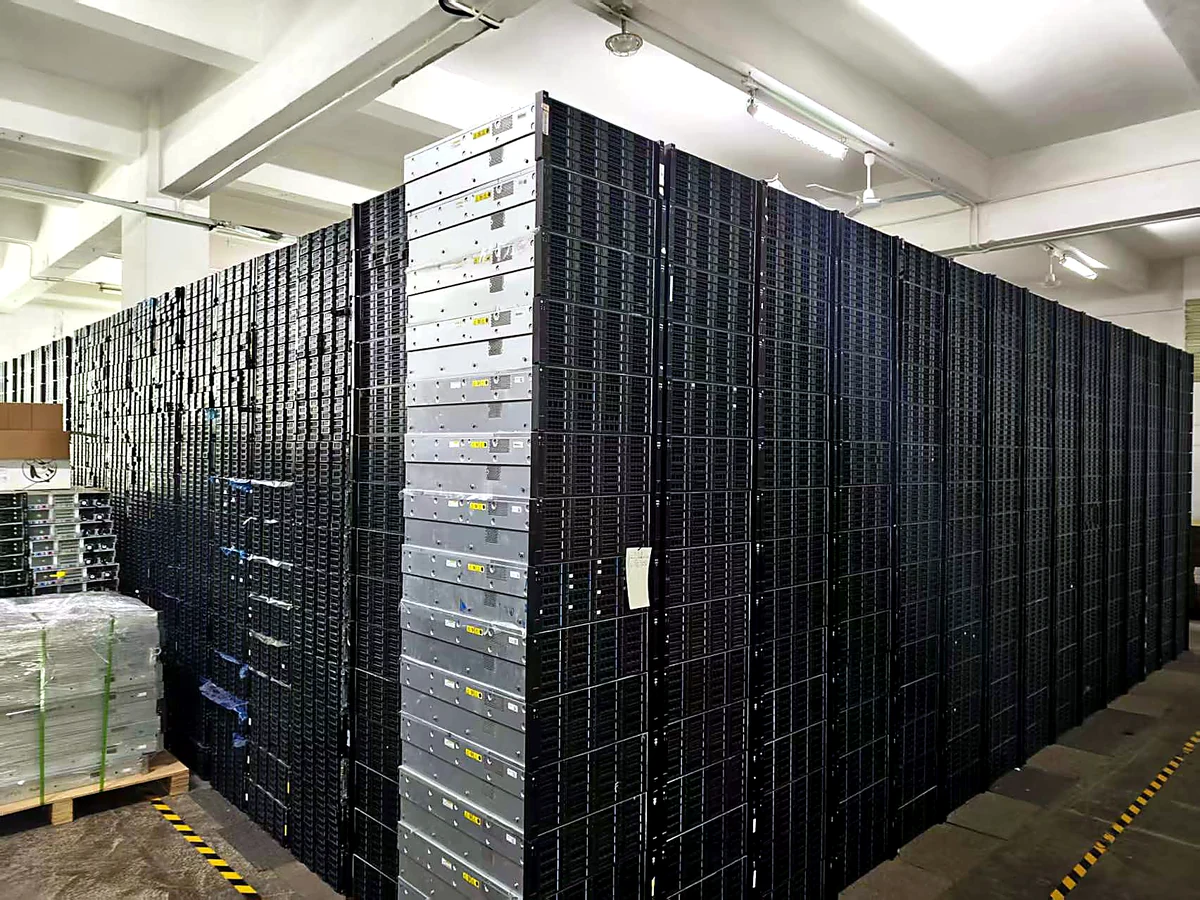
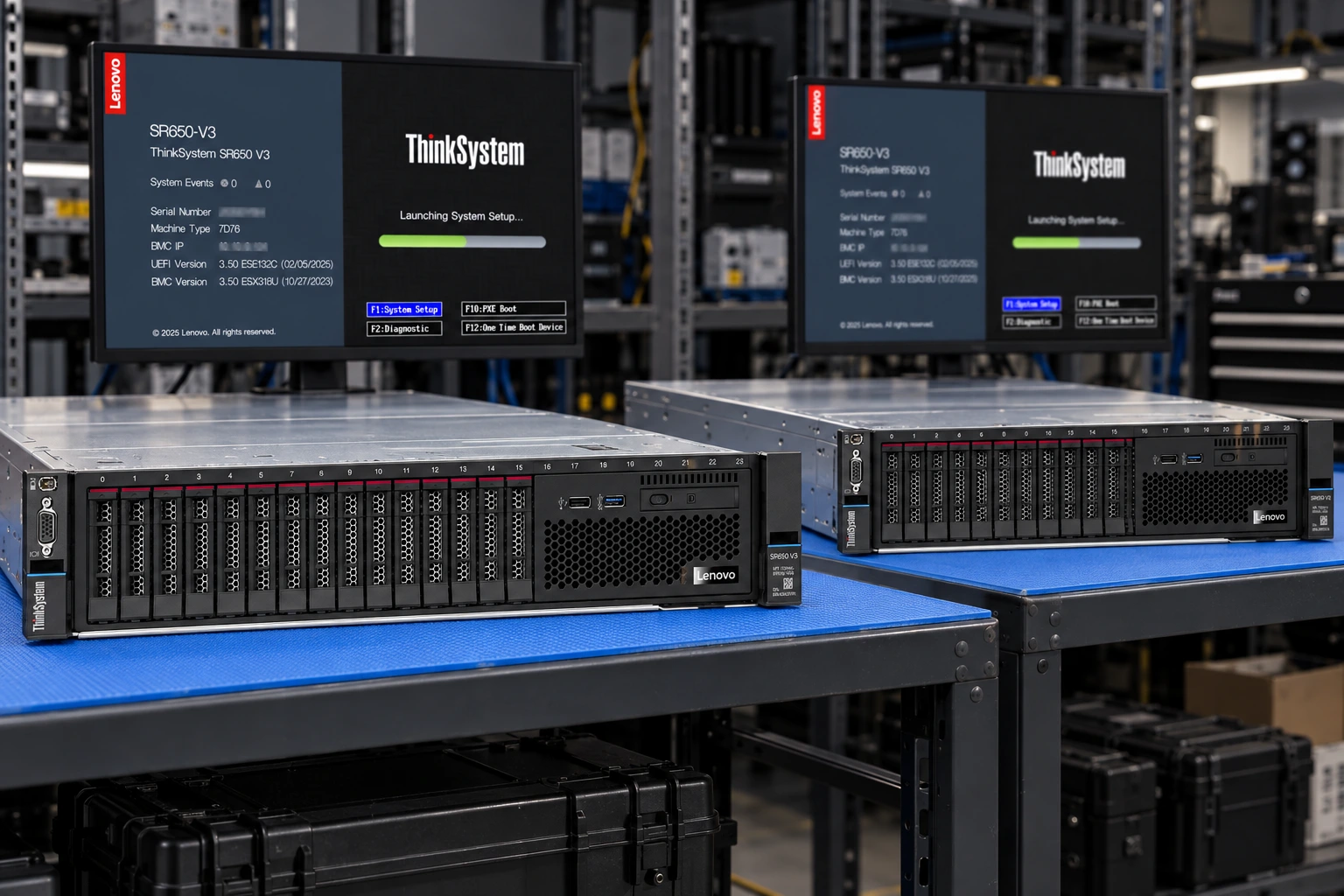
Identify the requested model and lot.
Agree the diagnostics and test scope.
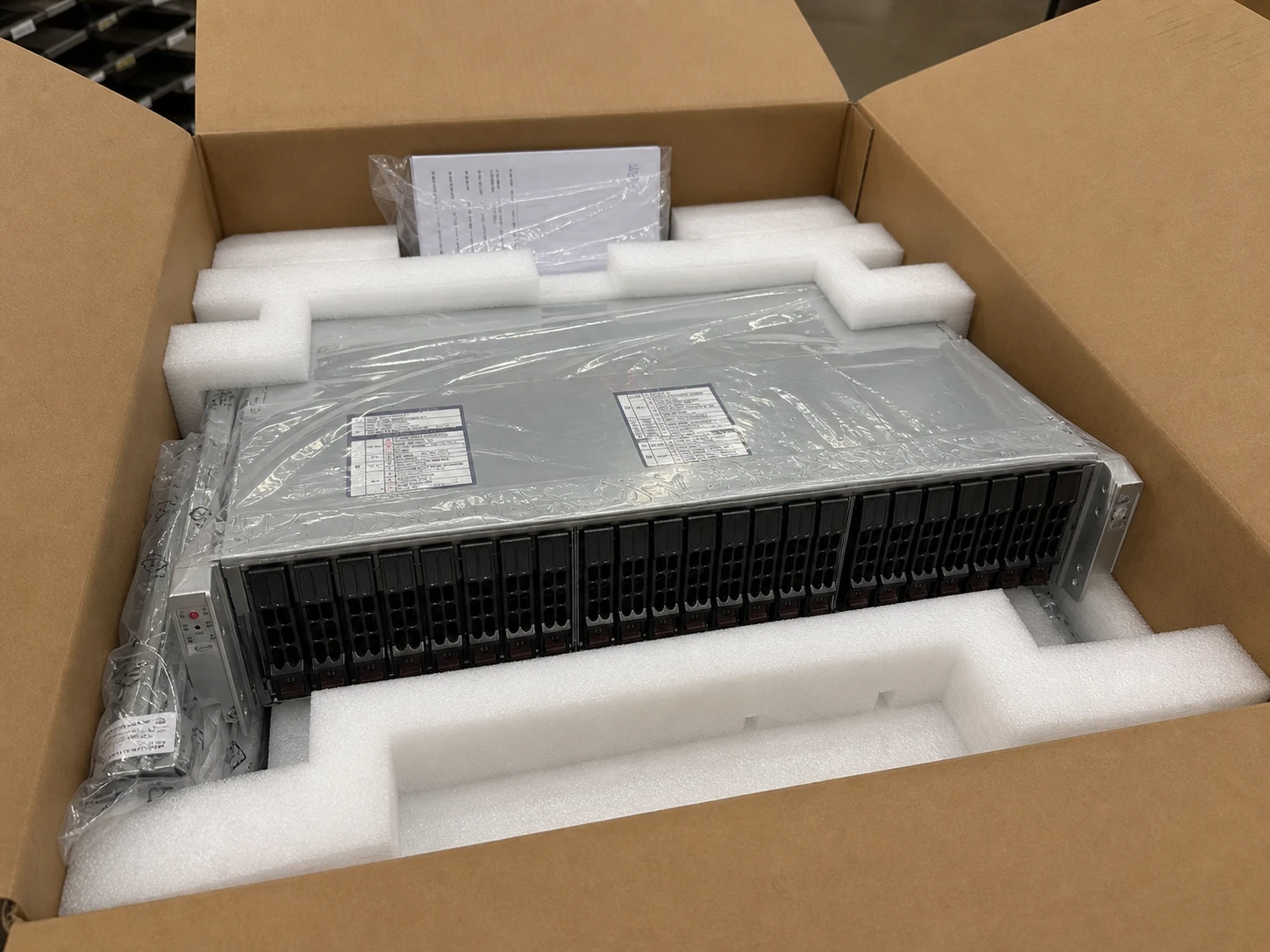
Review foam, cartons and accessories.

Confirm the destination and handoff.
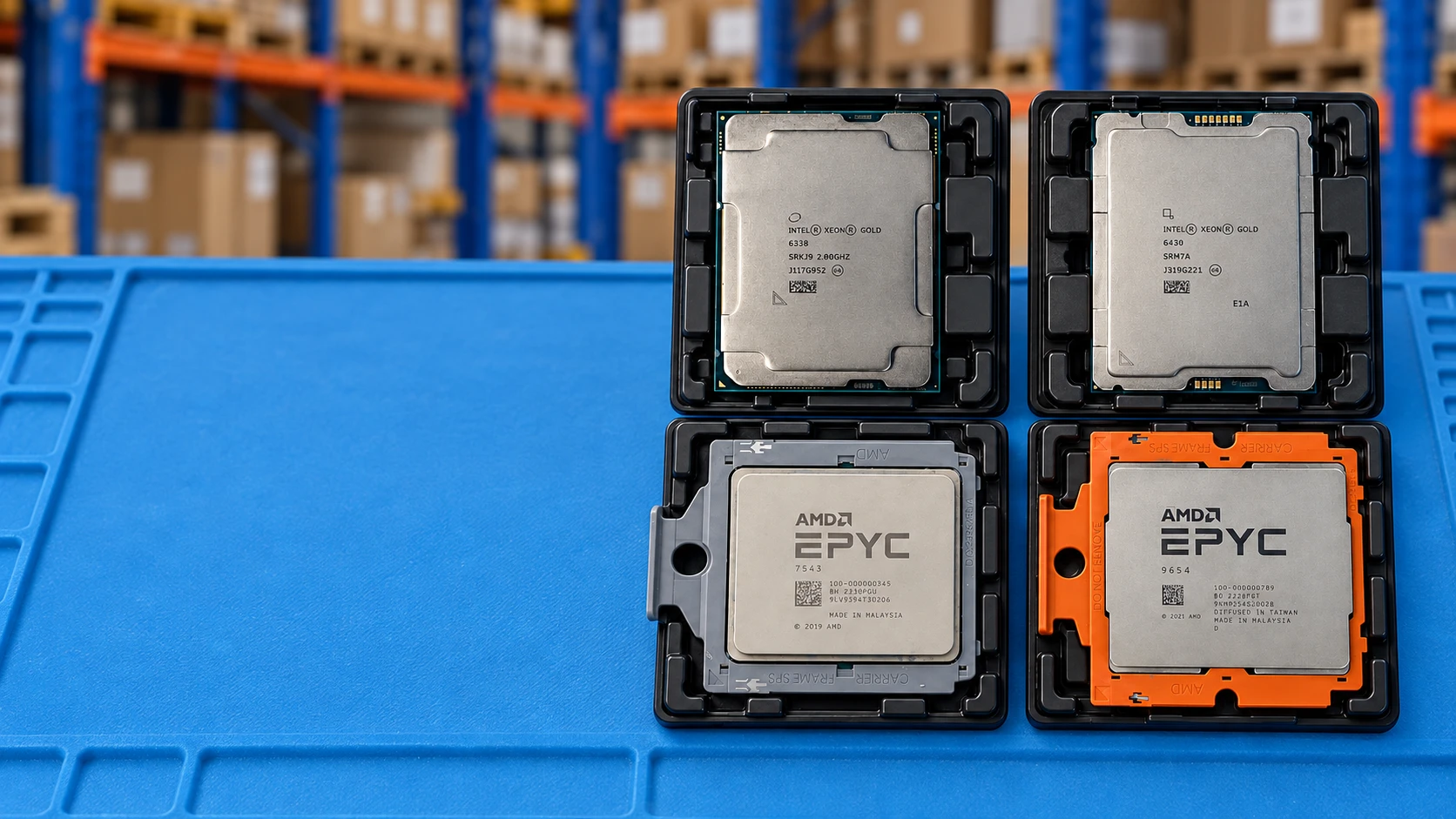
Workflow / facility illustrations. Not current-stock or inspection evidence.
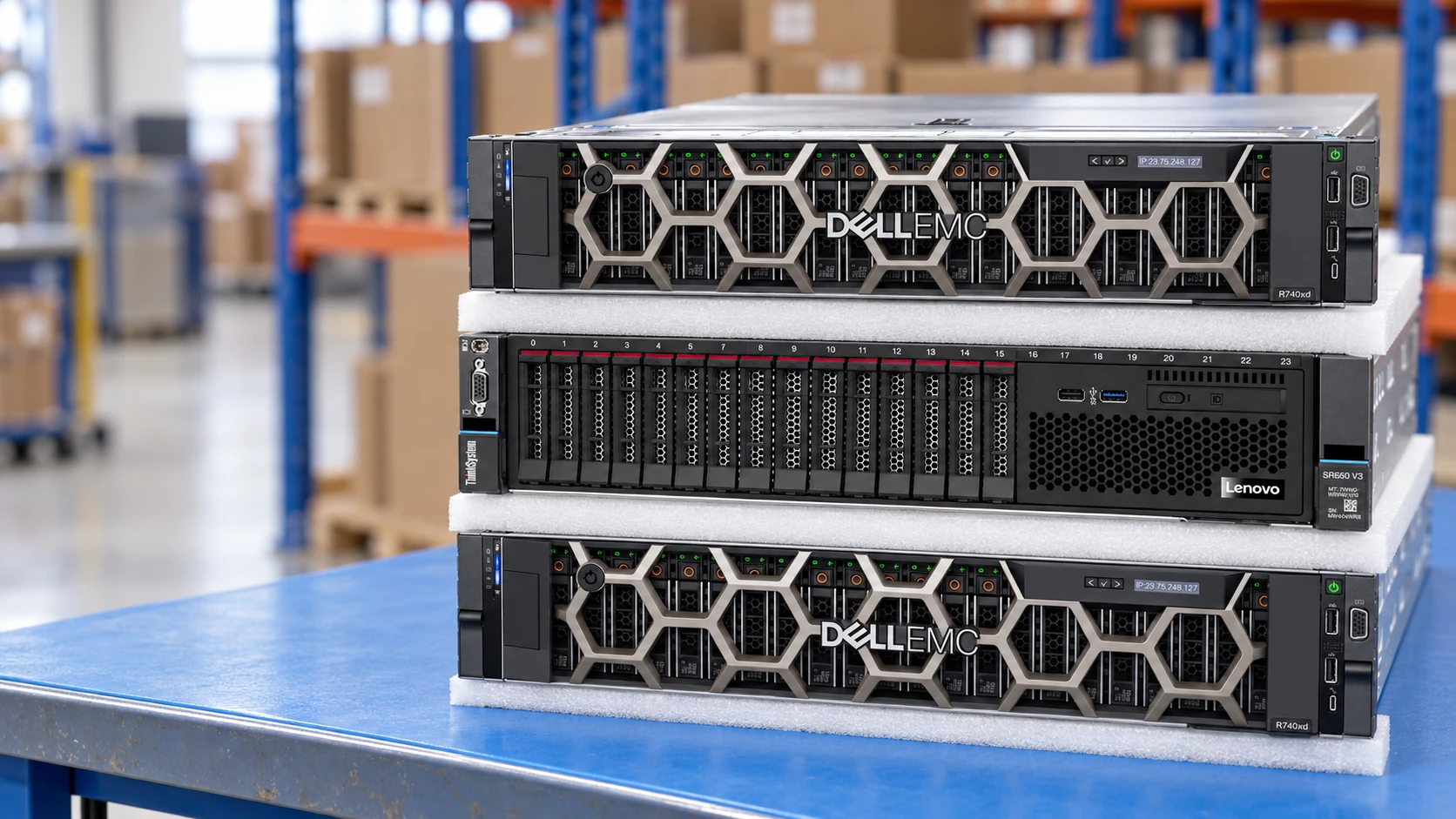
Start with the model, part number and revision—not an approximate substitute.
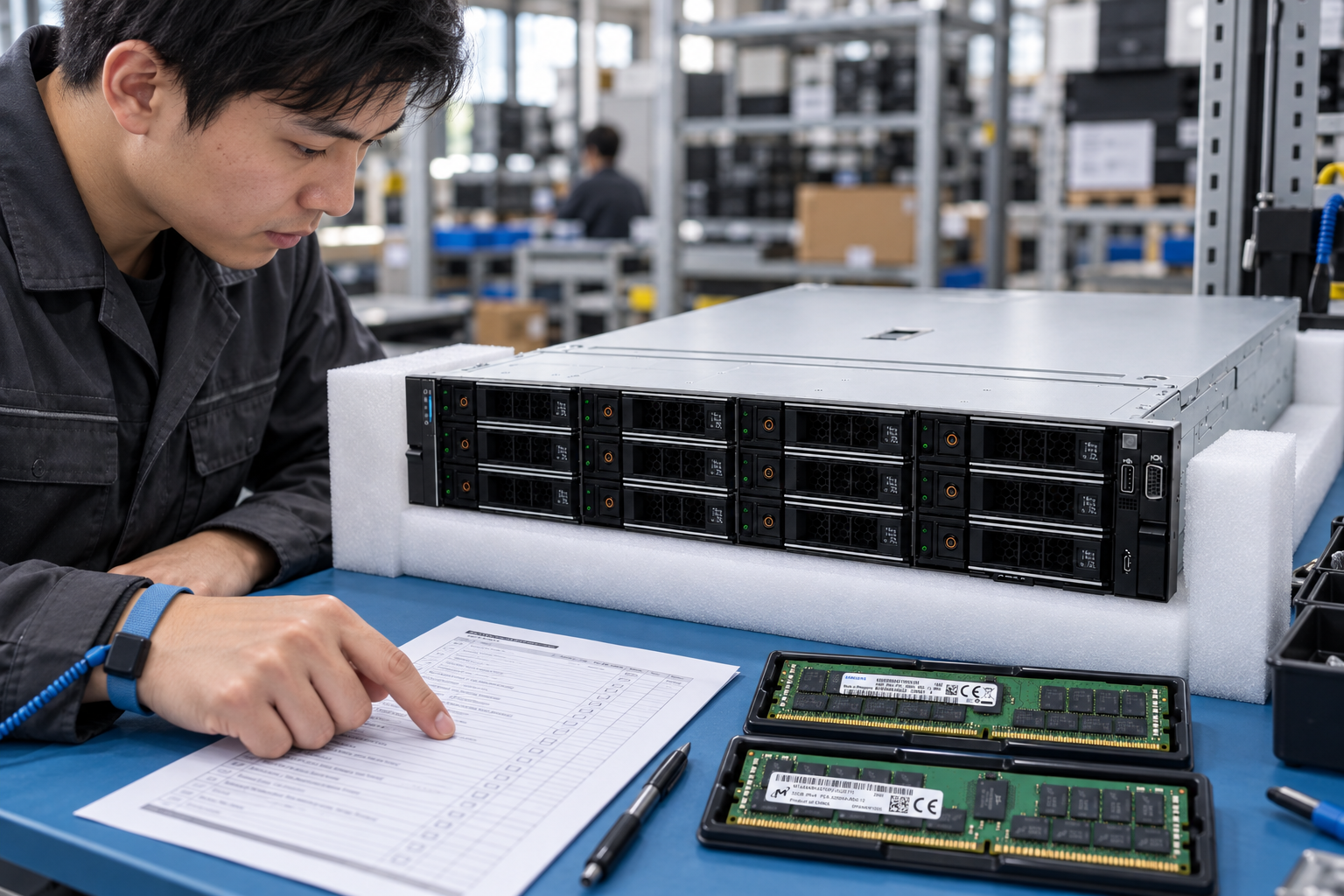
Review the CPU, memory, storage, networking and required accessories together.
Request the grading, test scope, warranty provider and included items in writing.
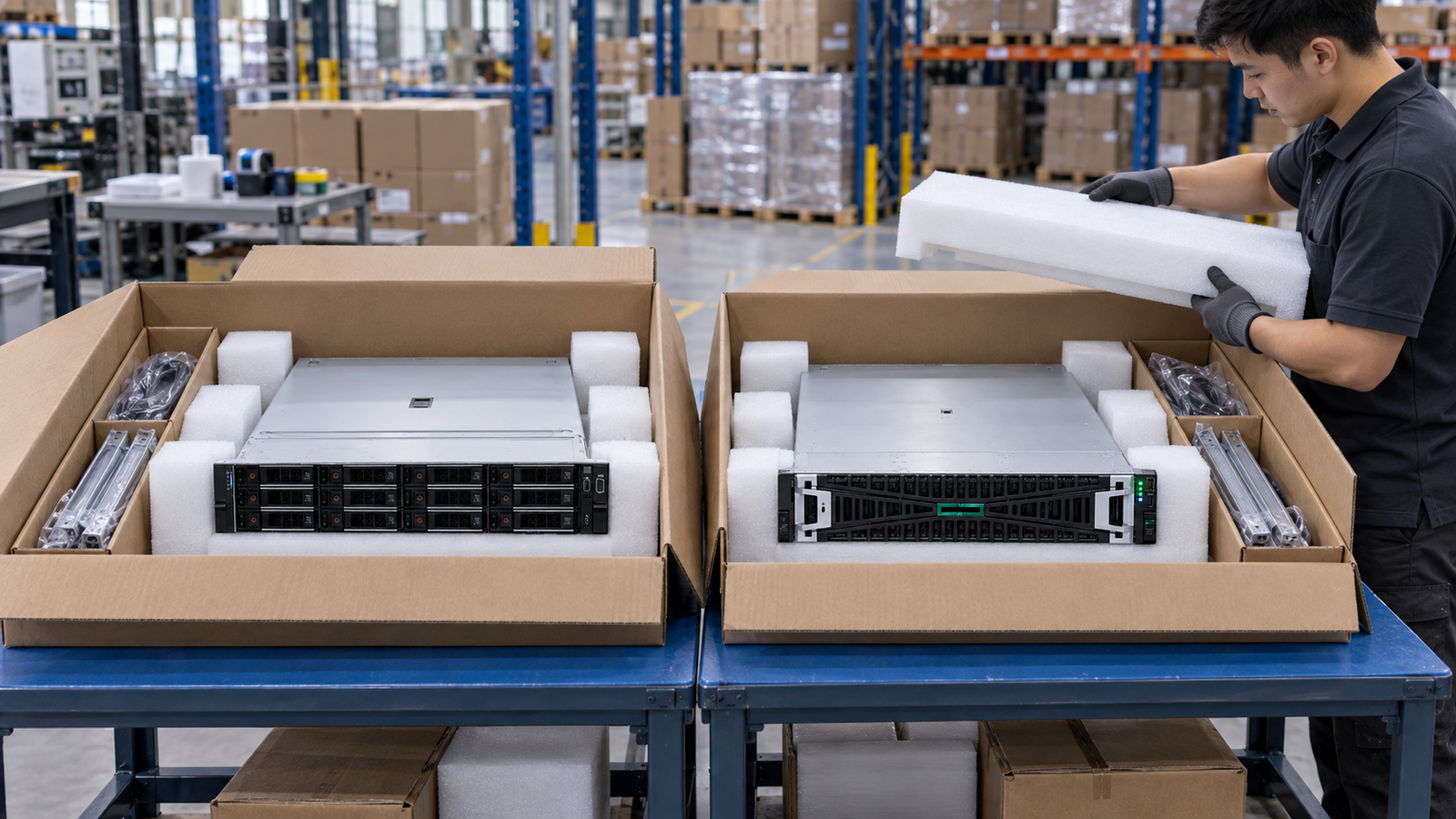
Confirm lead time, packaging and destination-specific arrangements before ordering.
Browse established platforms, then review the options for your workload.
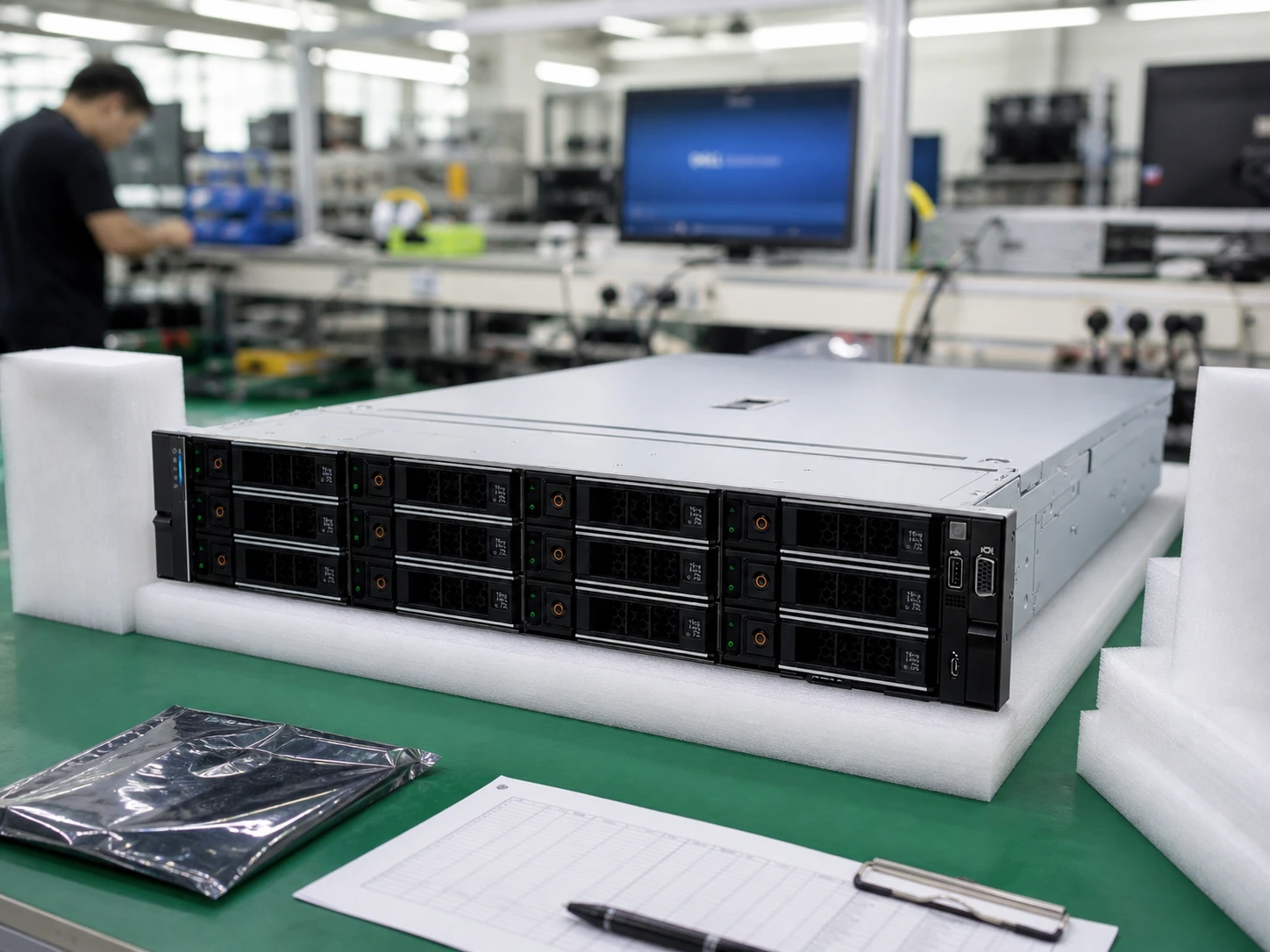
2U · dual socket
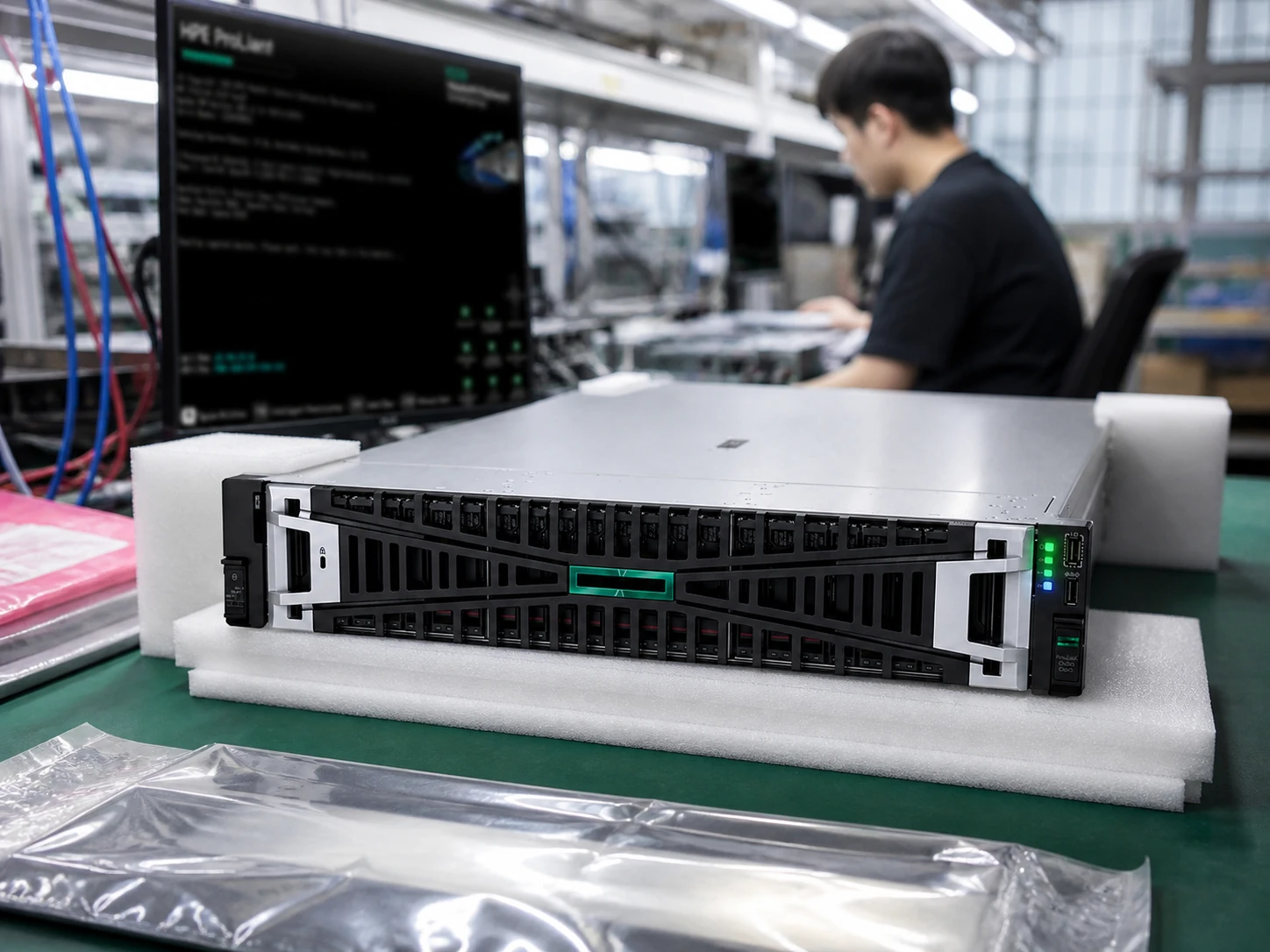
2U · 2P
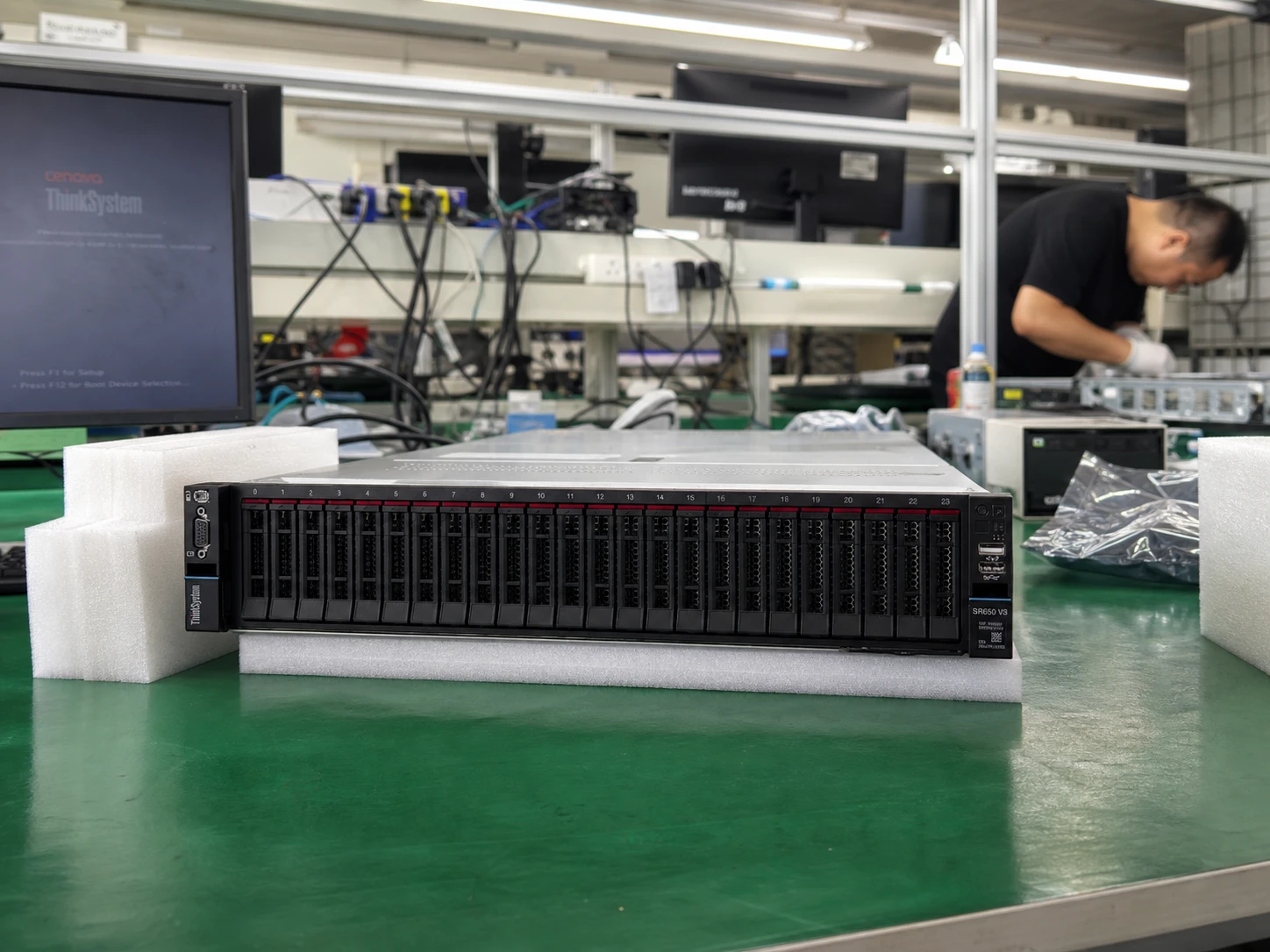
2U · 2-socket
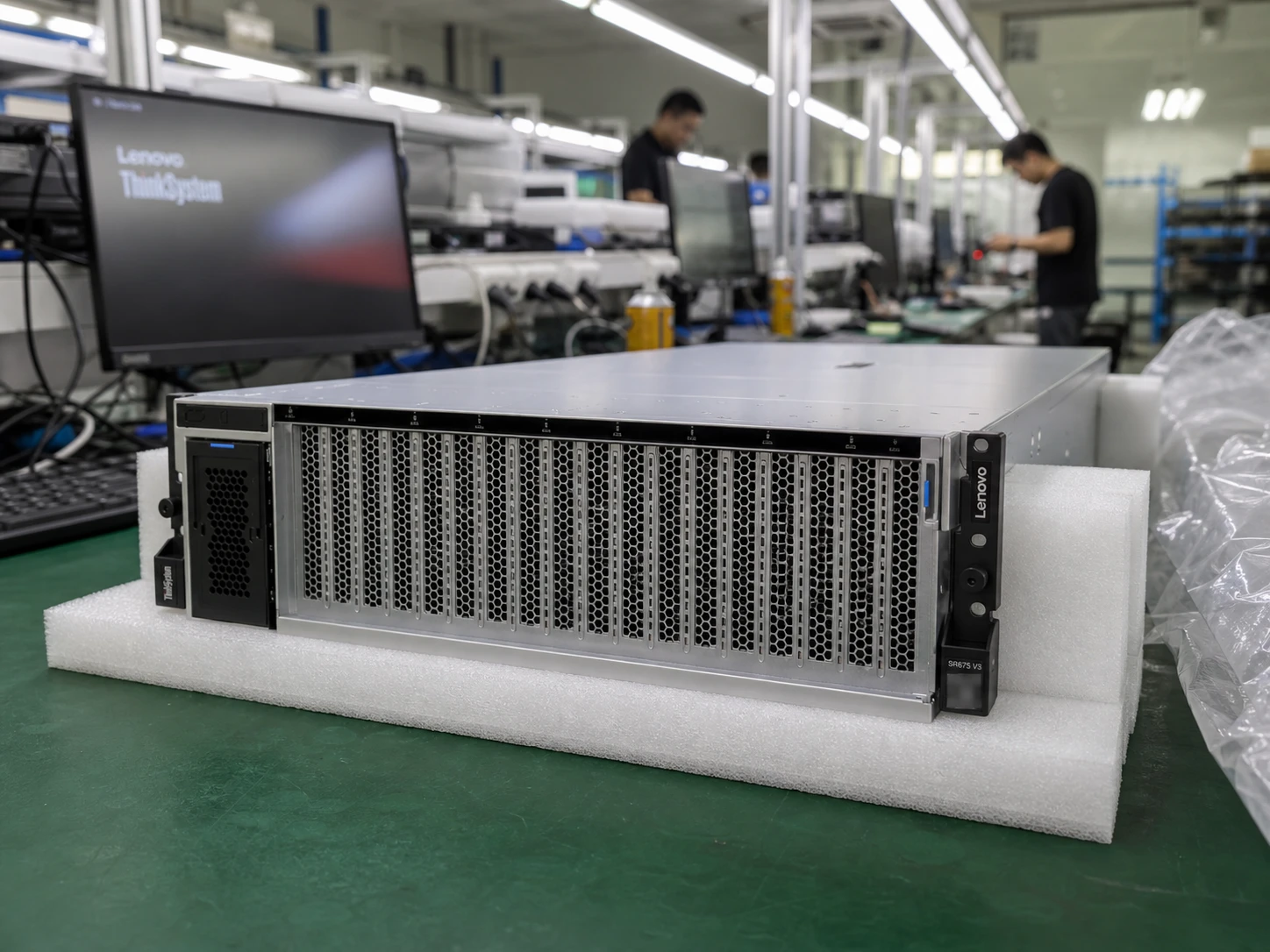
3U · GPU optimized
Reference images are not current-unit photos. Final storage topology, accessories, condition and availability are stated in the quotation.
From component identity to protective handling, make every requirement clear.
Define the configuration and diagnostics for your enquiry.
ExploreIntel and AMD models, carrier details and package markings.
Explore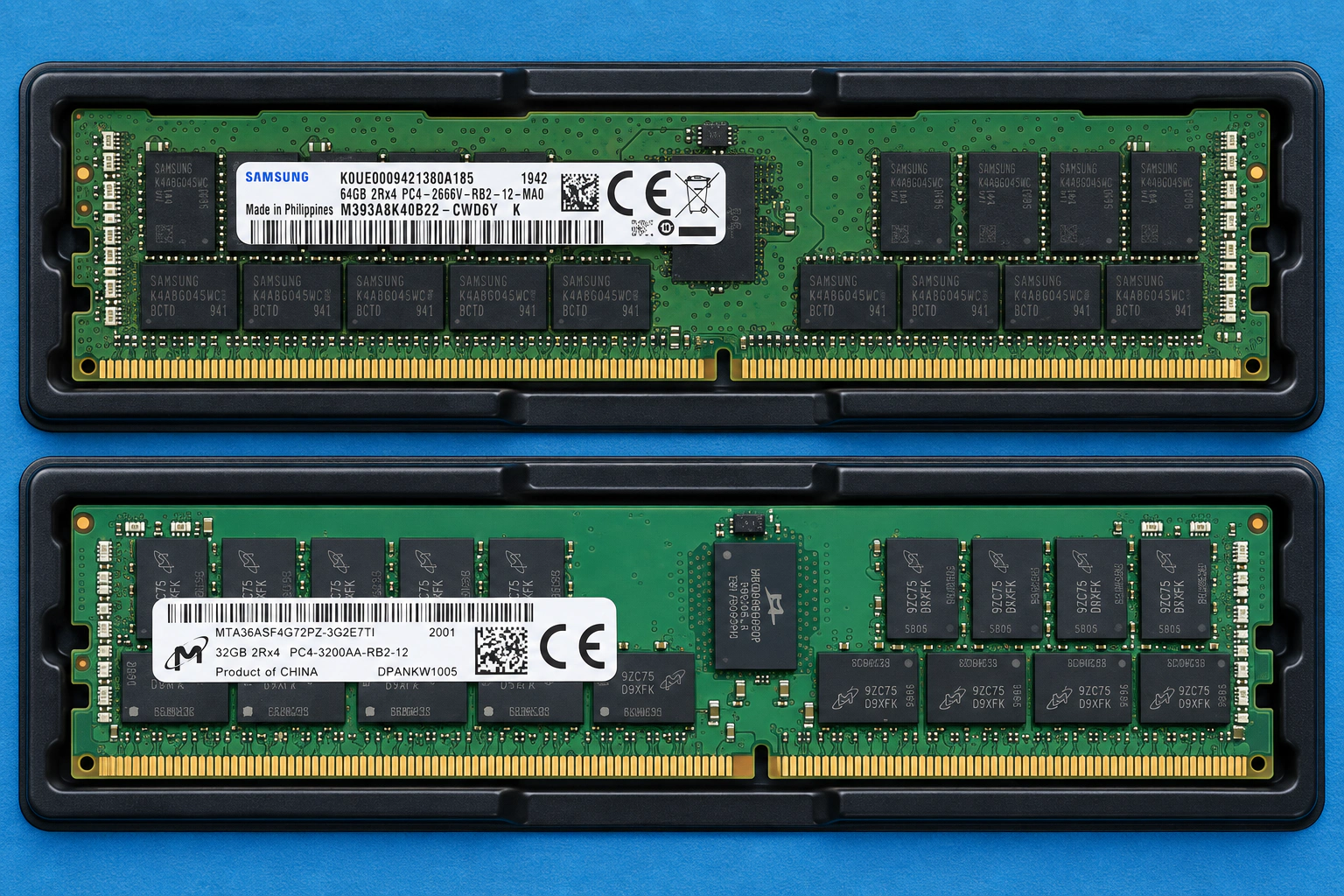
Start with the full module part number and generation.
ExploreInclude cushioning, accessories and packing in your request.
ExploreDocumented platform details. Original buying guides. A clearer checklist for your quotation.
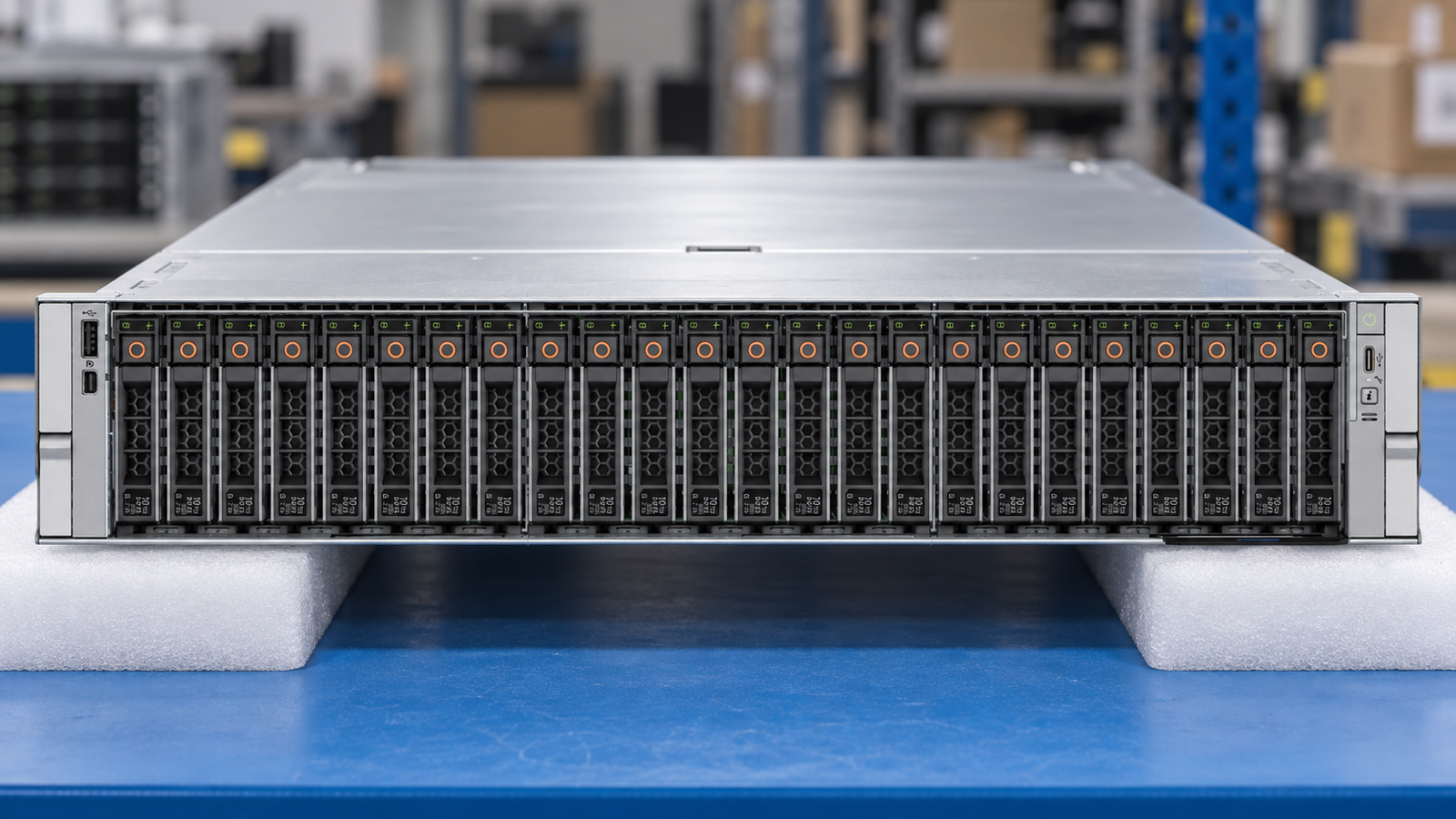
A dual-socket AMD platform. Specify the chassis before the parts.
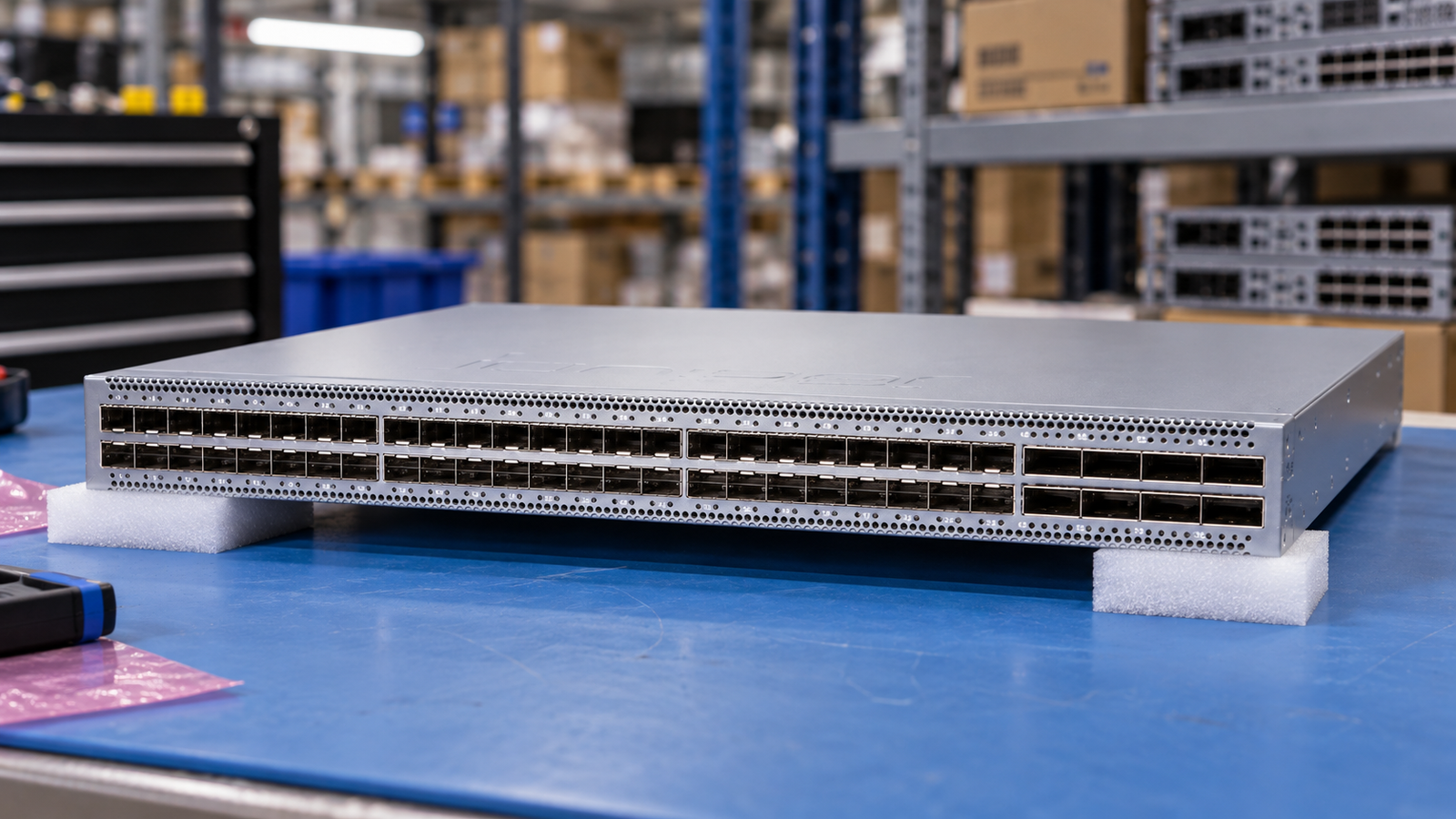
25GbE access and 100GbE uplinks with explicit port-group rules.
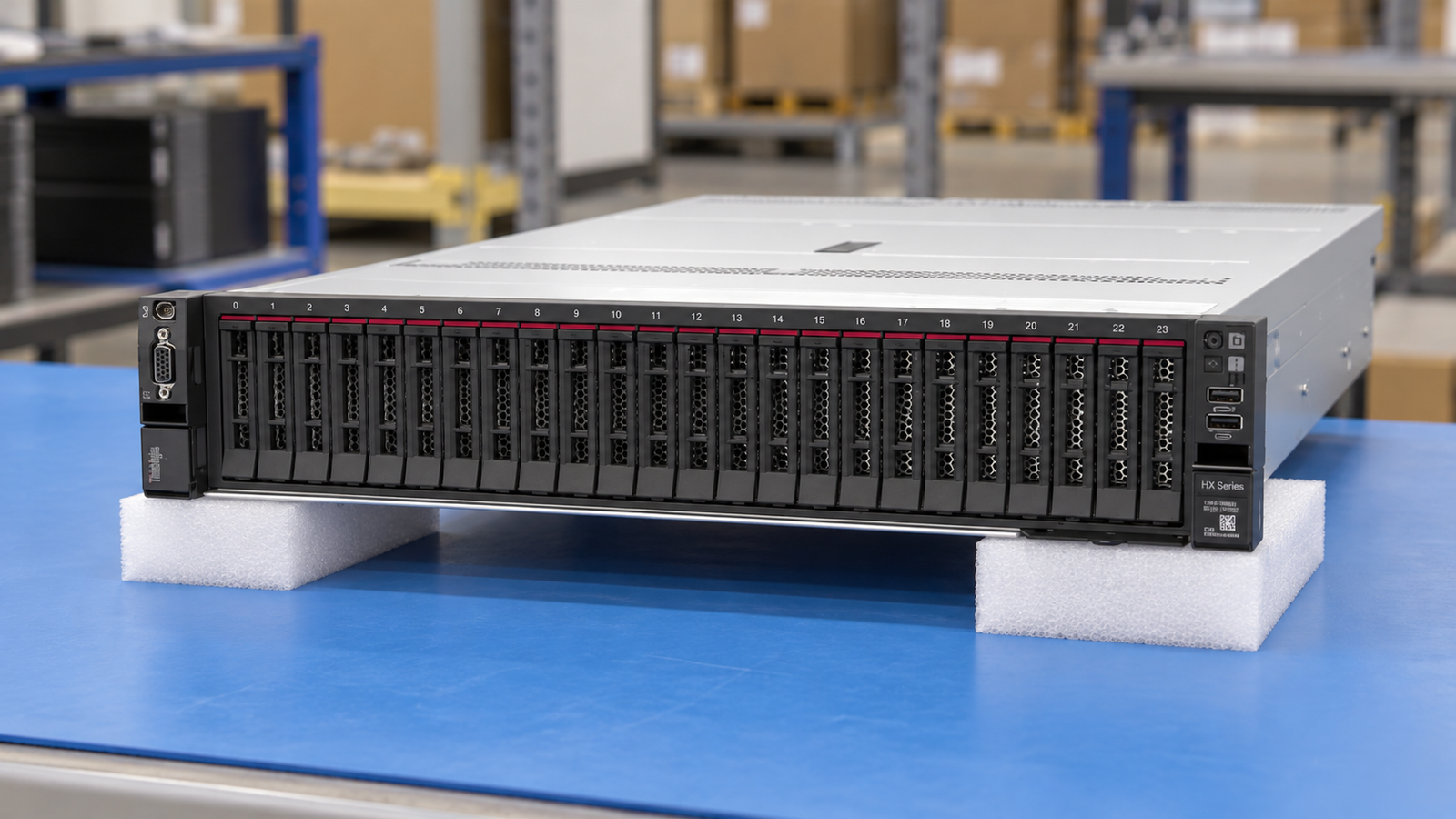
Nutanix-oriented Integrated Systems and Certified Nodes are different offers.

Send a model, MPN or BOM with quantity, preferred condition and destination.
Check the platform generation, controller, drive interface, GPU fit and accessories.
Agree availability, unit evidence, testing, warranty and commercial terms.
Review packing and the agreed handoff with your procurement and logistics teams.
Keep model names, quantities and option part numbers together in one inquiry.
Connected tools that keep the details in your hands.
Keep buyer details, saved projects and prepared enquiries together on this device.
Get startedSearch real catalog identities, save models and compare your selected platforms.
Get startedSet quantities, retain configuration plans and export your project BOM and RFQ.
Get started
Join ASTER RACKIT’s international hardware sales network. We welcome experienced B2B sellers, regional distributors and technology resellers.
Bring your market knowledge. Discuss sourcing, configuration review and delivery coordination with our team.
A useful quotation answers the engineering questions as well as the commercial ones. Start here, or send us your complete requirements.
Technical resourcesSend the chassis model, processors, memory, drives, RAID or HBA, network adapters and any GPU requirements. The configuration planner helps organize the request; final part numbers, compatibility and availability must be confirmed in the quotation.
Open the configuration plannerUse the exact model and generation first, then compare condition, test evidence, firmware, included accessories and warranty scope. An image in the catalog does not establish the condition or availability of the offered unit.
Explore supply conditionsThey are included only when listed in the offer. Ask for a line-by-line confirmation of optics, cables, rails, drive carriers, feature licenses, subscriptions and support before approving the order.
Send a detailed RFQYes. Include your required views, label details and test scope in the inquiry. Website reference images and illustrated workflow scenes are not substitutes for current-unit photos or agreed inspection records.
Discuss inspection evidence