Start with the drive layout
Ask for a front-and-rear chassis view and the installed backplane identity. A quoted 24-bay system and an E3.S system must not be treated as interchangeable.
A dual-socket AMD platform. Specify the chassis before the parts.
Price, condition, availability and included options confirmed in the written quotation. The RFQ opens a request draft; it does not submit an order.
The R7725 is a 2U platform with more than one valid chassis configuration. A model-only purchase order leaves too much undecided: drive media, bay layout, power and cooling must be named together.
Use a workload brief to decide the configuration rather than combining every maximum from a specification table. For a virtualization request, record memory growth and network requirements; for storage, record the drive path and controller. These are purchasing considerations, not a measured performance claim.
Alternative maxima are not necessarily available together. Source links identify the documentation scope—not an inventory guarantee.
| Form factor | 2U rack |
|---|---|
| Processor platform | Two 5th Generation AMD EPYC 9005 processors; up to 192 cores per CPU |
| Memory slots | 24 DIMM slots |
| Power | Two redundant AC or DC power-supply positions |
| Storage choices | SAS/SATA, universal 2.5-inch, mixed U.2 and E3.S NVMe configurations |
| Cooling | Direct liquid cooling is optional or required for selected CPU/configuration combinations |
Ask for a front-and-rear chassis view and the installed backplane identity. A quoted 24-bay system and an E3.S system must not be treated as interchangeable.
Request the exact qualified adapter, riser, cabling and thermal configuration. Dell warns against unvalidated PCIe hardware; do not issue a GPU bundle from slot count alone.
Put input supply, redundancy expectation and any liquid-cooling requirement into the RFQ. Keep rack readiness separate from the server purchase price.
These are procurement considerations, not an OEM-approved BOM. Final option part numbers and compatibility must be reviewed for the supplied system.
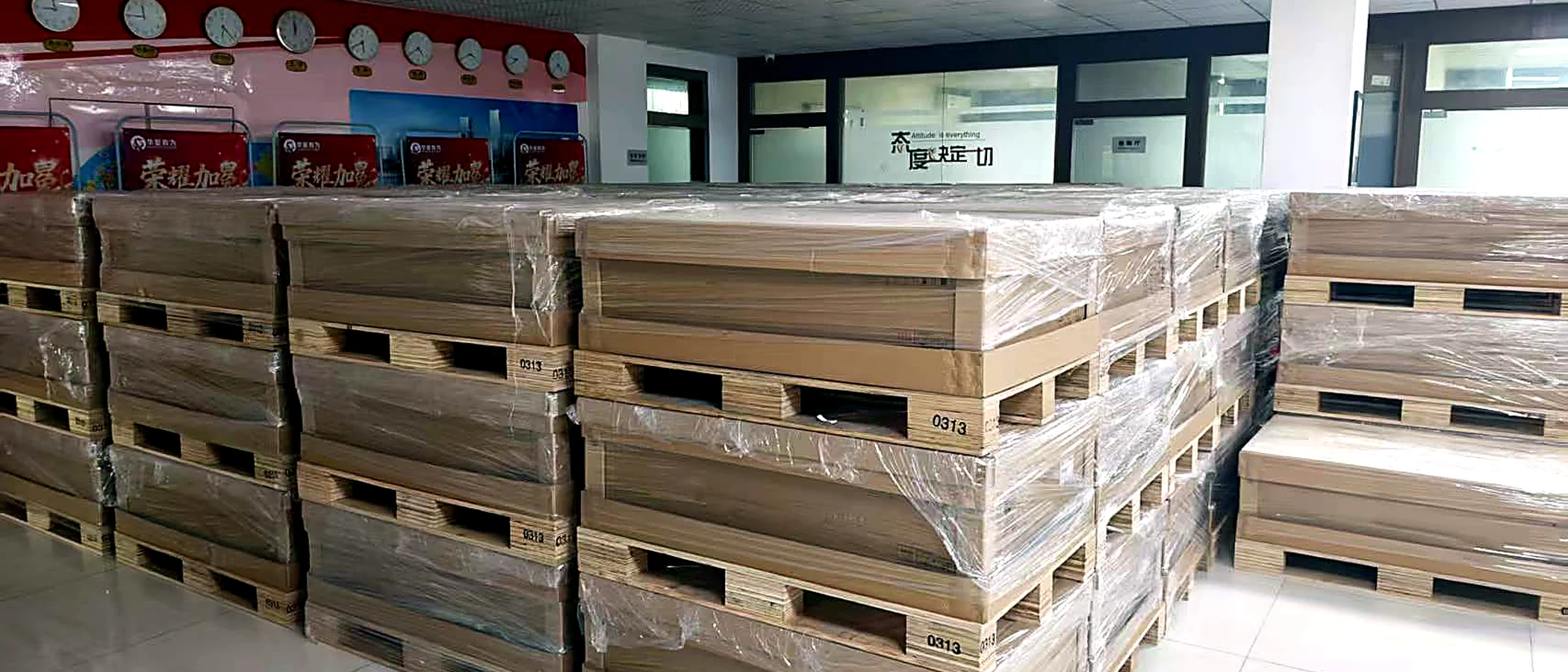
Agree the identity and condition first. Ask for current-unit views, the installed or supplied parts list, relevant test records and photographs of the completed packing.
Define the warranty provider and delivery scope in the quotation. A catalog photo, technical source or process illustration is not evidence that an offered unit has passed inspection.
Build an acceptance checklistNo. The OEM lists alternatives. The offer must identify one supported chassis/backplane combination.
No. Match the exact GPU and complete configuration to Dell qualification before ordering.
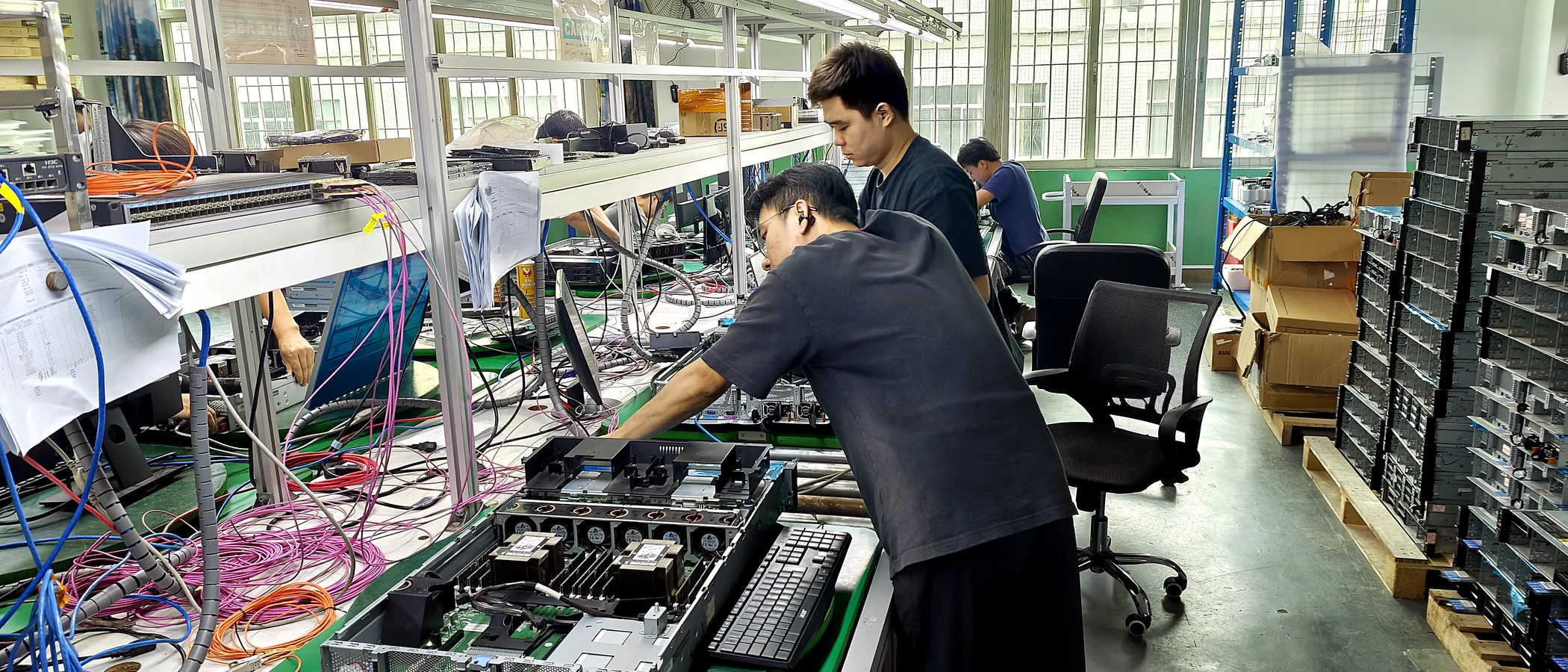
These images illustrate a server-workbench environment. They are not verified views of this exact model or the offered unit; use the product specifications and shipment-specific photographs for identification.
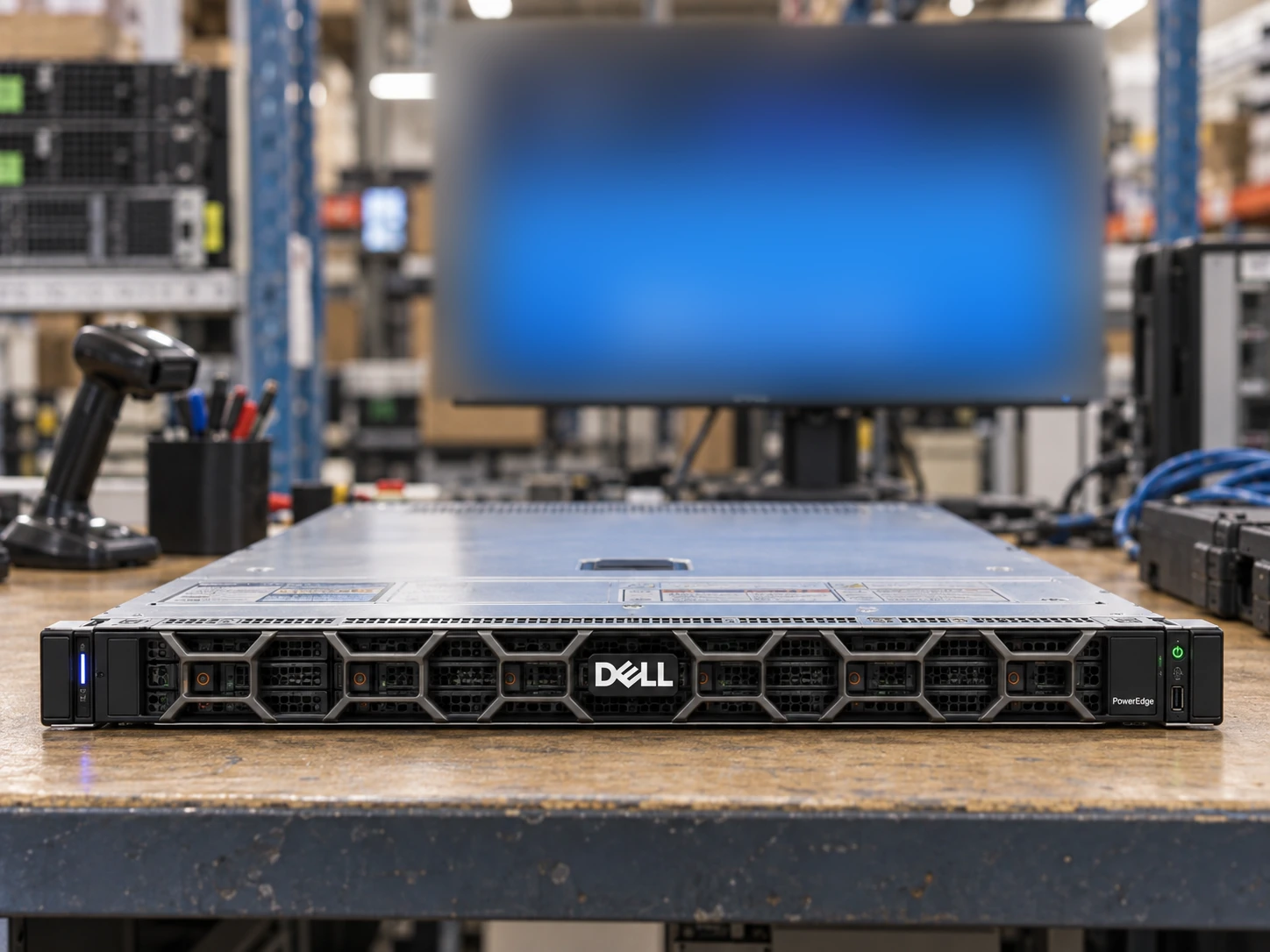
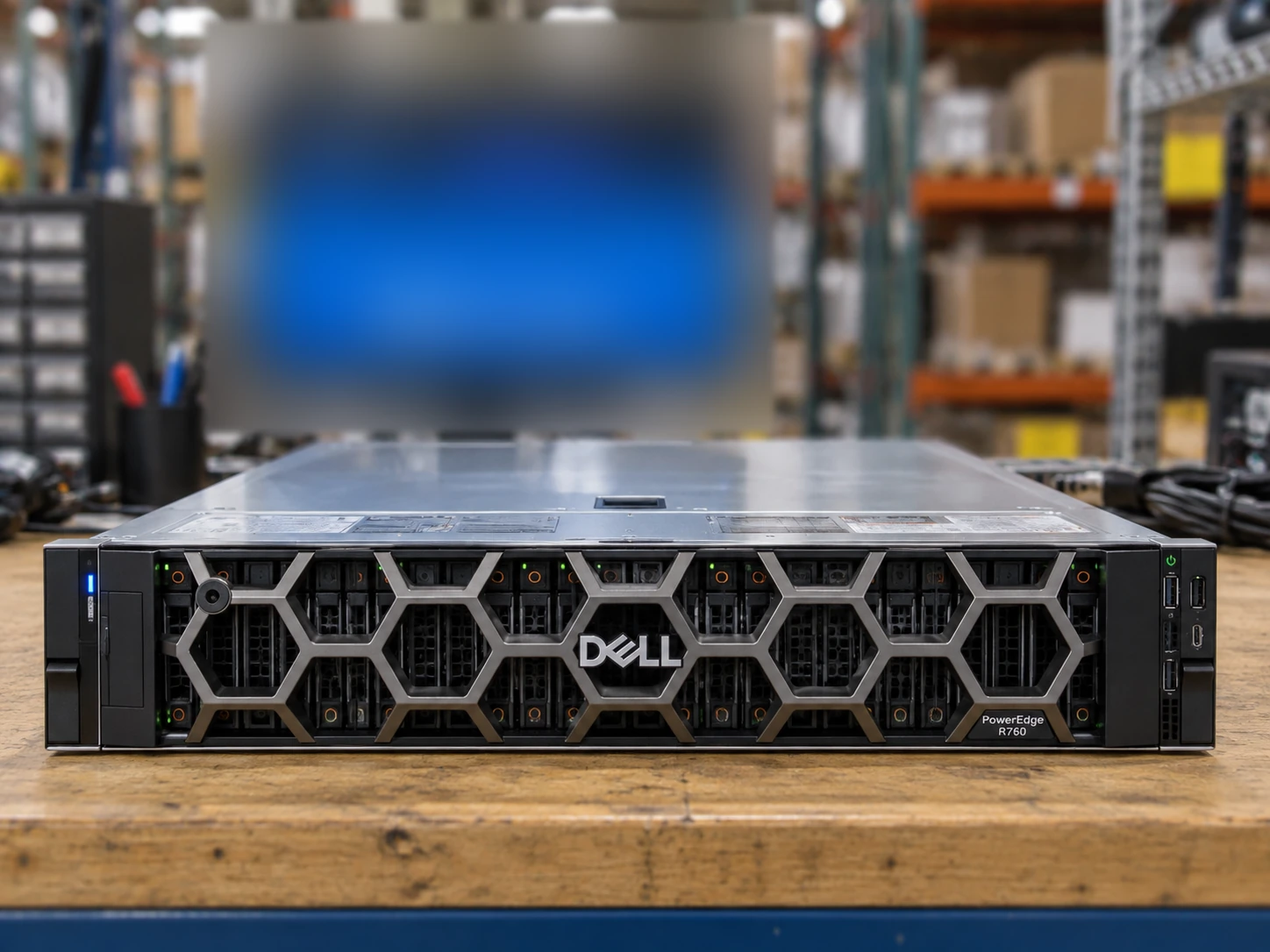
Only server scenes use background monitors. The four screen styles follow the supplied visual references with heavy defocus. Exact chassis, drive layout, included options and test status must be confirmed separately. Read the image standard →
Attach a photo brief to the request for Dell PowerEdge R7725. This is a checklist to agree, not a record that inspection has already been performed.
Request a straight-on view with the bezel removed when appropriate. Record the populated bays, blanking panels and drive carriers against the offered chassis configuration.
Ask for both PSU labels, risers, network adapters and the rail kit. Confirm which visible parts are included in the offer rather than assuming the catalog picture defines the BOM.
Use an order-specific report for installed CPUs, DIMMs, storage and management access. A blurred background screen in an illustration is not a diagnostic result.
Check the current document revision before approving a configuration. Sources may cover a platform family or a selected machine type; the scope is recorded below.
System configurations and features
Reviewed 2026-09-09 · official HTML document reviewedSpecify the CPU, population and growth path—not just the total gigabytes.
Read the guideKeep the media, backplane, controller and boot path in one specification.
Read the guideTurn a condition label into a documented, agreed acceptance scope.
Read the guideShared requirements do not imply drop-in hardware compatibility.
Intel Xeon 6 compute with configuration-dependent memory and storage.
A SAS SSD family. Capacity, firmware and the full part number define the drive.
CloudDC compute with qualified, configuration-specific accelerator options.