OEM-labelled parts
Specify the server brand, full option or spare PN and exact target system. The manufacturer marking can be recorded alongside it; it must not replace the OEM number on your order.
ASTER RACKIT / Enterprise components
Server components for upgrades, maintenance and wholesale supply. Find the exact OEM part or component-brand model, define the supporting kit, and keep every line of your order clear.

Explore the range
Choose a category for product options, comparison guides, OEM part numbers, inspection requirements and a focused enquiry.

Keep Dell, HPE and Lenovo option or spare numbers on their own order lines. A Samsung, Micron or SK hynix manufacturing number can support identification, but does not replace the requested OEM number.
Explore category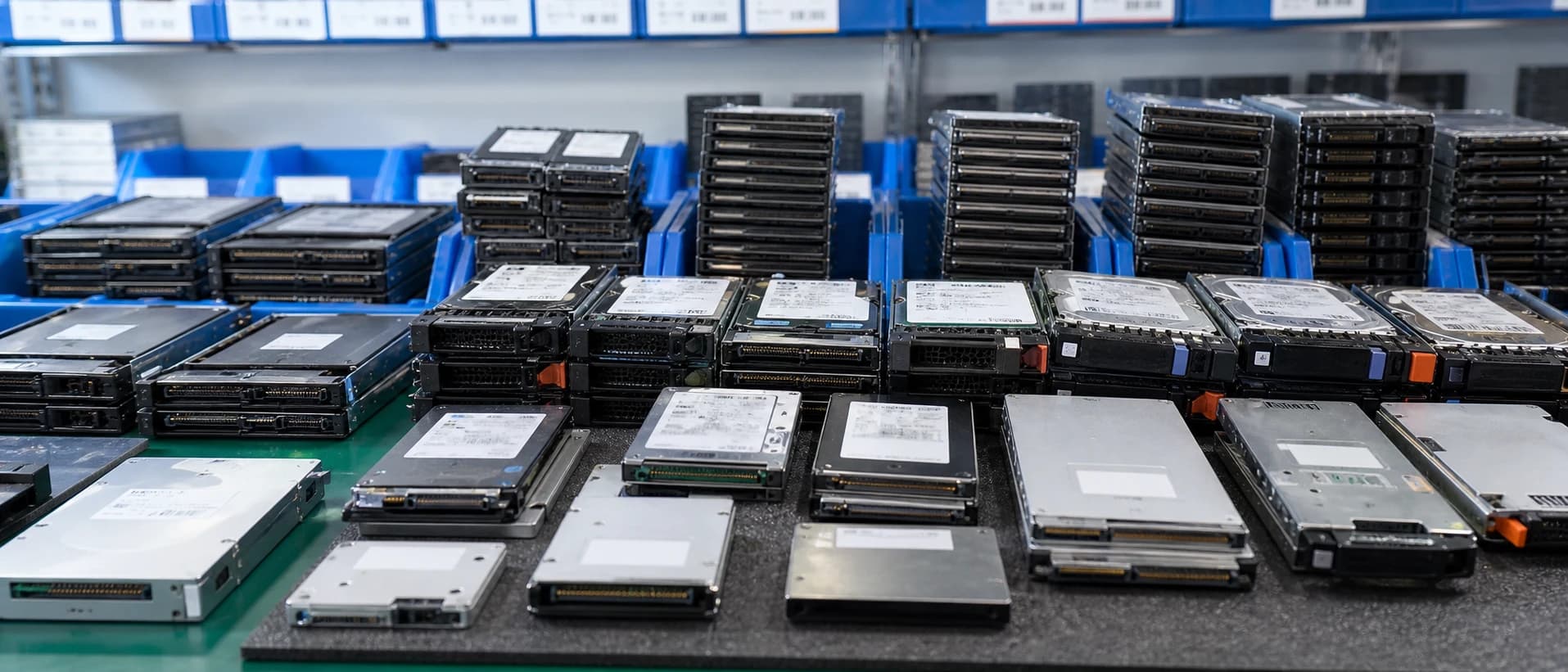
Define capacity, interface, endurance requirements and the target backplane. For E1.S or E3.S, include the exact chassis and carrier arrangement instead of assuming all EDSFF bays are interchangeable.
Explore category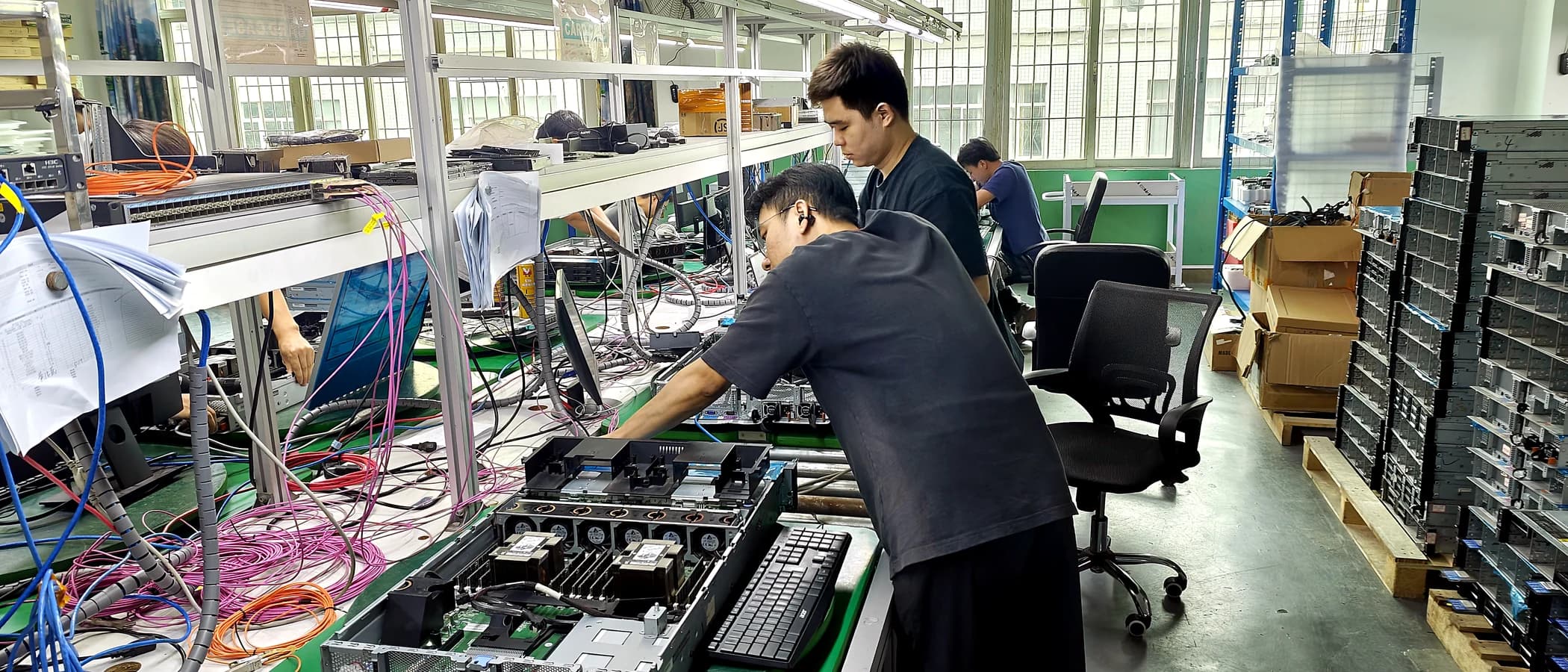
Identify the exact server generation, adapter mounting position and requested OEM number. Similar controller names do not establish the same bracket, cabling or backplane fit.
Explore category
Use the full PSU label and server model to identify the replacement. Housing shape or wattage alone is not enough to approve a different OEM part.
Explore category
Record the exact card variant, memory, cooling package and bracket arrangement. Check mechanical clearance, slot resources and power-cable requirements for the selected host.
Explore category
Specify the server, rack type, mounting depth and required rail style. Identify left/right rails, cable-management arms, brackets and fasteners separately where the kit requires them.
Explore category
Keep the full NIC, HCA or DPU number and required mounting format. Check the host slot or OCP location, bracket, cooling and driver support.
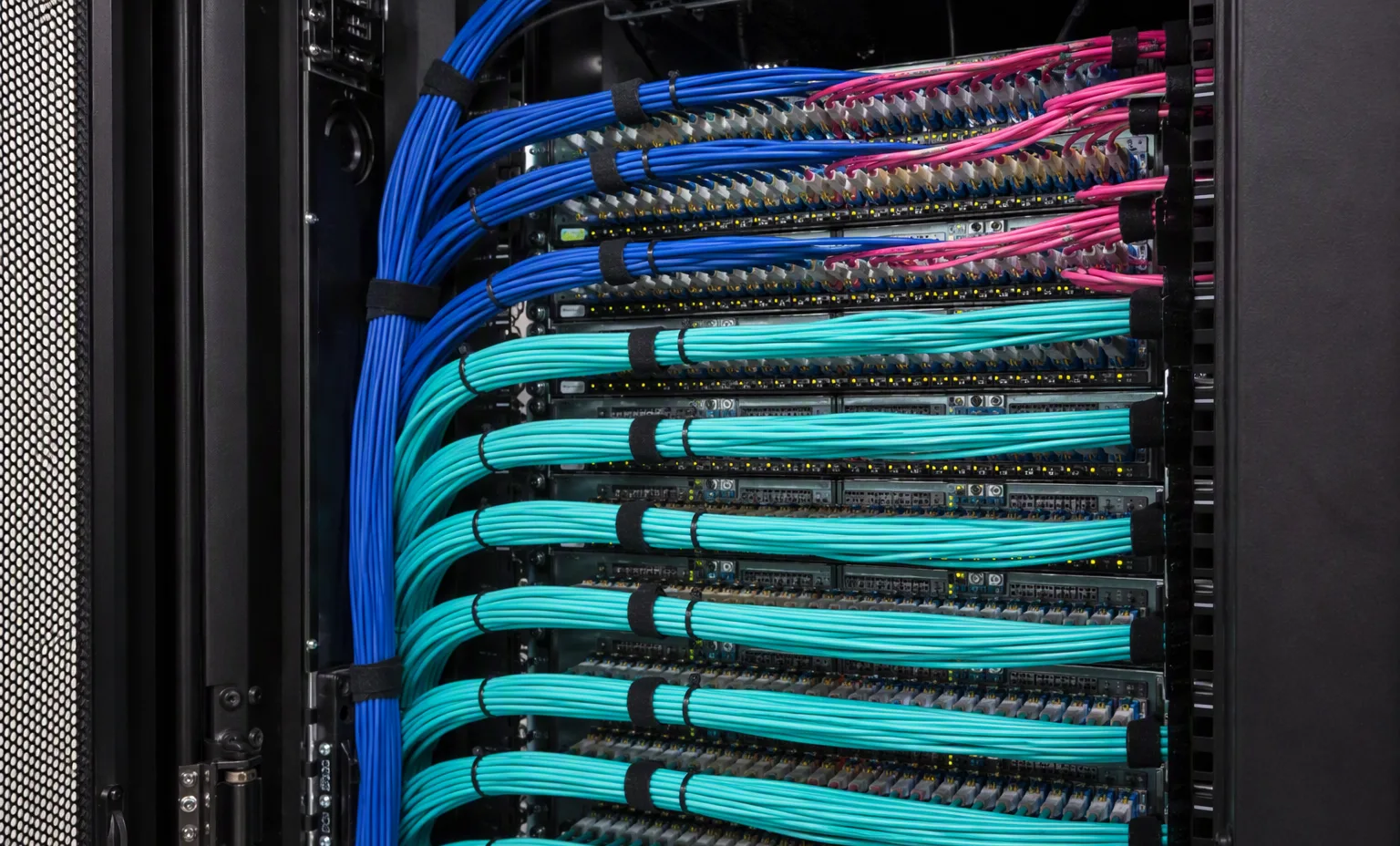
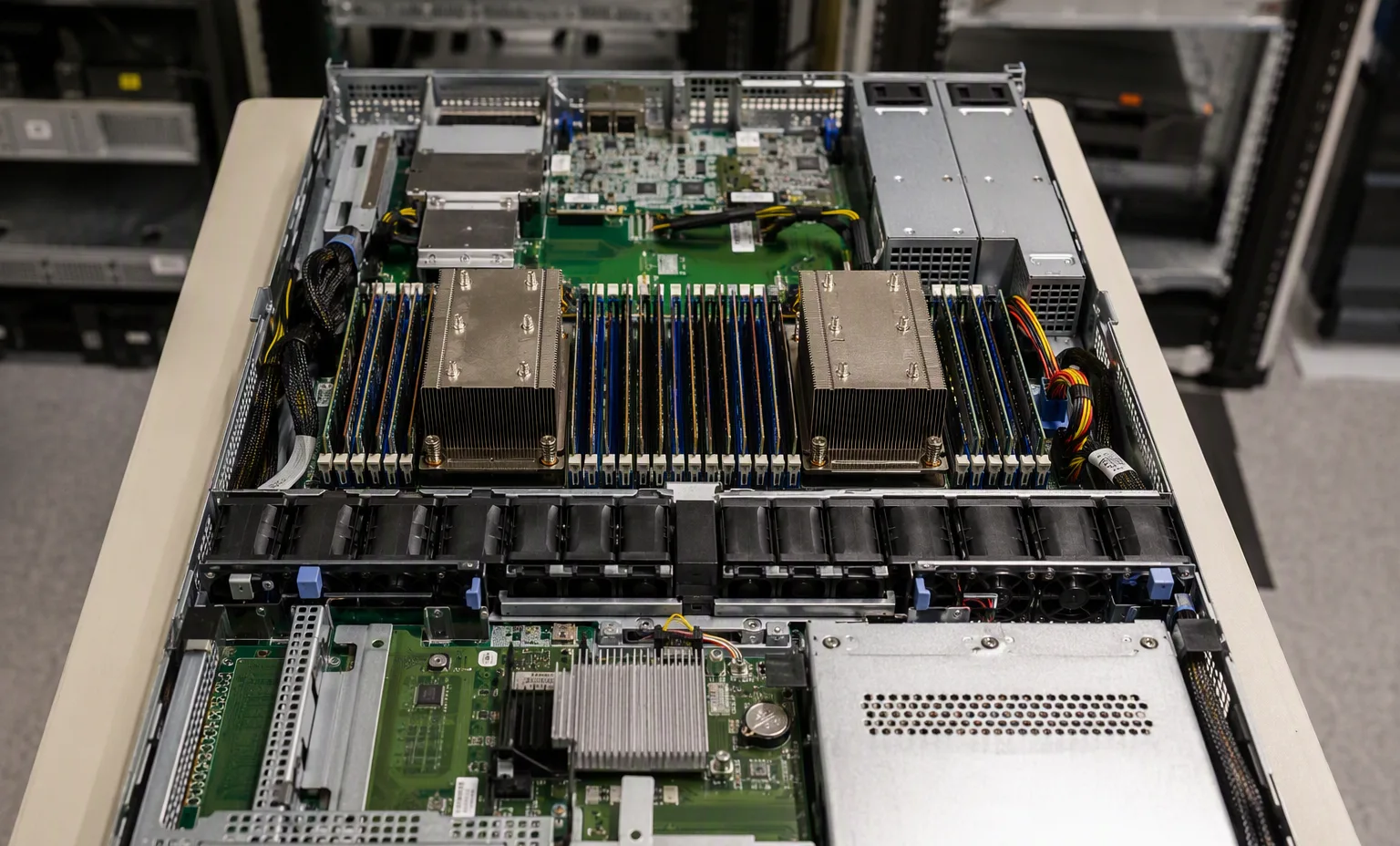
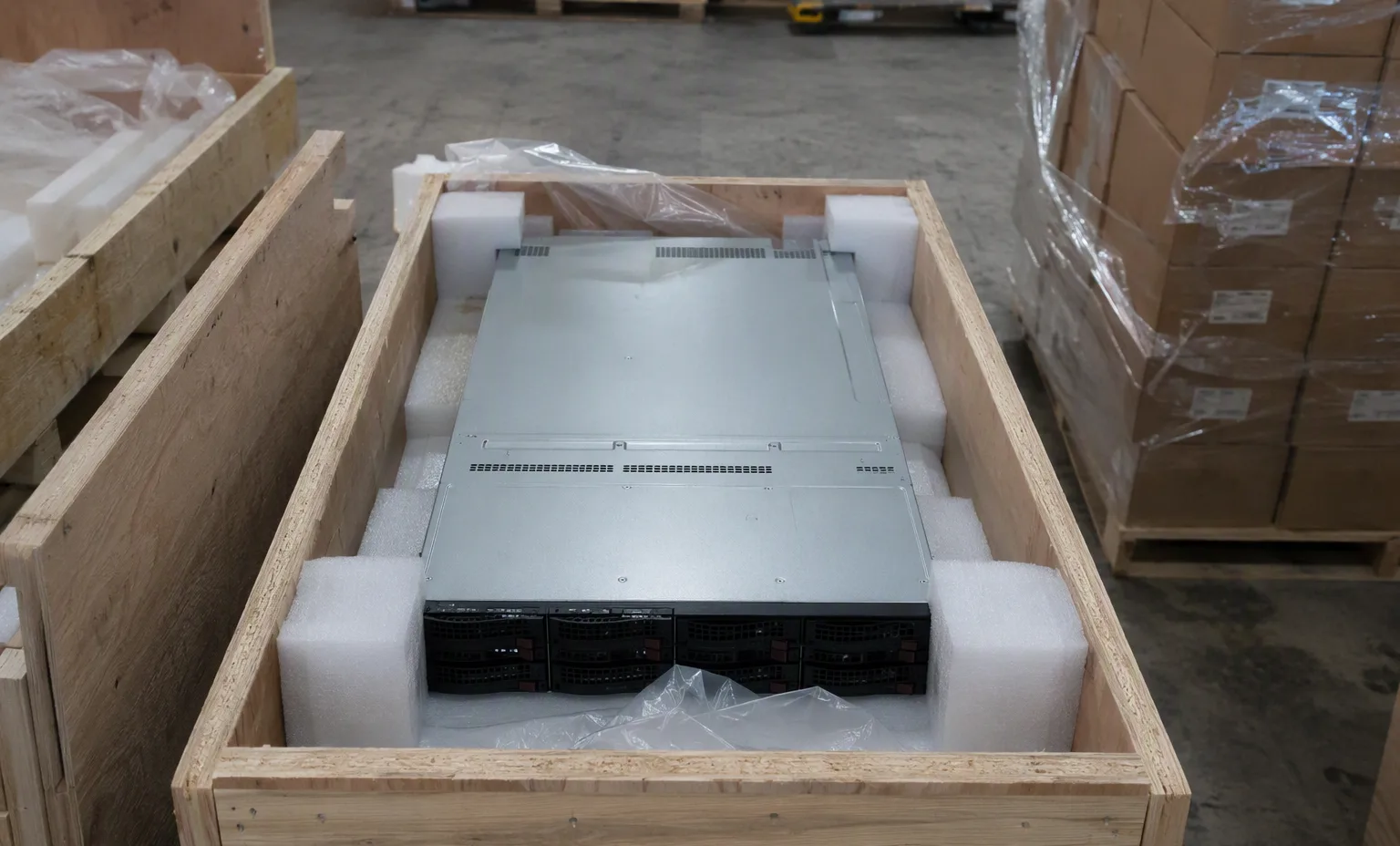
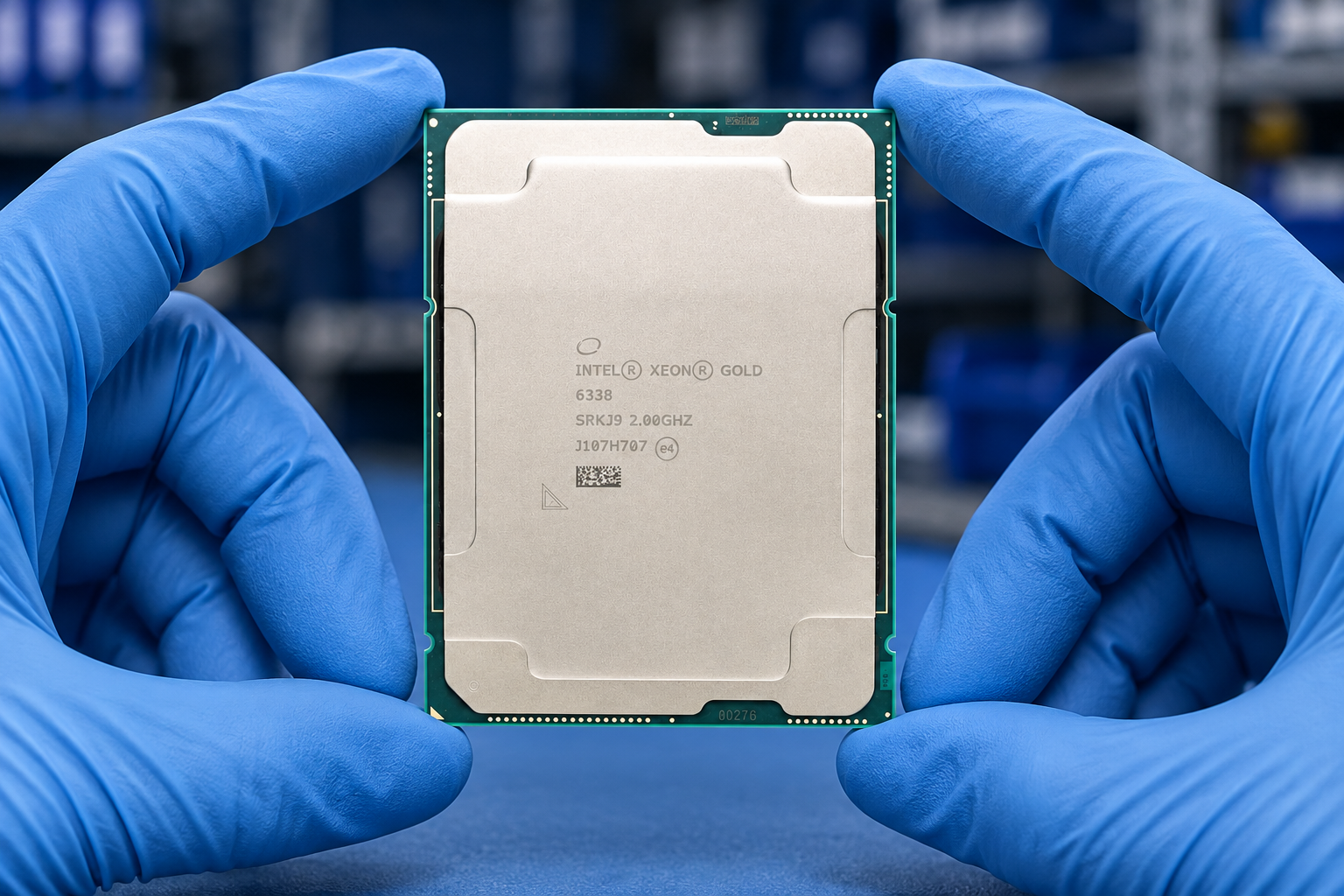
Explore categoryCategory photographs include product presentations and warehouse scenes; they do not establish the exact stock or accessories available.
Part-number discipline
OEM option numbers, service-spare numbers and component-manufacturer MPNs are distinct purchasing identities. Similar hardware is not an approved substitution.
Specify the server brand, full option or spare PN and exact target system. The manufacturer marking can be recorded alongside it; it must not replace the OEM number on your order.
Specify the manufacturer MPN and required specification. These products are quoted under their own identity, with host compatibility and any proposed OEM alternative reviewed separately.
Three buying paths
The same component category can lead to very different orders. Make the intended use clear from the first enquiry.
Start with the full existing PN, platform generation and condition requirement. Keep like-for-like replacements separate from proposed alternatives.
Share the current configuration, target capacity or performance and any retained components. Review the complete installation kit alongside the primary part.
Group the order by brand, exact PN and quantity. Define matched-lot requirements, inspection scope and whether substitutions are permitted.
Compute components
Keep retail or tray processor identities separate from OEM processor kits, heatsinks and platform-specific accessories.
Browse processor model specifications and identify the exact target server before planning a CPU change.
Review the exact processor family and model against the host generation and full server configuration.
Keep the OEM option number, processor, heatsink and any required installation accessories clearly itemised.
Browse by brand
OEM server and storage brands are listed separately from component brands. Choose a name to browse the catalog, then retain the full PN on your request.
OEM part directory
Examples from the parts directory, not a live stock list. Open an item for its description and applicable requirements; confirm the offered condition, host fit and availability with sales.
Review part details and host requirements
Dell · Part numberReview part details and host requirements
HPE · OEM optionReview part details and host requirements
HPE · OEM optionReview part details and host requirements
Lenovo · OEM optionReview part details and host requirements
Lenovo · OEM optionReview part details and host requirements
Warehouse & workshop
Specific product presentations and working environments are labelled separately. Ask for current photographs of the actual units offered to you.
Before dispatch
Set the inspection and packing requirements with your quotation. A scene photograph does not establish that a particular unit has passed a test.
Your parts requirement
Use the details you know now. Continue to the quotation page when the draft is ready, or download it to share with your sales contact.
Wholesale & spare-parts supply
Buyer questions
Yes. Keep each brand, complete PN, quantity, condition preference and target system on its own line. Identify whether alternatives may be considered.
You can request either condition. The offer must identify the supplied condition, inspection scope, warranty terms and included accessories for each item.
No. The request is a draft for discussion. Availability, pricing and order terms are confirmed separately.
Contact the team to arrange a visit and discuss which equipment or inspection process you would like to see. Access and demonstration details are confirmed in advance.
Talk to ASTER RACKIT
Share your model list, quantities, target systems and destination. We will discuss supply options, included accessories and the checks needed before an offer is agreed.
A spare, assembly and option number may identify different contents.
This guide adds the decisions, documents and next steps that support this page.
Parts directory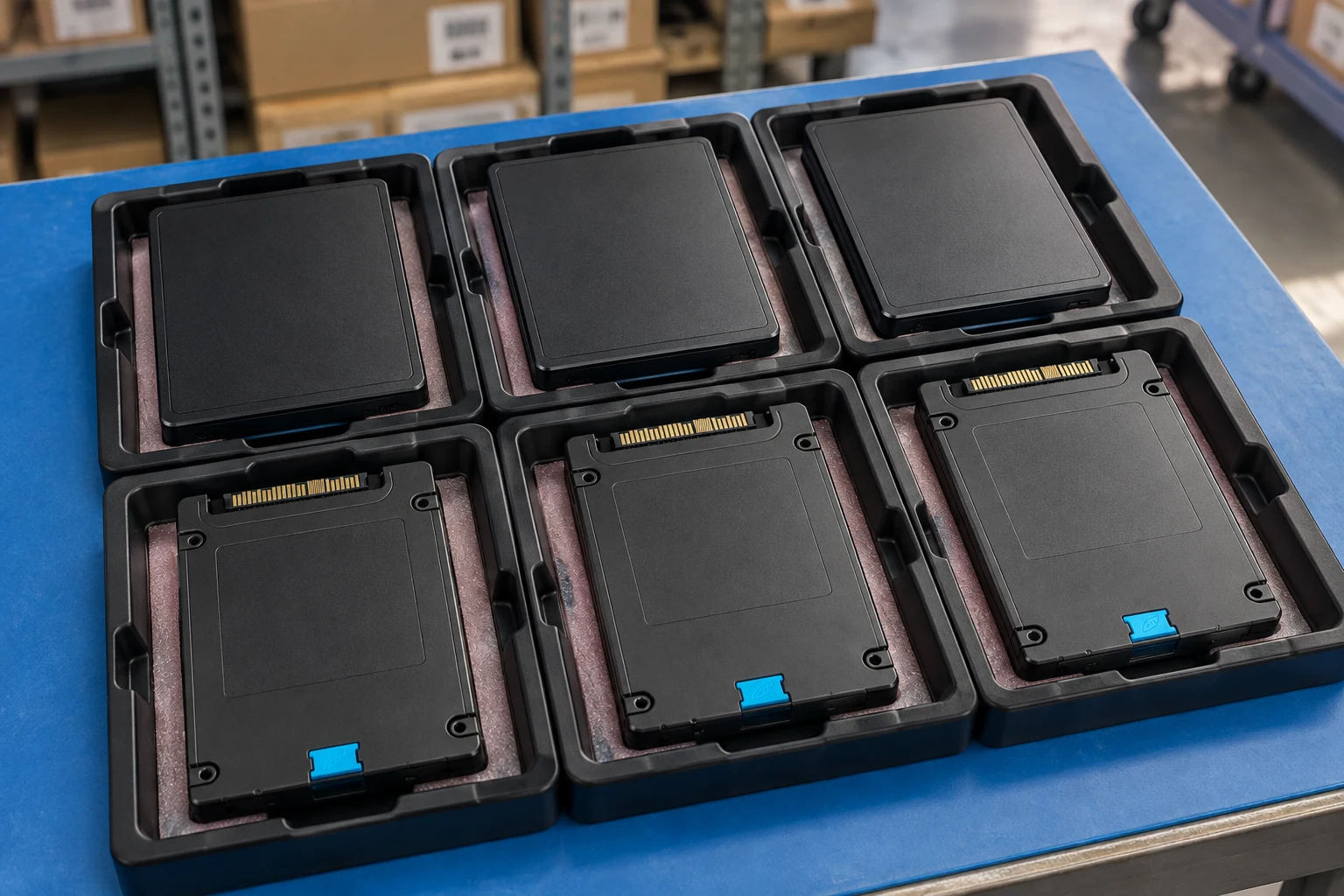
Identify CPU, memory and storage by the complete manufacturer PN.
Parts directoryCheck slot, interface, bracket and supported firmware.
PN workbenchDescribe every included cable, carrier, screw and accessory.
Component photo collectionA spare, assembly and option number may identify different contents.
Name the chassis generation and installed configuration.
State whether the request is an exact replacement or a proposed alternative.
A planning sequence, not a record of completed work.
Counts show records in the site catalog. They do not represent stock, available quantities or verified compatibility.
Snapshot: 2026-09-15
| Decision | Record in your brief | Evidence to retain |
|---|---|---|
| Assembly identity | A spare, assembly and option number may identify different contents. | Complete identifier and source revision |
| Target platform | Name the chassis generation and installed configuration. | Platform document or written clarification |
| Replacement scope | State whether the request is an exact replacement or a proposed alternative. | Offered-unit details and agreed scope |
Tick items as you prepare them. This is your personal checklist, not a hardware validation.
Saved in this browser when local storage is available.
Reference-based generated scenes; actual-unit photos are available only through an explicit unit-specific request. Related models are separate catalog records, not substitutes for the item on this page.
Continue the relevant directory or service flow.
Open resourceUse the connected tool to develop the requirement.
Open resourceRetain the supporting reference with your project brief.
Open resourceFull manufacturer PN captured · OEM kit content list supplied · Target chassis and revision recorded · Alternative-part approval required.