Identify the offered units
Confirm exact model, PN, quantity, condition and identifying labels. Separate complete systems from barebones units and component-only offers.

Warehouse & packing
An equipment order is more than a list of model names. Review the units, accessories, inspection requirements and packing plan together, before arranging collection or delivery.
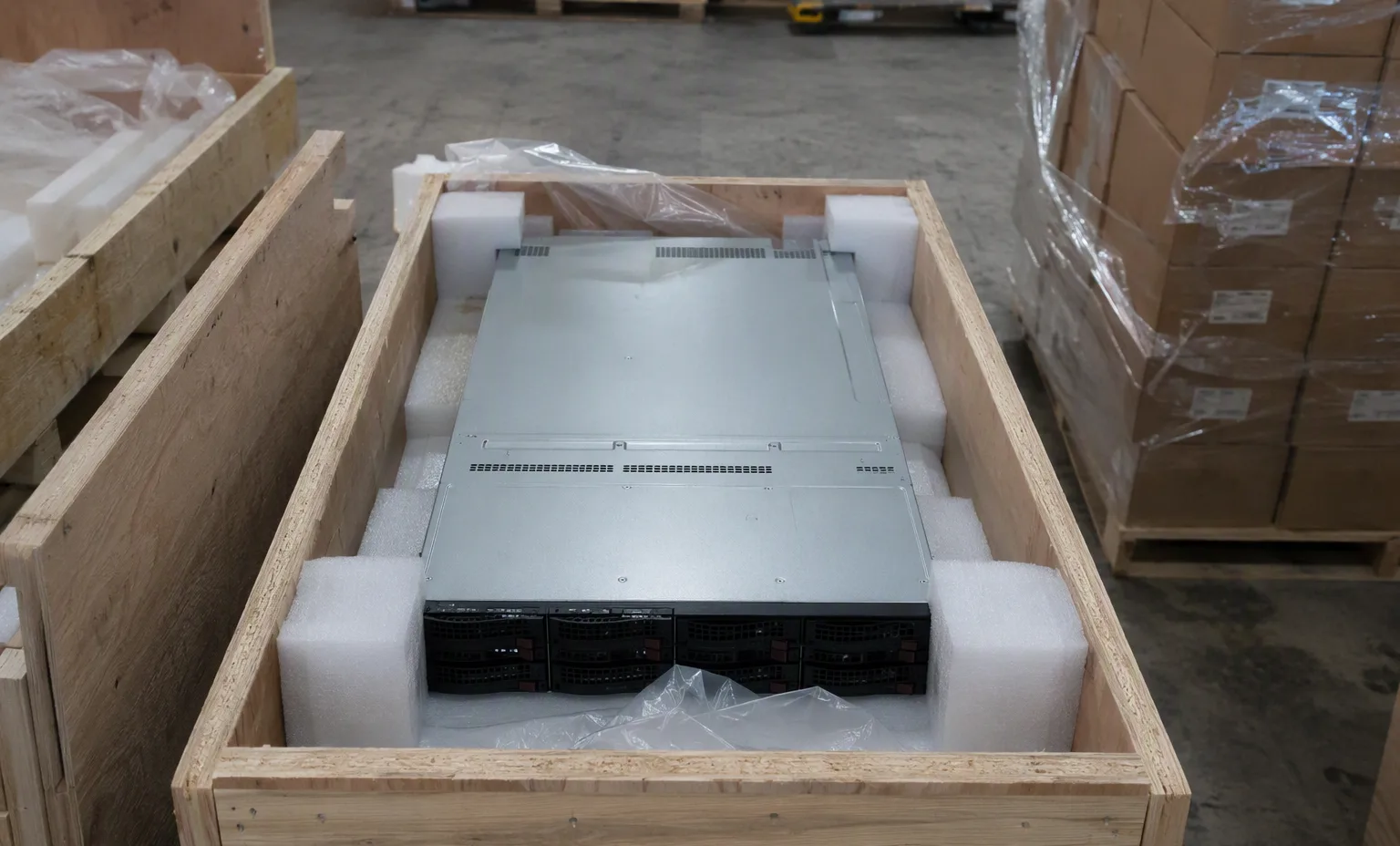
Warehouse presentation from the ASTER RACKIT gallery. Confirm current equipment and order-specific packing photos with our team.
Inside the operation
Explore the existing facility gallery. Images are not a live inventory feed or a reservation of the equipment shown.

Identify the equipment, carton labels and quantities before assigning items to an order.

Review the proposed batch, included options and accessories against the final equipment list.

Confirm handling requirements, package dimensions and collection arrangements for your destination.
Order preparation
Confirm exact model, PN, quantity, condition and identifying labels. Separate complete systems from barebones units and component-only offers.
Record configuration changes, checks requested, accessories and any exceptions. Include retained parts if they affect compatibility.
Review inspection optionsCheck quantities, serial-number requirements, included items, packing details and delivery information before shipment arrangements are finalized.
Protection by product type
Delivery handover
Provide the consignee, delivery address, contact details and any unloading or booking restrictions.
Delivery servicesConfirm the agreed delivery terms, payer responsibilities and required shipping documents. Import requirements depend on the destination and shipment.
Check package condition and contents on arrival. Keep carton labels and photos of any issue, then contact the named sales or support contact.
Contact our teamWarehouse questions
Please arrange an appointment and identify the order or equipment you want to review. The team will confirm the location, availability and visit arrangements.
No. Gallery images show equipment and working areas, not real-time availability. Quantities, condition and lead time are confirmed for each quotation.
Ask for the images you need when agreeing on the order. Confirm whether you require unit labels, accessories, inner protection, sealed cartons or pallet views.
Discuss collection and handover requirements with the team. The final arrangement depends on the order, destination and agreed delivery terms.
These images illustrate a server-workbench environment. They are not verified views of current inventory; use the product specifications and shipment-specific photographs for identification.
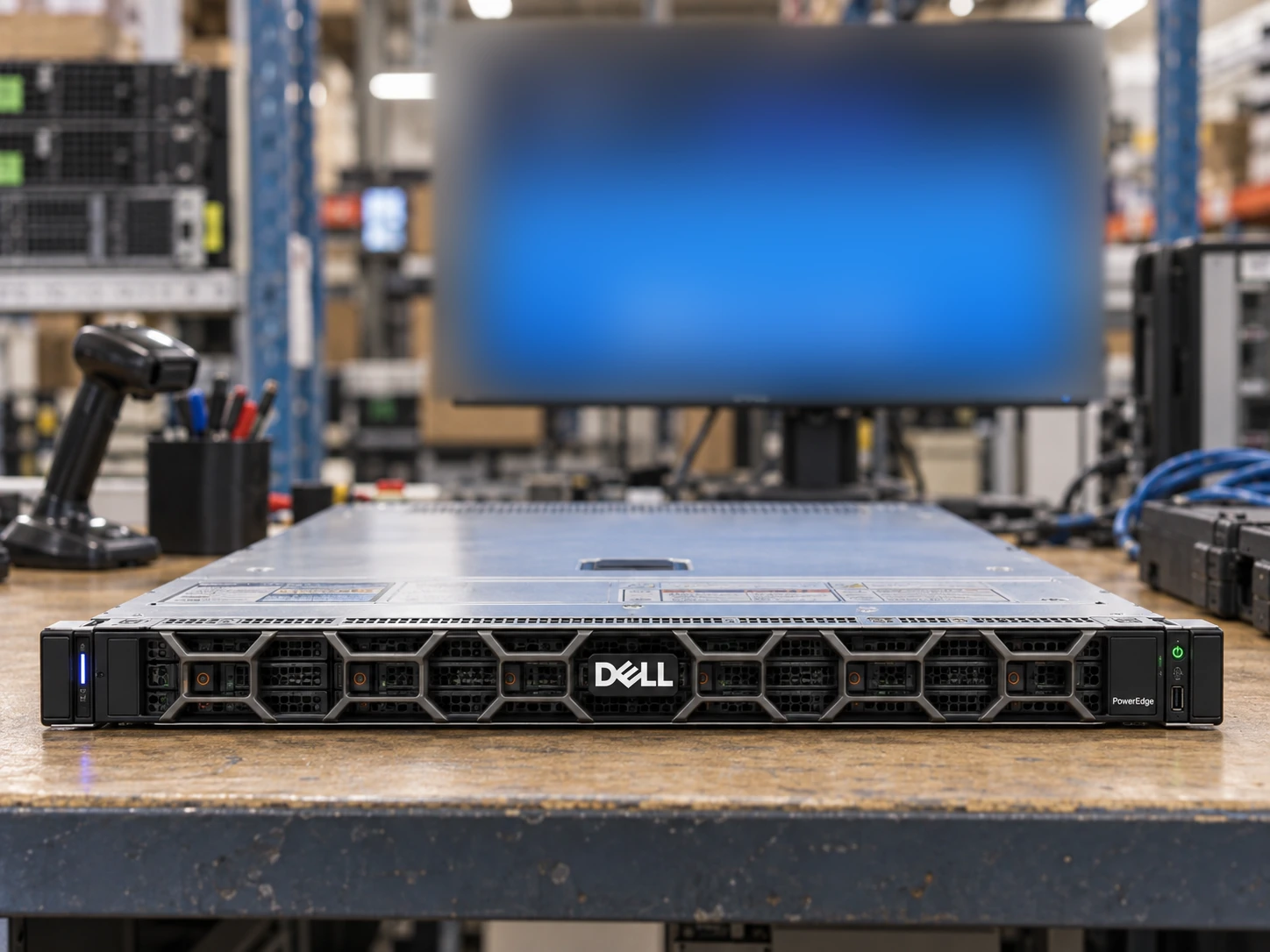
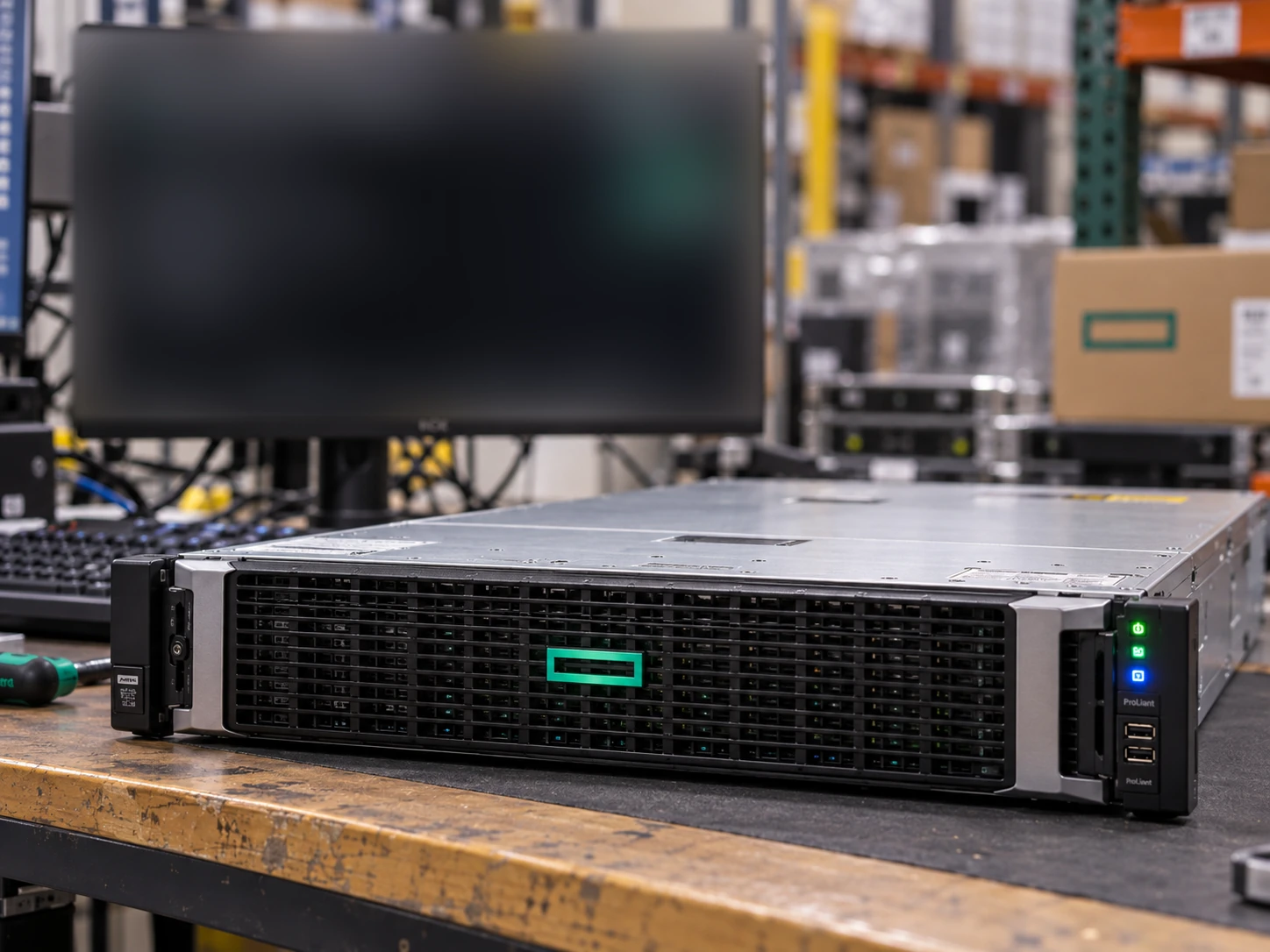
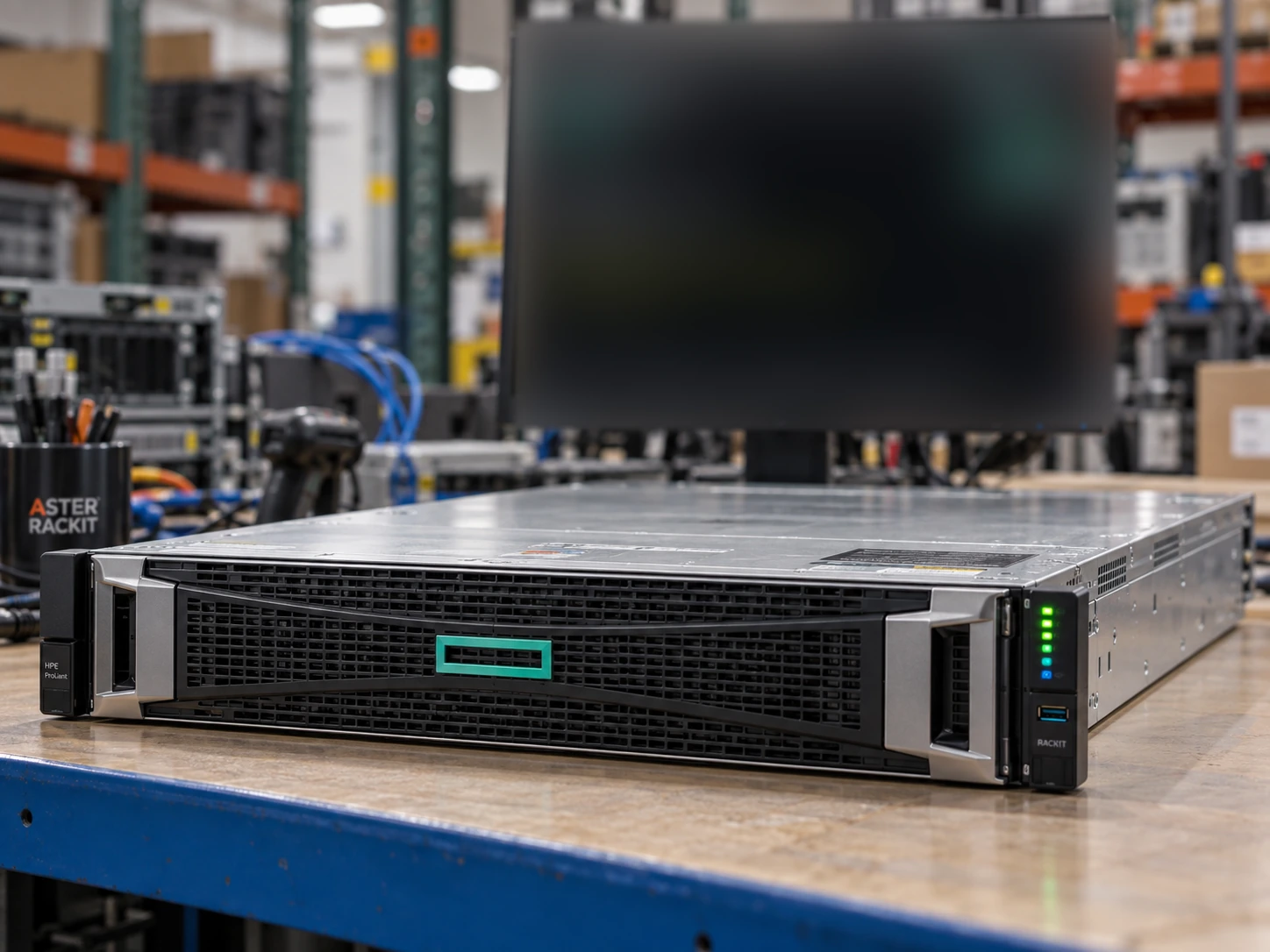
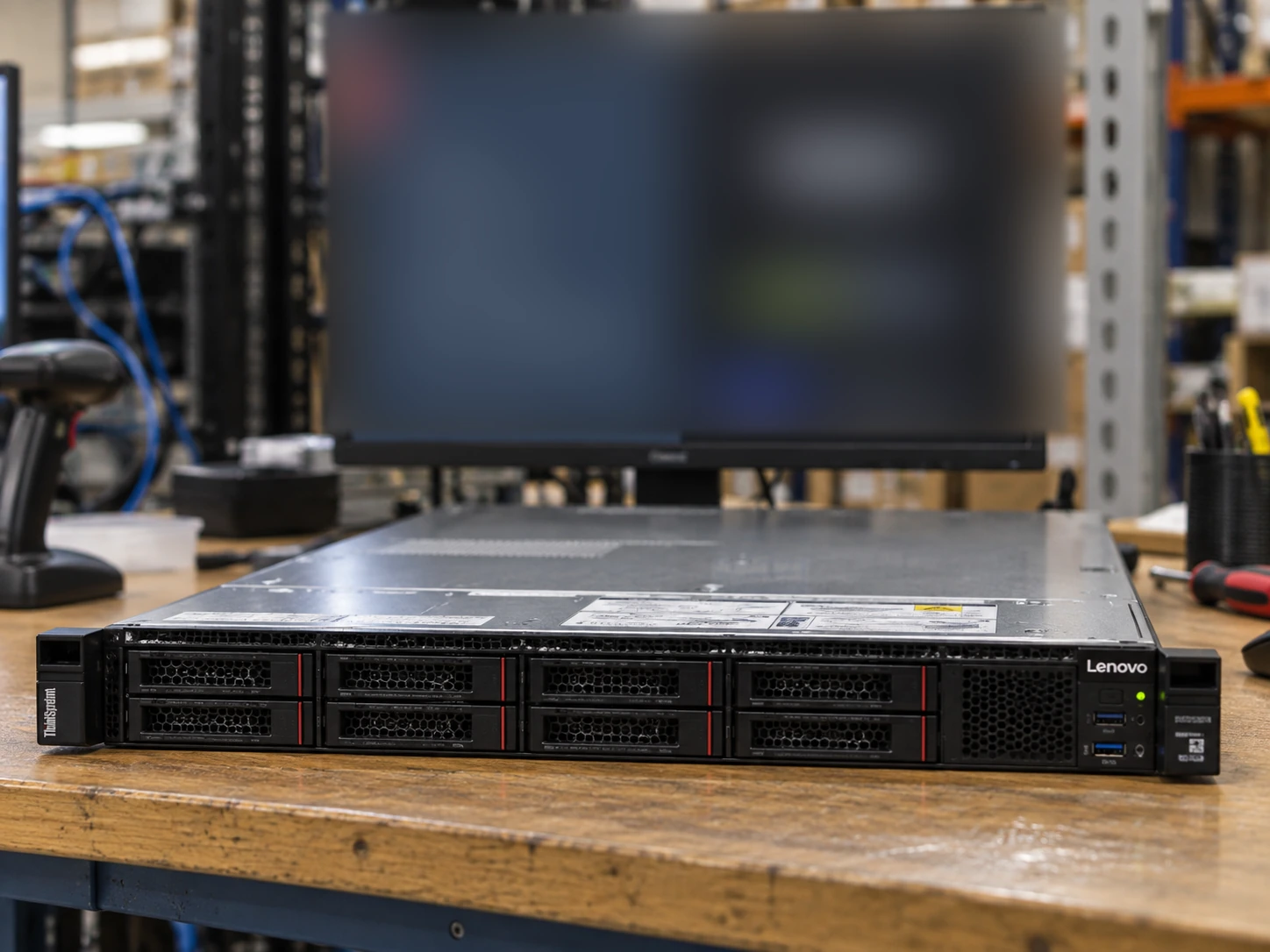
Only server scenes use background monitors. The four screen styles follow the supplied visual references with heavy defocus. Exact chassis, drive layout, included options and test status must be confirmed separately. Read the image standard →
Discuss your requirements
Share the model list, quantities, destination and any special packing requirements so the team can prepare an appropriate offer.
Ask for anti-static protection and appropriate cushioning.
This guide adds the decisions, documents and next steps that support this page.
Delivery services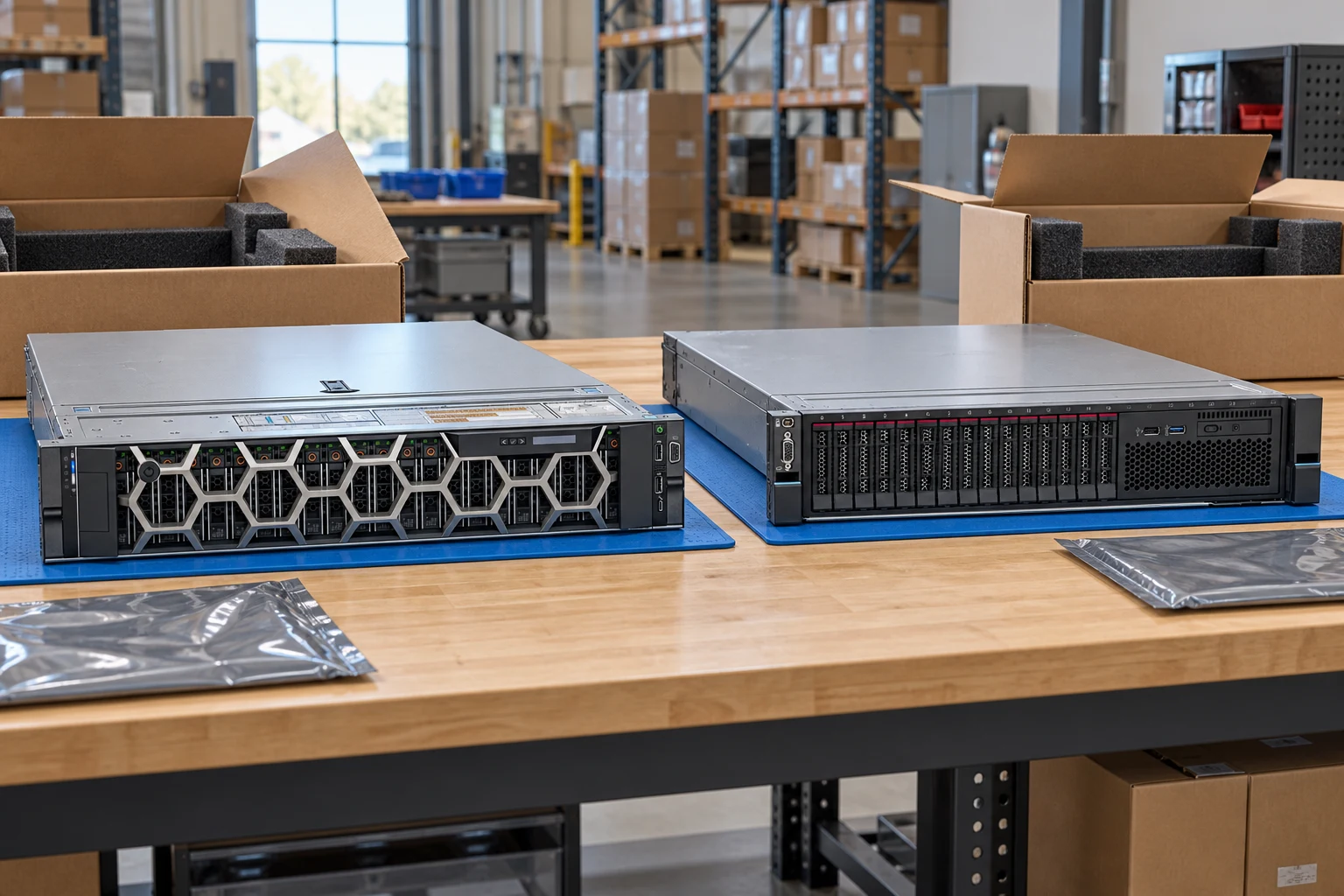
Specify rails, accessories and protection for chassis corners.
Delivery servicesUse component-appropriate protective packaging and separate accessories.
WarehousePlan pallet dimensions, loading access and delivery sequencing.
Packing checklistAsk for anti-static protection and appropriate cushioning.
Provide destination, dimensions and handling constraints.
Assign count, damage and identifier checks at arrival.
A planning sequence, not a record of completed work.
Counts show records in the site catalog. They do not represent stock, available quantities or verified compatibility.
Snapshot: 2026-09-15
| Decision | Record in your brief | Evidence to retain |
|---|---|---|
| Protective packing | Ask for anti-static protection and appropriate cushioning. | Complete identifier and source revision |
| Shipment data | Provide destination, dimensions and handling constraints. | Platform document or written clarification |
| Receiving checks | Assign count, damage and identifier checks at arrival. | Offered-unit details and agreed scope |
Tick items as you prepare them. This is your personal checklist, not a hardware validation.
Saved in this browser when local storage is available.
Reference-based generated scenes; actual-unit photos are available only through an explicit unit-specific request. Related models are separate catalog records, not substitutes for the item on this page.
Continue the relevant directory or service flow.
Open resourceUse the connected tool to develop the requirement.
Open resourceRetain the supporting reference with your project brief.
Open resourceDestination and contact confirmed · Packaging requirements recorded · Accessory list reconciled · Receiving checklist assigned.