PRODUCT FAMILYStorage arrays & expansion
Browse storage arrays & expansion by manufacturer and exact identifier. This directory separates technical identity from commercial stock. Filter the evidence depth, compare recorded fields and carry a shortlist into your quotation draft.
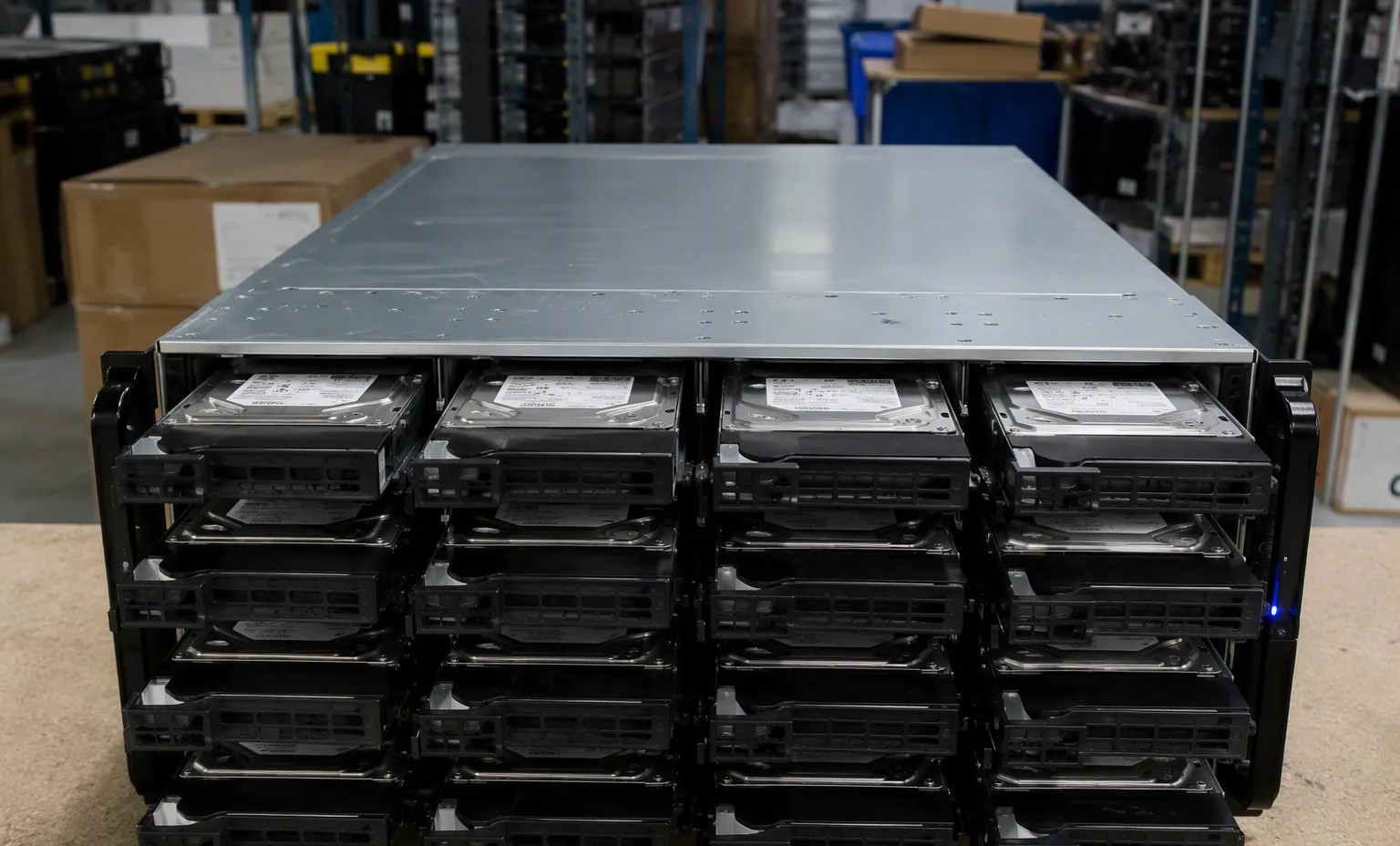
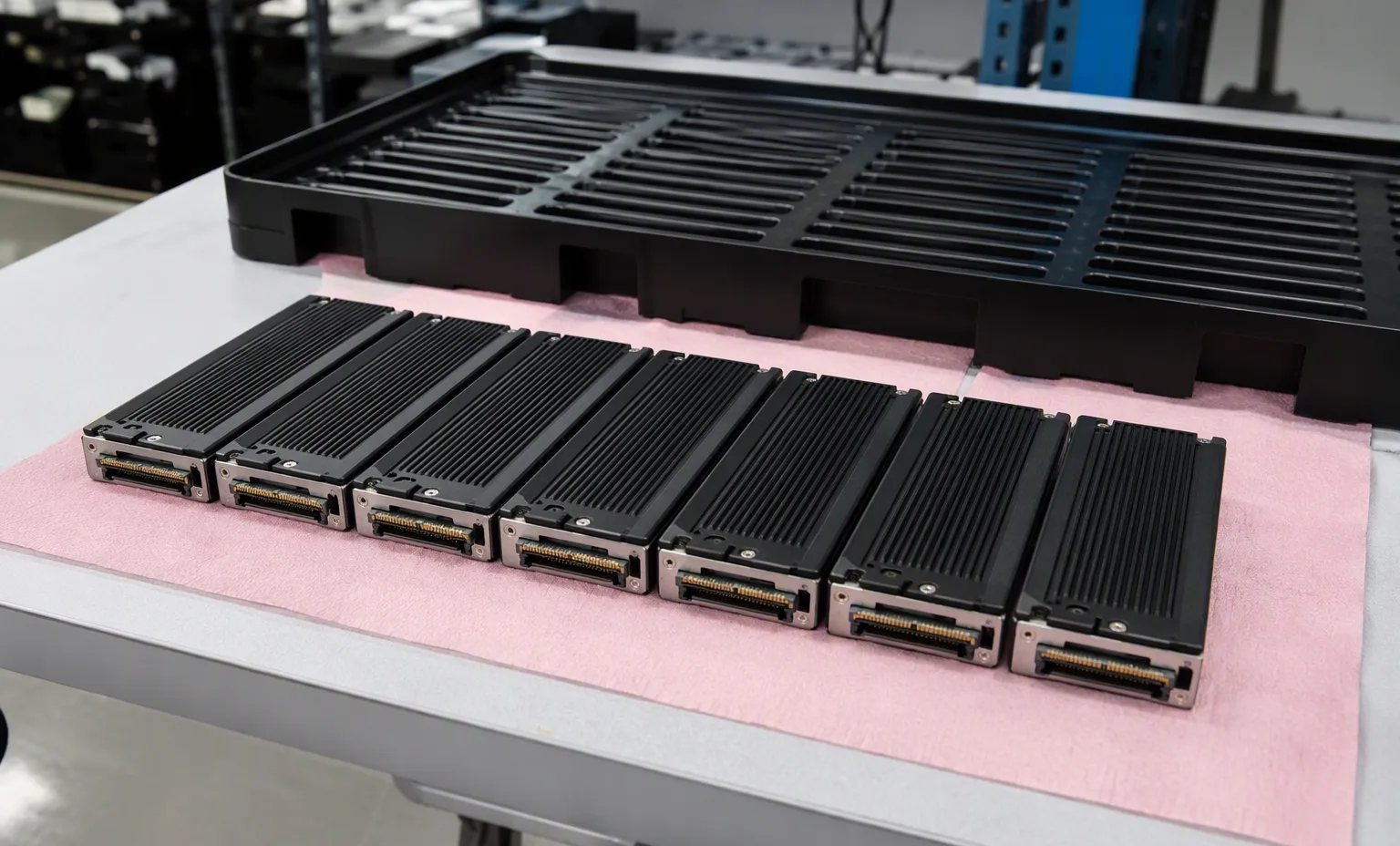
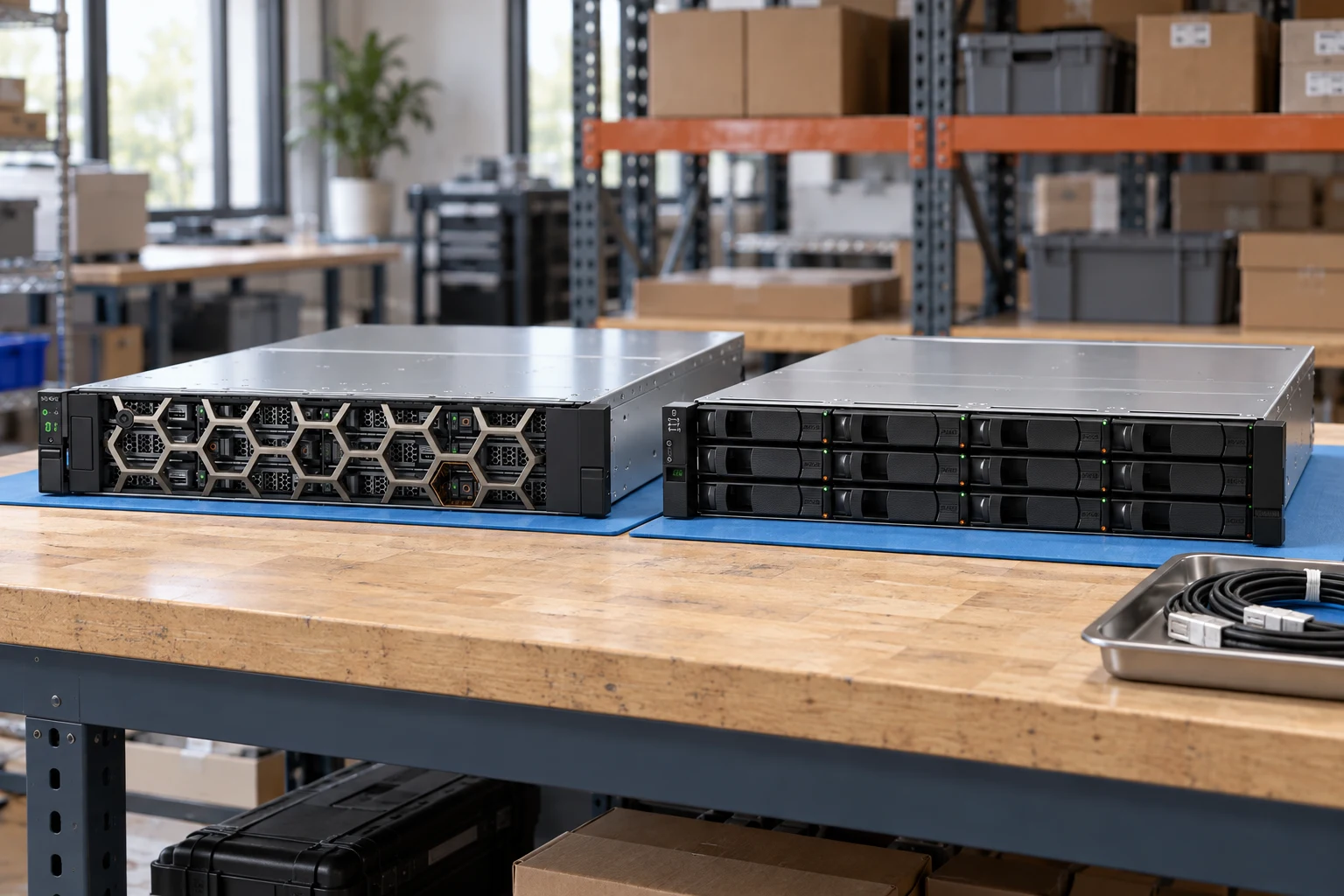
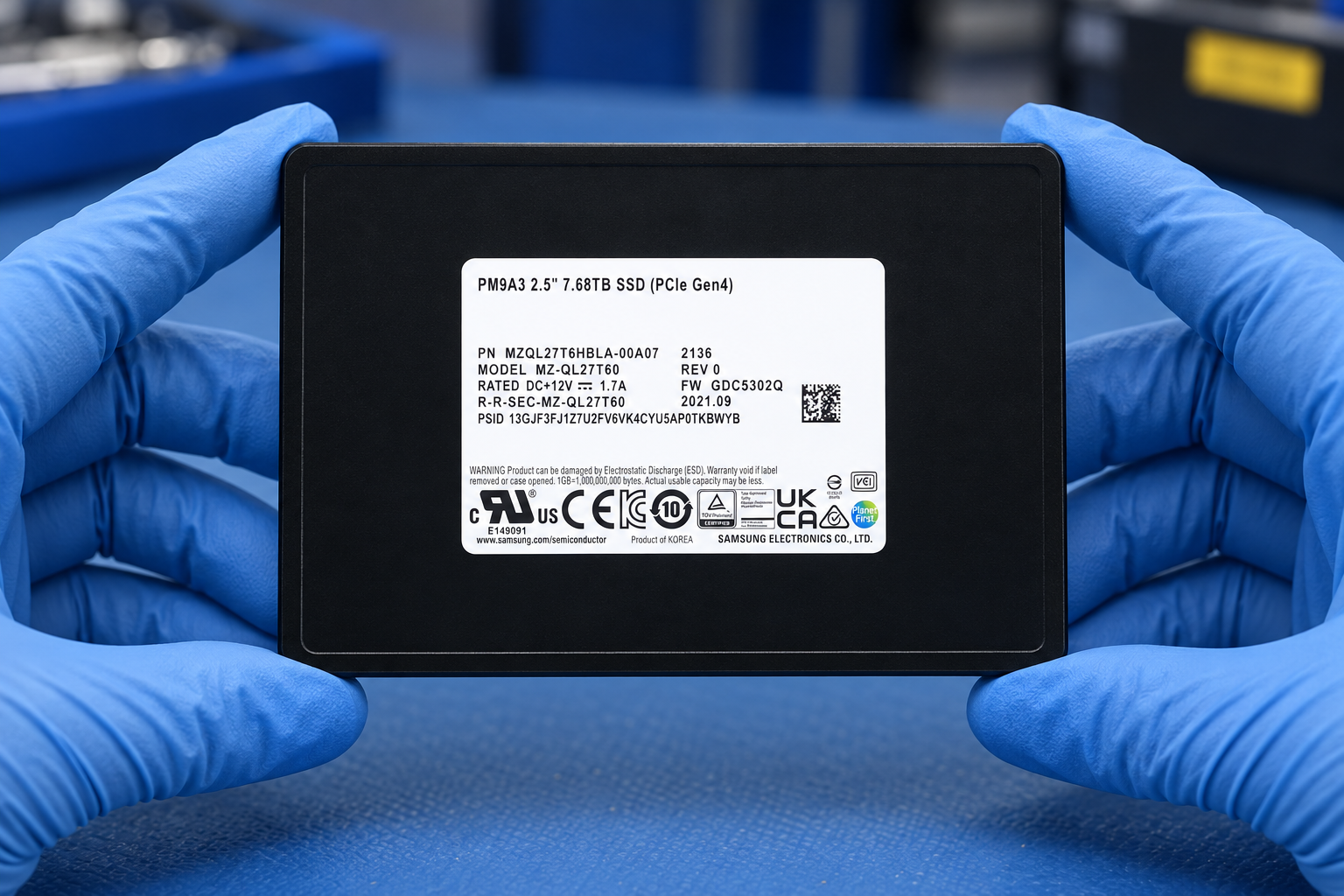
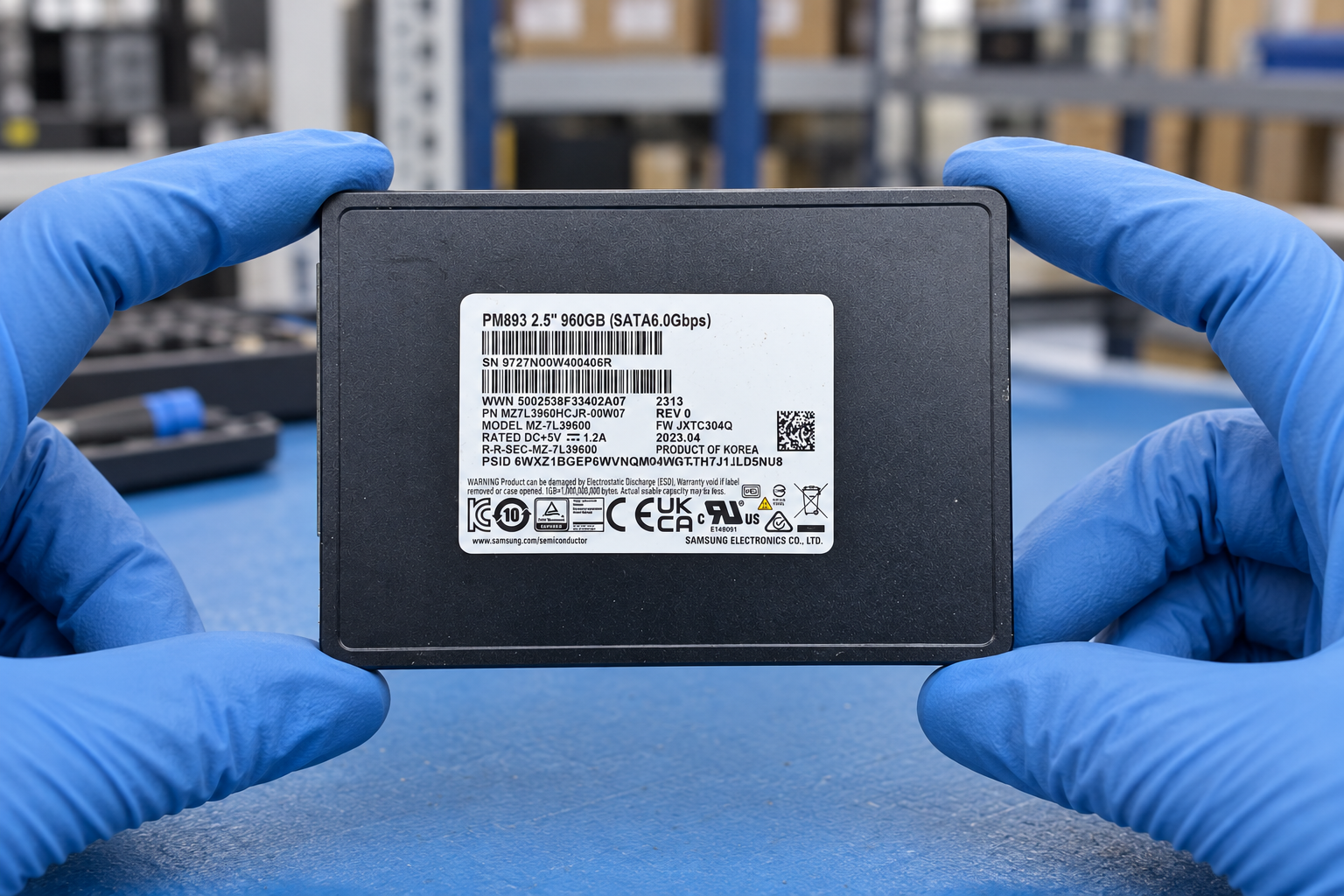
Storage visual reference library
104 reference scenes covering systems and shelves, enterprise HDD, SATA/SAS SSD, NVMe, tape, SAN switching, RAID controllers and parts — front and rear panels included.
Open the storage scene library →Typical deployment contexts
Common project contexts where buyers request this storage arrays & expansion. Contexts inform the inquiry — they are not compatibility claims.
01
SAN capacity expansion
02
Backup target refresh
03
Storage virtualization projects
Lenovomodel
ThinkSystem DE4000HLenovo ThinkSystem DE4000H — Storage arrays & expansion
- Lifecycle
- Official product guide marked withdrawn
- Controller enclosures
- 2U24 SFF, 2U12 LFF or 4U60 LFF
- Controller memory
- Two controllers; 8GB or 32GB each, depending on model
OEM fields reviewed · see remaining checks
GIGABYTEmodel
CMT4032GIGABYTE CMT4032 — Storage arrays & expansion
- Ports
- 2 x M.2 sockets: - M-key - PCIe Gen3 x4 [1] - Support 2280/22110 cards [1] Only support NVMe SSDs.
- Controller
- N/A
- Interface
- PCIe x8 (Gen3 x8)
Inherited technical record
GIGABYTEmodel
CMT4034GIGABYTE CMT4034 — Storage arrays & expansion
- Ports
- 4 x M.2 sockets: - M-key - PCIe Gen3 x4 [1] - Support 2280/22110 cards [1] Only support NVMe SSDs.
- Controller
- N/A
- Interface
- PCIe x16 (Gen3 x16)
Inherited technical record
Dellexact model
PowerVault ME4012Dell PowerVault ME4012 — Storage systems
- OEM review · chassis
- 2U controller enclosure
- OEM review · driveBays
- Twelve 3.5-inch bays; supported carriers permit 2.5-inch media
- OEM review · memory
- 8 GB per controller in the reviewed specification sheet
OEM fields reviewed · see remaining checks
Dellcatalog label
Dell 72WKY-LOW P — DELL PCIE To M.2 Boss Adapter Card - Boot Optimized Storage Subsystem PCI-E X8 ( 2 ) Two M.2 KEY M Slots ( 2280 / 22110 Not Compatible )Dell Dell 72WKY-LOW P — DELL PCIE To M.2 Boss Adapter Card - Boot Optimized Storage Subsystem PCI-E X8 ( 2 ) Two M.2 KEY M Slots ( 2280 / 22110 Not Compatible ) — Storage arrays & expansion
- Title-derived · storage/interface
- M.2
- Title-derived · form factor
- 2280, 22110
- Title-derived · controller/bus
- PCIE
Title-derived fields · unverified
Dellcatalog label
Dell 7HYY4-HIGH P — DELL PCIE To M.2 Boss-S1 Adapter Card - Boot Optimized Storage Subsystem BOSS1 / Boss-S1v5 PCI-E X8 ( 2 ) Two M.2 KEY M Interface ( 2280 / 22110 Not Compatible ) - ( Assy, Crd, Ctl, Boss.s1v5, SATA, Fh )Dell Dell 7HYY4-HIGH P — DELL PCIE To M.2 Boss-S1 Adapter Card - Boot Optimized Storage Subsystem BOSS1 / Boss-S1v5 PCI-E X8 ( 2 ) Two M.2 KEY M Interface ( 2280 / 22110 Not Compatible ) - ( Assy, Crd, Ctl, Boss.s1v5, SATA, Fh ) — Storage arrays & expansion
- Title-derived · storage/interface
- M.2, SATA
- Title-derived · form factor
- 2280, 22110
- Title-derived · controller/bus
- PCIE
Title-derived fields · unverified
Dellcatalog label
Dell 7HYY4-LOW P — DELL PCIE To M.2 Boss Adapter Card - Boot Optimized Storage Subsystem PCI-E X8 ( 2 ) Two M.2 KEY M Interface ( 2280 / 22110 Not Compatible )Dell Dell 7HYY4-LOW P — DELL PCIE To M.2 Boss Adapter Card - Boot Optimized Storage Subsystem PCI-E X8 ( 2 ) Two M.2 KEY M Interface ( 2280 / 22110 Not Compatible ) — Storage arrays & expansion
- Title-derived · storage/interface
- M.2
- Title-derived · form factor
- 2280, 22110
- Title-derived · controller/bus
- PCIE
Title-derived fields · unverified
Dellcatalog label
Dell K4D64-LOW P — DELL PCIE To M.2 Boss Adapter Card - Boot Optimized Storage Subsystem PCI-E X8 ( 2 ) Two M.2 KEY M Interface ( 2280 / 22110 )Dell Dell K4D64-LOW P — DELL PCIE To M.2 Boss Adapter Card - Boot Optimized Storage Subsystem PCI-E X8 ( 2 ) Two M.2 KEY M Interface ( 2280 / 22110 ) — Storage arrays & expansion
- Title-derived · storage/interface
- M.2
- Title-derived · form factor
- 2280, 22110
- Title-derived · controller/bus
- PCIE
Title-derived fields · unverified
Dellcatalog label
Dell WKRJC-HIGH P — DELL PCIE To M.2 Boss-S1 Adapter Card - Boot Optimized Storage Subsystem BOSS1 / Boss-S1v5 PCI-E X8 ( 2 ) Two M.2 KEY M Interface ( 2280 / 22110 Not Compatible ) - ( Mod, Crd, Ctl, BOSS3, SATA, Hwr, Fh )Dell Dell WKRJC-HIGH P — DELL PCIE To M.2 Boss-S1 Adapter Card - Boot Optimized Storage Subsystem BOSS1 / Boss-S1v5 PCI-E X8 ( 2 ) Two M.2 KEY M Interface ( 2280 / 22110 Not Compatible ) - ( Mod, Crd, Ctl, BOSS3, SATA, Hwr, Fh ) — Storage arrays & expansion
- Title-derived · storage/interface
- M.2, SATA
- Title-derived · form factor
- 2280, 22110
- Title-derived · controller/bus
- PCIE
Title-derived fields · unverified
GIGABYTEmodel
CMT40A0GIGABYTE CMT40A0 — Storage arrays & expansion
- Host interface
- PCIe x8 (Gen5 x8)
- Dimensions (mm)
- 68.9 x 150 mm
- Card format
- Low-Profile card
Inherited technical record
GIGABYTEmodel
CMTP1C2GIGABYTE CMTP1C2 — Storage arrays & expansion
- Host interface
- PCIe x16 (Gen5 x16)
- Dimensions (mm)
- 111.15 x 234 mm
- Card format
- Full-Height Full-Length card
Inherited technical record
Dellpart number
3DJRJDell 3DJRJ — Storage arrays & expansion
- Title-derived · storage/interface
- SAS
Title-derived fields · unverified
Frequently asked questions
What does the Storage arrays & expansion family cover?
Browse storage arrays & expansion by manufacturer and exact identifier. This directory separates technical identity from commercial stock. Filter the evidence depth, compare recorded fields and carry a shortlist into your quotation draft.
What should I check before buying storage arrays & expansion?
Key review points: Record controllers, host interface, redundancy, expansion shelves and the firmware scope.; Separate raw capacity, mathematically RAID-adjusted capacity and application-usable capacity in the proposal.; Match drives and carriers to the storage system qualification rules. General server compatibility is not storage-array qualification..
What evidence should I request with a quotation?
Front bays · Rear controllers · Drive labels · Expansion cables · Actual component inventory. No image identifies the exact offered unit.