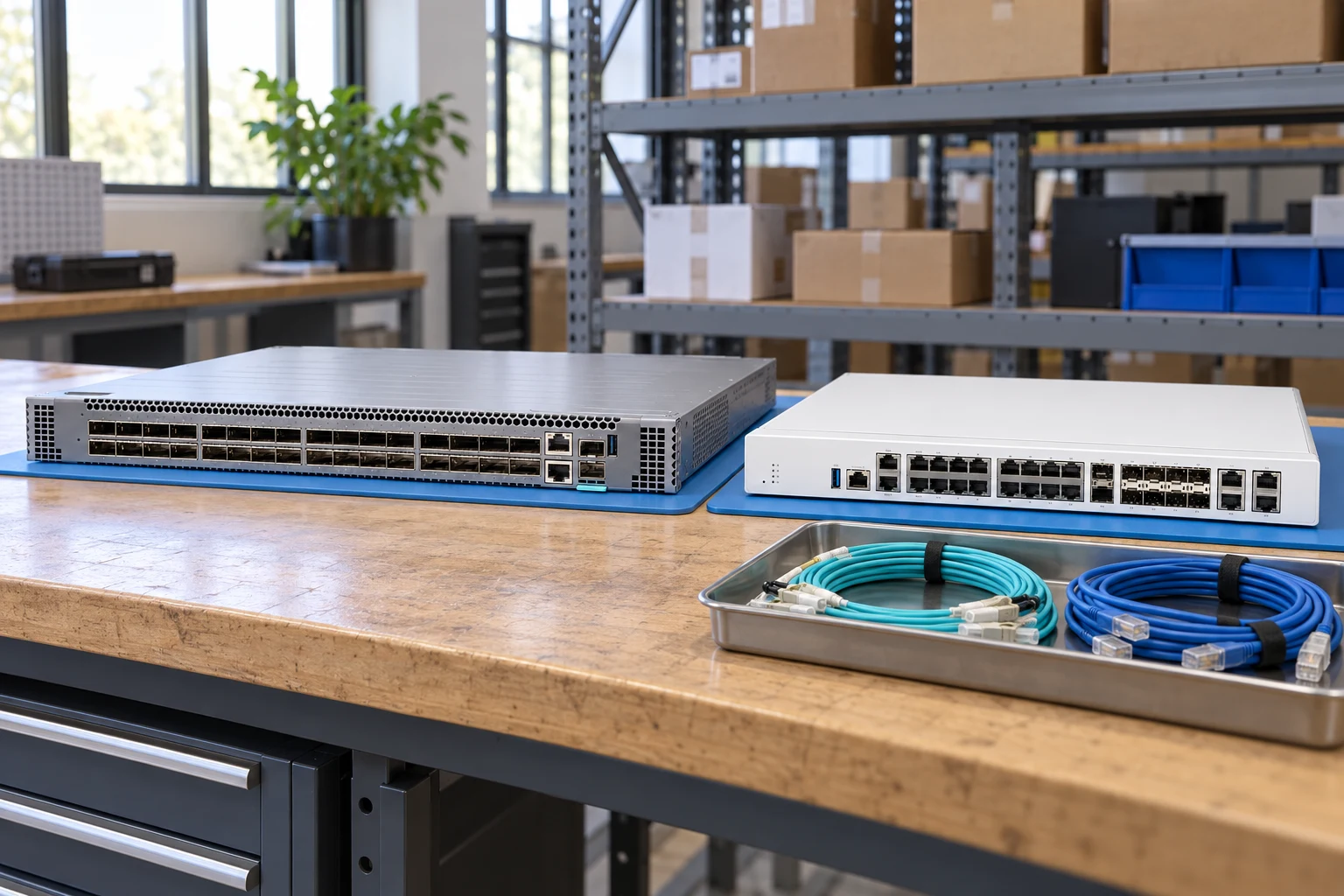
PRODUCT FAMILYNetwork platforms
Browse network platforms by manufacturer and exact identifier. This directory separates technical identity from commercial stock. Filter the evidence depth, compare recorded fields and carry a shortlist into your quotation draft.
Typical deployment contexts
Common project contexts where buyers request this network platforms. Contexts inform the inquiry — they are not compatibility claims.
01
Enterprise WAN refresh
02
Data-center fabric builds
03
Network virtualization projects
Junipermodel
QFX5120-48YJuniper QFX5120-48Y — Network platforms
- Access ports
- 48 SFP28 ports for 1/10/25GbE
- Uplink ports
- 8 QSFP28 ports for 40/100GbE
- Bidirectional throughput
- 4Tbps, as listed in the QFX5120 hardware overview
Inherited technical record
Junipermodel
SRX1500Juniper SRX1500 — Network platforms
- Chassis
- 1U modular chassis
- Copper networking
- Twelve 1GbE Ethernet ports
- Optical networking
- Four 1GbE SFP and four 10GbE SFP+ ports
Inherited technical record
Fortinetmodel
FortiGate 120GFortinet FortiGate 120G — Network platforms
- Product identity
- FortiGate 120G; distinguish from the 121G model
- Product class
- Next-generation firewall
- Operating platform
- FortiOS
Inherited technical record
Ciscopart number
C8200-1N-4TCisco C8200-1N-4T — Network platforms
- Connector designation
- SFP
- Title-derived · capacity / module size
- 8 GB, 16 GB
- Title-derived · storage/interface
- M.2
Inherited technical record
Ciscopart number
C8300-1N1S-4T2XCisco C8300-1N1S-4T2X — Network platforms
- Connector designation
- SFP+
- Title-derived · capacity / module size
- 8 GB, 16 GB
- Title-derived · storage/interface
- M.2
Inherited technical record
Ciscopart number
C8300-1N1S-6TCisco C8300-1N1S-6T — Network platforms
- Connector designation
- SFP
- Title-derived · capacity / module size
- 8 GB, 16 GB
- Title-derived · storage/interface
- M.2
Inherited technical record
Ciscopart number
C8300-2N2S-4T2XCisco C8300-2N2S-4T2X — Network platforms
- Connector designation
- SFP+
- Title-derived · capacity / module size
- 8GB, 16 GB
- Title-derived · storage/interface
- M.2
Inherited technical record
Ciscopart number
C8300-2N2S-6TCisco C8300-2N2S-6T — Network platforms
- Connector designation
- SFP
- Title-derived · capacity / module size
- 8 GB, 16 GB
- Title-derived · storage/interface
- M.2
Inherited technical record
Juniperpart number
EX4300-24PJuniper EX4300-24P — Network platforms
- Port count designation
- 24-port
- Connector designation
- QSFP+
- Title-derived · network rate/connector
- QSFP, DAC
Inherited technical record
Juniperpart number
EX4300-24P-TAAJuniper EX4300-24P-TAA — Network platforms
- Port count designation
- 24-port
- Connector designation
- QSFP+
- Title-derived · network rate/connector
- QSFP, DAC
Inherited technical record
Juniperpart number
EX4300-24TJuniper EX4300-24T — Network platforms
- Port count designation
- 24-port
- Connector designation
- QSFP+
- Title-derived · network rate/connector
- QSFP, DAC
Inherited technical record
Juniperpart number
EX4300-24T-TAAJuniper EX4300-24T-TAA — Network platforms
- Port count designation
- 24-port
- Connector designation
- QSFP+
- Title-derived · network rate/connector
- QSFP, DAC
Inherited technical record
Frequently asked questions
What does the Network platforms family cover?
Browse network platforms by manufacturer and exact identifier. This directory separates technical identity from commercial stock. Filter the evidence depth, compare recorded fields and carry a shortlist into your quotation draft.
What should I check before buying network platforms?
Key review points: Specify the exact switch identifier, access ports, uplinks and intended network role before selecting optics.; Record power supplies, fan direction and rack accessories as separately checkable items.; Treat software features, subscriptions and support coverage as separate from the existence of a physical port..
What evidence should I request with a quotation?
Full front port view · Rear PSU and fans · Model label · Airflow tags · Rack ears and accessories. No image identifies the exact offered unit.