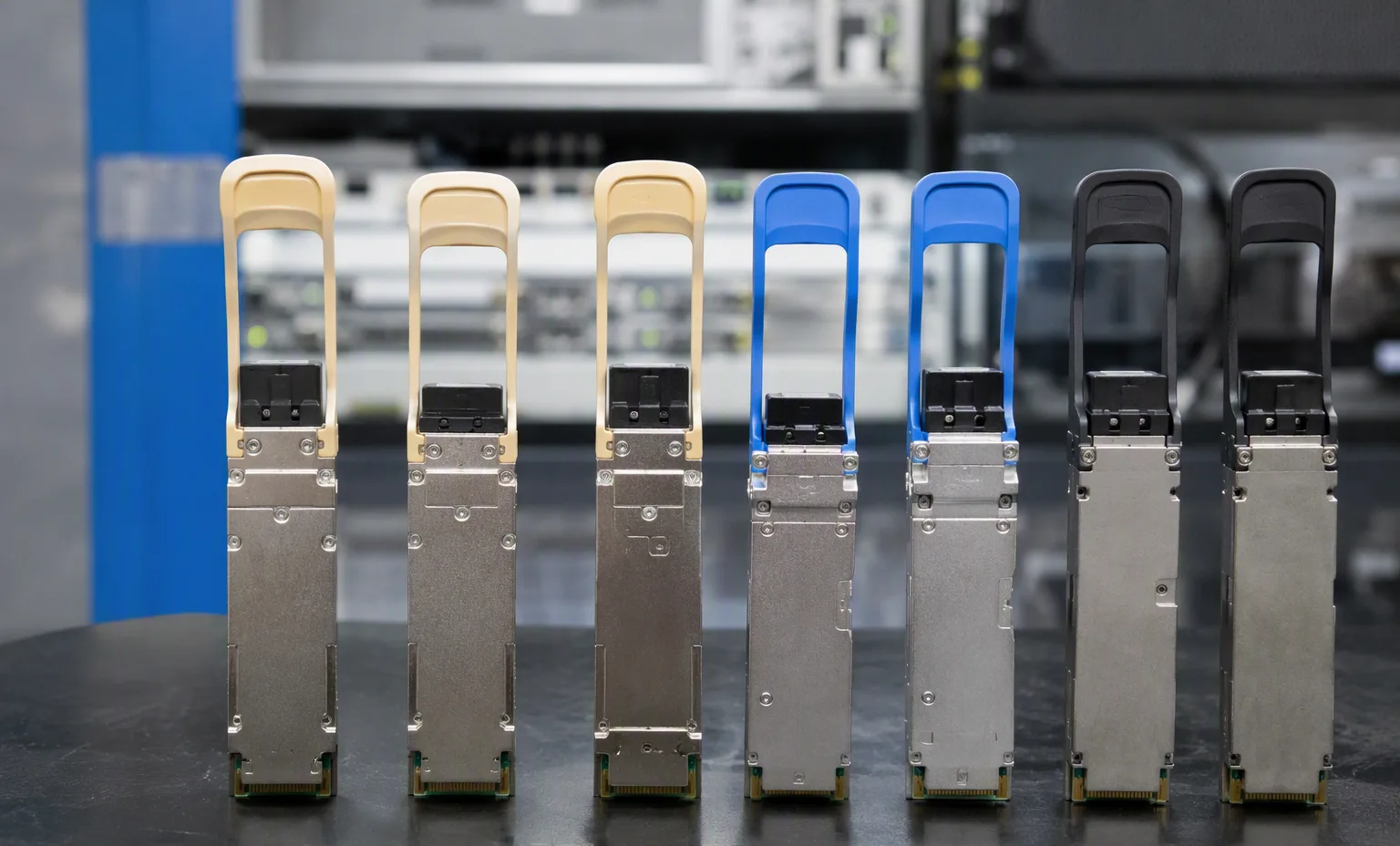
Juniperpart number
EX4400-24PJuniper EX4400-24P — Network platforms
- Port count designation
- 24-port
- Title-derived · network rate/connector
- DAC
- Title-derived · clock / cores / power
- 1050 W, 1806W
OEM catalog fields reviewed · remaining checks open
Browse network switches by manufacturer and exact identifier. This directory separates technical identity from commercial stock. Filter the evidence depth, compare recorded fields and carry a shortlist into your quotation draft.
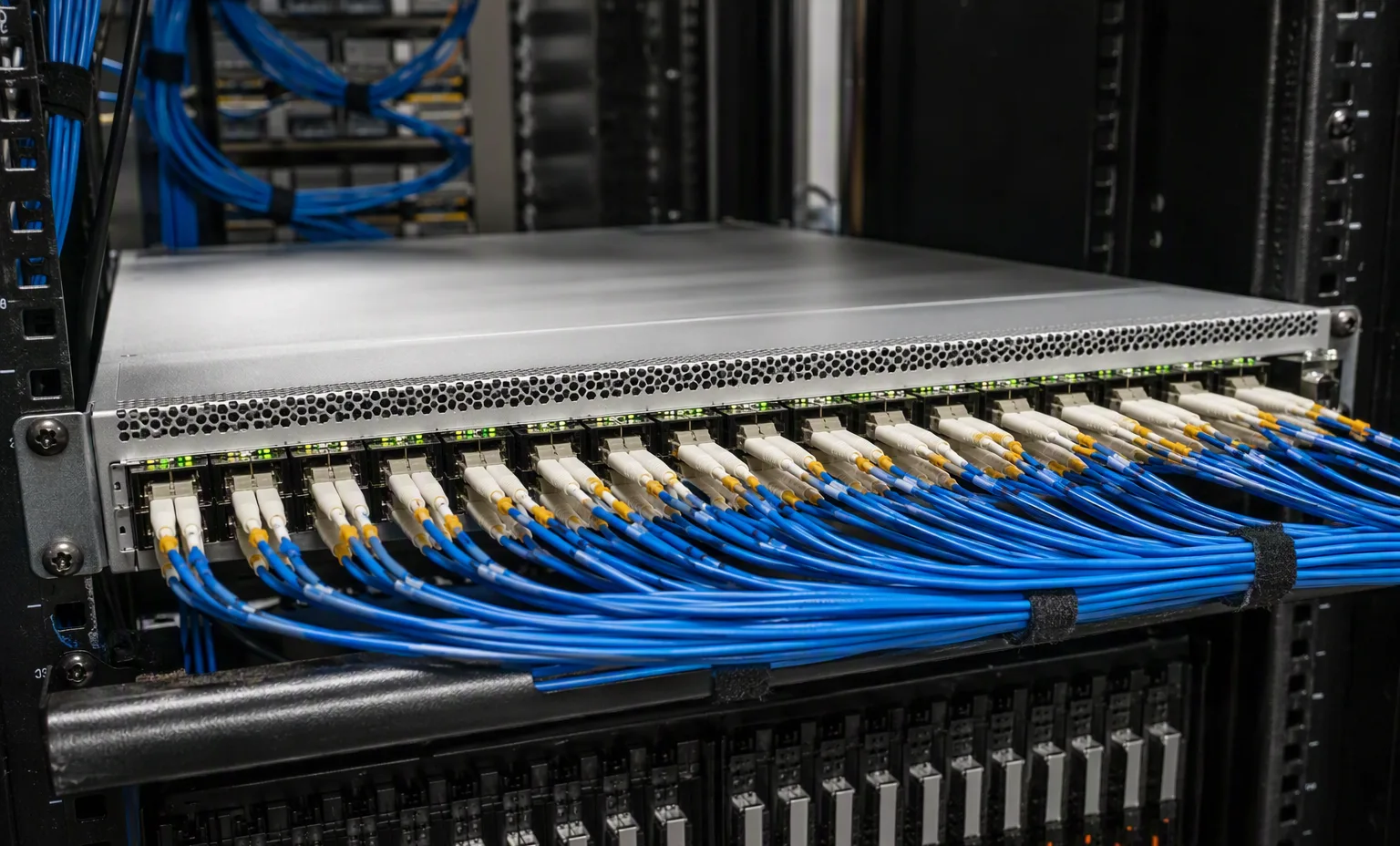
Common project contexts where buyers request this network switches. Contexts inform the inquiry — they are not compatibility claims.
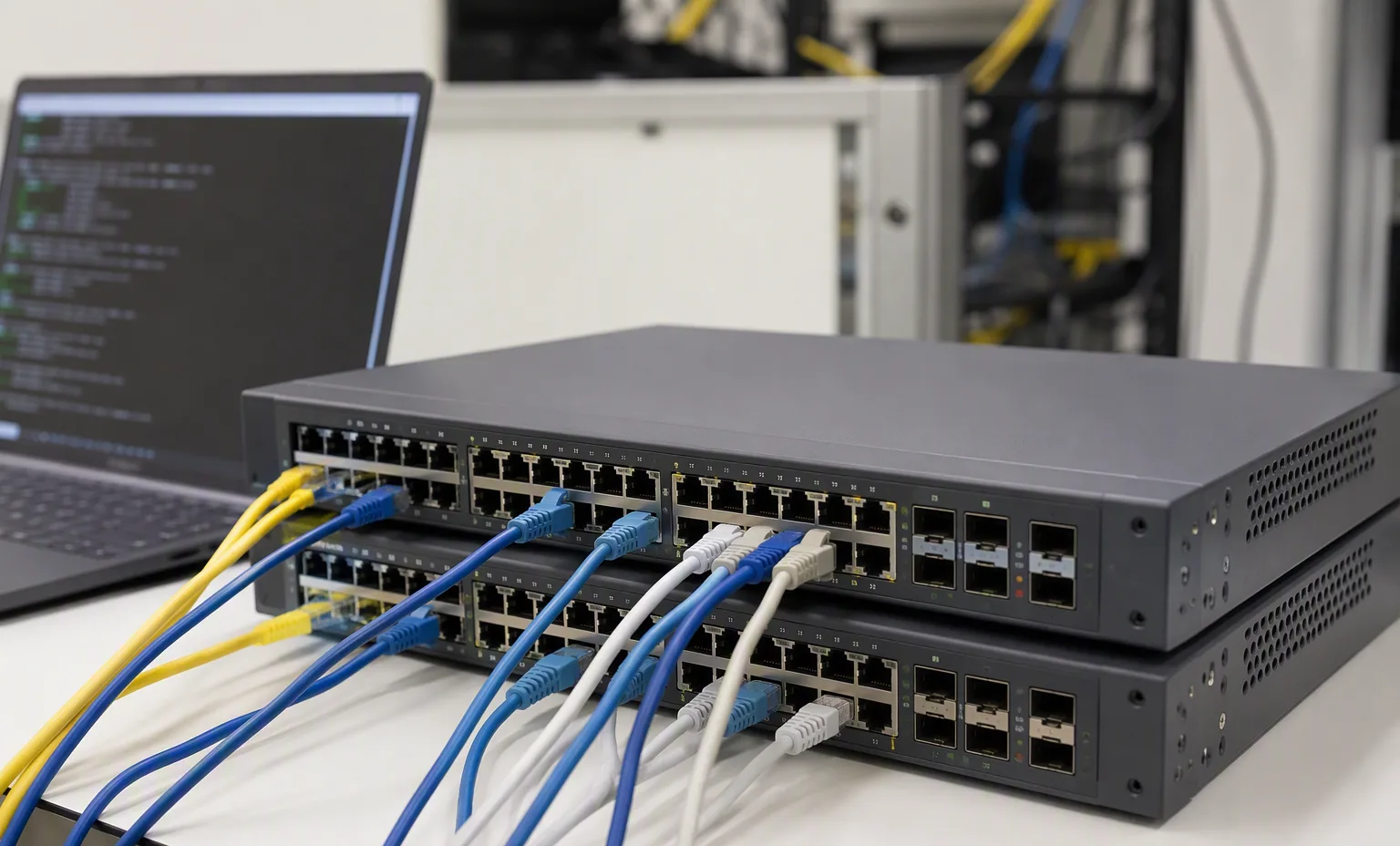
Juniper EX4400-24P — Network platforms
OEM catalog fields reviewed · remaining checks open
Juniper EX4400-24MP — Network platforms
OEM catalog fields reviewed · remaining checks open
Cisco C9200-24T-A — Network switches
OEM catalog fields reviewed · remaining checks open
Cisco C9200-48T-A — Network switches
OEM catalog fields reviewed · remaining checks open
Cisco C9300-24S-A — Network platforms
OEM catalog fields reviewed · remaining checks open
Cisco C9300-24S-E — Network platforms
OEM catalog fields reviewed · remaining checks open
Cisco C9300-48S-A — Network platforms
OEM catalog fields reviewed · remaining checks open
Cisco C9300-48S-E — Network platforms
OEM catalog fields reviewed · remaining checks open
Cisco C9300L-24P-4G-A — Network platforms
OEM catalog fields reviewed · remaining checks open
Cisco C9300L-24P-4G-E — Network platforms
OEM catalog fields reviewed · remaining checks open
Cisco C9300L-24P-4X-A — Network platforms
OEM catalog fields reviewed · remaining checks open
Cisco C9300L-24P-4X-E — Network platforms
OEM catalog fields reviewed · remaining checks open
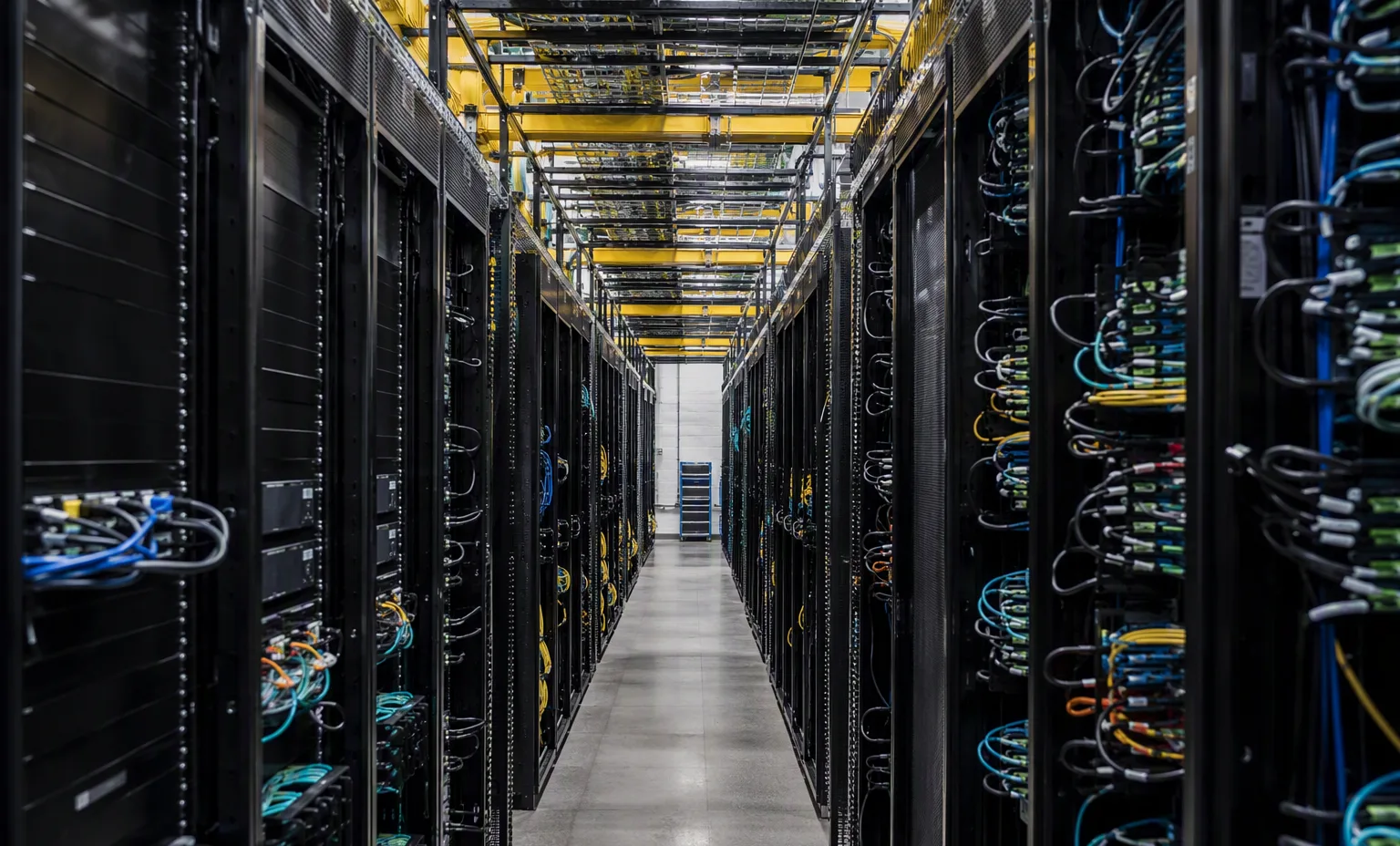
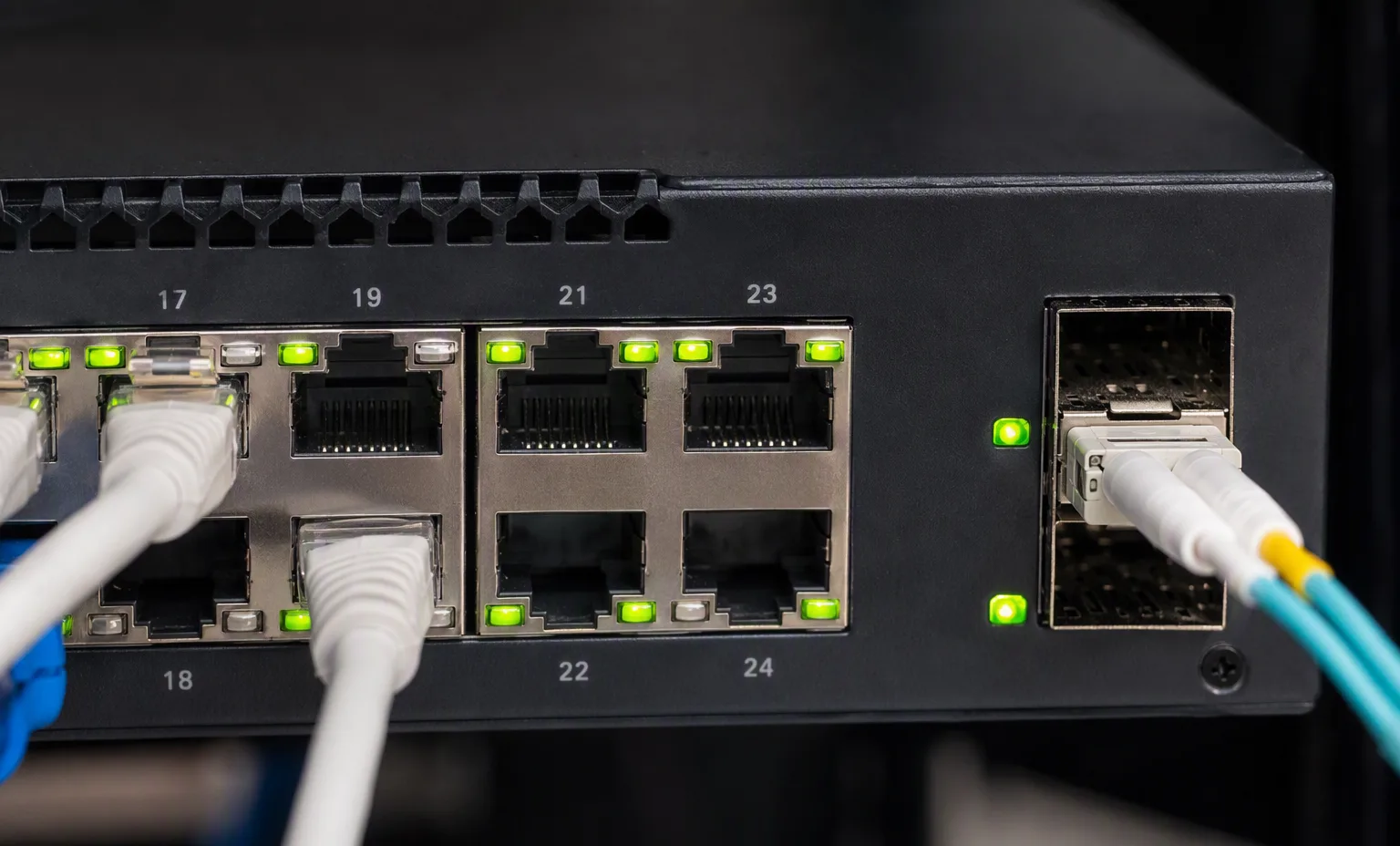
Full front port view · Rear PSU and fans · Model label · Airflow tags · Rack ears and accessories. No illustration identifies the exact offered unit.
Browse network switches by manufacturer and exact identifier. This directory separates technical identity from commercial stock. Filter the evidence depth, compare recorded fields and carry a shortlist into your quotation draft.
Key review points: Specify the exact switch identifier, access ports, uplinks and intended network role before selecting optics.; Record power supplies, fan direction and rack accessories as separately checkable items.; Treat software features, subscriptions and support coverage as separate from the existence of a physical port..
Full front port view · Rear PSU and fans · Model label · Airflow tags · Rack ears and accessories. No image identifies the exact offered unit.
Record port speeds, media type and uplink quantities.
This guide adds the decisions, documents and next steps that support this page.
Network equipment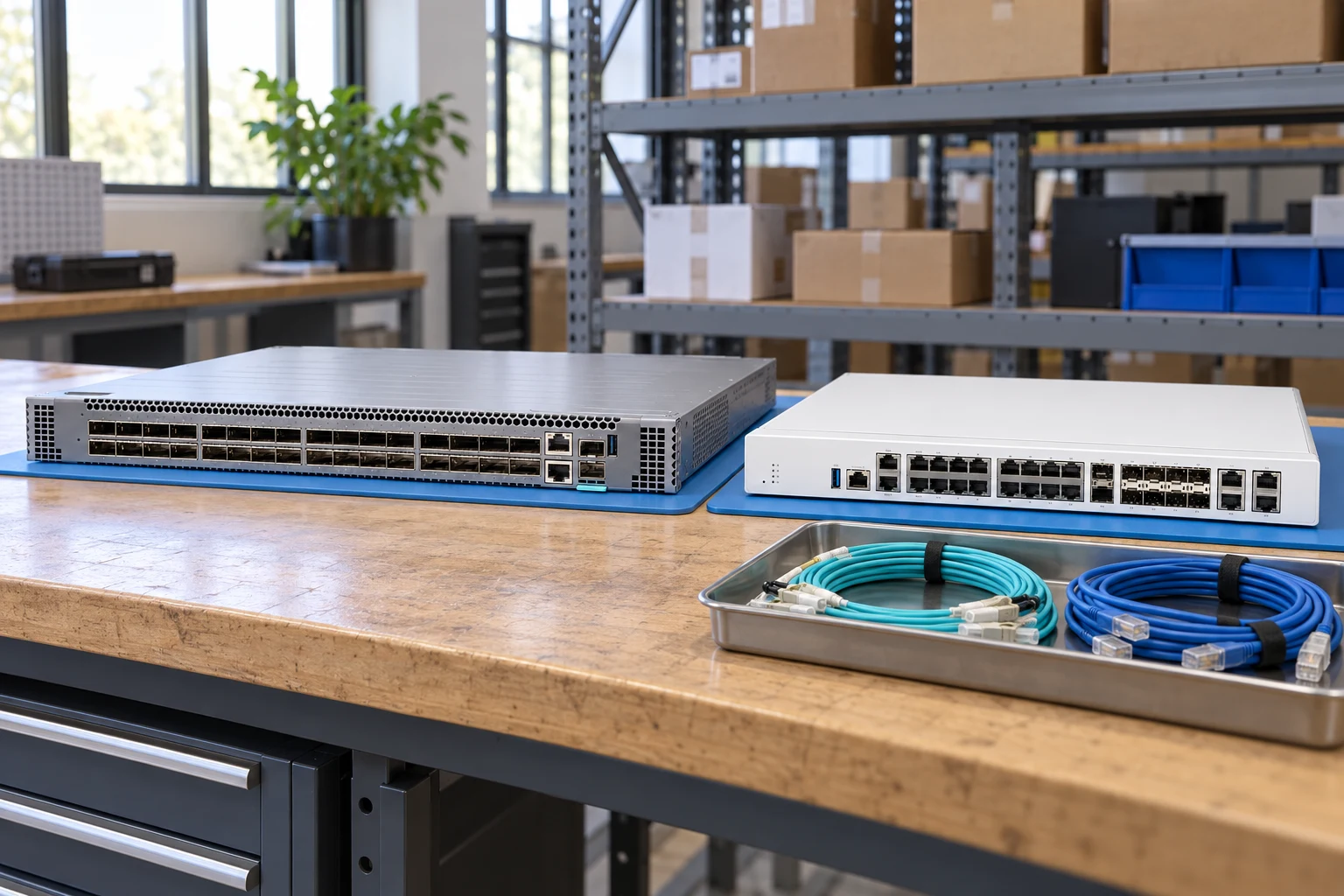
Count access ports and uplinks separately; state breakout needs.
Network equipmentSpecify interfaces, throughput test conditions and required software features.
Network plannerMatch connector, fiber, reach, wavelength and supported coding.
Network checklistRecord port speeds, media type and uplink quantities.
Match airflow direction, power supply and rack requirements.
Request license and transferability details for the exact offer.
A planning sequence, not a record of completed work.
Counts show records in the site catalog. They do not represent stock, available quantities or verified compatibility.
Snapshot: 2026-09-15
| Decision | Record in your brief | Evidence to retain |
|---|---|---|
| Port map | Record port speeds, media type and uplink quantities. | Complete identifier and source revision |
| Airflow & power | Match airflow direction, power supply and rack requirements. | Platform document or written clarification |
| Software entitlement | Request license and transferability details for the exact offer. | Offered-unit details and agreed scope |
Tick items as you prepare them. This is your personal checklist, not a hardware validation.
Saved in this browser when local storage is available.
Reference-based generated scenes; actual-unit photos are available only through an explicit unit-specific request. Related models are separate catalog records, not substitutes for the item on this page.
Continue the relevant directory or service flow.
Open resourceUse the connected tool to develop the requirement.
Open resourceRetain the supporting reference with your project brief.
Open resourcePort and uplink schedule drafted · Optics and cable ends identified · Airflow and PSU scope confirmed · Required software entitlement listed.