SamsungTechnical profile
PM1653
A SAS SSD family. Capacity, firmware and the full part number define the drive.
6 documented fieldsRead profile
Thousands of part-number records across server and data-center hardware. Search by manufacturer model, OEM option P/N, spare P/N or component category.
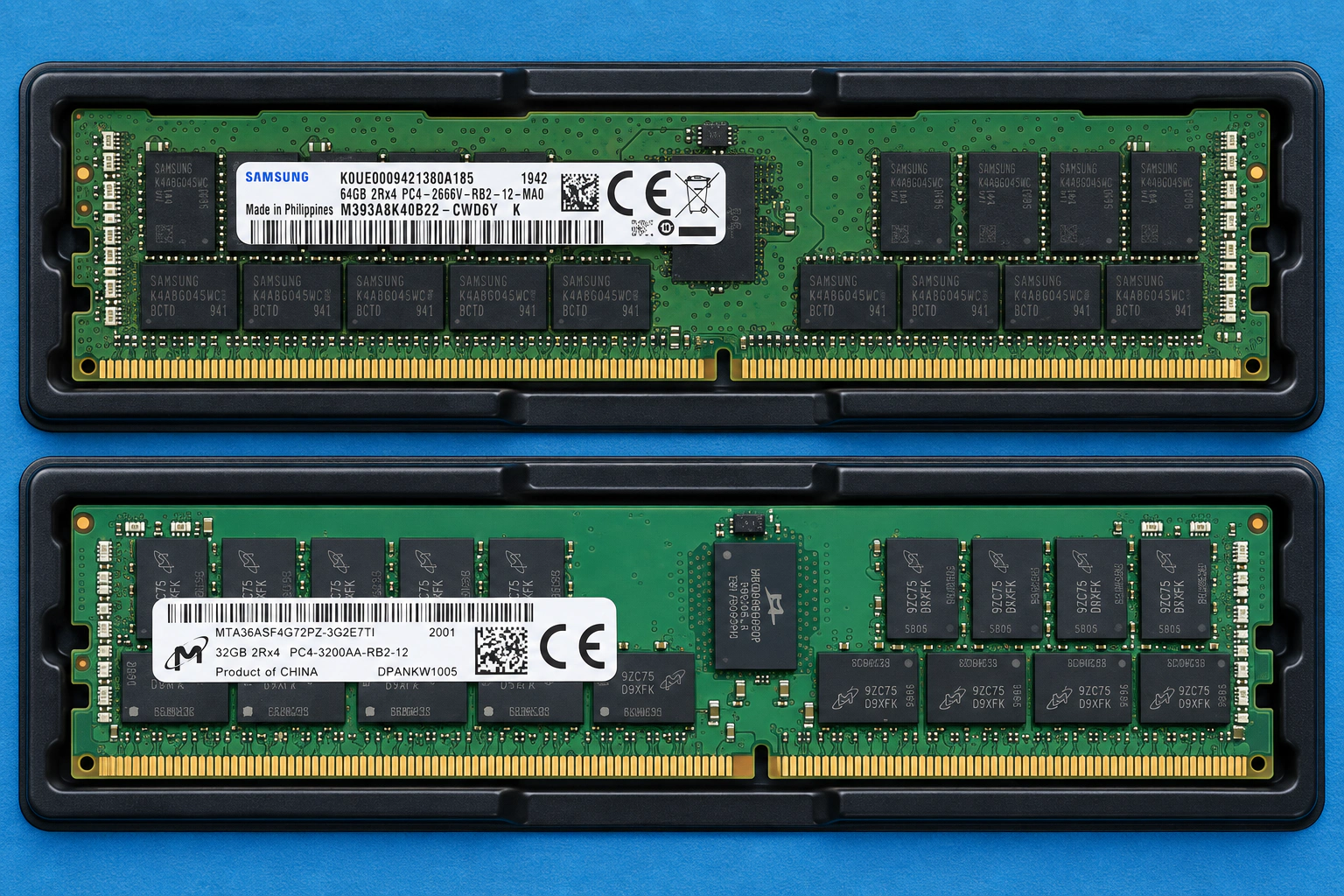
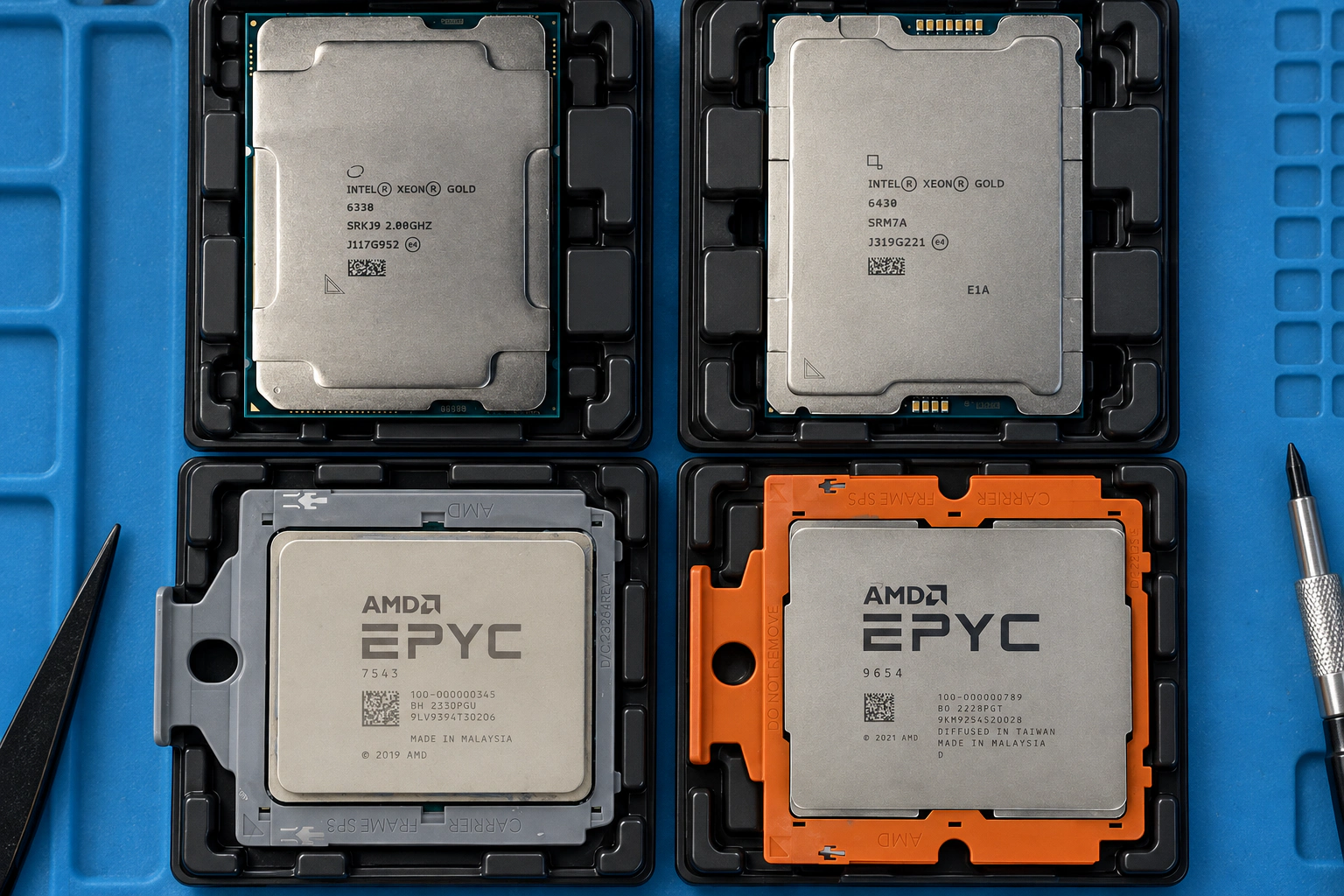
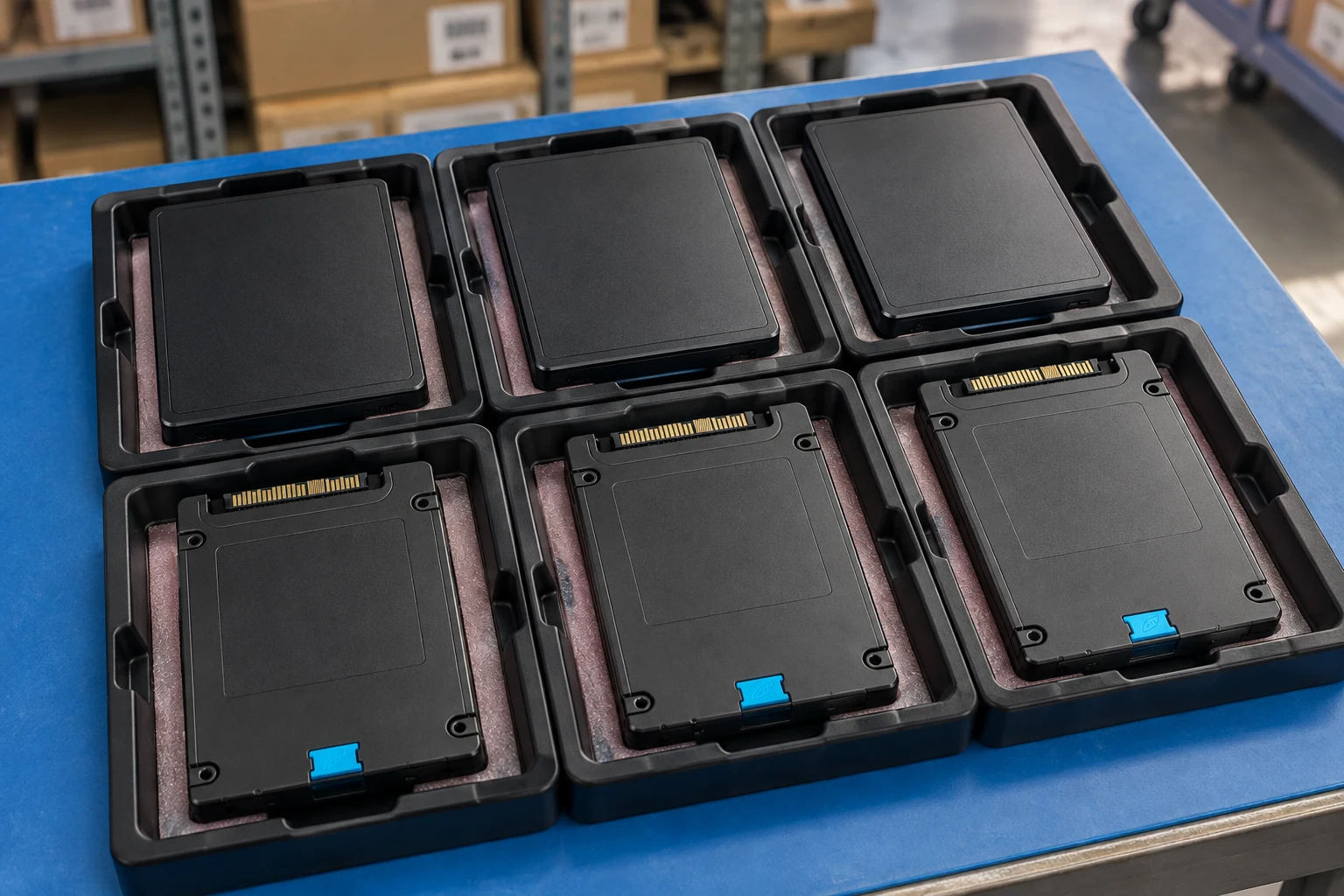
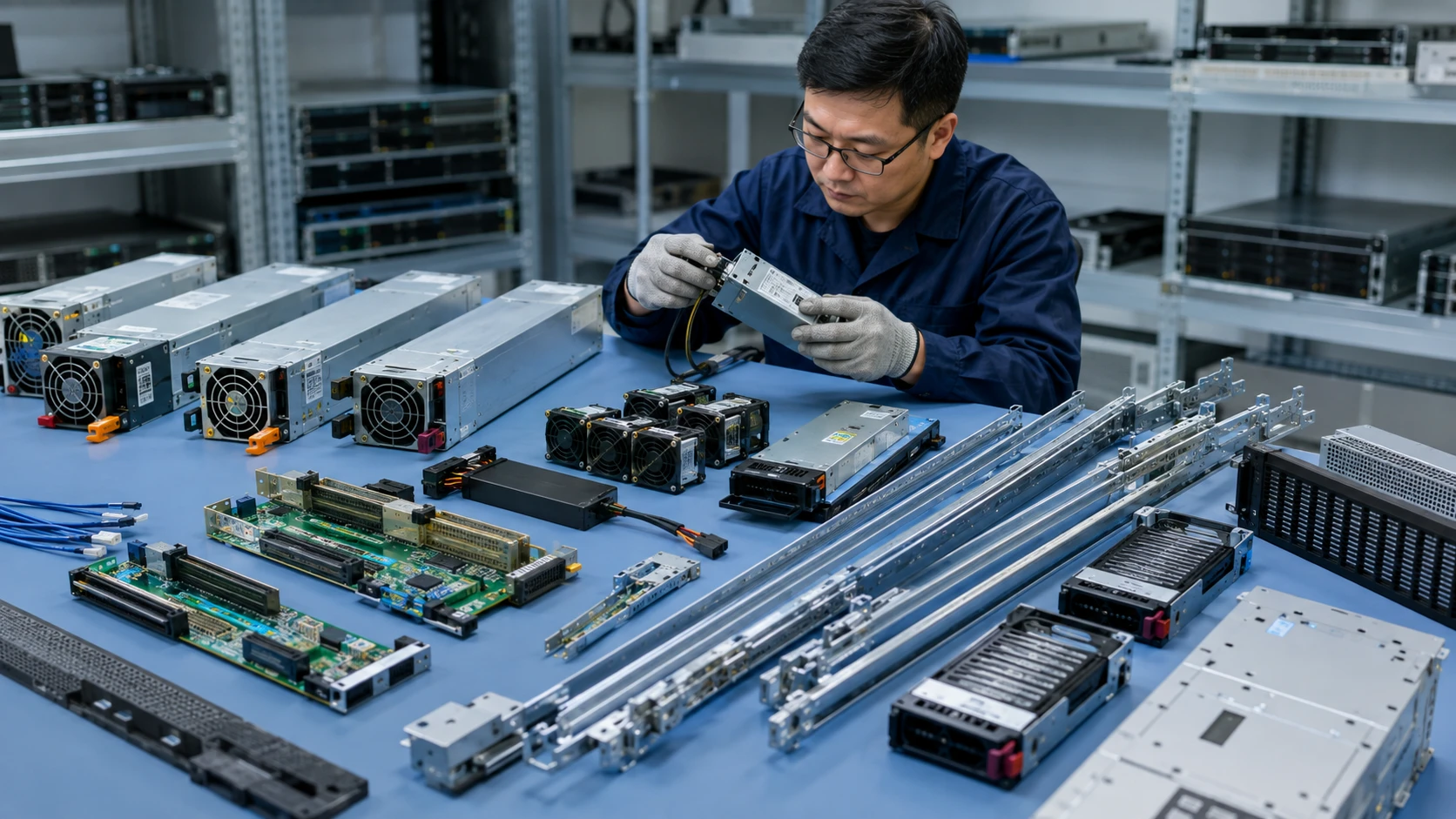
Separate manufacturer facts from configuration decisions and the condition of the offered unit.
3 reviewed profiles shown · Filters apply to this technical collection. Search the complete catalog instead →
A SAS SSD family. Capacity, firmware and the full part number define the drive.
A low-profile accelerator for qualified inference and video platforms.
Specify the Server Edition and the validated thermal implementation.
Search exact P/Ns and compatibility notes.
ExploreCore + sparesMemory, storage, controller, PSU and chassis categories.
ExploreXeon / EPYCCPU models and OEM option part numbers.
ExploreSSD / HDD / RAMEnterprise storage media and ECC memory.
ExploreVolume lotsReady-stock and wholesale component sourcing.
ExploreSpecify the CPU, population and growth path—not just the total gigabytes.
Read the guideKeep the media, backplane, controller and boot path in one specification.
Read the guideTurn a condition label into a documented, agreed acceptance scope.
Read the guideAttach a photo brief to the request for Processors, memory, SSD, HDD, RAID, NIC, GPU, PSU and spares. This is a checklist to agree, not a record that inspection has already been performed.
Ask for manufacturer and OEM part numbers, front/back views and the connector or edge contacts. Capacity, interface, form factor and intended host must match the requested component.
Record quantity, condition, firmware or hardware revision where relevant, plus representative and exception photographs. Avoid relying on one generic image for a mixed lot.
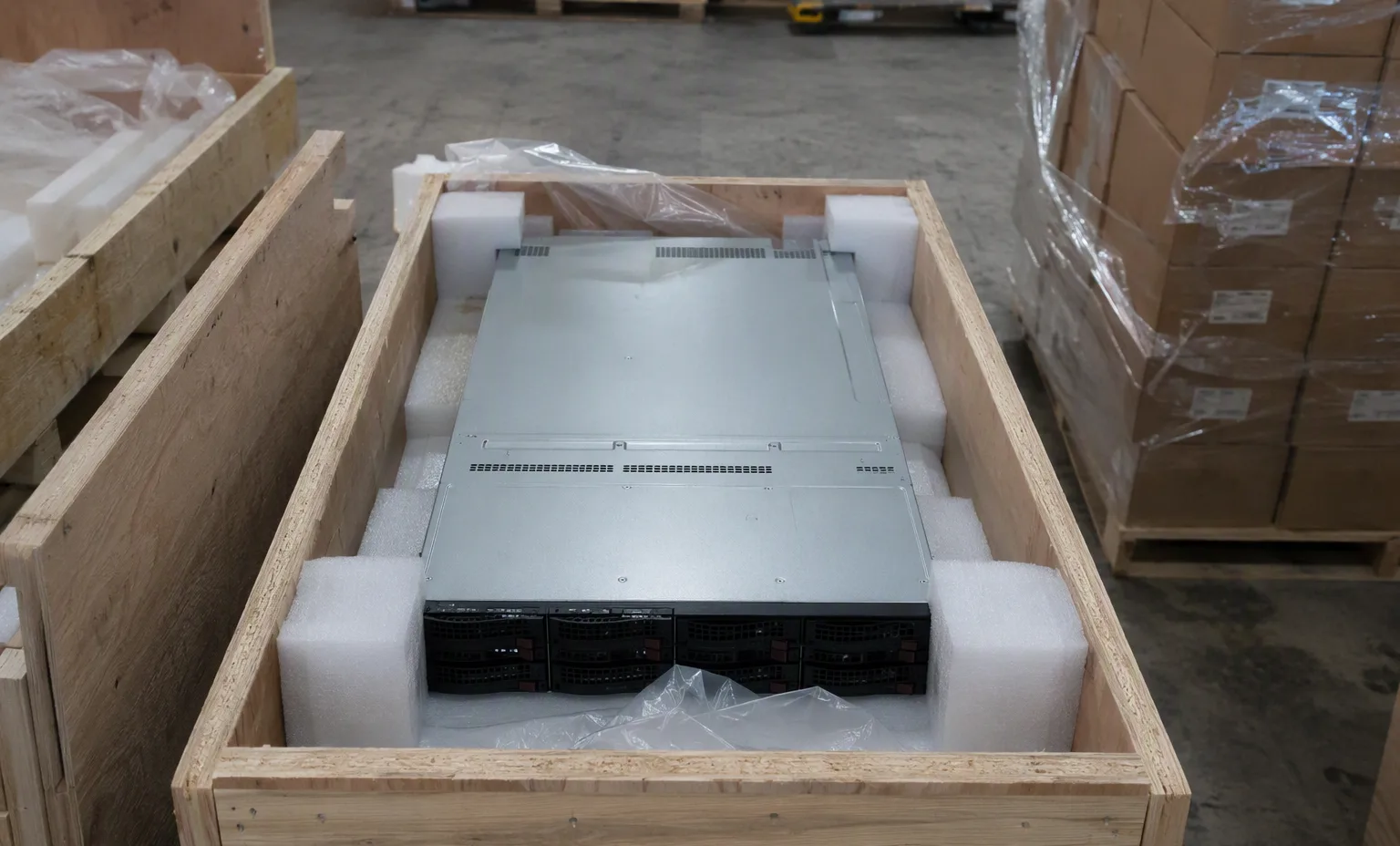
Request individual separation, antistatic protection and connector protection as appropriate. Show the components in trays or packing, without inventing a component-specific boot screen.
A spare, assembly and option number may identify different contents.
This guide adds the decisions, documents and next steps that support this page.
Parts directoryIdentify CPU, memory and storage by the complete manufacturer PN.
Parts directoryCheck slot, interface, bracket and supported firmware.
PN workbenchDescribe every included cable, carrier, screw and accessory.
Component photo collectionA spare, assembly and option number may identify different contents.
Name the chassis generation and installed configuration.
State whether the request is an exact replacement or a proposed alternative.
A planning sequence, not a record of completed work.
Counts show records in the site catalog. They do not represent stock, available quantities or verified compatibility.
Snapshot: 2026-09-15
| Decision | Record in your brief | Evidence to retain |
|---|---|---|
| Assembly identity | A spare, assembly and option number may identify different contents. | Complete identifier and source revision |
| Target platform | Name the chassis generation and installed configuration. | Platform document or written clarification |
| Replacement scope | State whether the request is an exact replacement or a proposed alternative. | Offered-unit details and agreed scope |
Tick items as you prepare them. This is your personal checklist, not a hardware validation.
Saved in this browser when local storage is available.
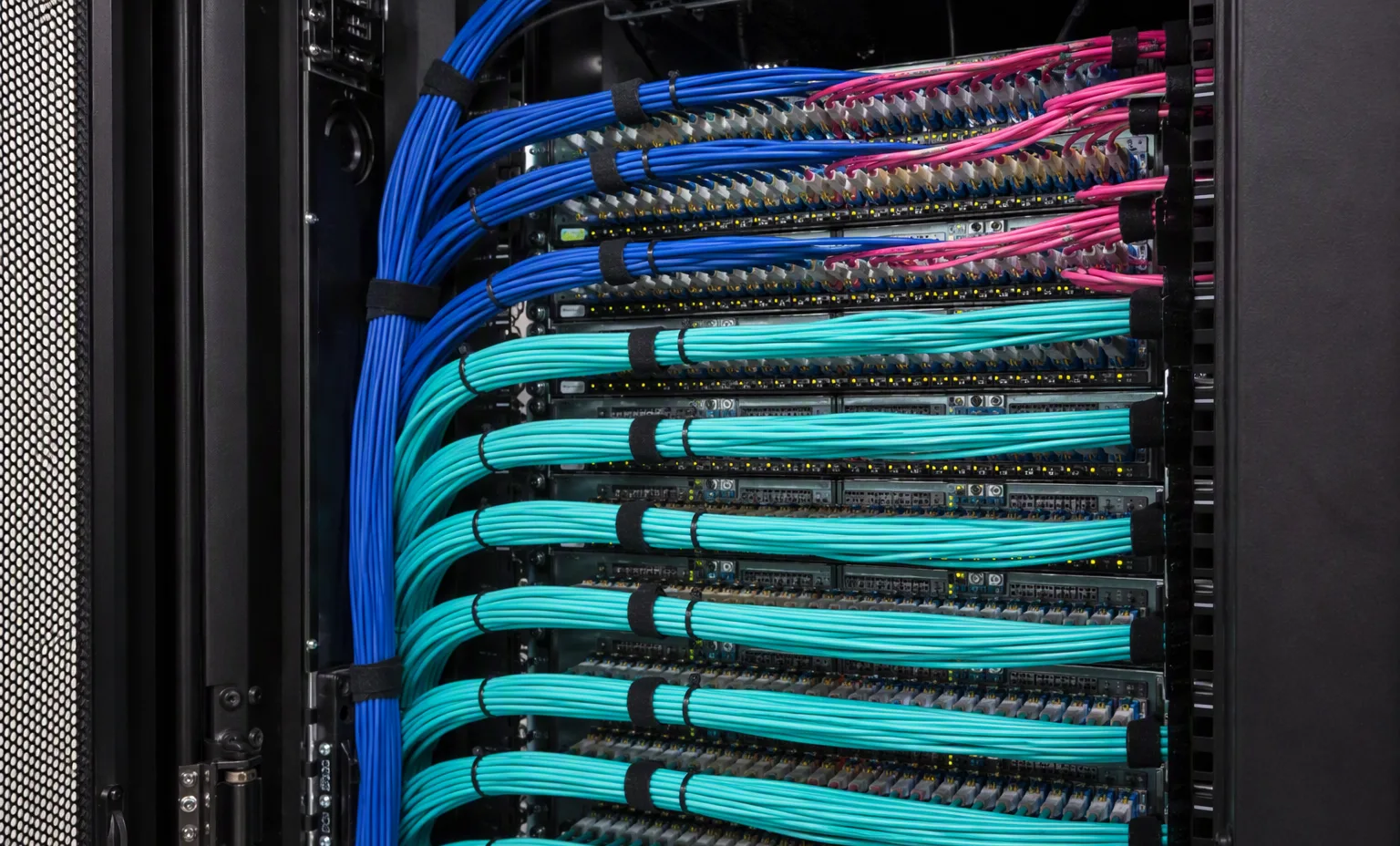
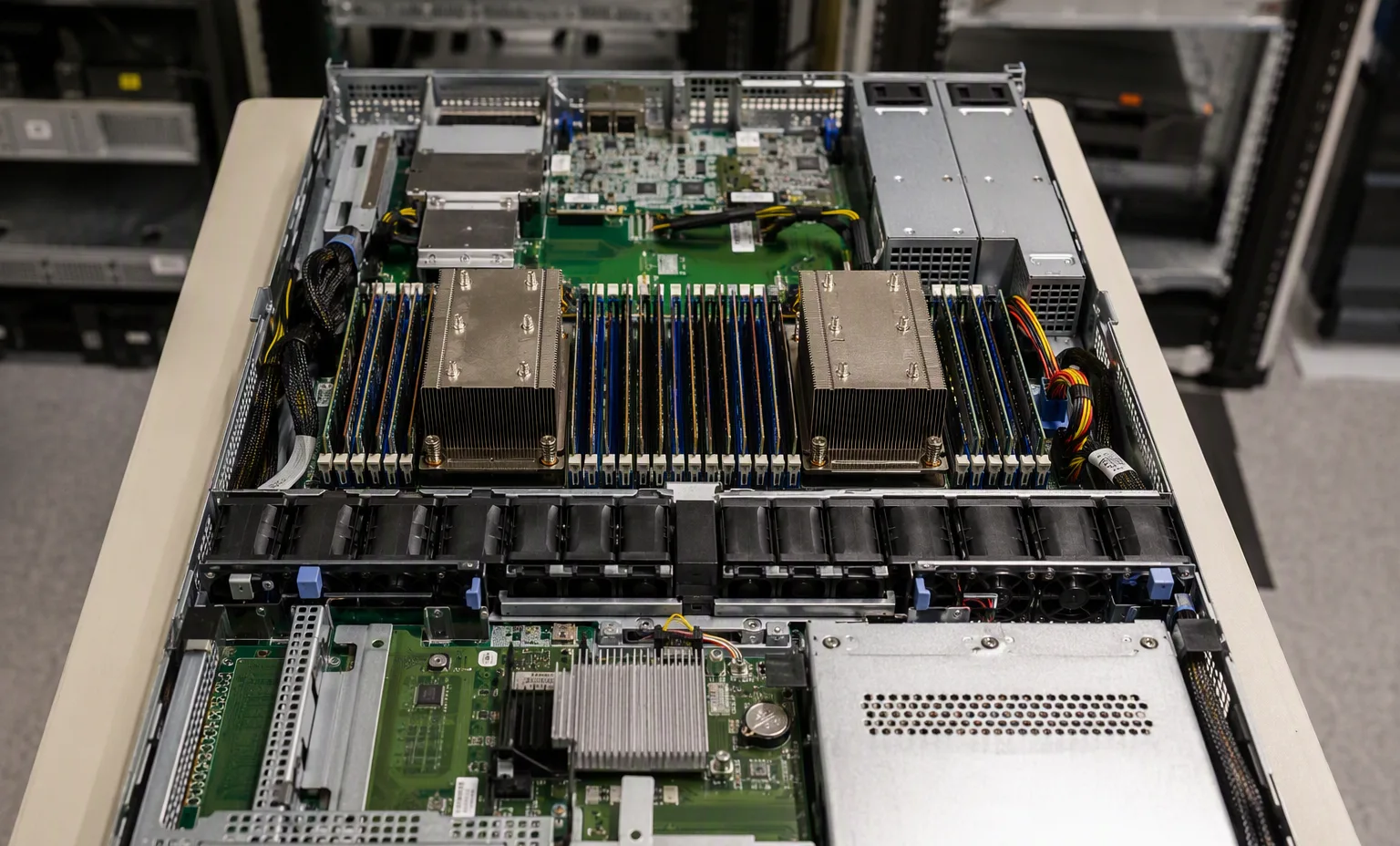
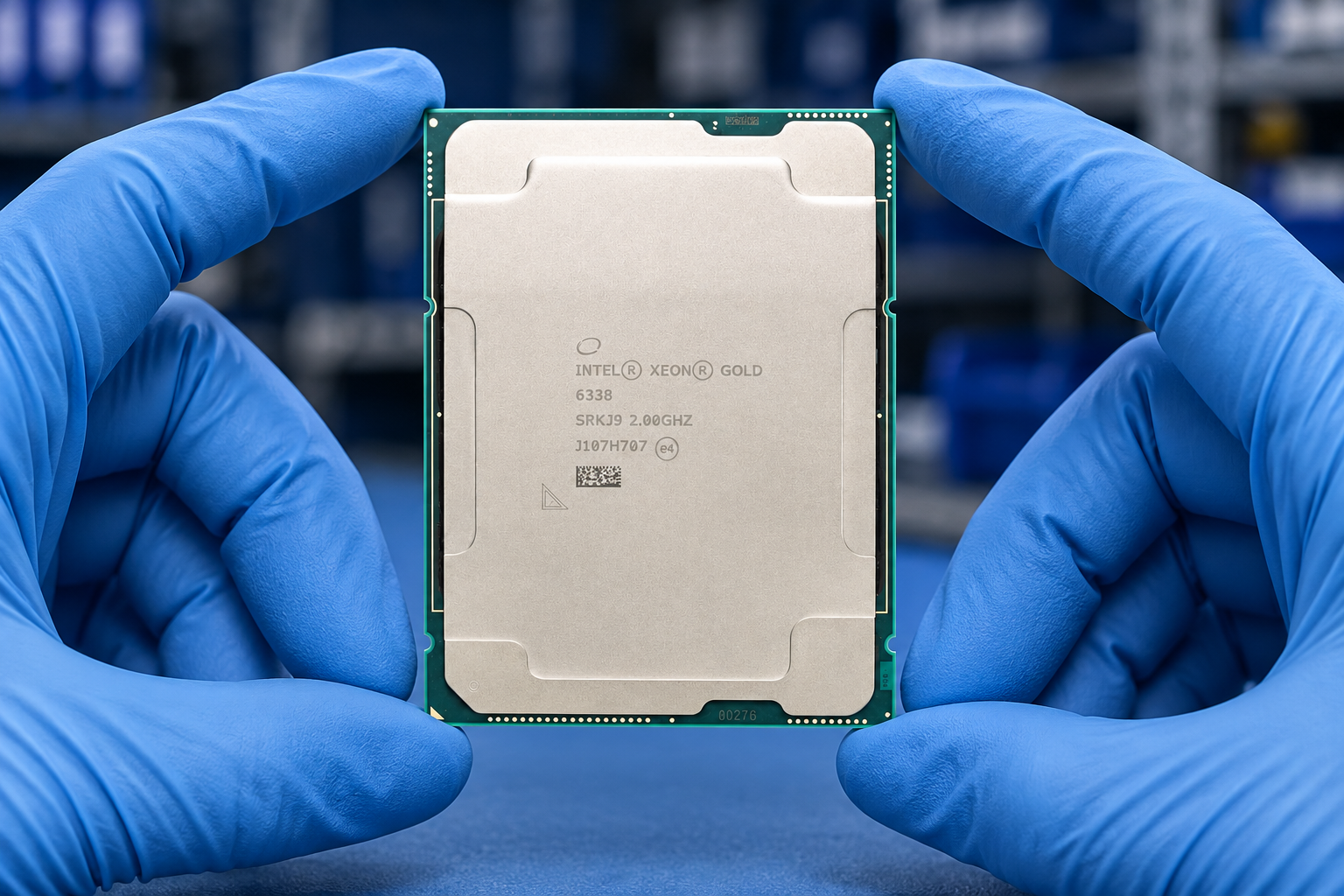
Reference-based generated scenes; actual-unit photos are available only through an explicit unit-specific request. Related models are separate catalog records, not substitutes for the item on this page.
Continue the relevant directory or service flow.
Open resourceUse the connected tool to develop the requirement.
Open resourceRetain the supporting reference with your project brief.
Open resourceFull manufacturer PN captured · OEM kit content list supplied · Target chassis and revision recorded · Alternative-part approval required.