Use the entire part number
Preserve every suffix and distinguish a manufacturer number from a branded OEM option or spare number. Avoid treating all PM1653 drives as the same item.
A SAS SSD family. Capacity, firmware and the full part number define the drive.
Price, condition, availability and included options confirmed in the written quotation. The RFQ opens a request draft; it does not submit an order.
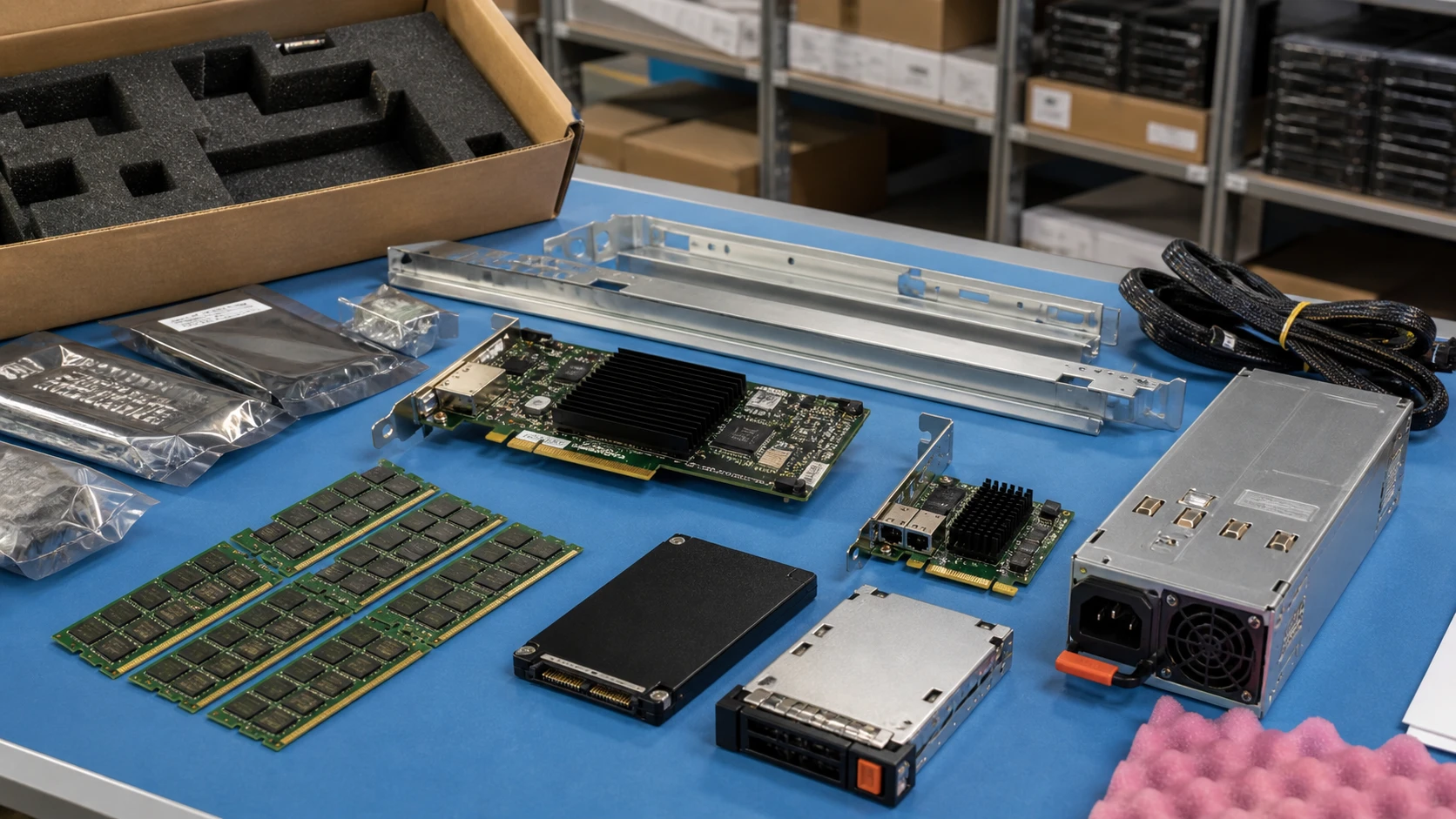
PM1653 identifies a family rather than a single orderable drive. A meaningful quotation preserves capacity, complete Samsung or OEM part number, firmware and the required drive carrier.
Do not substitute this SAS product into an NVMe-only path because the external format looks familiar. Compare the intended server or array, controller and firmware before checking price. For used units, ask for unit-matched health and usage records, not just a generic “tested” statement.
Alternative maxima are not necessarily available together. Source links identify the documentation scope—not an inventory guarantee.
| Identity scope | PM1653 enterprise SSD family, not one capacity-specific SKU |
|---|---|
| Interface | 24G SAS |
| Port design | Dual port |
| Family capacity ceiling | Up to 30.72TB; exact capacity requires a complete PN |
| Legacy host path | Samsung documents support for legacy 12G SAS-3 platforms |
| OEM qualification | Array/server firmware, carrier and option PN require separate verification |
Preserve every suffix and distinguish a manufacturer number from a branded OEM option or spare number. Avoid treating all PM1653 drives as the same item.
Document SAS generation, dual-path requirements and controller qualification. Interface fallback is not a blanket promise of OEM firmware support.
For an inspected pre-owned offer, request health information, usage, error records and a serial-matched photo. Define any acceptable thresholds in the offer.
These are procurement considerations, not an OEM-approved BOM. Final option part numbers and compatibility must be reviewed for the supplied system.
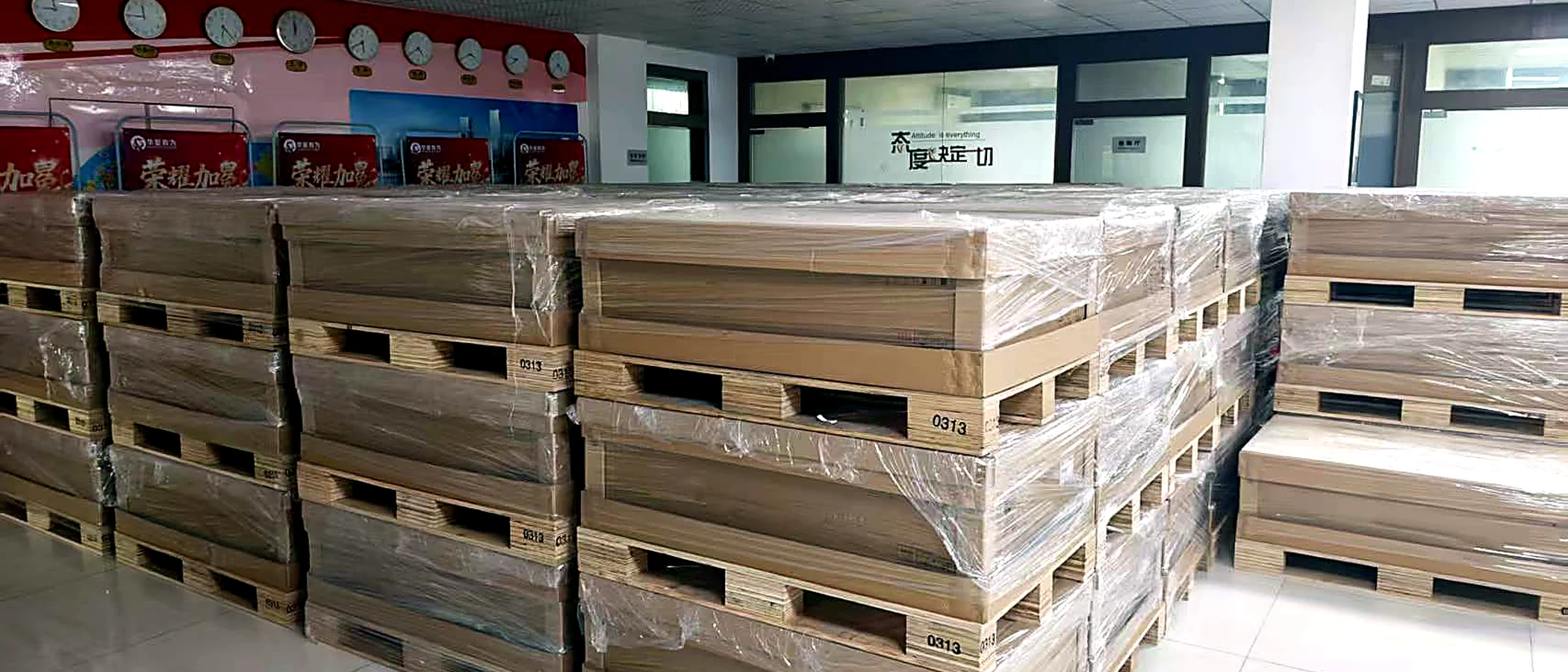
Agree the identity and condition first. Ask for current-unit views, the installed or supplied parts list, relevant test records and photographs of the completed packing.
Define the warranty provider and delivery scope in the quotation. A catalog photo, technical source or process illustration is not evidence that an offered unit has passed inspection.
Build an acceptance checklistNo. This family uses SAS.
No. Host protocol support and an array vendor’s drive/firmware qualification are separate checks.
Attach a photo brief to the request for Samsung PM1653. This is a checklist to agree, not a record that inspection has already been performed.
Ask for manufacturer and OEM part numbers, front/back views and the connector or edge contacts. Capacity, interface, form factor and intended host must match the requested component.
Record quantity, condition, firmware or hardware revision where relevant, plus representative and exception photographs. Avoid relying on one generic image for a mixed lot.
Request individual separation, antistatic protection and connector protection as appropriate. Show the components in trays or packing, without inventing a component-specific boot screen.
Check the current document revision before approving a configuration. Sources may cover a platform family or a selected machine type; the scope is recorded below.
24G SAS interface; dual ports; capacity family
Reviewed 2026-09-09 · official HTML document reviewedDual ports; 24G and legacy 12G SAS-3 platform support
Reviewed 2026-09-09 · official HTML document reviewedSpecify the CPU, population and growth path—not just the total gigabytes.
Read the guideKeep the media, backplane, controller and boot path in one specification.
Read the guideTurn a condition label into a documented, agreed acceptance scope.
Read the guideShared requirements do not imply drop-in hardware compatibility.
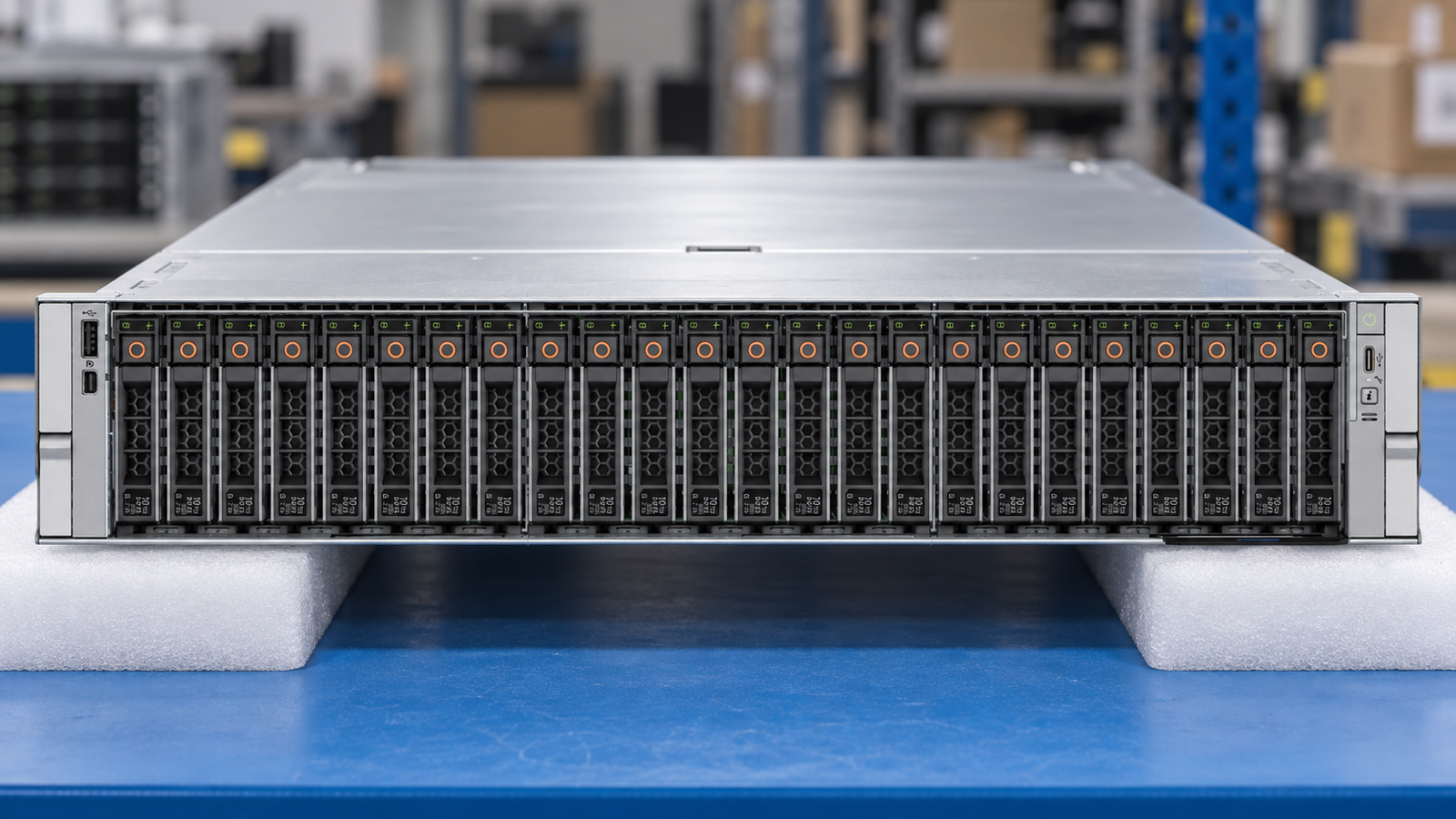
A dual-socket AMD platform. Specify the chassis before the parts.
Intel Xeon 6 compute with configuration-dependent memory and storage.
CloudDC compute with qualified, configuration-specific accelerator options.