Plan port groups
The hardware guide specifies speed selection by SFP28 quads. Avoid promising arbitrary adjacent-port speeds without reviewing the grouping.
25GbE access and 100GbE uplinks with explicit port-group rules.
Price, condition, availability and included options confirmed in the written quotation. The RFQ opens a request draft; it does not submit an order.
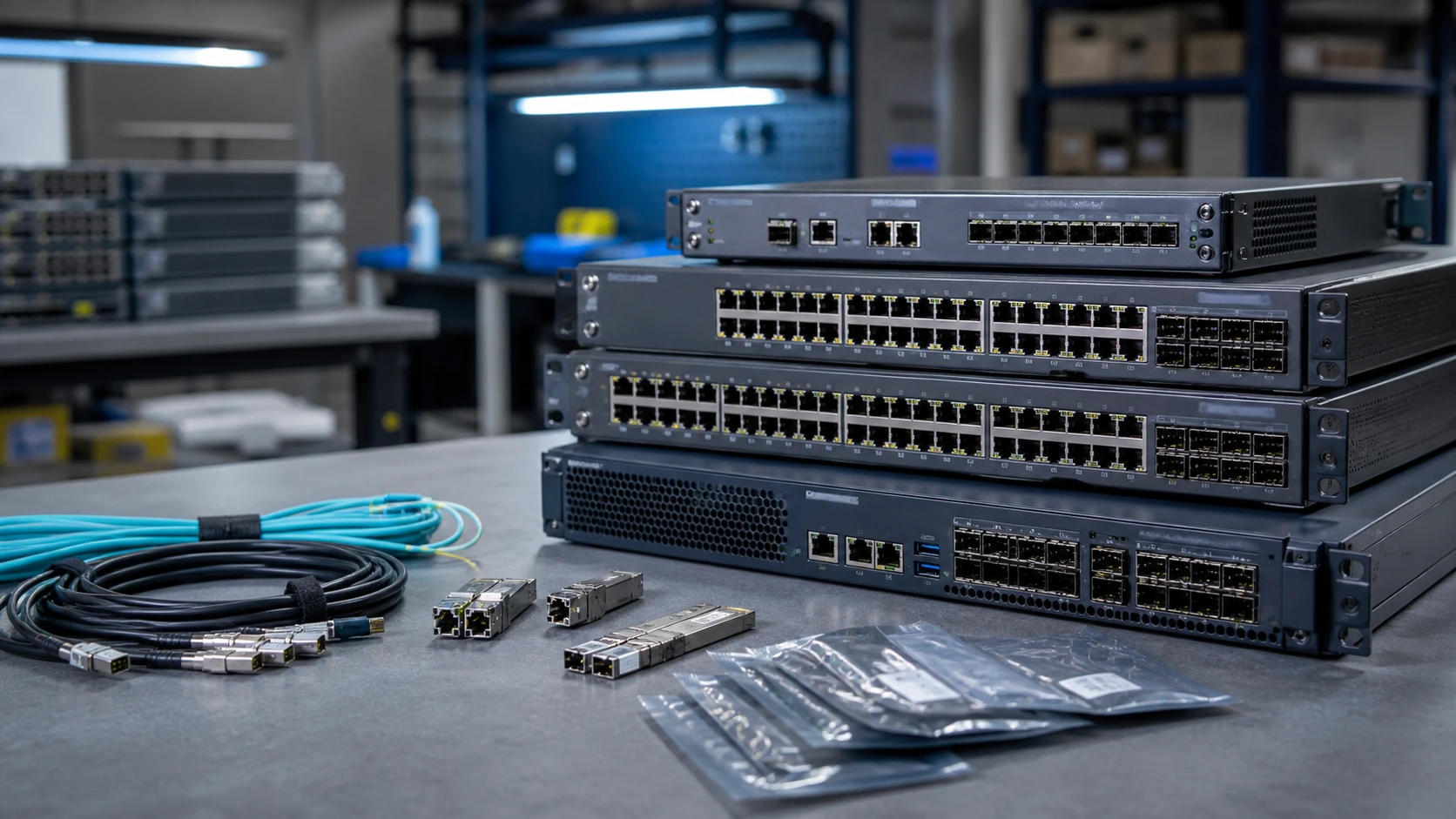
QFX5120-48Y is an exact switch model, not a shorthand for every QFX5120 chassis. Its copper and other optical relatives have different port layouts, breakout behavior and power options.
Use the model as the starting point for a link plan. List both ends of every connection, the optic or cable, speed and airflow direction. Feature requirements should be mapped to the intended Junos release and license package before the hardware order is accepted.
Alternative maxima are not necessarily available together. Source links identify the documentation scope—not an inventory guarantee.
| Access ports | 48 SFP28 ports for 1/10/25GbE |
|---|---|
| Uplink ports | 8 QSFP28 ports for 40/100GbE |
| Bidirectional throughput | 4Tbps, as listed in the QFX5120 hardware overview |
| Control-plane memory | 16GB |
| Power topology | Two 650W AC or DC supply positions; airflow must match |
| Port speed configuration | SFP28 ports are configured in groups of four |
| Breakout | 100GbE/40GbE uplinks support documented channelization with matching cables and configuration |
The hardware guide specifies speed selection by SFP28 quads. Avoid promising arbitrary adjacent-port speeds without reviewing the grouping.
Use a consistent intake/exhaust direction across chassis fans and PSUs. A PSU that fits mechanically may still be the wrong airflow option.
A switch line does not automatically include transceivers, breakout cables, advanced software or support. Quote those as visible line items.
These are procurement considerations, not an OEM-approved BOM. Final option part numbers and compatibility must be reviewed for the supplied system.
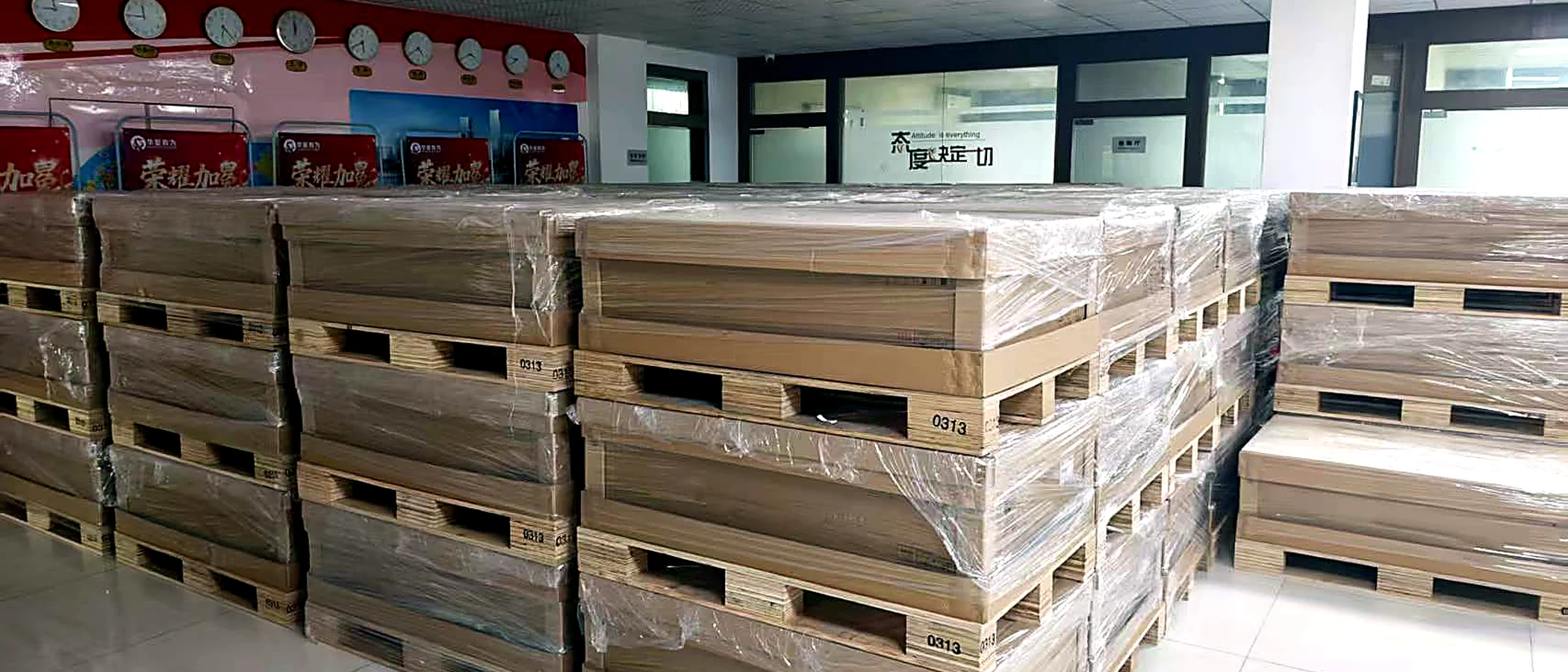
Agree the identity and condition first. Ask for current-unit views, the installed or supplied parts list, relevant test records and photographs of the completed packing.
Define the warranty provider and delivery scope in the quotation. A catalog photo, technical source or process illustration is not evidence that an offered unit has passed inspection.
Build an acceptance checklistNo. Keep the Y and YM identities separate; the overview documents different control-plane and channelization details.
No. The documented SFP28 speed grouping is four ports.
Attach a photo brief to the request for Juniper QFX5120-48Y. This is a checklist to agree, not a record that inspection has already been performed.
Request the exact model and revision label plus a straight-on port photograph. Compare the physical port groups and uplinks with the matching manufacturer drawing.
Request PSU, fan and airflow labels, AC or DC input details, rack ears and included optics or cables. Record exclusions as separate line items.
Product photography should show the standalone device, with no boot monitor. Request console or management records separately where appropriate, with private identifiers shared through the agreed channel.
Check the current document revision before approving a configuration. Sources may cover a platform family or a selected machine type; the scope is recorded below.
QFX5120-48Y; channelization; front/rear panels; power
Reviewed 2026-09-09 · official HTML document reviewedSpecify ports, software, support and deployment rights without hiding them inside a model name.
Read the guideTurn a condition label into a documented, agreed acceptance scope.
Read the guideA practical handover checklist for enterprise hardware shipments.
Read the guideShared requirements do not imply drop-in hardware compatibility.
A 1U security gateway with separate hardware and entitlement checks.
Security hardware, service bundle and support term belong on separate lines.
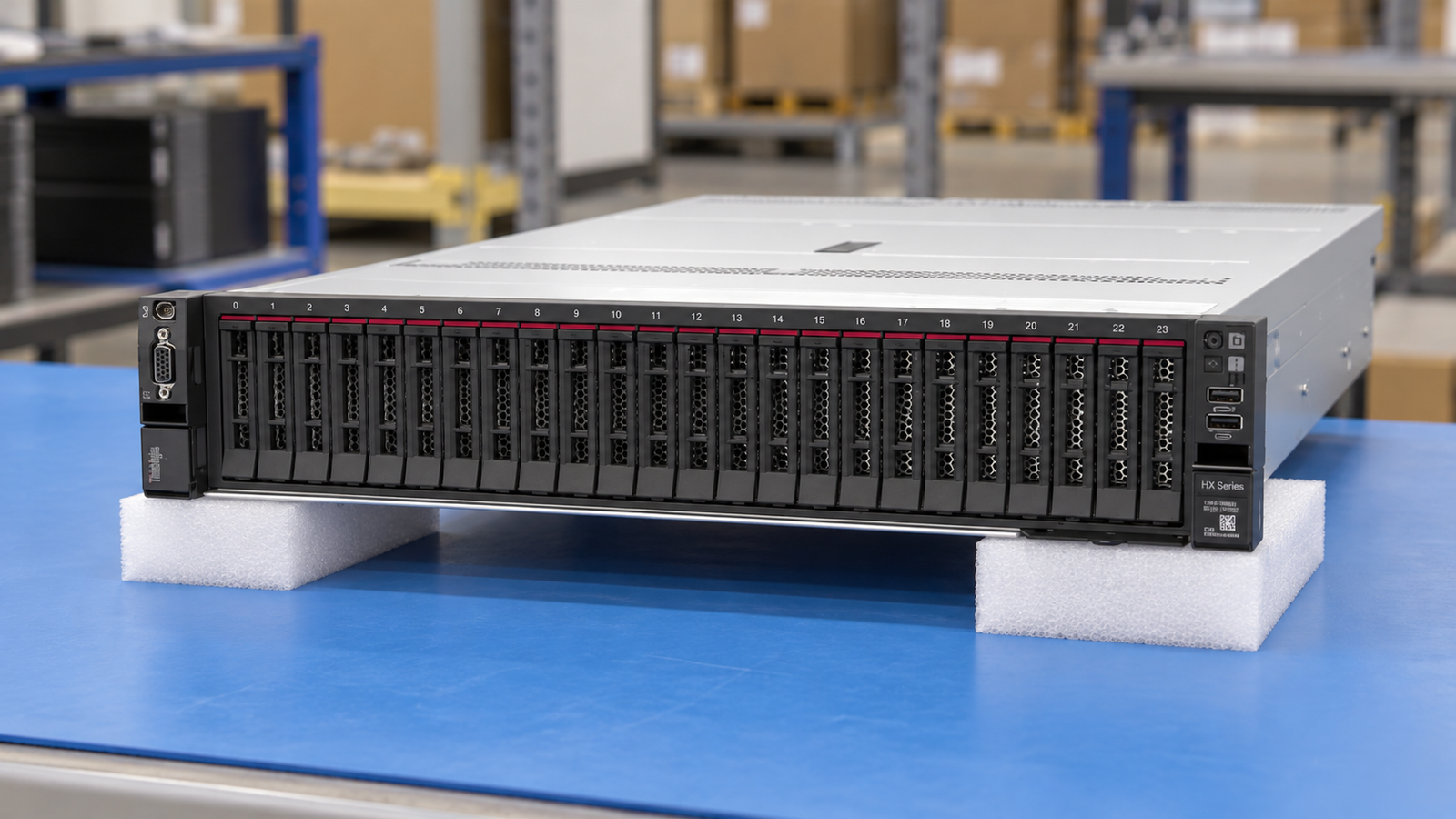
Nutanix-oriented Integrated Systems and Certified Nodes are different offers.