Start from the traffic and port schedule
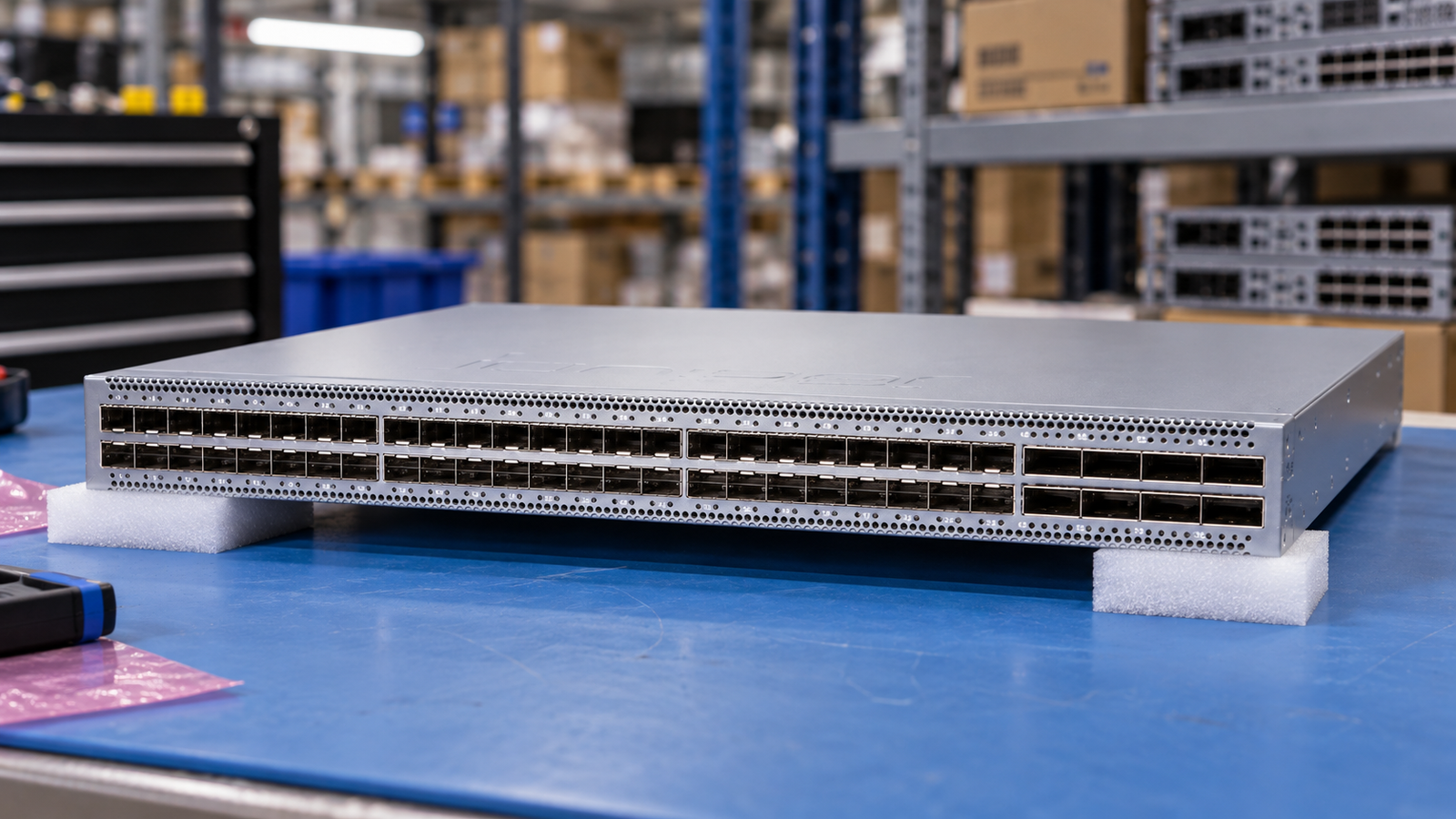
Write down link speeds, media, breakout needs, fibre type, connector and distance at both ends of each connection. Request a port map with the optic or cable identity. A headline port count is only the starting point for a deployment review.
The QFX5120-48Y hardware guide describes speed configuration by groups of four SFP28 ports. Review that constraint before assigning mixed speeds to the access ports. Keep the QFX5120-48Y and the QFX5120-48YM identities separate rather than treating the suffix as cosmetic.
Name every recurring service
Create a table for hardware, base software, security services, support level and subscription duration. Ask for the start date, renewal assumptions and the registration or transfer requirements. A quotation should make it possible to identify which requested functions remain unavailable without an additional entitlement.
Fortinet’s 120G series material discusses FortiOS and FortiGuard services. Do not convert a product capability description into a promise that every service is included with a bare appliance. Throughput values also need the test profile and software conditions attached; a different test name is not a like-for-like comparison.
Do not confuse an appliance with a certified node
The ThinkAgile HX650 V3 guide explicitly separates Integrated Systems from Certified Nodes. Certified Nodes do not include the Nutanix software licence and enhanced support described for Integrated Systems. Ask for the exact offering and software/support rows, not only the HX model family.
For an existing cluster, submit the target software version, node count, hardware inventory and support constraints with the request. Ask the solution owner to approve expansion and replacement choices. Keep this approval distinct from confirmation that a particular chassis is physically available.
Original procurement guidance. Engineering considerations are not a manufacturer-validated configuration or a performance guarantee.
Documentation used for this guide.
QFX5120 System Overview
QFX5120-48Y; channelization; front/rear panels; power
Reviewed 2026-09-09 · official HTML document reviewedFortiGate 120G Series Data Sheet
Introduction; FortiOS; FortiGuard services
Reviewed 2026-09-09 · official HTML document reviewedThinkAgile HX650 V3 Product Guide LP1668
Integrated System vs Certified Node; model-specific storage; licensing; cluster-size footnote
Reviewed 2026-09-09 · official HTML document reviewed