Review the GPU specifications, form factor and supported server configurations before selecting an OEM option.
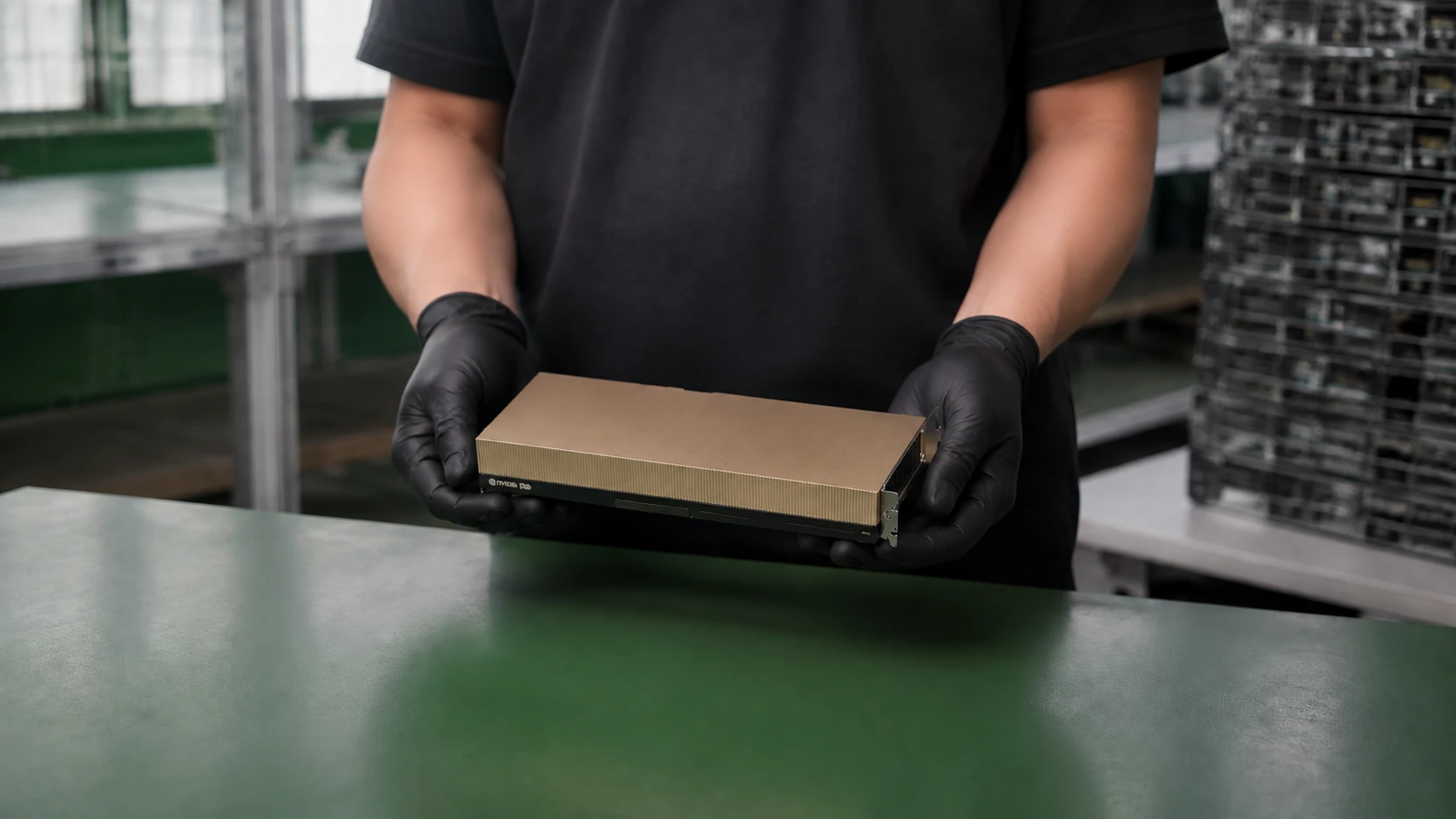
Request pricing & configurationIllustrative single-card view; NVLink bridge not shown. Confirm the supplied GPU option, accessories and equipment photos with your quotation.
Technical specifications.
Memory type
HBM3e
GPU memory
141 GB per GPU
Memory bandwidth
4.8 TB/s
Maximum TDP
Up to 600 W
Configurable; the complete system power budget is separate.
Form factor
Dual-slot PCIe card
Host interface
PCIe Gen5; 128 GB/s
Confirm the PCIe lane configuration for the supplied GPU and server.
GPU interconnect
2- or 4-way NVLink bridge: 900 GB/s per GPU
Cooling
Air-cooled
Confirm the exact server airflow and thermal qualification.
Workload focus
Generative AI and HPC
Dimensions & installation envelope.
Nominal single-card form factor
10.5 in long × 4.4 in high; dual-slot, full-height
Nominal H200 NVL card form factor only. This does not include the complete bracket, bridge, extender or cable clearance.
Card & bridge clearance
Confirm dimensions for the exact H200 NVL card and bridge configuration.
Do not substitute H100 PCIe dimensions or multiply slot count to calculate a bridge-group envelope.
Product imagery is not a dimensional drawing. Confirm the overall supplied assembly and required clearance before installation.
Ordering considerations.
Confirm the exact server GPU qualification, chassis, risers, power cables, cooling and firmware before ordering. Your complete configuration will be confirmed with the quotation.
Specifications are preliminary and subject to change. Confirm the exact delivered platform specification.
H200 NVL is the named PCIe variant here. Do not substitute an unspecified “H200 PCIe” product or assume all GPUs in an 8-GPU server share one NVLink group.
Server pairing
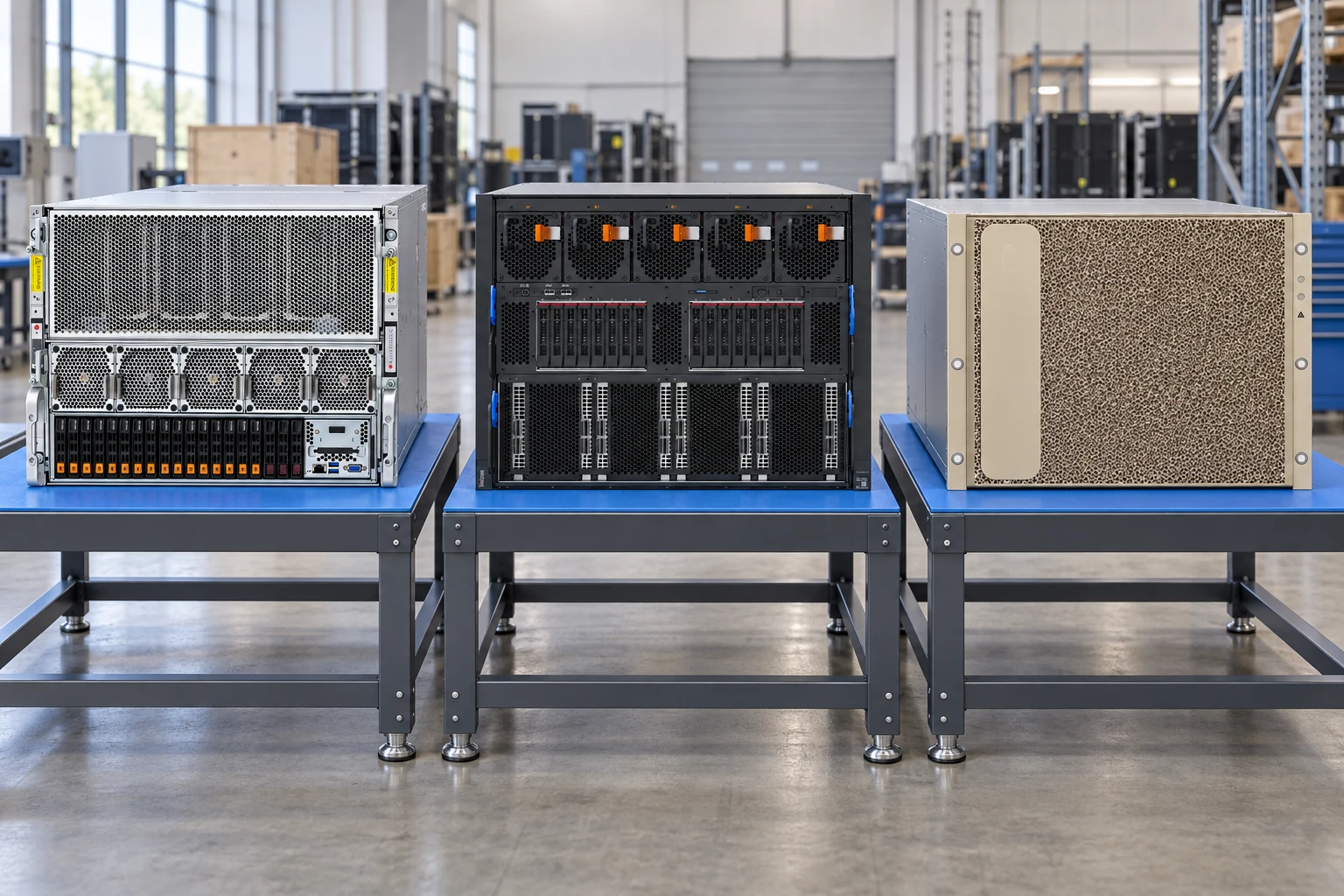
Platforms for H200 NVL 141GB.
Platform support depends on the exact server configuration. Ask our team to confirm the GPU option, power, cooling and installation requirements before ordering.
UP TO 4 GPUs
Lenovo ThinkSystem SR675 V3 — 4-DW
Up to 4 × NVIDIA H200 NVL PCIe 141GB in the 4-DW configuration.
4-DW GPU model
Installation requirements & restrictions
Requires the SR675 V3 4-DW GPU model with the appropriate front shuttle and risers.
All installed GPUs must be identical.
Only supported in server models with 5th Gen AMD EPYC processors (Turin).
Requires Dual Rotor System High Performance Fans (C5WW).
For field upgrades, the existing server must already have both 5th Gen AMD EPYC processors and C5WW fans.
Power supply capacity, quantity and redundancy depend on the complete server configuration. Confirm rack power before ordering.
For a field upgrade, include the Lenovo GPU supplemental power cable 4X97A84510 (BSD2).
Availability depends on the destination market; confirm the proposed delivery location before ordering.
Not supported in the SR675 V3 SXM5 GPU model.
The stated count is a maximum for the named GPU model, not approval of every intermediate quantity or server configuration.
The Lenovo option number identifies an OEM GPU option; it is not a NVIDIA bare-card ordering number.
This platform reference does not confirm stock, delivery dates or a complete field-upgrade kit.
Lenovo option numbers, CTO feature codes and NVIDIA references identify different ordering details. They are shown separately and are not interchangeable with Dell or HPE parts.
Parts for quotation
This is a conditional GPU parts plan, not a complete server configuration or installation approval.
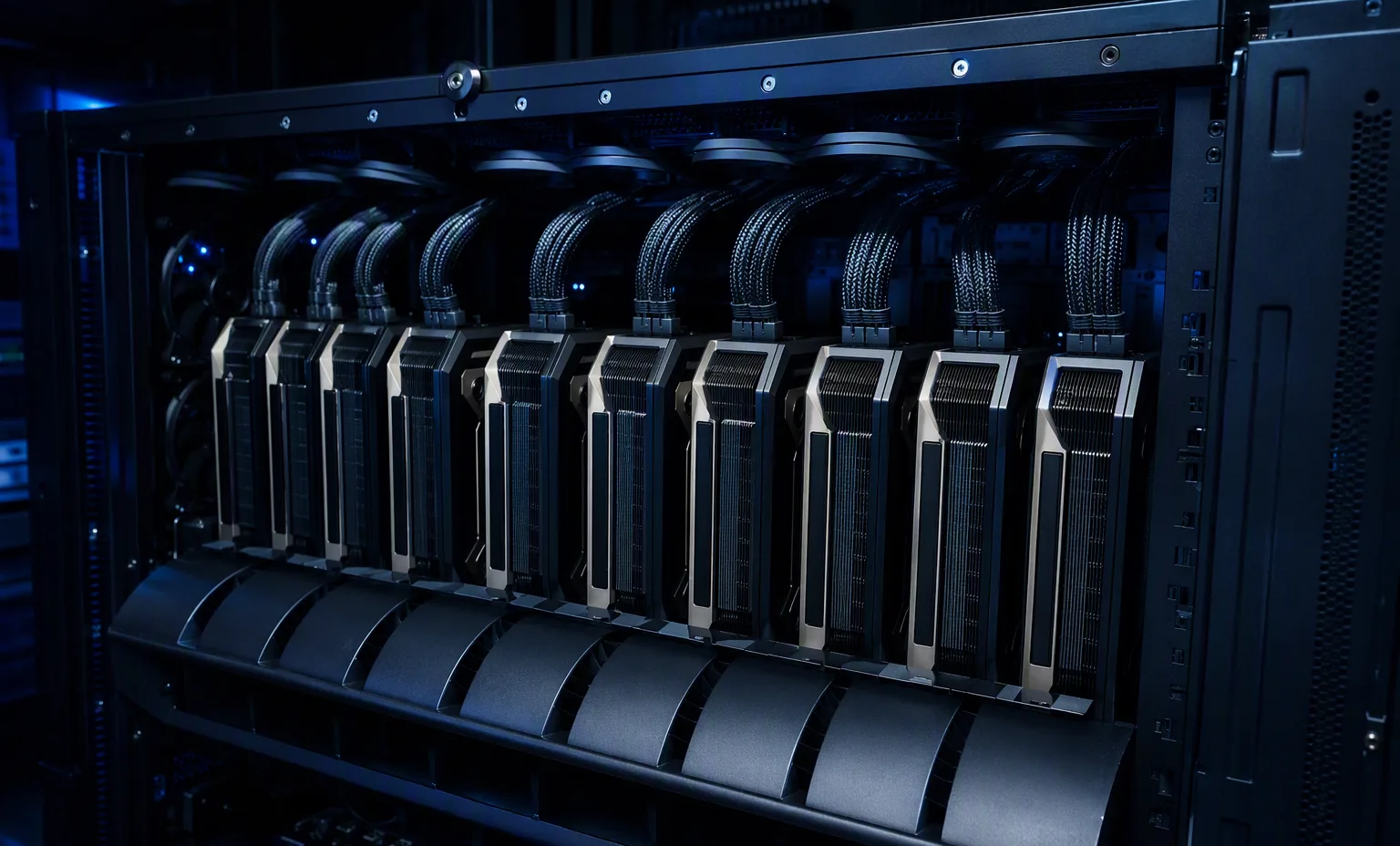
NVLink group 1
GPU 1GPU 2GPU 3GPU 4
Logical grouping only; confirm the physical slot layout. Separate groups do not form one eight-GPU NVLink fabric.
Five fans in the required installation. Supported with fifth-generation AMD EPYC processors only; existing upgrade systems must already have C5WW fans.
Compare the exact variants.
Memory capacity and bandwidth below are per GPU. A bridge group does not turn several cards into a single card, and quoted module power is not the complete server power budget.
H200 specifications are preliminary and subject to change. H100 PCIe here is the 80 GB HBM2e version, not H100 NVL 94 GB. RTX PRO 6000 is the air-cooled Server Edition, not a Workstation or Max-Q card.
SXM or PCIe: start with the platform.
SXM GPU systems
H100 SXM and H200 SXM are modules for an integrated GPU subsystem. The carrier, interconnect, heatsink or liquid-cooling assembly, firmware and system power design form part of that platform. An available PCIe slot is not an installation path for an SXM module. For replacement enquiries, provide the original server model, service identifier and full GPU assembly part number. Confirm whether the supplied item is a module, a service assembly or a complete system.
PCIe accelerator servers
H100 PCIe, H200 NVL and RTX PRO 6000 Server Edition require a supported server configuration. Check the riser and slot position, front GPU bay, supplemental power cable, power supplies, fans and airflow. Passive cards depend on the server cooling system. For an upgrade, the installed CPU generation and cooling package can restrict the GPU options even when the card appears to fit.
Check more than card length.
Bracket & clearance
A nominal form factor does not describe every projection. Allow for the I/O bracket, retention hardware, extension pieces, power connector and cable route. Measurements for a bare board must not be substituted for a complete service assembly.
Power & temperature
Maximum GPU power is only one part of the system budget. The server configuration, CPU count, redundancy policy and input voltage determine the power supply arrangement. Confirm inlet temperature, altitude limits and the correct high-performance fans.
Interconnect & quantity
NVLink bridge requirements differ by GPU variant. Use the appropriate bridge and supported card spacing. A server with eight GPU positions does not imply a single eight-card bridge group, and the maximum GPU count does not approve every possible intermediate population.
Keep OEM option numbers separate.
A NVIDIA GPU model describes the accelerator family and variant. Dell, HPE and Lenovo may supply that accelerator under their own option or service part numbers, with different brackets, cables, firmware requirements and installation kits. Matching the GPU name alone is not enough to substitute one OEM option for another. Send both the server identity and the full existing part number when requesting a replacement; our quotation will identify the proposed item and included accessories.
Prepare your GPU enquiry.
Share the exact GPU variant, required quantity, new-build or upgrade requirement, target server and current hardware configuration. Include your rack power, cooling conditions and delivery destination. If the purchase replaces an installed component, a clear label photo and the original OEM part number help avoid a mismatched option. Product images are for presentation; condition, supplied accessories, availability, lead time and delivery terms are confirmed in the formal quotation.
Attach a photo brief to the request for NVIDIA H200 NVL 141GB. This is a checklist to agree, not a record that inspection has already been performed.
01
Label and connector views
Ask for manufacturer and OEM part numbers, front/back views and the connector or edge contacts. Capacity, interface, form factor and intended host must match the requested component.
02
Lot and condition
Record quantity, condition, firmware or hardware revision where relevant, plus representative and exception photographs. Avoid relying on one generic image for a mixed lot.
03
Protect the shipment
Request individual separation, antistatic protection and connector protection as appropriate. Show the components in trays or packing, without inventing a component-specific boot screen.
Reference-based generated scenes; actual-unit photos are available only through an explicit unit-specific request. Related models are separate catalog records, not substitutes for the item on this page.