Enterprise hardware · New & pre-owned supply

Image: HPE official product image · verify source ↗
HPEGen12Current platform
ProLiant Compute DL380 Gen12
2U · 2P
Virtualization, hybrid cloud, analytics and AI-ready expansion. This sourcing page keeps platform identity, lifecycle and configuration-dependent items separate so the quoted build can be validated against the exact OEM documentation before release.
Processor
Intel Xeon 6Memory
Up to 8 TB DDR5Storage
SFF / LFF and high-density EDSFF E3.SManagement
HPE iLO / Compute Ops Management, exact generation dependentPrice: Request Quote · Availability: Contact Sales · Worldwide delivery planning available. No retail price or stock quantity is inferred on this page.
01 · Overview
A sourcing-ready view of the ProLiant Compute DL380 Gen12 platform.
Virtualization, hybrid cloud, analytics and AI-ready expansion. Buyers commonly start with the chassis and processor platform, then finalize memory population, front/rear storage topology, controller path, network adapters, power and any accelerator requirements.
ASTER RACKIT treats the exact ordered configuration as a separate validation step. The values below summarize the product family without claiming that every optional feature is installed or available in every regional CTO path. OEM option part numbers, risers, backplanes, cables, firmware dependencies and support entitlement are confirmed with the commercial configuration.
02 · Key features
03 · Technical specifications
- Form factor
- 2U · 2P
- Processor platform
- Intel Xeon 6
- Memory architecture
- Up to 8 TB DDR5
- Storage / chassis
- SFF / LFF and high-density EDSFF E3.S
- Lifecycle
- Current platform
- Management
- HPE iLO / Compute Ops Management, exact generation dependent
Detailed bay counts, DIMM limits, GPU qualification, controller support and option P/Ns remain configuration dependent unless explicitly stated in the current OEM document.
04 · Configuration options
Exact supported processor SKU, socket count, TDP and cooling requirement
DIMM type, capacity, speed, population and processor-count dependency
Dedicated boot media or mirrored boot option where supported
Front/mid/rear backplane, SAS/SATA/NVMe/EDSFF path and drive qualification
RAID, HBA, passthrough or direct-NVMe requirement
OCP/AIOM/PCIe NIC, port speed, optics and cable requirements
Accelerator model, count, width, power, riser, cable and cooling validation
PSU topology, input power, rail kit and site requirement
05 · Storage configurations
Backplane and media are validated together.
SFF / LFF and high-density EDSFF E3.S. Exact drive count, mixed-media support, rear boot bays, EDSFF/U.2/U.3 details and controller/cable dependencies follow the chosen chassis configuration.
06 · GPU / accelerator support
Accelerator planning applies to this platform.
GPU count, width, qualification, power cable, riser, CPU count, fan set and thermal requirements are confirmed against the current OEM configuration guide.
HPE iLO / Compute Ops Management, exact generation dependent
Virtualization, hybrid cloud, analytics and AI-ready expansion
Factory-new / channel supply where available · OEM / CTO configuration subject to regional orderability · Project and volume sourcing on request
10 · Testing & quality control
Inspection scope follows the supplied condition.
Visual and label inspection
Firmware / management verification
CPU and DIMM checks
Storage SMART / media checks
RAID / HBA path verification
NIC link checks
Burn-in testing where agreed
Packing and accessory inspection
11 · Worldwide delivery
Export packing and route planning.
Worldwide export support
Commercial route and destination screening are confirmed before shipment.
Professional server packing
Original carton where available, or protective export packing appropriate to the equipment and shipment.
Air / road / sea planning
Freight mode and transit estimates depend on destination, weight, dimensions, customs and carrier capacity.
12 · Related products
Compare nearby HPE models.
13 · Compatible parts
Search parts, then validate compatibility.
14 · RFQ
Need pricing or a custom ProLiant Compute DL380 Gen12 configuration?
The RFQ automatically carries the brand, model and page context. Add quantity, configuration and destination.
WAREHOUSE WORKBENCH / VISUAL CONTEXT
Explore the scene library →See the setting. Verify the actual equipment.
These images illustrate a server-workbench environment. They are not verified views of this exact model or the offered unit; use the product specifications and shipment-specific photographs for identification.
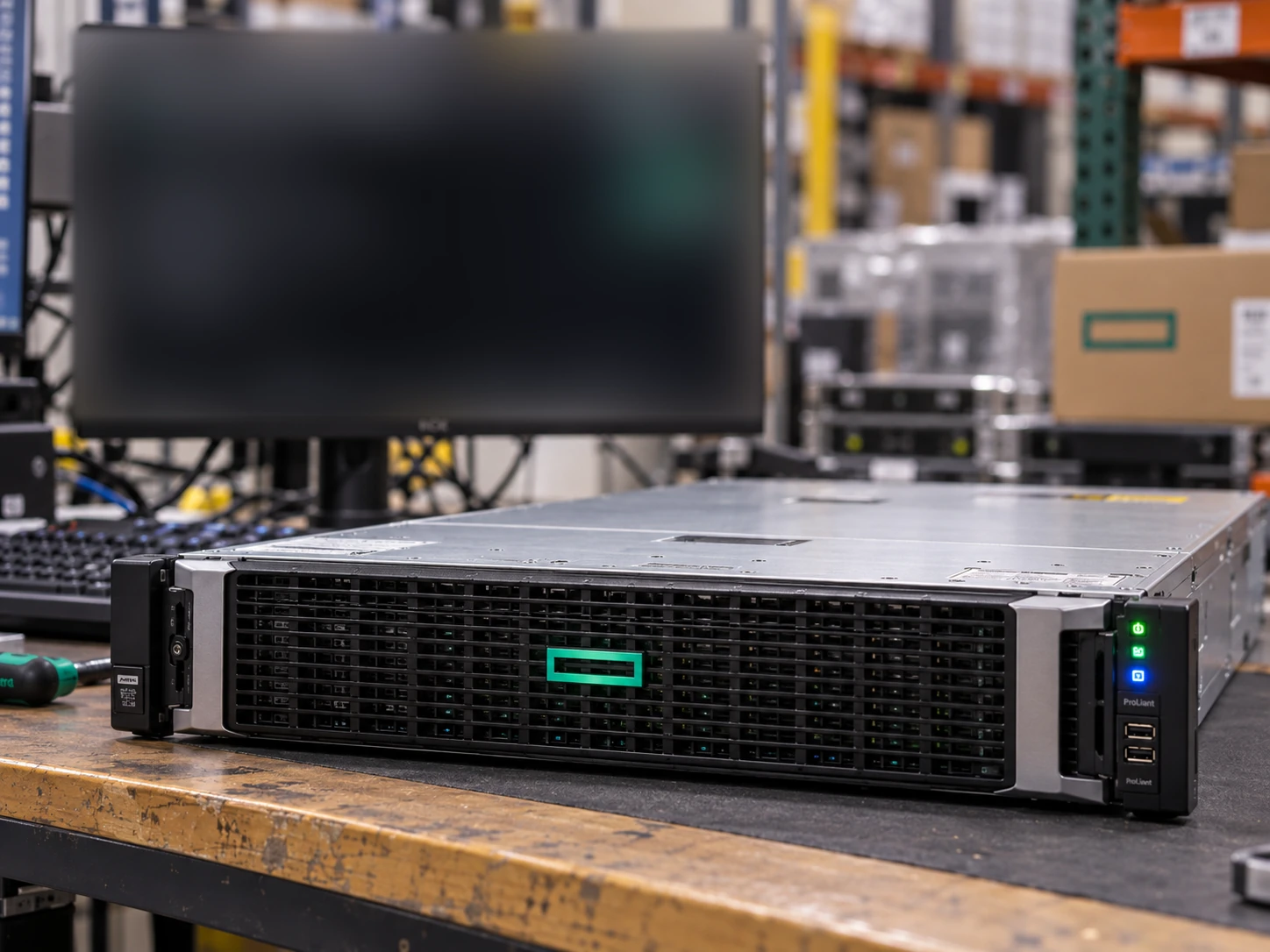
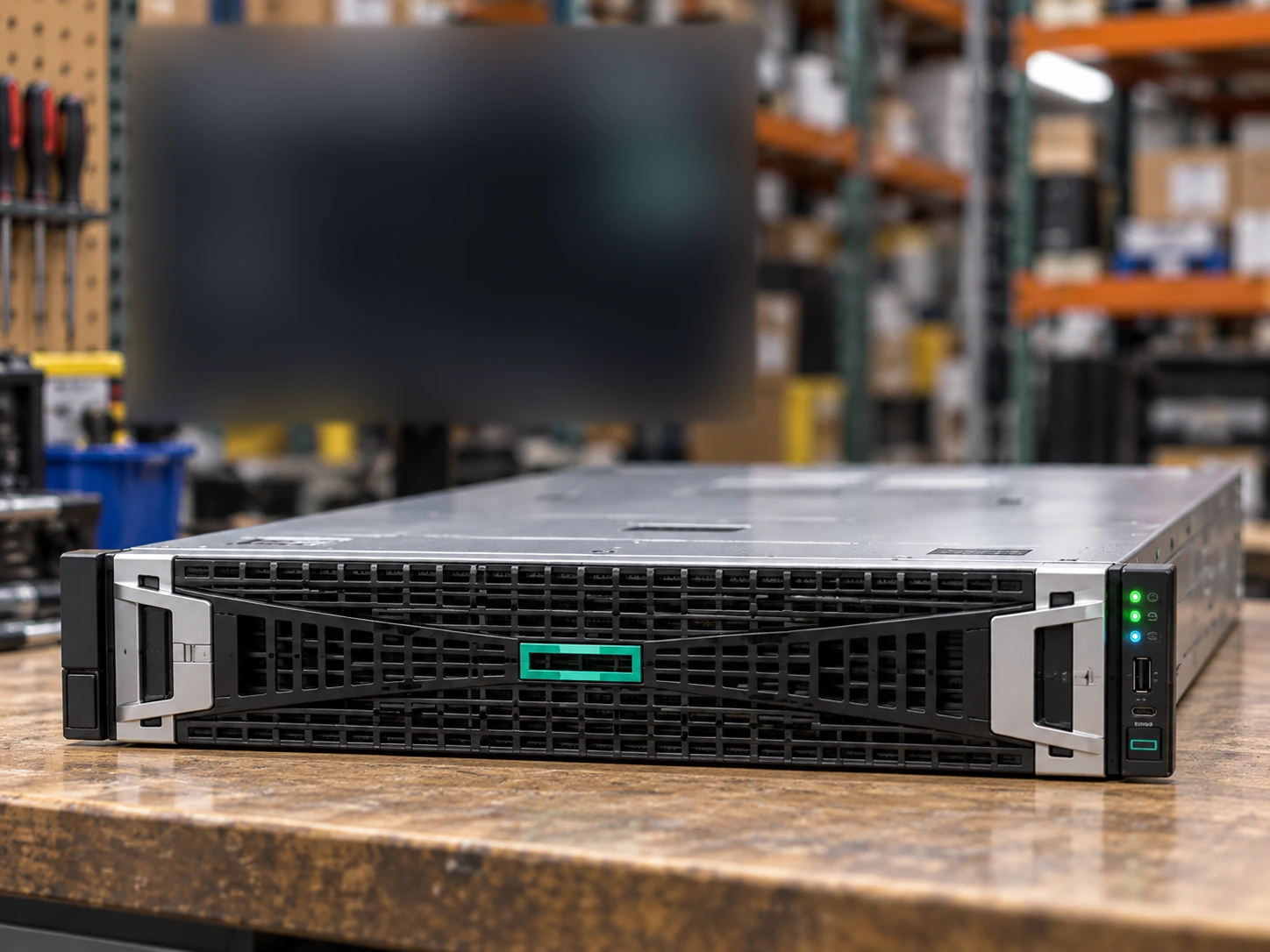
Only server scenes use background monitors. The four screen styles follow the supplied visual references with heavy defocus. Exact chassis, drive layout, included options and test status must be confirmed separately. Read the image standard →
PHOTOGRAPHS THAT SUPPORT YOUR RFQ
Specify the supplied chassis, not just the model name.
Attach a photo brief to the request for HPE ProLiant Compute DL380 Gen12. This is a checklist to agree, not a record that inspection has already been performed.
Front and storage layout
Request a straight-on view with the bezel removed when appropriate. Record the populated bays, blanking panels and drive carriers against the offered chassis configuration.
Rear and included options
Ask for both PSU labels, risers, network adapters and the rail kit. Confirm which visible parts are included in the offer rather than assuming the catalog picture defines the BOM.
Separate diagnostic evidence
Use an order-specific report for installed CPUs, DIMMs, storage and management access. A blurred background screen in an illustration is not a diagnostic result.
BEFORE APPROVING YOUR BOM
Turn the product listing into an acceptance brief.
Request the offered unit’s identifiers, configuration, condition, test scope and packing evidence. The catalog is only the starting point.