Usage & health
Request available usage, wear and error information for the offered drives. A clear product photograph does not establish remaining endurance.
Samsung · PM9A3
Manufacturer part number
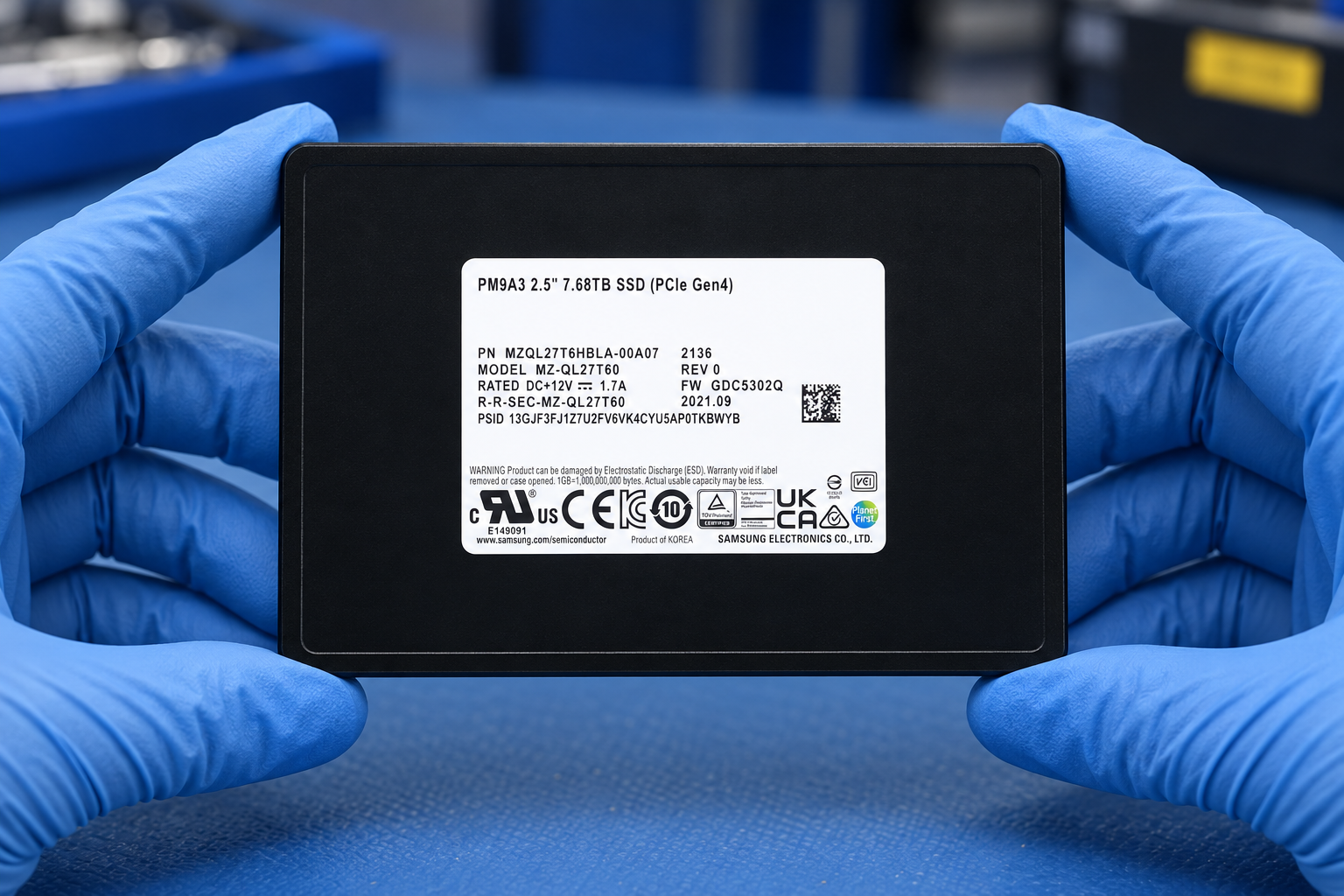
Samsung PM9A3 7680GB 2.5-inch U.2 PCIe 4.0 x4 NVMe SSD.
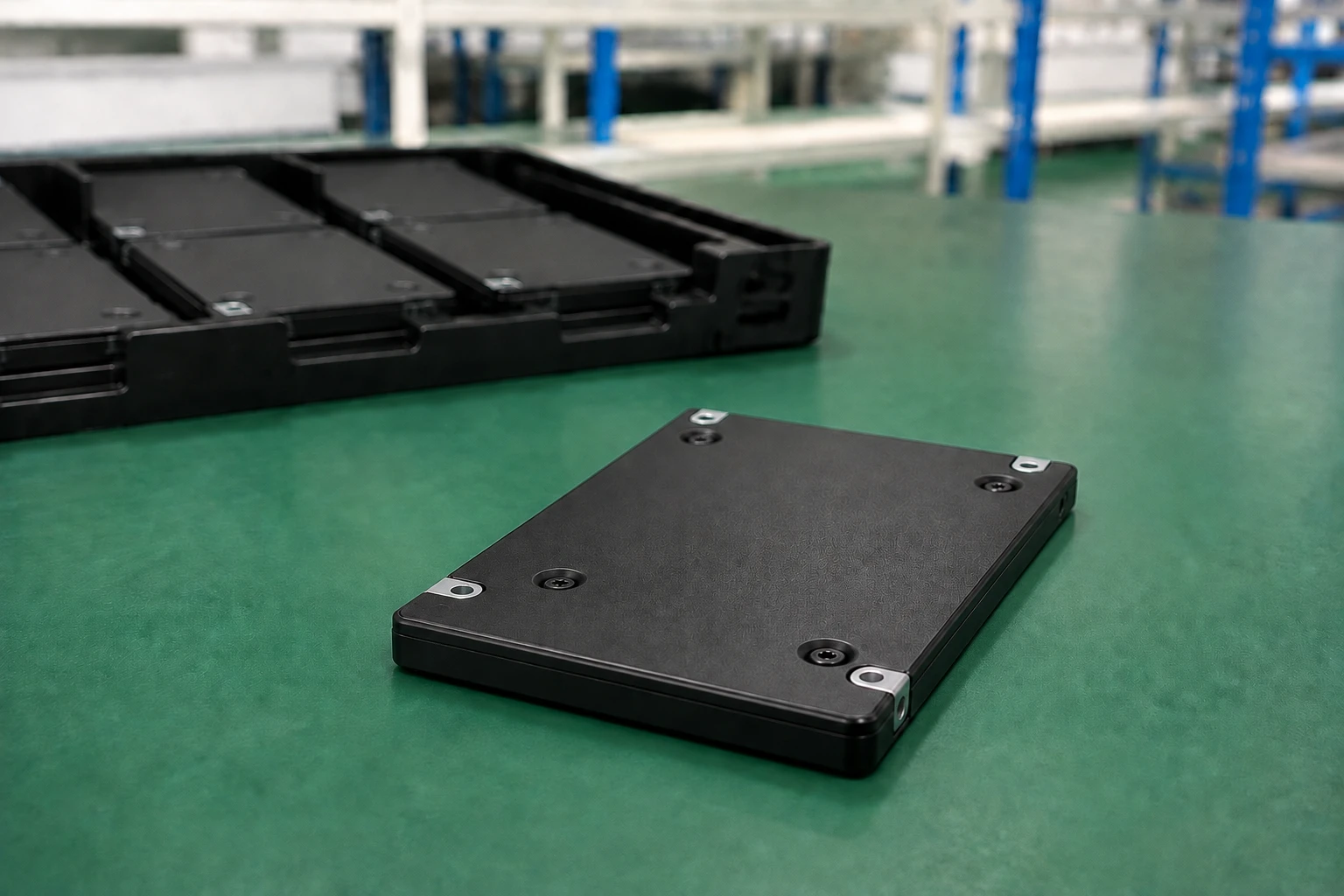
PM9A3 · 7.68 TB · U.2
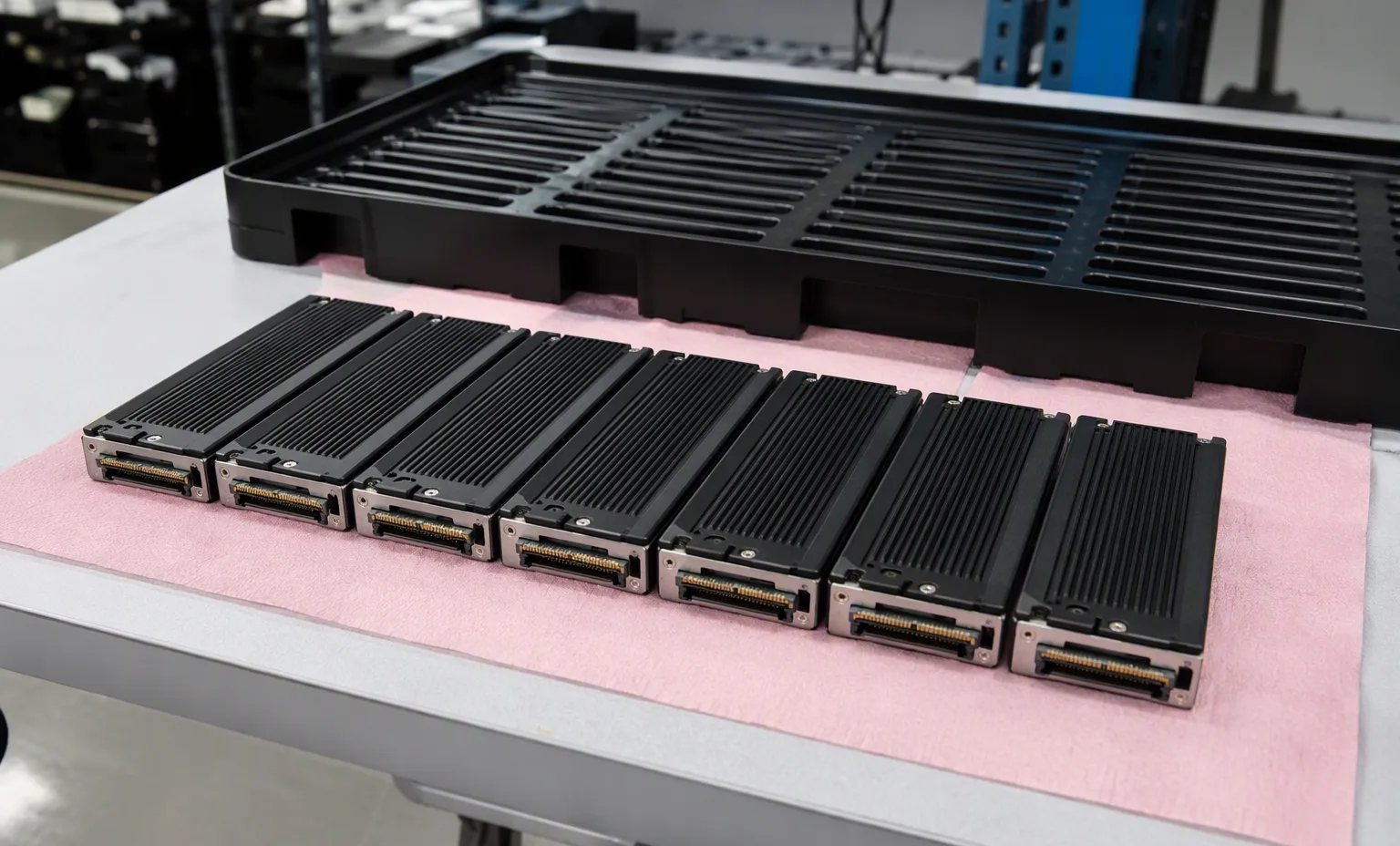
Enclosure presentation showing the slim housing and mounting points. The factory label and U.2 connector are out of view. The background tray is a storage illustration, not an available-stock count.
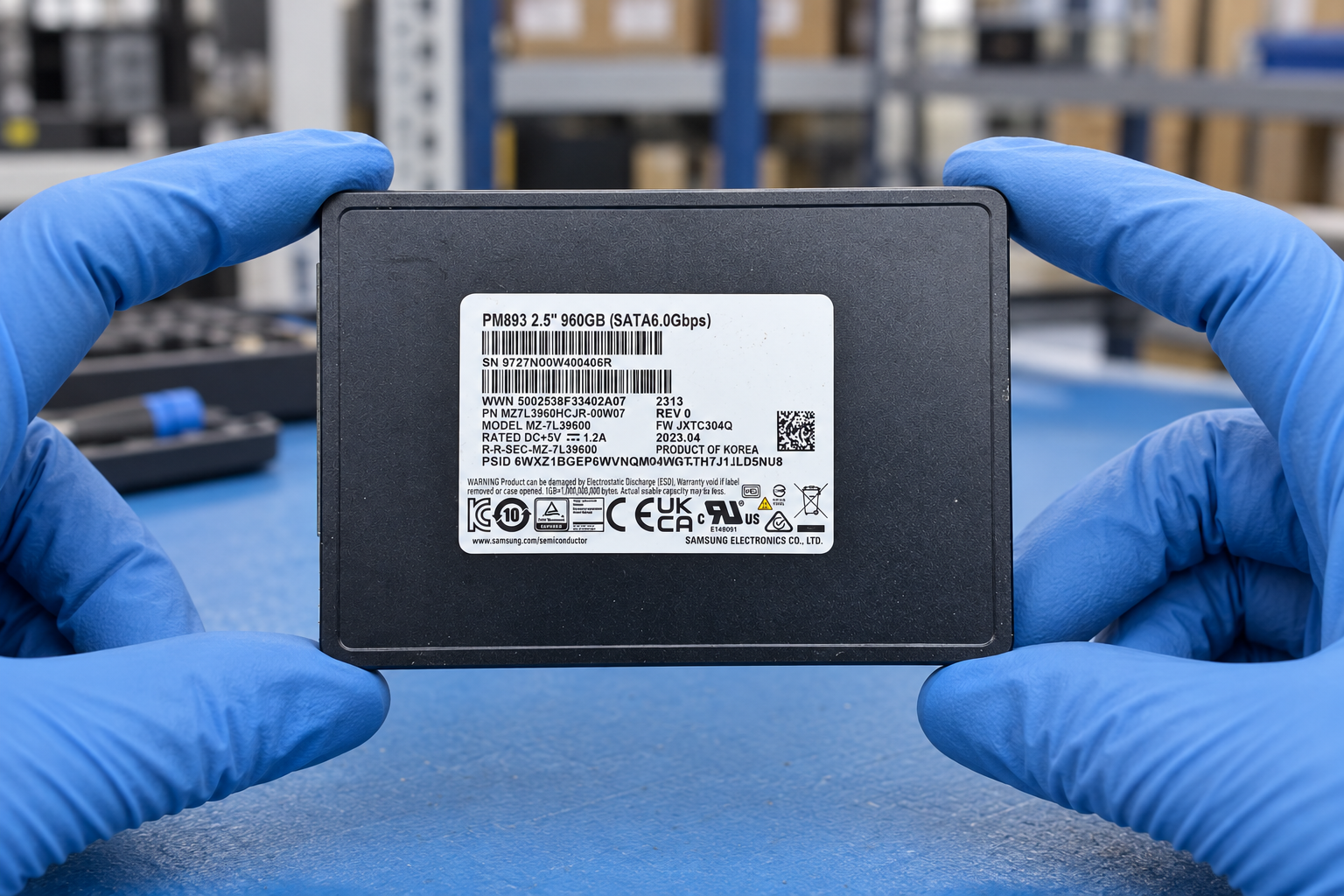
Illustrative product view, not a photograph of the offered unit. Labels and small assembly details may differ. Request current unit photographs before ordering. Select the image to enlarge.
Product details
GB uses decimal capacity. Usable capacity depends on formatting and system use.
Measured with FIO 2.7 on Linux Gen4 CentOS7 (kernel 5.3.1), queue depth 32 and four workers across the full LBA range in sustained state. Actual results depend on use conditions and environment.
Measured with FIO 2.7 on Linux Gen4 CentOS7 (kernel 5.3.1), queue depth 32 and four workers across the full LBA range in sustained state. Actual results depend on use conditions and environment.
DIPM off.
4KB random read measurement.
4KB random write measurement.
JESD218 test basis. This technical rating is not a reseller warranty.
A reliability statistic, not an individual drive lifetime or warranty.
Installation planning
Order requirements
Condition & inspection
Request available usage, wear and error information for the offered drives. A clear product photograph does not establish remaining endurance.
Agree on the host, interface and test conditions. Performance depends on the workload and system configuration.
Agree on anti-static protection, individual separation and model or firmware consistency. Request actual lot photographs.
Purchasing questions
No. Your quotation will identify the available quantity, condition, included items, price and delivery arrangements.
Yes. Ask for current photographs of the offered unit, complete labels and packaging.
Only after the proposed replacement is identified and checked against your requirements. Complete suffixes and OEM firmware requirements must be retained.
Attach a photo brief to the request for Samsung MZQL27T6HBLA-00W07. This is a checklist to agree, not a record that inspection has already been performed.
Ask for manufacturer and OEM part numbers, front/back views and the connector or edge contacts. Capacity, interface, form factor and intended host must match the requested component.
Record quantity, condition, firmware or hardware revision where relevant, plus representative and exception photographs. Avoid relying on one generic image for a mixed lot.
Request individual separation, antistatic protection and connector protection as appropriate. Show the components in trays or packing, without inventing a component-specific boot screen.
Discuss your requirements
Add your required quantity, target system, acceptable condition and destination to the enquiry.
Trace host adapter, backplane, cable and physical drive interface.
This guide adds the decisions, documents and next steps that support this page.
Drive & memory search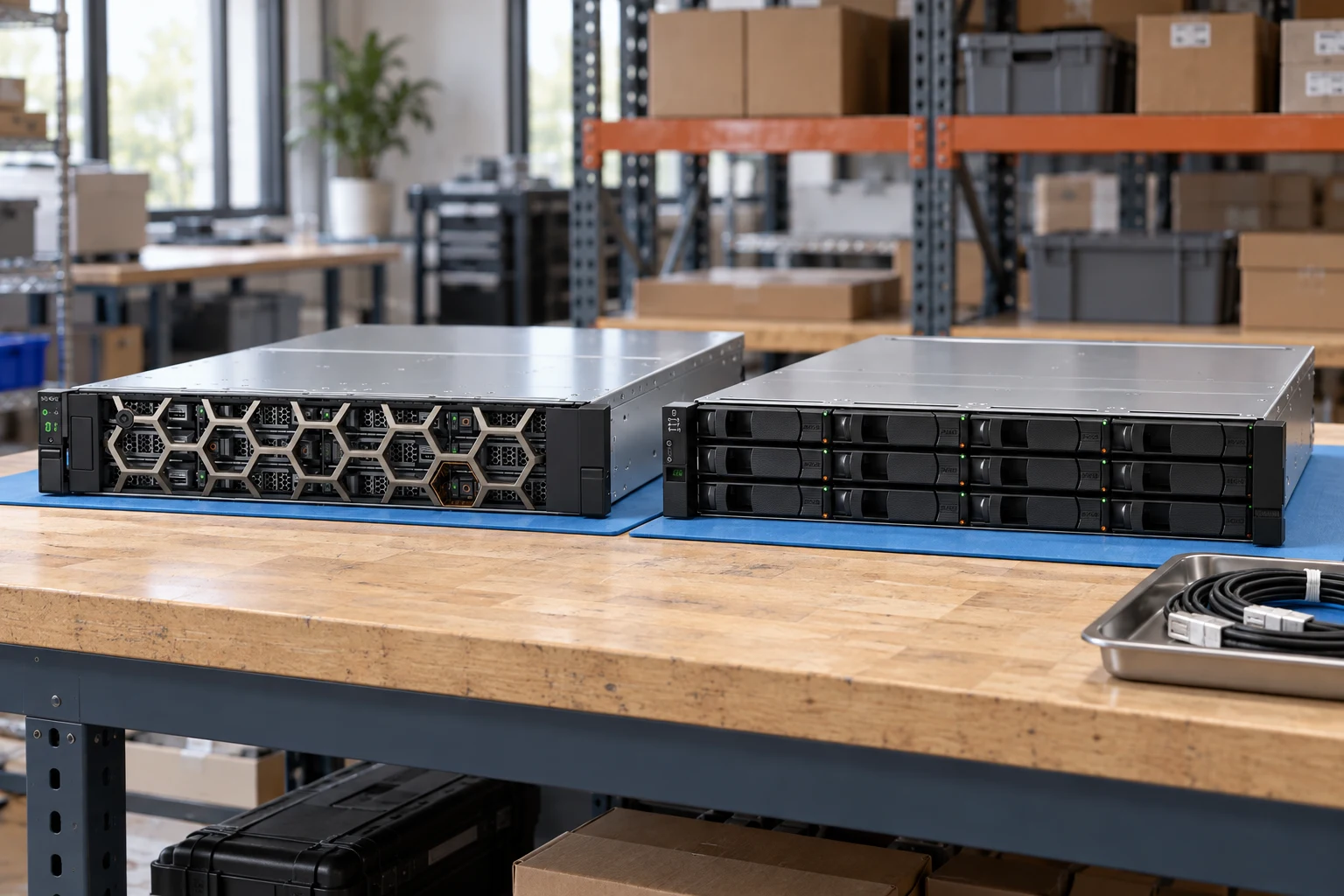
Specify interface, endurance requirement and the complete suffix.
Drive & memory searchSeparate SAS/SATA, sector format, capacity and carrier.
Storage systemsReview controllers, drive shelves, host connectivity and support scope.
Drive-path checklistTrace host adapter, backplane, cable and physical drive interface.
Separate raw capacity from usable capacity and workload requirements.
Confirm OEM firmware, sector format and tray requirements explicitly.
A planning sequence, not a record of completed work.
Counts show records in the site catalog. They do not represent stock, available quantities or verified compatibility.
Snapshot: 2026-09-15
| Decision | Record in your brief | Evidence to retain |
|---|---|---|
| Drive path | Trace host adapter, backplane, cable and physical drive interface. | Complete identifier and source revision |
| Capacity & endurance | Separate raw capacity from usable capacity and workload requirements. | Platform document or written clarification |
| Firmware & carriers | Confirm OEM firmware, sector format and tray requirements explicitly. | Offered-unit details and agreed scope |
Tick items as you prepare them. This is your personal checklist, not a hardware validation.
Saved in this browser when local storage is available.
Reference-based generated scenes; actual-unit photos are available only through an explicit unit-specific request. Related models are separate catalog records, not substitutes for the item on this page.
Continue the relevant directory or service flow.
Open resourceUse the connected tool to develop the requirement.
Open resourceRetain the supporting reference with your project brief.
Open resourceFull model and suffix preserved · Interface and sector format specified · Carrier and firmware scope recorded · Usable-capacity requirement stated.