Skip to content
Enterprise hardware · New & pre-owned supply
sales@aster-rackit.comEnglish / Global
Exact identifiers. Clear specifications. A connected quotation.
WorkspaceQuote basket 0Configure system →
☰
Power distribution & PDU systemsJuniper
PDU2-PTX-AC-SP-S

Request exact-unit photography.
No unverified model image substituted.

support catalog reference

PDU2-PTX-AC-SP-S

Juniper PDU2-PTX-AC-SP-S — Power distribution unit

JuniperPower distribution & PDU systemsSpecifications pending

Official support catalogue reference · parameters unverified

Price and availability: Request quotation

Download editable RFQ checklist ↓

A technical record does not certify stock, condition, current orderability or a factory-approved BOM.

Identity & purchasing scope

This record identifies PDU2-PTX-AC-SP-S in the Juniper power distribution & pdu systems catalog. Its classification is support catalog reference. Preserve the full identifier when comparing offers: suffixes, revisions and assembly contents are part of the purchasing question.

Juniper PDU2-PTX-AC-SP-S is a hardware reference observed in an official Juniper support catalogue, grouped as power distribution unit. Use every character of the complete reference in your enquiry. Confirm the complete power-distribution assembly and intended installation; separately identify any required input leads. This reference does not establish the physical manufacturer, manufacturer ordering identity, compatibility, current availability, warranty or actual-unit condition. Technical parameters remain subject to separate confirmation. Use the technical record to prepare an inquiry rather than as evidence that an item is available, tested, licensed or covered by a particular warranty. Inherited fast-shipping and stock language is not carried into this catalog's commercial fields.

Recorded technical specifications

Each field states its evidence status. Inherited and title-derived values remain unverified; reviewed OEM facts do not certify an offered configuration.

Specifications pending review

No additional technical table was supplied for this identity. Request the current datasheet and item labels rather than guessing specifications from a title.

Official reference and partial field scope

Reference owner: Juniper

Complete published reference: PDU2-PTX-AC-SP-S

Own product group: Power distribution unit

The official Juniper support catalogue records this hardware reference and its own group. Manufacturer ordering identity and operating parameters remain unverified.

No technical parameter is established by this support-catalogue reference.

The full model parameters, host compatibility, current orderability, lifecycle, included items and supplied-unit condition remain unverified.

Catalogue evidence does not establish current stock, price, warranty, an authorized relationship or an actual-unit photograph.

Configuration & purchase checks

  1. Start with the exact PDU or power-system PN and distinguish a complete device from a controller, cord, connector or dedicated module.
  2. Keep nominal voltage, phase, input plug, supply current and output receptacles on the same review sheet. Do not substitute apparent kVA for active kW.
  3. Use the own row to distinguish input monitoring, per-outlet monitoring and switching; a family headline does not establish every control feature.
  4. Check the target generation, firmware, mounting orientation and required power path for accessories. A similar plug or RJ45-shaped connector alone does not establish interchangeability.
  5. Request actual labels, connections, included leads and condition evidence, and agree who will approve the final electrical installation.

Adding an item prepares a local RFQ line. It does not create a price offer, reserve inventory or submit an order.

Read the category procurement guide →

Platform relationships & upgrade review

No explicit target-platform relationship is provided for this record. Brand, socket, capacity and visual resemblance alone must not be used to invent a compatibility claim.

Related records below are category neighbors. They are not approved replacement parts.

Actual-unit evidence to request

01

Device and full model label

02

Input plug and rating plate

03

All output receptacles

04

Controller and mounting details

05

Included cords and modules

No server boot-screen image is attached to this record. Request product photographs and any diagnostic or entitlement record as separate evidence.

At acceptance, compare the delivered unit, labels and accessories with the approved list. Retain source revisions and receiving records for later maintenance.

Source trace & documentation

Remaining review: physical_manufacturer · manufacturer_ordering_identity · technical_parameters · host_compatibility · lifecycle · availability · actual_unit_condition · warranty · exact_model_photography

Source fileSource recordEvidence status
  • Official support catalogue reference; RMA listing is not an ASTER warranty ↗ Official support hardware catalogue · Observed 25 Oct 2026 · 22:36:51 UTC · Official support catalogue reference and own type only; manufacturer ordering status, operating parameters and the offered unit remain unverified.
  • support.juniper.net ↗ Official support hardware catalogue · Observed 25 Oct 2026 · 22:36:51 UTC · Official support catalogue reference and own type only; manufacturer ordering status, operating parameters and the offered unit remain unverified.
How evidence quality is classified →

Frequently asked questions

Is the item currently available?

This is not a live stock feed. Confirm full identifier, condition, quantity, price and delivery scope in a written quotation.

Does this record certify compatibility?

No. Inherited fields and platform associations require review against the exact destination system and current manufacturer documentation.

What should I send in an RFQ?

Include the full identifier, quantity, destination, target platform, condition, accessories and evidence needed for acceptance.

Is a configuration number another server model?

No. Models, ordering configurations, options and reference labels are distinct record types. Ask which actual purchasing unit will be supplied.

Related category records

Browse category →
Panduitmanufacturer ordering part number
UTFMRDU

Panduit UTFMRDU — UPS Step-Down Transformer

Complete manufacturer ordering PN
UTFMRDU
Official manufacturer product group
UPS Step-Down Transformer
Mount Orientation
Horizontal/Vertical

Manufacturer catalog observations · remaining checks open

View details →
Panduitmanufacturer ordering part number
PXTM1AF

Panduit PXTM1AF — Fault Managed Power System Class 4 Transmitter Module

Complete manufacturer ordering PN
PXTM1AF
Official manufacturer product group
Fault Managed Power System Class 4 Transmitter Module
Mount Method
Hot-Swappable

Manufacturer catalog observations · remaining checks open

View details →
Panduitmanufacturer ordering part number
E36D06L

Panduit E36D06L — EL2P Intelligent PDU

Complete manufacturer ordering PN
E36D06L
Official manufacturer product group
EL2P Intelligent PDU
Rack PDU Type
Monitored Input

Manufacturer catalog observations · remaining checks open

View details →
Panduitmanufacturer ordering part number
E36D25L

Panduit E36D25L — EL2P Intelligent PDU

Complete manufacturer ordering PN
E36D25L
Official manufacturer product group
EL2P Intelligent PDU
Rack PDU Type
Monitored Input

Manufacturer catalog observations · remaining checks open

View details →
Panduitmanufacturer ordering part number
E36D28L

Panduit E36D28L — EL2P Intelligent PDU

Complete manufacturer ordering PN
E36D28L
Official manufacturer product group
EL2P Intelligent PDU
Rack PDU Type
Monitored Input

Manufacturer catalog observations · remaining checks open

View details →
Panduitmanufacturer ordering part number
E36E09L

Panduit E36E09L — EL2P Intelligent PDU

Complete manufacturer ordering PN
E36E09L
Official manufacturer product group
EL2P Intelligent PDU
Rack PDU Type
Monitored & Switched

Manufacturer catalog observations · remaining checks open

View details →
01

Components & OEM kits — the next decisions

JUNIPER / Components & OEM kits

PDU2-PTX-AC-SP-S

A spare, assembly and option number may identify different contents.

This guide adds the decisions, documents and next steps that support this page.

Parts directory
Components & OEM kits illustrative environment
02

Choose the right route

Core components

Identify CPU, memory and storage by the complete manufacturer PN.

Parts directory

Expansion parts

Check slot, interface, bracket and supported firmware.

PN workbench
03

Details that change the configuration

Assembly identity

A spare, assembly and option number may identify different contents.

Target platform

Name the chassis generation and installed configuration.

Replacement scope

State whether the request is an exact replacement or a proposed alternative.

04

From requirement to handover

  1. 01

    Read component label

  2. 02

    Record host platform

  3. 03

    Define kit contents

  4. 04

    Review replacement fit

A planning sequence, not a record of completed work.

05

Explore the relevant catalog

JUNIPER

Recorded catalog identities

Counts show records in the site catalog. They do not represent stock, available quantities or verified compatibility.

Snapshot: 2026-11-03

06

Compare the buying requirements

Components & OEM kits comparison brief
DecisionRecord in your briefEvidence to retain
Assembly identityA spare, assembly and option number may identify different contents.Complete identifier and source revision
Target platformName the chassis generation and installed configuration.Platform document or written clarification
Replacement scopeState whether the request is an exact replacement or a proposed alternative.Offered-unit details and agreed scope
Open the comparison workspace
07

Build your readiness checklist

Your preparation progress

Tick items as you prepare them. This is your personal checklist, not a hardware validation.

0 / 4 prepared0

Saved in this browser when local storage is available.

08

A closer look at the hardware

Components & OEM kits illustrative working environment
Components & OEM kits environment Explore
Illustrative configuration discussion
Review the requirement Explore
Illustrative protective packing workflow
Prepare the handover Explore
1 / 3

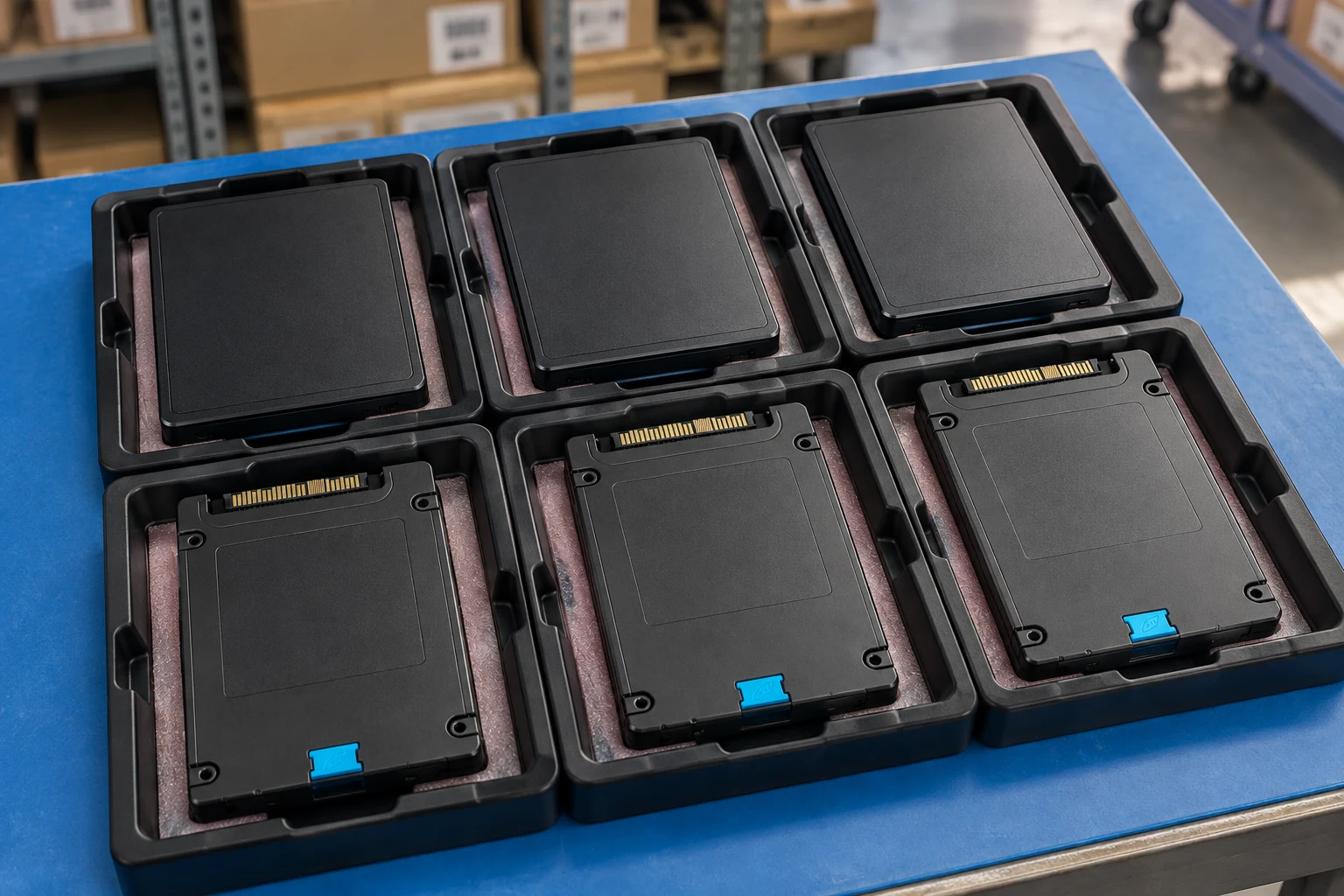
Reference-based generated scenes; actual-unit photos are available only through an explicit unit-specific request. Related models are separate catalog records, not substitutes for the item on this page.

09

Keep the supporting material together

Component photo collection

Retain the supporting reference with your project brief.

Open resource
10

Turn the brief into the next step

JUNIPER / Components & OEM kits

Keep the requirement specific.

Full manufacturer PN captured · OEM kit content list supplied · Target chassis and revision recorded · Alternative-part approval required.