Assmann Electronicpublished manufacturer own ordering reference
A-19-STRIP42-1Assmann Electronic A-19-STRIP42-1 — Rack power distribution unit
- Technical fields
- Pending source review
Inherited technical record
 ASTER RACKITENTERPRISE IT HARDWARE
Request exact-unit photography.
No unverified model image substituted.
Assmann Electronic DN-95438 — Rack power distribution unit
Inherited technical record
Price and availability: Request quotation
Download editable RFQ checklist ↓A technical record does not certify stock, condition, current orderability or a factory-approved BOM.
This record identifies DN-95438 in the Assmann Electronic rack power distribution unit catalog. Its classification is published manufacturer own ordering reference. Preserve the full identifier when comparing offers: suffixes, revisions and assembly contents are part of the purchasing question.
Assmann Electronic DN-95438 — Rack power distribution unit Use Assmann Electronic DN-95438 as the exact manufacturer reference for a rack power distribution unit enquiry. ASTER RACKIT can organise the requested configuration, included items and project requirements around this complete part number. Plan rack power from the site supply to the connected equipment. Record the required connections and operating arrangement for quotation review. Add the quantity, preferred condition and destination to the enquiry. Ask for confirmation of the quoted revision and included items, with product documentation and current-unit photographs where needed. Use the technical record to prepare an inquiry rather than as evidence that an item is available, tested, licensed or covered by a particular warranty. Inherited fast-shipping and stock language is not carried into this catalog's commercial fields.
Each field states its evidence status. Inherited and title-derived values remain unverified; reviewed OEM facts do not certify an offered configuration.
No additional technical table was supplied for this identity. Request the current datasheet and item labels rather than guessing specifications from a title.
Adding an item prepares a local RFQ line. It does not create a price offer, reserve inventory or submit an order.
Read the category procurement guide →No explicit target-platform relationship is provided for this record. Brand, socket, capacity and visual resemblance alone must not be used to invent a compatibility claim.
Related records below are category neighbors. They are not approved replacement parts.
No server boot-screen image is attached to this record. Request product photographs and any diagnostic or entitlement record as separate evidence.
At acceptance, compare the delivered unit, labels and accessories with the approved list. Retain source revisions and receiving records for later maintenance.
Remaining review: technical_parameters_review_required · individual_hardware_family_review_required · physical_form_factor_review_required · compatibility_review_required · current_inventory_not_proven · delivered_unit_condition_not_proven · warranty_not_proven · image_rights_not_granted
| Source file | Source record | Evidence status |
|---|
This is not a live stock feed. Confirm full identifier, condition, quantity, price and delivery scope in a written quotation.
No. Inherited fields and platform associations require review against the exact destination system and current manufacturer documentation.
Include the full identifier, quantity, destination, target platform, condition, accessories and evidence needed for acceptance.
No. Models, ordering configurations, options and reference labels are distinct record types. Ask which actual purchasing unit will be supplied.
Assmann Electronic A-19-STRIP42-1 — Rack power distribution unit
Inherited technical record
Assmann Electronic DN-95401 — Rack power distribution unit
Inherited technical record
Assmann Electronic DN-95402 — Rack power distribution unit
Inherited technical record
Assmann Electronic DN-95402-1-FR — Rack power distribution unit
Inherited technical record
Assmann Electronic DN-95404 — Rack power distribution unit
Inherited technical record
Assmann Electronic DN-95405 — Rack power distribution unit
Inherited technical record
A spare, assembly and option number may identify different contents.
This guide adds the decisions, documents and next steps that support this page.
Parts directory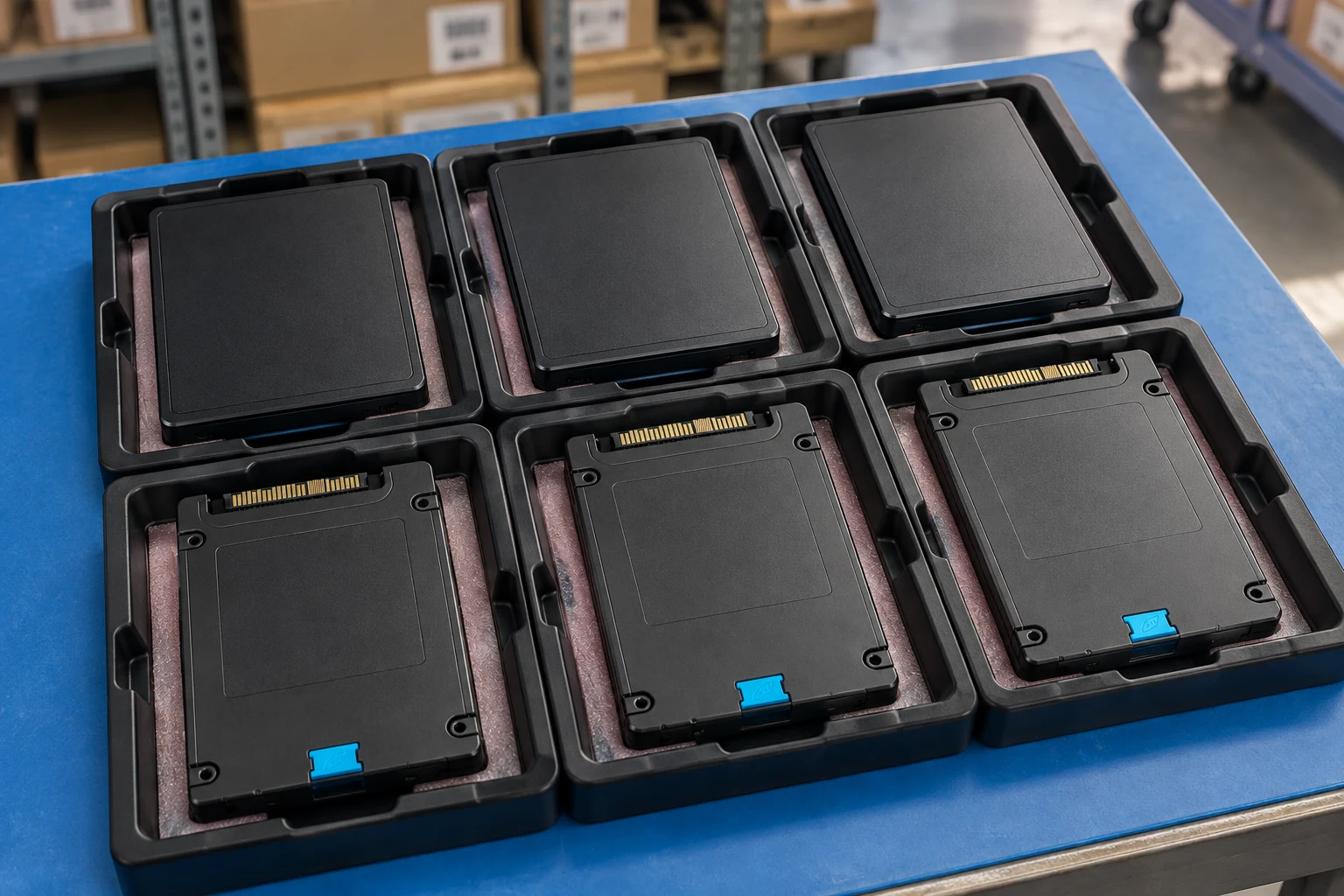
Identify CPU, memory and storage by the complete manufacturer PN.
Parts directoryCheck slot, interface, bracket and supported firmware.
PN workbenchDescribe every included cable, carrier, screw and accessory.
Component photo collectionA spare, assembly and option number may identify different contents.
Name the chassis generation and installed configuration.
State whether the request is an exact replacement or a proposed alternative.
A planning sequence, not a record of completed work.
Counts show records in the site catalog. They do not represent stock, available quantities or verified compatibility.
Snapshot: 2026-11-03
No catalog count is available for this scope.
| Decision | Record in your brief | Evidence to retain |
|---|---|---|
| Assembly identity | A spare, assembly and option number may identify different contents. | Complete identifier and source revision |
| Target platform | Name the chassis generation and installed configuration. | Platform document or written clarification |
| Replacement scope | State whether the request is an exact replacement or a proposed alternative. | Offered-unit details and agreed scope |
Tick items as you prepare them. This is your personal checklist, not a hardware validation.
Saved in this browser when local storage is available.
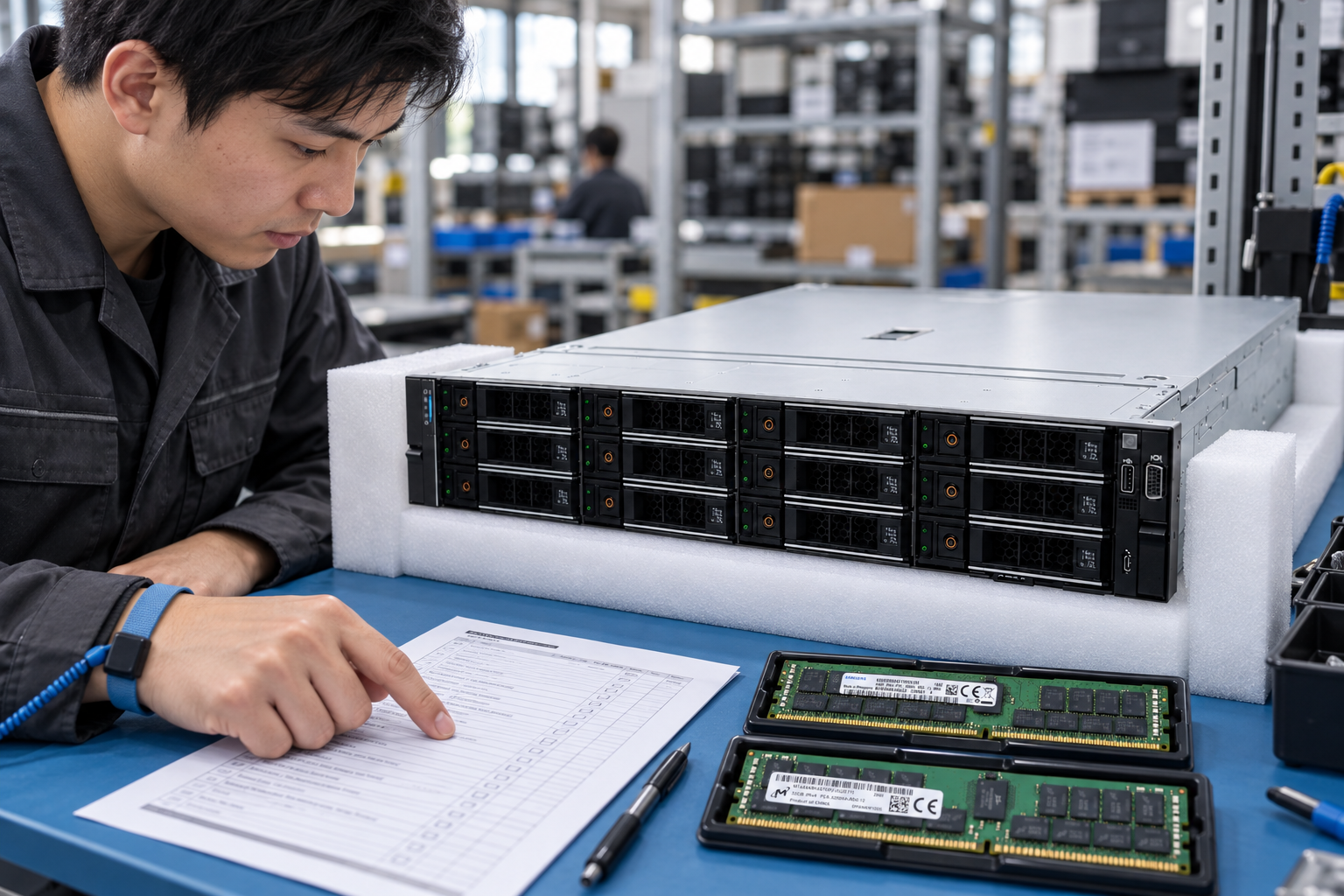
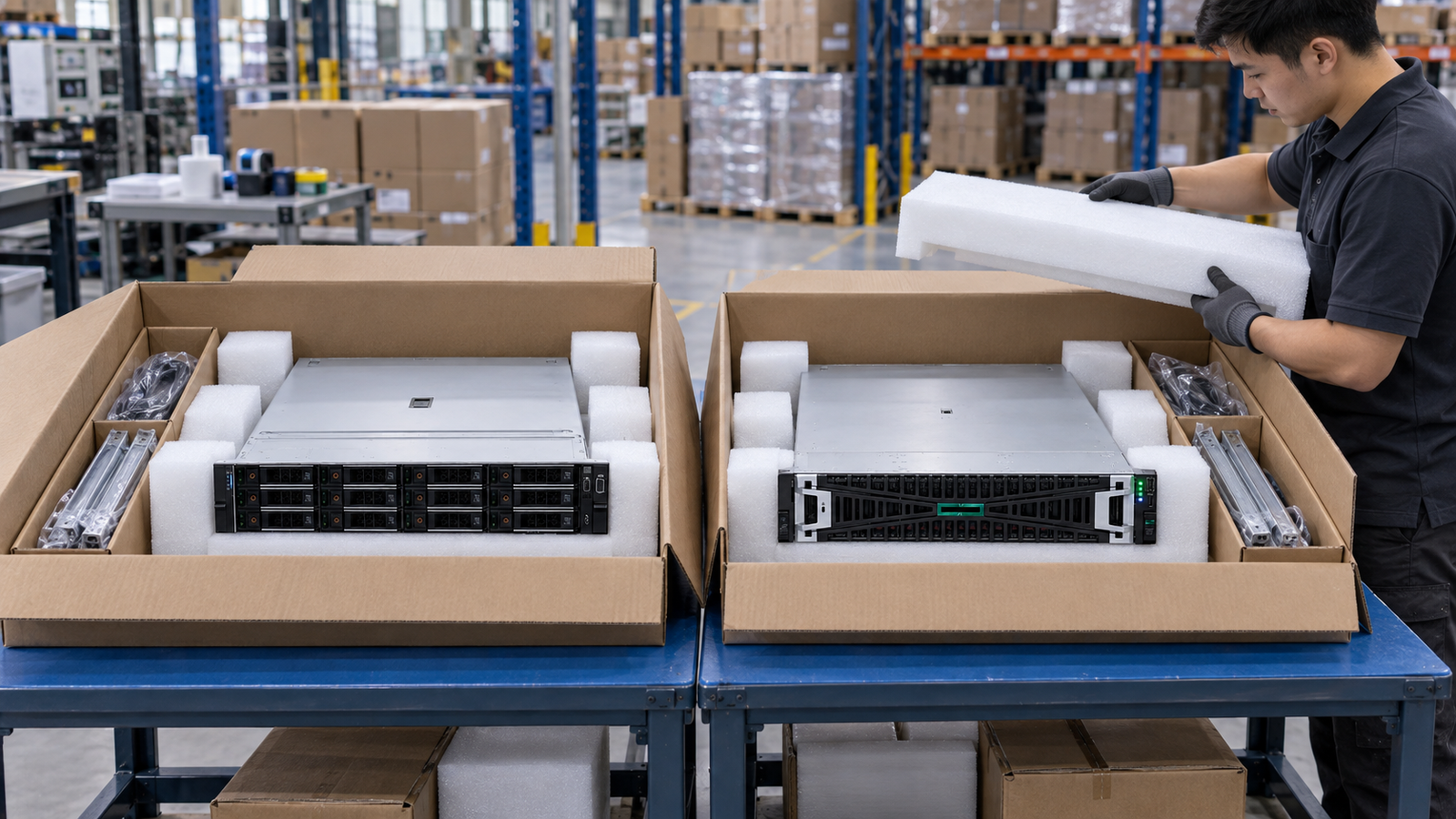
Reference-based generated scenes; actual-unit photos are available only through an explicit unit-specific request. Related models are separate catalog records, not substitutes for the item on this page.
Continue the relevant directory or service flow.
Open resourceUse the connected tool to develop the requirement.
Open resourceRetain the supporting reference with your project brief.
Open resourceFull manufacturer PN captured · OEM kit content list supplied · Target chassis and revision recorded · Alternative-part approval required.