Ciscopart number
C9200-24T-ACisco C9200-24T-A — Network switches
- Port count designation
- 24-port
- Hardware family
- Catalyst 9200
- Manufacturer model
- C9200-24T
OEM model and listed fields reviewed · remaining checks open
 ASTER RACKITENTERPRISE IT HARDWARE
Request exact-unit photography.
No unverified model image substituted.
Cisco C9200L-24PXG-2Y-E — Network platforms
OEM model and listed fields reviewed · remaining checks open
Price and availability: Request quotation
Download editable RFQ checklist ↓A technical record does not certify stock, condition, current orderability or a factory-approved BOM.
This record identifies C9200L-24PXG-2Y-E in the Cisco network switches catalog. Its classification is part number. Preserve the full identifier when comparing offers: suffixes, revisions and assembly contents are part of the purchasing question.
Cisco C9200L-24PXG-2Y-E is recorded in the ASTER RACKIT switching catalog. The linked manufacturer table provides the following model-specific observations: switching capacity: 292 Gbps; switching capacity with stacking: 372 Gbps; forwarding rate: 229.16 Mpps; forwarding rate with stacking: 277 Mpps. Match access interfaces, uplink requirements, power type and airflow to the intended rack before preparing the bill of materials. Request quantity, destination and required accessories together. Availability, included items and actual-unit condition are confirmed in the quotation. Use the technical record to prepare an inquiry rather than as evidence that an item is available, tested, licensed or covered by a particular warranty. Inherited fast-shipping and stock language is not carried into this catalog's commercial fields.
Each field states its evidence status. Inherited and title-derived values remain unverified; reviewed OEM facts do not certify an offered configuration.
| Field | Recorded value | Source snapshot |
|---|---|---|
| Port count designation | 24-port | Source reference not linked Inherited · unverified · Observation time not recorded Scope & source detailsReference: customer-library |
| Hardware family | Catalyst 9200 | Source reference Reviewed OEM field · Observed 13 Sep 2026 · 01:44:04 UTC Scope & source detailsOEM hardware base model C9200L-24PXG-2Y; license entitlement not verified Location: HTML table 2, row 25 Reference: cisco-oem-datasheet |
| Manufacturer model | C9200L-24PXG-2Y | Source reference Reviewed OEM field · Observed 13 Sep 2026 · 01:44:04 UTC Scope & source detailsOEM hardware base model C9200L-24PXG-2Y; license entitlement not verified Location: HTML table 2, row 25 Reference: cisco-oem-datasheet |
| Downlink layout | 24 ports full PoE+ (8 mGig ports up to 10G, 16 ports up to 1G) | Source reference Reviewed OEM field · Observed 13 Sep 2026 · 01:44:04 UTC Scope & source detailsOEM hardware base model C9200L-24PXG-2Y; license entitlement not verified Location: HTML table 2, row 25 Reference: cisco-oem-datasheet |
| Uplink layout | 2x 1/10/25G fixed uplinks | Source reference Reviewed OEM field · Observed 13 Sep 2026 · 01:44:04 UTC Scope & source detailsOEM hardware base model C9200L-24PXG-2Y; license entitlement not verified Location: HTML table 2, row 25 Reference: cisco-oem-datasheet |
| Default power supply | PWR-C5-600WAC | Source reference Reviewed OEM field · Observed 13 Sep 2026 · 01:44:04 UTC Scope & source detailsOEM hardware base model C9200L-24PXG-2Y; license entitlement not verified Location: HTML table 2, row 25 Reference: cisco-oem-datasheet |
| Fan arrangement | Fixed redundant | Source reference Reviewed OEM field · Observed 13 Sep 2026 · 01:44:04 UTC Scope & source detailsOEM hardware base model C9200L-24PXG-2Y; license entitlement not verified Location: HTML table 2, row 25 Reference: cisco-oem-datasheet |
| Switching capacity | 292 Gbps | Source reference Reviewed OEM field · Observed 13 Sep 2026 · 01:44:04 UTC Scope & source detailsBase hardware C9200L-24PXG-2Y only; order-specific inclusions unverified Location: HTML table 9, exact row C9200L-24PXG-2Y Reference: oem-model-table |
| Switching capacity with stacking | 372 Gbps | Source reference Reviewed OEM field · Observed 13 Sep 2026 · 01:44:04 UTC Scope & source detailsBase hardware C9200L-24PXG-2Y only; order-specific inclusions unverified Location: HTML table 9, exact row C9200L-24PXG-2Y Reference: oem-model-table |
| Forwarding rate | 229.16 Mpps | Source reference Reviewed OEM field · Observed 13 Sep 2026 · 01:44:04 UTC Scope & source detailsBase hardware C9200L-24PXG-2Y only; order-specific inclusions unverified Location: HTML table 9, exact row C9200L-24PXG-2Y Reference: oem-model-table |
| Forwarding rate with stacking | 277 Mpps | Source reference Reviewed OEM field · Observed 13 Sep 2026 · 01:44:04 UTC Scope & source detailsBase hardware C9200L-24PXG-2Y only; order-specific inclusions unverified Location: HTML table 9, exact row C9200L-24PXG-2Y Reference: oem-model-table |
Adding an item prepares a local RFQ line. It does not create a price offer, reserve inventory or submit an order.
Read the category procurement guide →No explicit target-platform relationship is provided for this record. Brand, socket, capacity and visual resemblance alone must not be used to invent a compatibility claim.
Related records below are category neighbors. They are not approved replacement parts.
No server boot-screen image is attached to this record. Request product photographs and any diagnostic or entitlement record as separate evidence.
At acceptance, compare the delivered unit, labels and accessories with the approved list. Retain source revisions and receiving records for later maintenance.
Remaining review: Actual unit condition and included components · Current lifecycle status · Software/license entitlement · Complete compatibility and hardware revision · Actual unit condition and included parts · Software entitlement and current lifecycle · Complete target-system compatibility
| Source file | Source record | Evidence status |
|---|---|---|
| lib/customer-library.json | pn-492096163b9e4ffaaebb | Inherited snapshot; not re-certified |
This is not a live stock feed. Confirm full identifier, condition, quantity, price and delivery scope in a written quotation.
No. Inherited fields and platform associations require review against the exact destination system and current manufacturer documentation.
Include the full identifier, quantity, destination, target platform, condition, accessories and evidence needed for acceptance.
No. Models, ordering configurations, options and reference labels are distinct record types. Ask which actual purchasing unit will be supplied.
Cisco C9200-24T-A — Network switches
OEM model and listed fields reviewed · remaining checks open
Cisco C9200-48T-A — Network switches
OEM model and listed fields reviewed · remaining checks open
Cisco C9300-24S-A — Network platforms
OEM model and listed fields reviewed · remaining checks open
Cisco C9300-24S-E — Network platforms
OEM model and listed fields reviewed · remaining checks open
Cisco C9300-48S-A — Network platforms
OEM model and listed fields reviewed · remaining checks open
Cisco C9300-48S-E — Network platforms
OEM model and listed fields reviewed · remaining checks open
Record port speeds, media type and uplink quantities.
This guide adds the decisions, documents and next steps that support this page.
Network equipment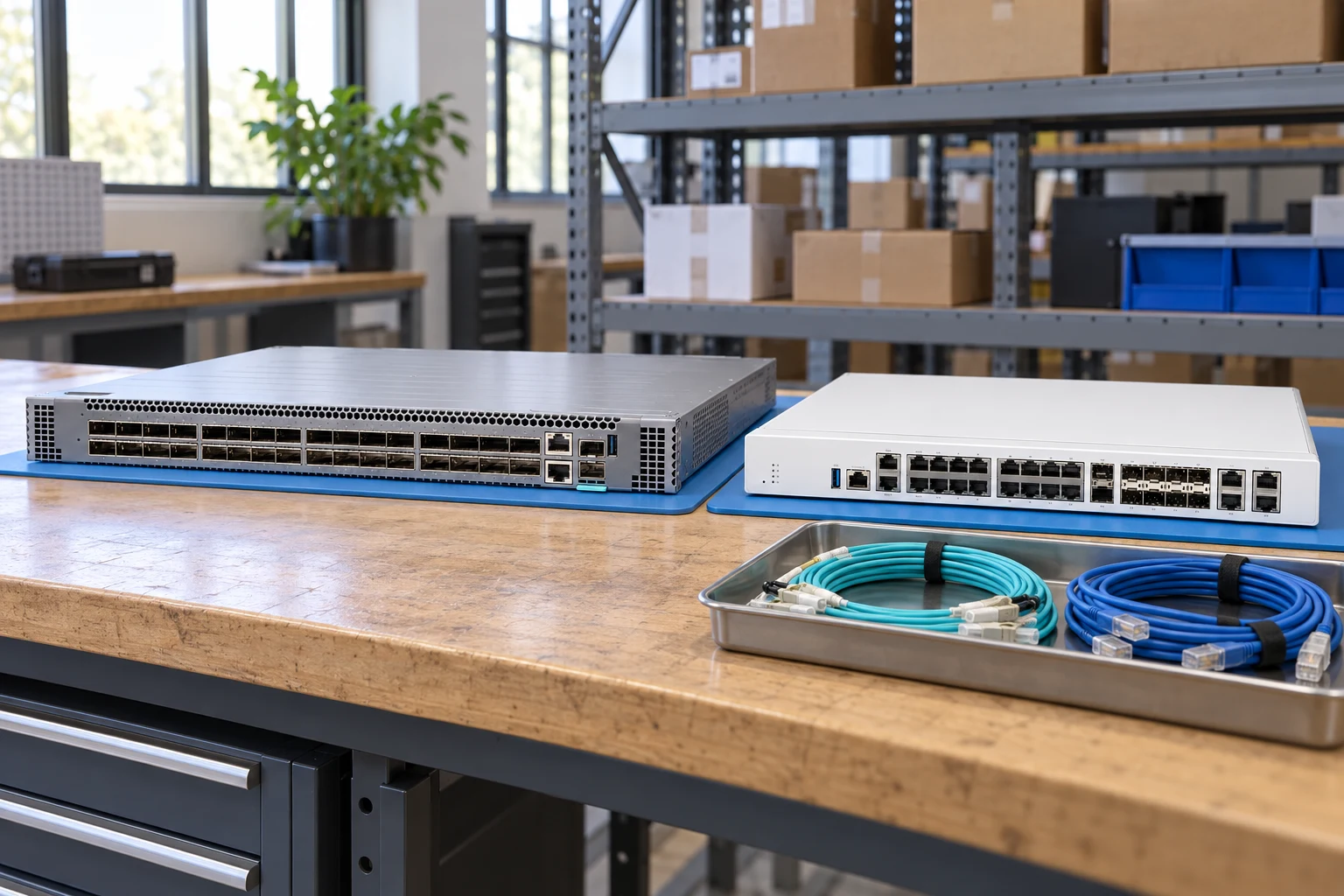
Count access ports and uplinks separately; state breakout needs.
Network equipmentSpecify interfaces, throughput test conditions and required software features.
Network plannerMatch connector, fiber, reach, wavelength and supported coding.
Network checklistRecord port speeds, media type and uplink quantities.
Match airflow direction, power supply and rack requirements.
Request license and transferability details for the exact offer.
A planning sequence, not a record of completed work.
Counts show records in the site catalog. They do not represent stock, available quantities or verified compatibility.
Snapshot: 2026-11-03
| Decision | Record in your brief | Evidence to retain |
|---|---|---|
| Port map | Record port speeds, media type and uplink quantities. | Complete identifier and source revision |
| Airflow & power | Match airflow direction, power supply and rack requirements. | Platform document or written clarification |
| Software entitlement | Request license and transferability details for the exact offer. | Offered-unit details and agreed scope |
Tick items as you prepare them. This is your personal checklist, not a hardware validation.
Saved in this browser when local storage is available.
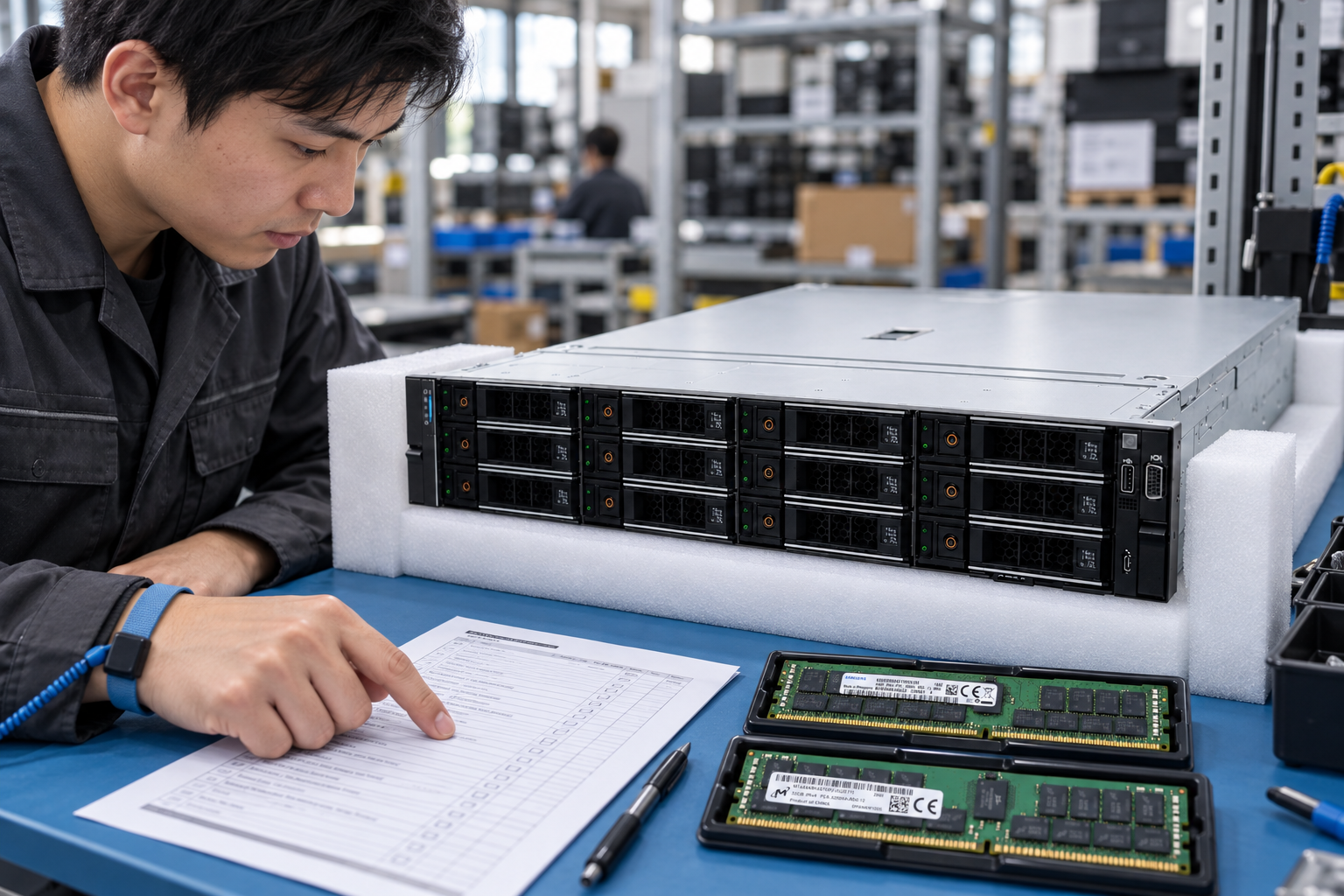
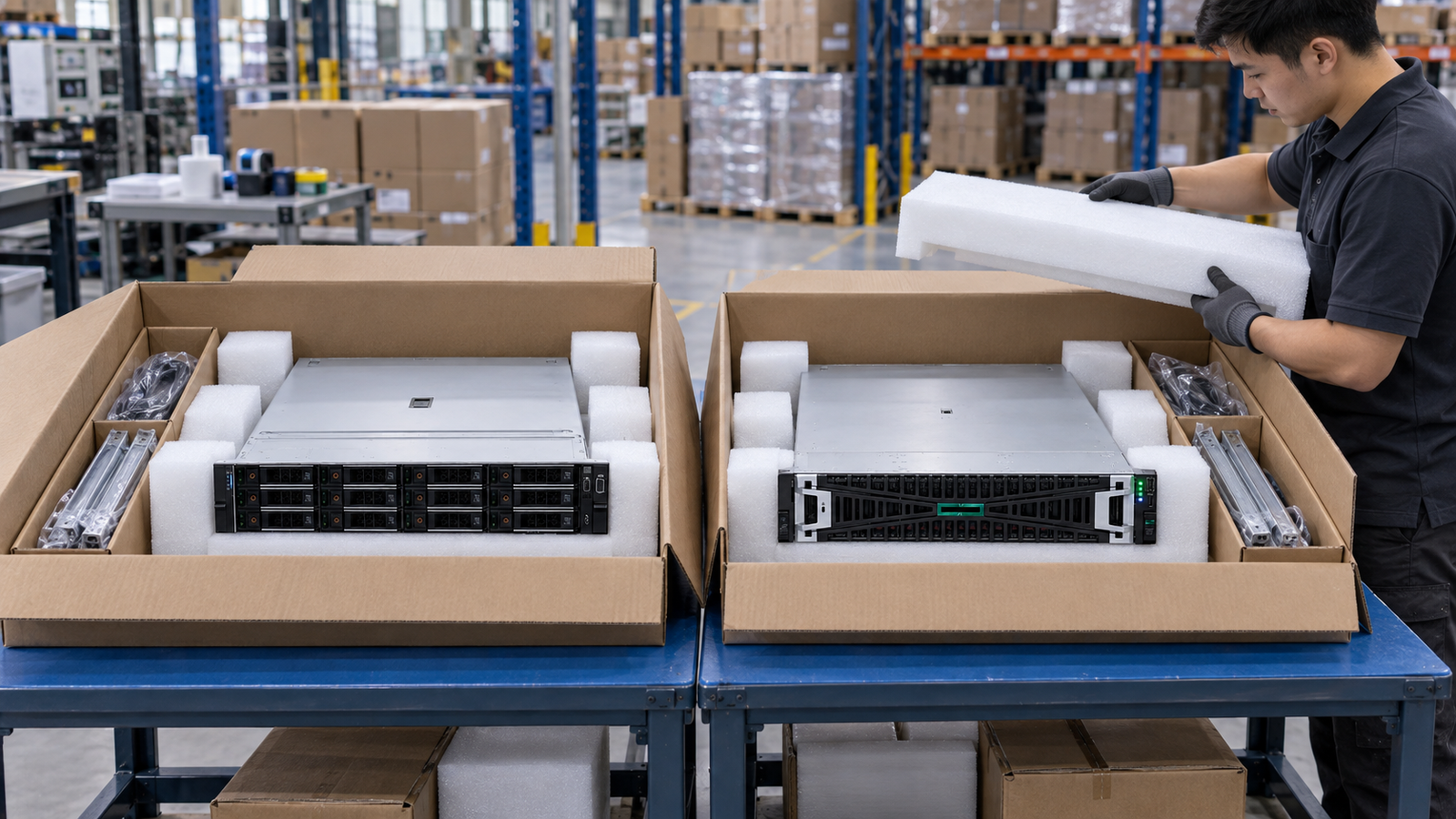
Reference-based generated scenes; actual-unit photos are available only through an explicit unit-specific request. Related models are separate catalog records, not substitutes for the item on this page.
Continue the relevant directory or service flow.
Open resourceUse the connected tool to develop the requirement.
Open resourceRetain the supporting reference with your project brief.
Open resourcePort and uplink schedule drafted · Optics and cable ends identified · Airflow and PSU scope confirmed · Required software entitlement listed.