xFusion cable P/N
14270055
OCP 3.0 expansion cable · FlexIO 1 x16
- From
- FlexIO 1 / J42
- To
- CPU 1 / J64
- Supply
- Confirm cable or assembly
xFusion · Model-specific cabling
Plan FlexIO connections for your FusionServer 2288H V7. Compare cable part numbers, check processor requirements and identify connector conflicts before requesting a quotation.
Plan your connections01 / Connection planner
Start with the hardware installed in your server. Changing the layout, processors or slot modes clears the connector checks so they can be confirmed again.
Check all existing internal cables. A matching connector alone does not establish NIC compatibility.
No expansion cable is identified for the current selections. Standard x8 connections do not add an expansion cable here; complete installed cabling still needs to be checked.
Part numbers are cable references, not confirmation of separate supply, stock or an approved server configuration.
Nothing is sent automatically. Review the enquiry before sharing it with sales.
02 / Exact cable identification
Keep the complete suffix when requesting a cable. These xFusion P/N codes are separate from retail component brands and are not interchangeable merely because the connectors look similar.
xFusion cable P/N
OCP 3.0 expansion cable · FlexIO 1 x16
xFusion cable P/N
OCP 3.0 expansion cable · FlexIO 2 x16
xFusion cable P/N
OCP 3.0 expansion cable · FlexIO 1 x8+x8
03 / Before installation
Single-processor OCP placement is limited to FlexIO 1. Expansion choices here are checked for a two-processor configuration; single-processor x16 needs separate confirmation.
FlexIO 1 x8 + x8 and FlexIO 2 x16 both use J53. They cannot use that connector at the same time. Check other internal cable assignments too.
Provide the exact OCP NIC model and PN, firmware, riser arrangement and cooling configuration. Lane width does not state Ethernet speed or guarantee application performance.
Send the server serial number and photographs of the cable labels and connector positions. Confirm cable length, supplied assembly, condition, availability and installation requirements with your quotation.
For FusionServer 2288H V7 with 8 x 2.5-inch Drive Pass-Through Configuration 1 only. Other drive layouts need a separate cabling check.
Confirm the server configuration, exact NIC, firmware, risers and available connectors before ordering.
These are xFusion cable P/N codes. Confirm the supplied assembly, ordering code and whether each cable can be supplied separately.
This checks selected OCP expansion connections only, not the complete server configuration or network performance.
Parts matched to your requirement
Send the server model, installed configuration and component labels. Our team can review the appropriate cable or assembly for your enquiry.
Define workload, capacity, constraints and growth needs.
This guide adds the decisions, documents and next steps that support this page.
System configurator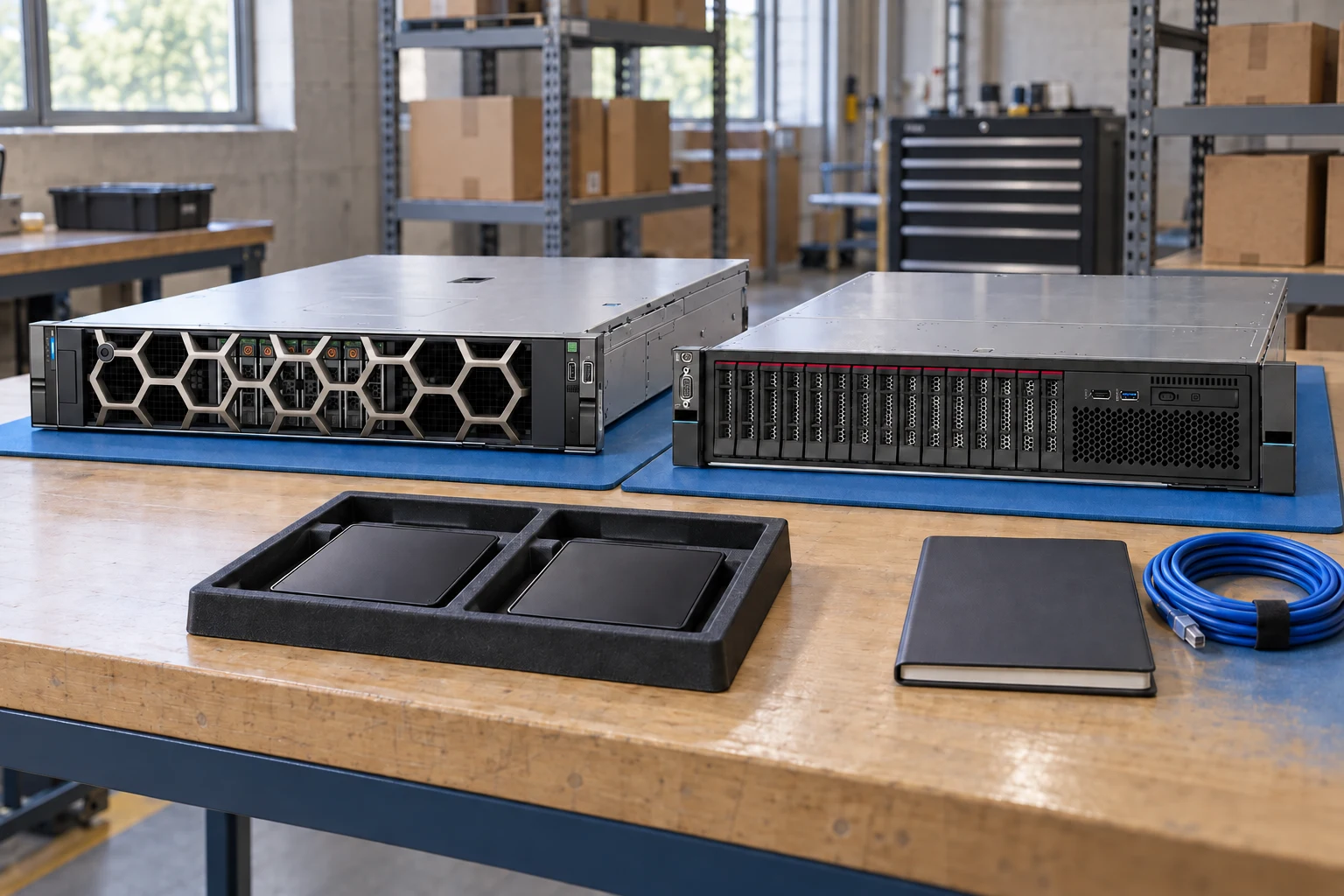
Start with the chassis and its documented dependencies.
System configuratorKeep identifiers and evidence side by side.
Compare recordsBuild a port, optics and cable schedule.
Network plannerDefine workload, capacity, constraints and growth needs.
Check component support, physical fit, power and firmware.
Export a reviewable requirement or quotation draft.
A planning sequence, not a record of completed work.
Counts show records in the site catalog. They do not represent stock, available quantities or verified compatibility.
Snapshot: 2026-09-15
| Decision | Record in your brief | Evidence to retain |
|---|---|---|
| Requirements | Define workload, capacity, constraints and growth needs. | Complete identifier and source revision |
| Dependencies | Check component support, physical fit, power and firmware. | Platform document or written clarification |
| Review output | Export a reviewable requirement or quotation draft. | Offered-unit details and agreed scope |
Tick items as you prepare them. This is your personal checklist, not a hardware validation.
Saved in this browser when local storage is available.
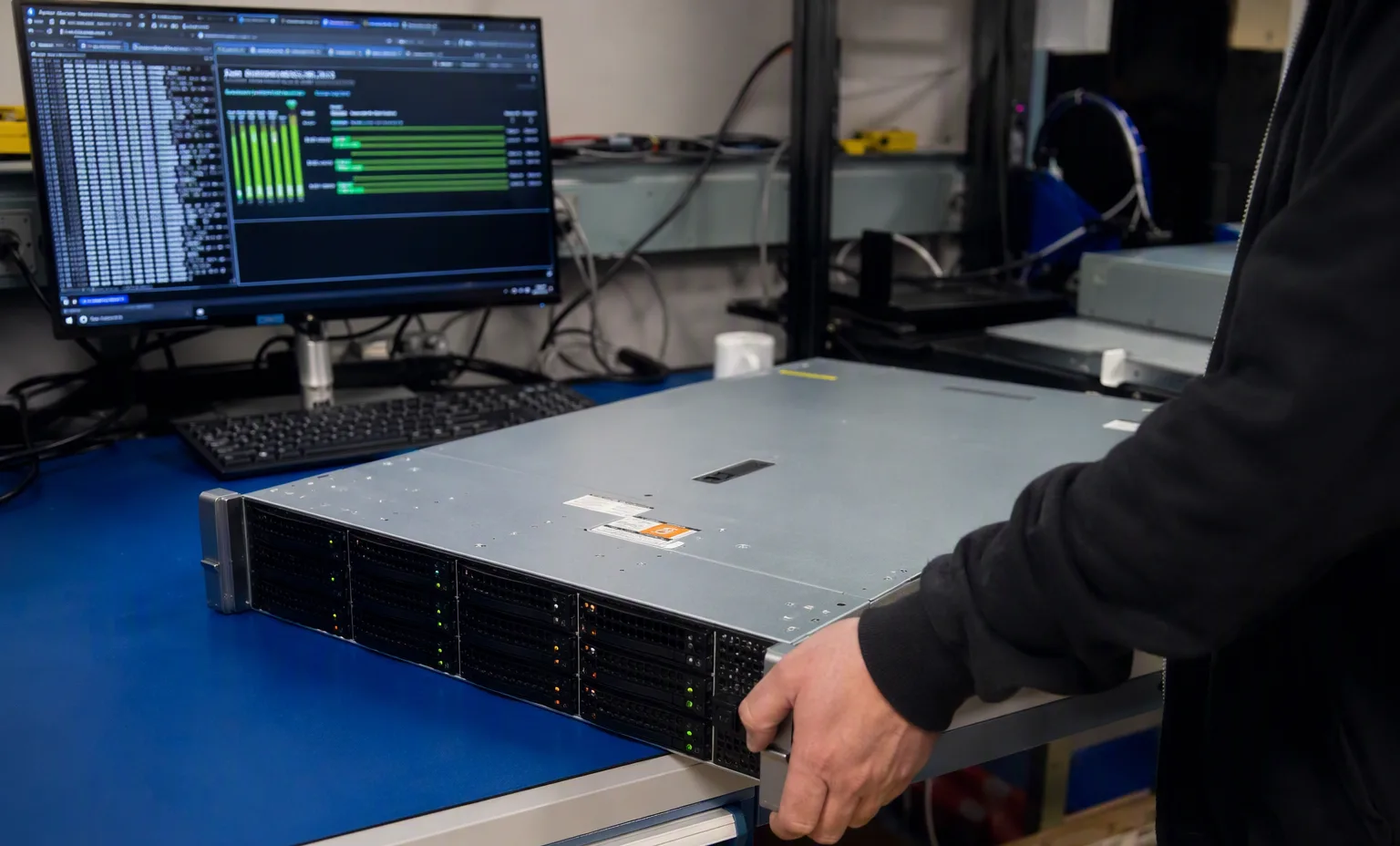
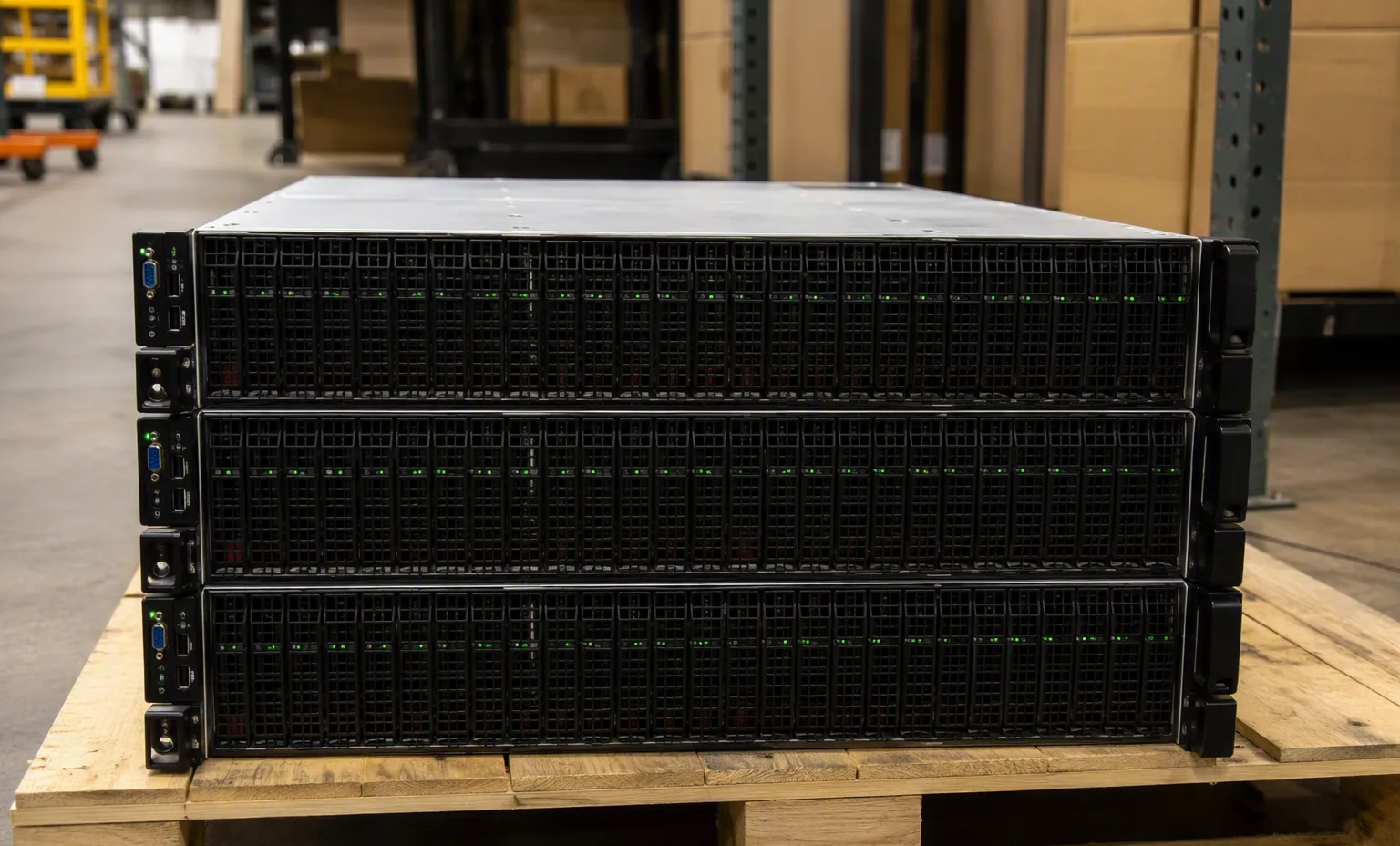
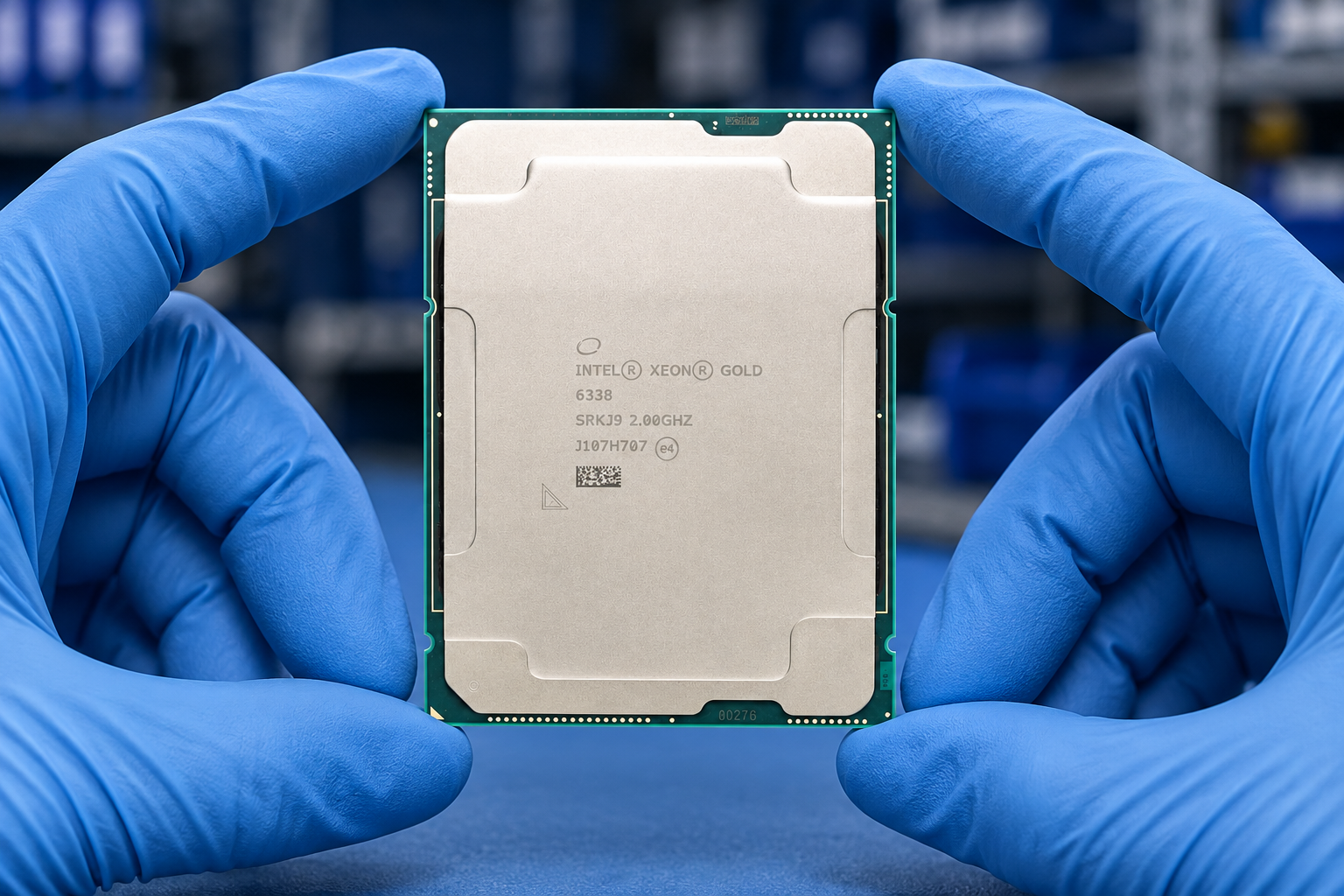
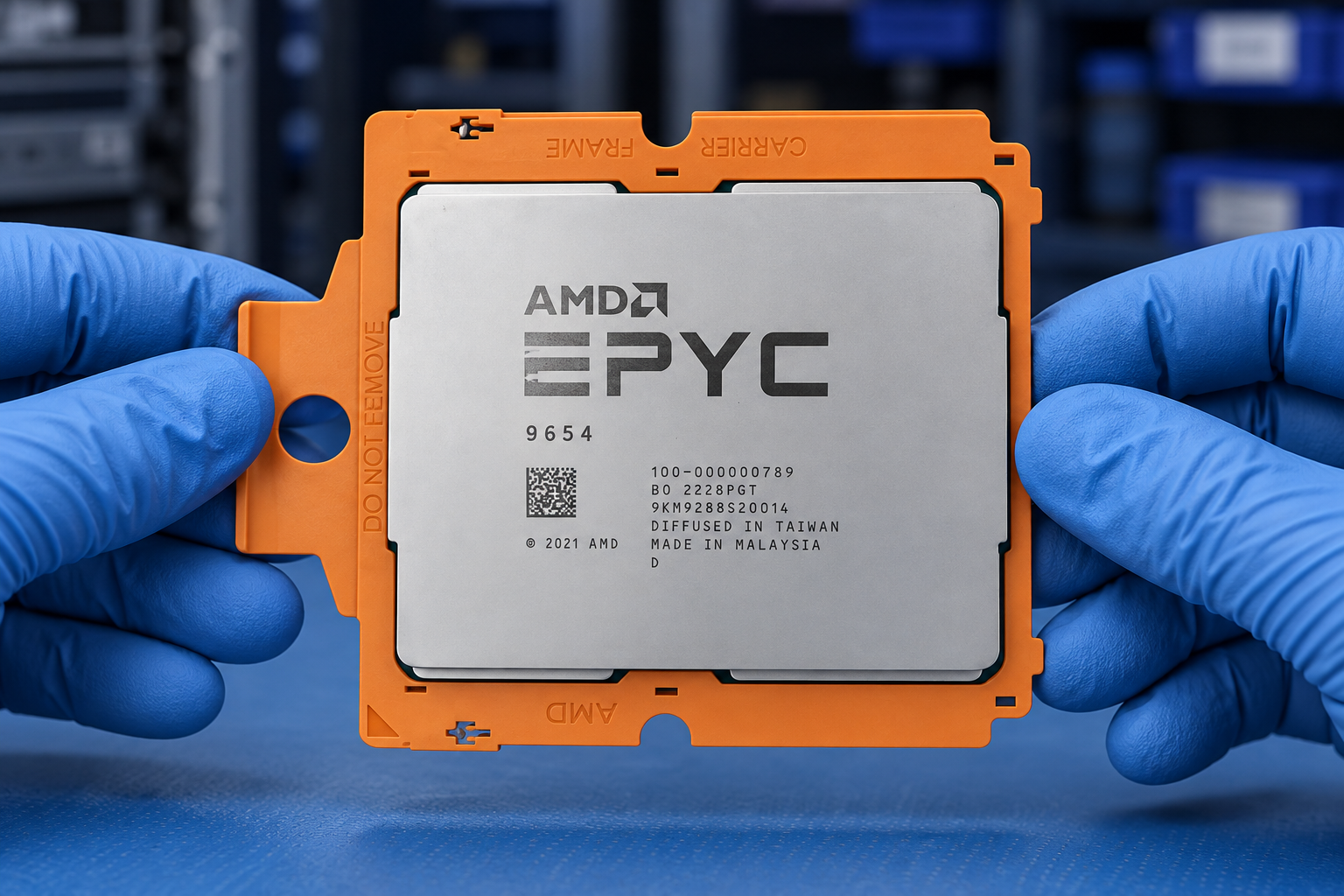
Reference-based generated scenes; actual-unit photos are available only through an explicit unit-specific request. Related models are separate catalog records, not substitutes for the item on this page.
Continue the relevant directory or service flow.
Open resourceUse the connected tool to develop the requirement.
Open resourceRetain the supporting reference with your project brief.
Open resourceWorkload requirements captured · Candidate BOM recorded · Open compatibility questions listed · Reviewer and next action assigned.