
Dellmanufacturer part number
DMC15Dell DMC15 — Enterprise SSDs
- ssd code name
- YOUNGSVILLE ( INTEL )
- capacity
- 240GB
- flash memory type
- TRIPLE LEVEL CELL ( 64 LAYER TLC 3D NAND )
Source-listed identity · parameters unverified
Request exact-unit photography.
No unverified model image substituted.
Dell 28F3R — Enterprise SSDs
Source-listed identity · parameters unverified
Price and availability: Request quotation
Download editable RFQ checklist ↓A technical record does not certify stock, condition, current orderability or a factory-approved BOM.
Reviewing Dell 28F3R? This page documents the exact Dell enterprise ssds identity with its recorded fields and source trace. Recorded values: capacity 240GB, interface SERIAL ATA ( SATA III / SATA3 ). Each value keeps its evidence label. Add the 28F3R to a quote basket when the record matches your requirement, then confirm details with the sales team.
This record identifies 28F3R in the Dell enterprise ssds catalog. Its classification is part number. Preserve the full identifier when comparing offers: suffixes, revisions and assembly contents are part of the purchasing question.
Prepare an ASTER RACKIT enquiry for Dell 28F3R in OEM Solid-state drives. Preserve the full model or ordering number and confirm the target system, quantity, physical and electrical fit, and offered assembly. Source-listed specifications require review. Use the technical record to prepare an inquiry rather than as evidence that an item is available, tested, licensed or covered by a particular warranty. Inherited fast-shipping and stock language is not carried into this catalog's commercial fields.
Inherited search aliases: 28F3R. These are lookup aids, not certified equivalents.
Each field states its evidence status. Inherited and title-derived values remain unverified; reviewed OEM facts do not certify an offered configuration.
| Field | Recorded value | Source snapshot |
|---|---|---|
| capacity | 240GB | reseller_product_page reseller_asserted_unverified · 2026-09-12T13:30:41.950Z |
| interface | SERIAL ATA ( SATA III / SATA3 ) | reseller_product_page reseller_asserted_unverified · 2026-09-12T13:30:41.950Z |
Adding an item prepares a local RFQ line. It does not create a price offer, reserve inventory or submit an order.
Read the category procurement guide →Common project contexts where buyers request this enterprise ssds. Contexts inform the inquiry — they are not compatibility claims.
The 28F3R is a recorded Dell enterprise ssds identity (part number). Recorded highlights: capacity 240GB; interface SERIAL ATA ( SATA III / SATA3 ).
The record carries 2 technical fields, each with an evidence label. Reviewed fields come from OEM catalog evidence; unverified fields stay visibly marked and should be confirmed before purchase.
Add the record to the quote basket and send the inquiry — ASTER RACKIT confirms price, condition and availability in a written quotation.
No. Images are reference material only. Request exact-unit photography with serial numbers before committing to an order.
No explicit target-platform relationship is provided for this record. Brand, socket, capacity and visual resemblance alone must not be used to invent a compatibility claim.
Related records below are category neighbors. They are not approved replacement parts.
No server boot-screen image is attached to this record. Request product photographs and any diagnostic or entitlement record as separate evidence.
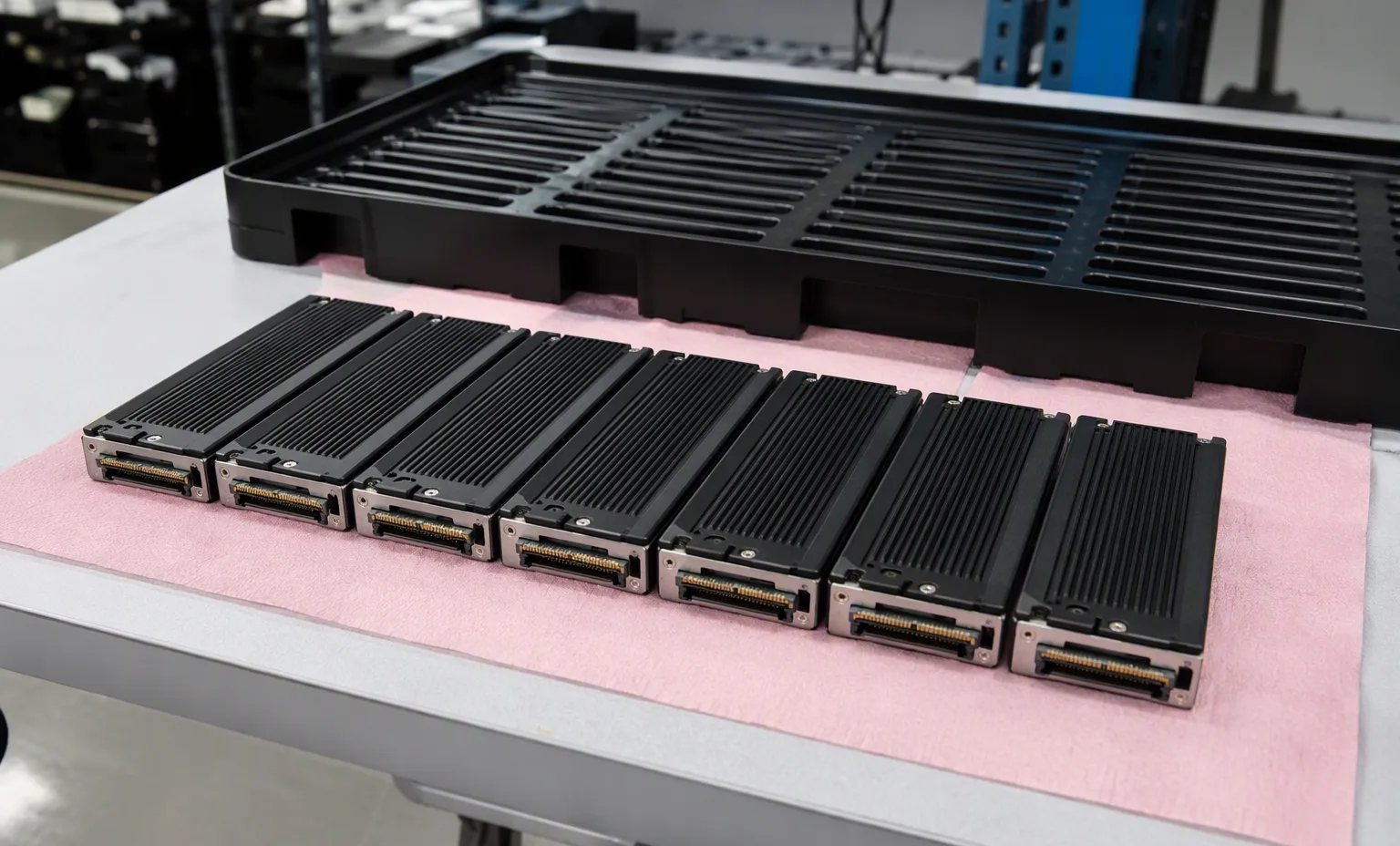
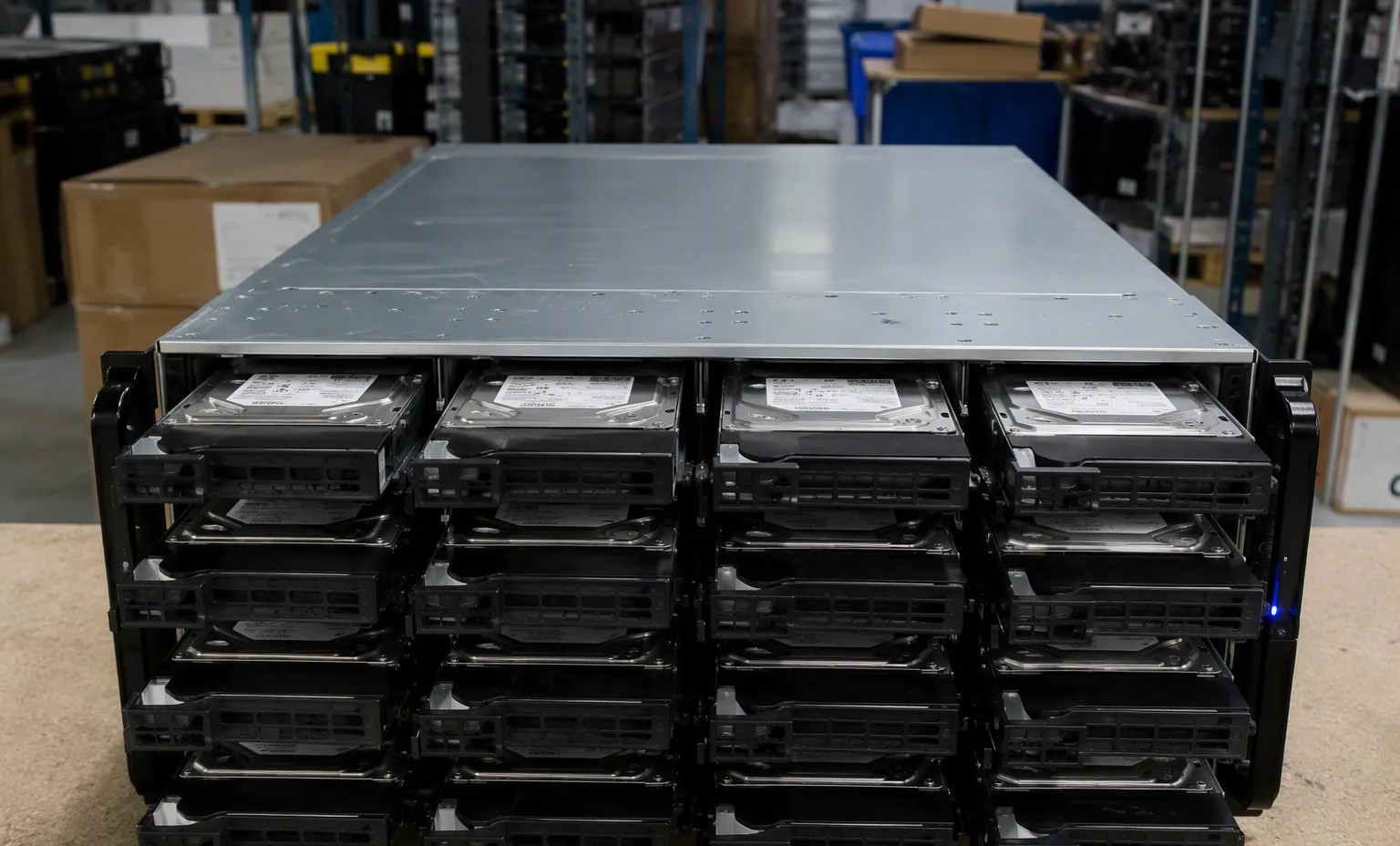
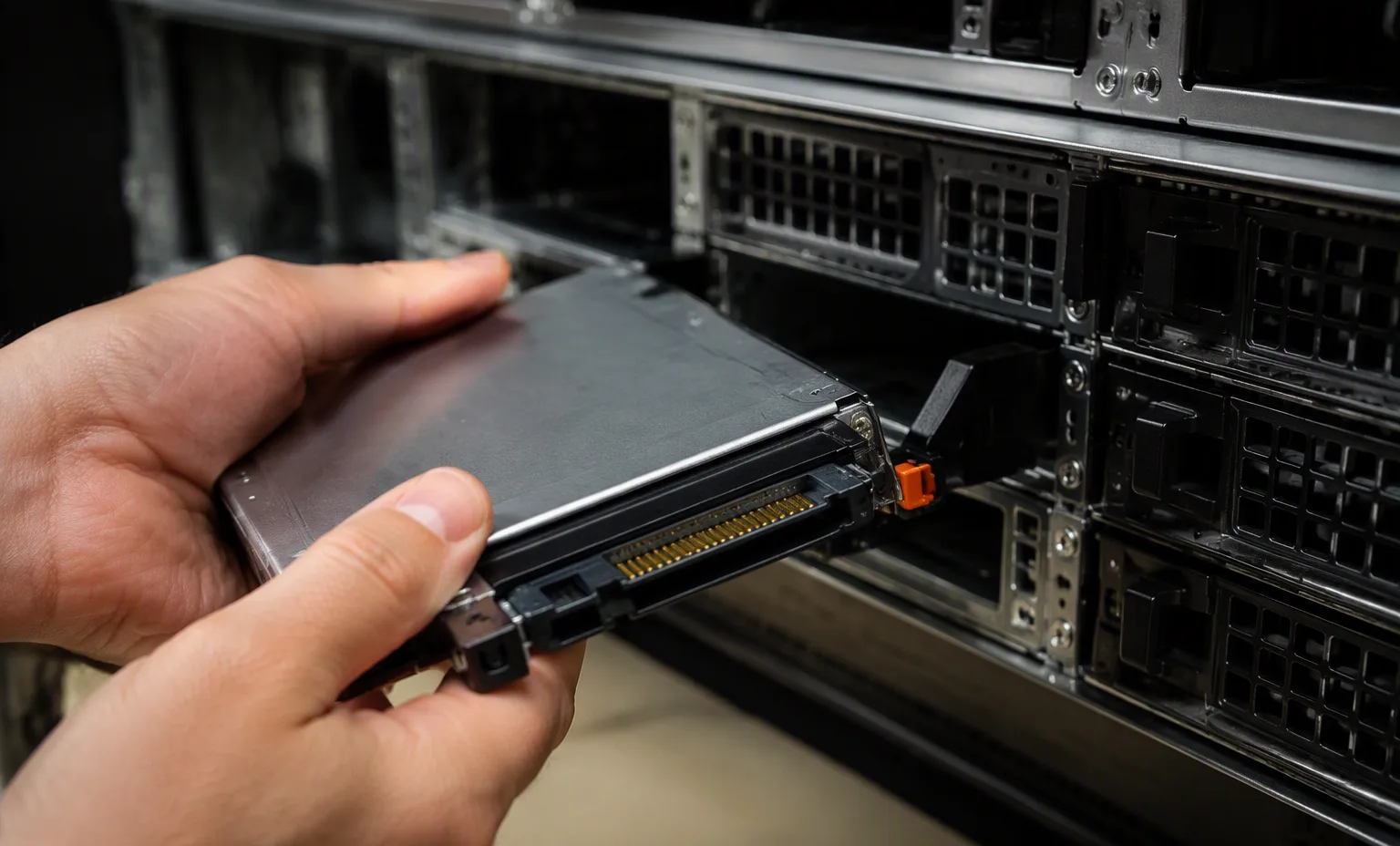
Facility reference scenes from our warehouse and test benches. They show the environment and handling standard for this equipment family — they are not photographs of the exact offered unit.
At acceptance, compare the delivered unit, labels and accessories with the approved list. Retain source revisions and receiving records for later maintenance.
Remaining review: OEM model verification · all reseller-asserted parameters · compatibility · lifecycle
| Source file | Source record | Evidence status |
|---|
This is not a live stock feed. Confirm full identifier, condition, quantity, price and delivery scope in a written quotation.
No. Inherited fields and platform associations require review against the exact destination system and current manufacturer documentation.
Include the full identifier, quantity, destination, target platform, condition, accessories and evidence needed for acceptance.
No. Models, ordering configurations, options and reference labels are distinct record types. Ask which actual purchasing unit will be supplied.
Dell DMC15 — Enterprise SSDs
Source-listed identity · parameters unverified
Dell SSDSCKKB240G8R-DELL — Enterprise SSDs
Title-derived fields · unverified
Dell SSDPE2KE016T8T-DELL — Enterprise SSDs
Source-listed identity · parameters unverified
Dell HFS512GEJ9X101N-DELL — Enterprise SSDs
Title-derived fields · unverified
Dell 118000808-DELL — Enterprise SSDs
Title-derived fields · unverified
Dell SSDSCKKB240GZR-DELL — Enterprise SSDs
Source-listed identity · parameters unverified
Trace host adapter, backplane, cable and physical drive interface.
This guide adds the decisions, documents and next steps that support this page.
Drive & memory search
Specify interface, endurance requirement and the complete suffix.
Drive & memory searchSeparate SAS/SATA, sector format, capacity and carrier.
Storage systemsReview controllers, drive shelves, host connectivity and support scope.
Drive-path checklistTrace host adapter, backplane, cable and physical drive interface.
Separate raw capacity from usable capacity and workload requirements.
Confirm OEM firmware, sector format and tray requirements explicitly.
A planning sequence, not a record of completed work.
Counts show records in the site catalog. They do not represent stock, available quantities or verified compatibility.
Snapshot: 2026-09-15
| Decision | Record in your brief | Evidence to retain |
|---|---|---|
| Drive path | Trace host adapter, backplane, cable and physical drive interface. | Complete identifier and source revision |
| Capacity & endurance | Separate raw capacity from usable capacity and workload requirements. | Platform document or written clarification |
| Firmware & carriers | Confirm OEM firmware, sector format and tray requirements explicitly. | Offered-unit details and agreed scope |
Tick items as you prepare them. This is your personal checklist, not a hardware validation.
Saved in this browser when local storage is available.
Reference-based generated scenes; actual-unit photos are available only through an explicit unit-specific request. Related models are separate catalog records, not substitutes for the item on this page.
Continue the relevant directory or service flow.
Open resourceUse the connected tool to develop the requirement.
Open resourceRetain the supporting reference with your project brief.
Open resourceFull model and suffix preserved · Interface and sector format specified · Carrier and firmware scope recorded · Usable-capacity requirement stated.