Skip to content
Enterprise hardware · New & pre-owned supply
sales@aster-rackit.comEnglish / Global
Quote basket 0Configure system →
☰
EXACT IDENTIFIERS · CONNECTED TOOLS

Dell / Enterprise SSDs

Compare the fields actually recorded, preserve complete part-number suffixes and carry your choices into a local RFQ.
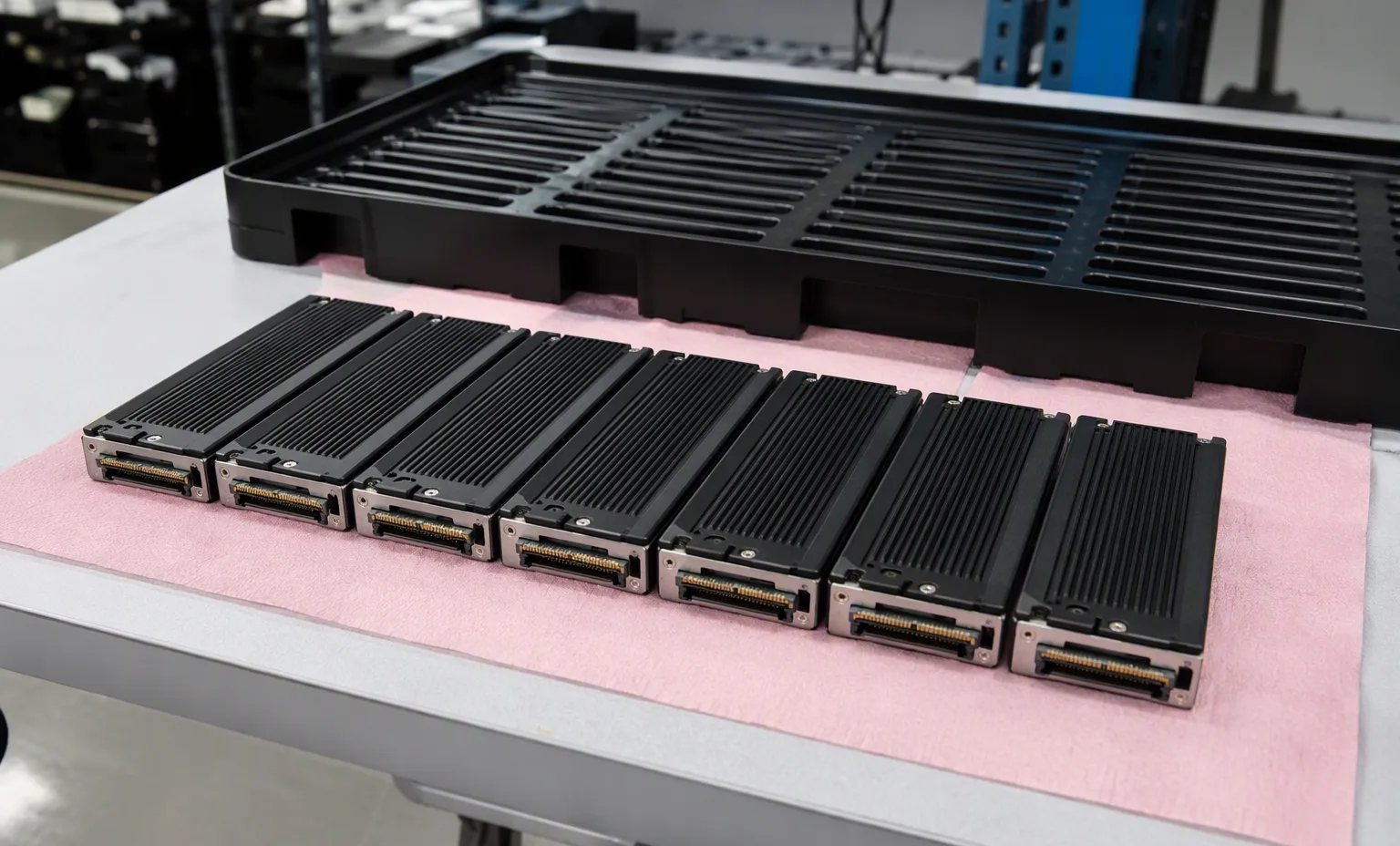
U.2 NVMe drives lined up for firmware check
brand: dellcategory: ssd
Dellpart number
0PHJ5

Dell 0PHJ5 — Enterprise SSDs

Title-derived · capacity / module size
800GB
Title-derived · storage/interface
PCIE GEN3, NVME, U.2, PCI-E 3.0
Title-derived · form factor
SFF, 2.5 Inch

Title-derived fields · unverified

View details →
Dellpart number
118000808-DELL

Dell 118000808-DELL — Enterprise SSDs

Title-derived · capacity / module size
3.84TB, 3840GB
Title-derived · storage/interface
SAS
Title-derived · form factor
2.5 Inch, SFF

Title-derived fields · unverified

View details →
Dellpart number
186PV

Dell 186PV — Enterprise SSDs

Title-derived · capacity / module size
1.6TB, 1600GB
Title-derived · storage/interface
PCIE GEN4, NVME, U.2, PCI-E 4.0
Title-derived · form factor
SFF, 2.5 Inch

Title-derived fields · unverified

View details →
Dellpart number
2533N

Dell 2533N — Enterprise SSDs

Title-derived · capacity / module size
7.68TB, 7680GB
Title-derived · storage/interface
PCIE GEN4, NVME, U.2, PCI-E 4.0
Title-derived · form factor
SFF, 2.5 Inch

Title-derived fields · unverified

View details →
Dellpart number
2RN2N

Dell 2RN2N — Enterprise SSDs

Title-derived · capacity / module size
3840GB, 3.84TB
Title-derived · storage/interface
PCIE GEN4, NVME, M.2, PCI-E 4.0
Title-derived · form factor
22110

Title-derived fields · unverified

View details →
Dellpart number
31XDY

Dell 31XDY — Enterprise SSDs

Title-derived · capacity / module size
800GB
Title-derived · storage/interface
PCIE GEN3, NVME, M.2, PCI-E 3.0
Title-derived · form factor
M.2 2280

Title-derived fields · unverified

View details →
Dellpart number
3397M

Dell 3397M — Enterprise SSDs

Title-derived · capacity / module size
480GB
Title-derived · storage/interface
SATA
Title-derived · form factor
2.5 Inch, SFF

Title-derived fields · unverified

View details →
Dellpart number
345-BBVJ

Dell 345-BBVJ — Enterprise SSDs

Capacity
1.92TB
Drive type
SSD
Drive bay / carrier designation
2.5in

Inherited technical record

View details →
Dellpart number
345-BBWO

Dell 345-BBWO — Enterprise SSDs

Capacity
1.92TB
Drive type
SSD
Drive bay / carrier designation
2.5in

Inherited technical record

View details →
Dellpart number
345-BCBG

Dell 345-BCBG — Enterprise SSDs

Capacity
800GB
Drive type
SSD
Drive bay / carrier designation
2.5in

Inherited technical record

View details →
Dellpart number
345-BCWP

Dell 345-BCWP — Enterprise SSDs

Capacity
1.92TB
Drive type
SSD
Drive bay / carrier designation
2.5in

Inherited technical record

View details →
Dellpart number
345-BDNK

Dell 345-BDNK — Enterprise SSDs

Capacity
1.92TB
Drive type
SSD
Drive bay / carrier designation
2.5in

Inherited technical record

View details →
Dellpart number
345-BDOM

Dell 345-BDOM — Enterprise SSDs

Capacity
1.92TB
Drive type
SSD
Drive bay / carrier designation
2.5in

Inherited technical record

View details →
Dellpart number
345-BDQV

Dell 345-BDQV — Enterprise SSDs

Capacity
3.84TB
Drive type
SSD
Drive bay / carrier designation
2.5in

Inherited technical record

View details →
Dellpart number
345-BDRQ

Dell 345-BDRQ — Enterprise SSDs

Capacity
960GB
Drive type
SSD
Drive bay / carrier designation
2.5in

Inherited technical record

View details →
Dellpart number
345-BDTR

Dell 345-BDTR — Enterprise SSDs

Capacity
1.92TB
Drive type
SSD
Drive bay / carrier designation
2.5in

Inherited technical record

View details →
Dellpart number
345-BDZG

Dell 345-BDZG — Enterprise SSDs

Capacity
960GB
Drive type
SSD
Drive bay / carrier designation
2.5in

Inherited technical record

View details →
Dellpart number
345-BDZZ

Dell 345-BDZZ — Enterprise SSDs

Capacity
480GB
Drive type
SSD
Drive bay / carrier designation
2.5in

Inherited technical record

View details →
Dellpart number
345-BECF

Dell 345-BECF — Enterprise SSDs

Capacity
960GB
Drive type
SSD
Drive bay / carrier designation
2.5in

Inherited technical record

View details →
Dellpart number
345-BECQ

Dell 345-BECQ — Enterprise SSDs

Capacity
960GB
Drive type
SSD
Drive bay / carrier designation
2.5in

Inherited technical record

View details →
Dellpart number
345-BFQG

Dell 345-BFQG — Enterprise SSDs

Capacity
3.84TB
Drive type
SSD
Drive bay / carrier designation
2.5in

Inherited technical record

View details →
Dellpart number
345-BFRG

Dell 345-BFRG — Enterprise SSDs

Capacity
3.84TB
Drive type
SSD
Drive bay / carrier designation
2.5in

Inherited technical record

View details →
Dellpart number
345-BFTF

Dell 345-BFTF — Enterprise SSDs

Capacity
3.84TB
Drive type
SSD
Drive bay / carrier designation
2.5in

Inherited technical record

View details →
Dellpart number
345-BFVL

Dell 345-BFVL — Enterprise SSDs

Capacity
1.6TB
Drive type
SSD
Drive bay / carrier designation
2.5in

Inherited technical record

View details →
01

Storage & drive systems — the next decisions

Dell / Storage & drive systems

Storage & drive systems

Trace host adapter, backplane, cable and physical drive interface.

This guide adds the decisions, documents and next steps that support this page.

Drive & memory search
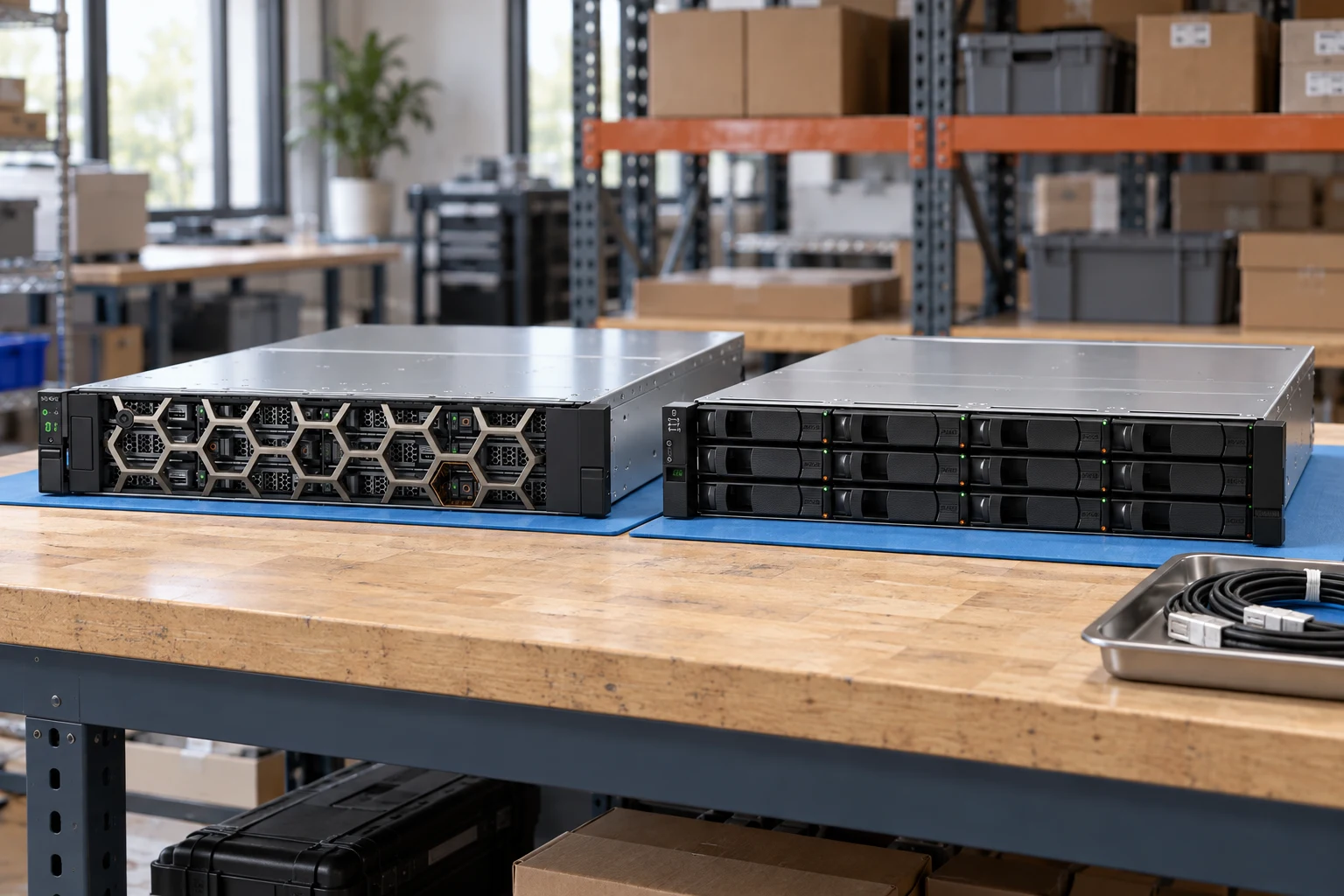
Storage & drive systems illustrative environment
02

Choose the right route

03

Details that change the configuration

Drive path

Trace host adapter, backplane, cable and physical drive interface.

Capacity & endurance

Separate raw capacity from usable capacity and workload requirements.

Firmware & carriers

Confirm OEM firmware, sector format and tray requirements explicitly.

04

From requirement to handover

  1. 01

    Describe storage workload

  2. 02

    Select interface & media

  3. 03

    Review system path

  4. 04

    Define acceptance checks

A planning sequence, not a record of completed work.

05

Explore the relevant catalog

Dell

Recorded catalog identities

Counts show records in the site catalog. They do not represent stock, available quantities or verified compatibility.

Snapshot: 2026-09-15

06

Compare the buying requirements

Storage & drive systems comparison brief
DecisionRecord in your briefEvidence to retain
Drive pathTrace host adapter, backplane, cable and physical drive interface.Complete identifier and source revision
Capacity & enduranceSeparate raw capacity from usable capacity and workload requirements.Platform document or written clarification
Firmware & carriersConfirm OEM firmware, sector format and tray requirements explicitly.Offered-unit details and agreed scope
Open the comparison workspace
07

Build your readiness checklist

Your preparation progress

Tick items as you prepare them. This is your personal checklist, not a hardware validation.

0 / 4 prepared0

Saved in this browser when local storage is available.

08

A closer look at the hardware

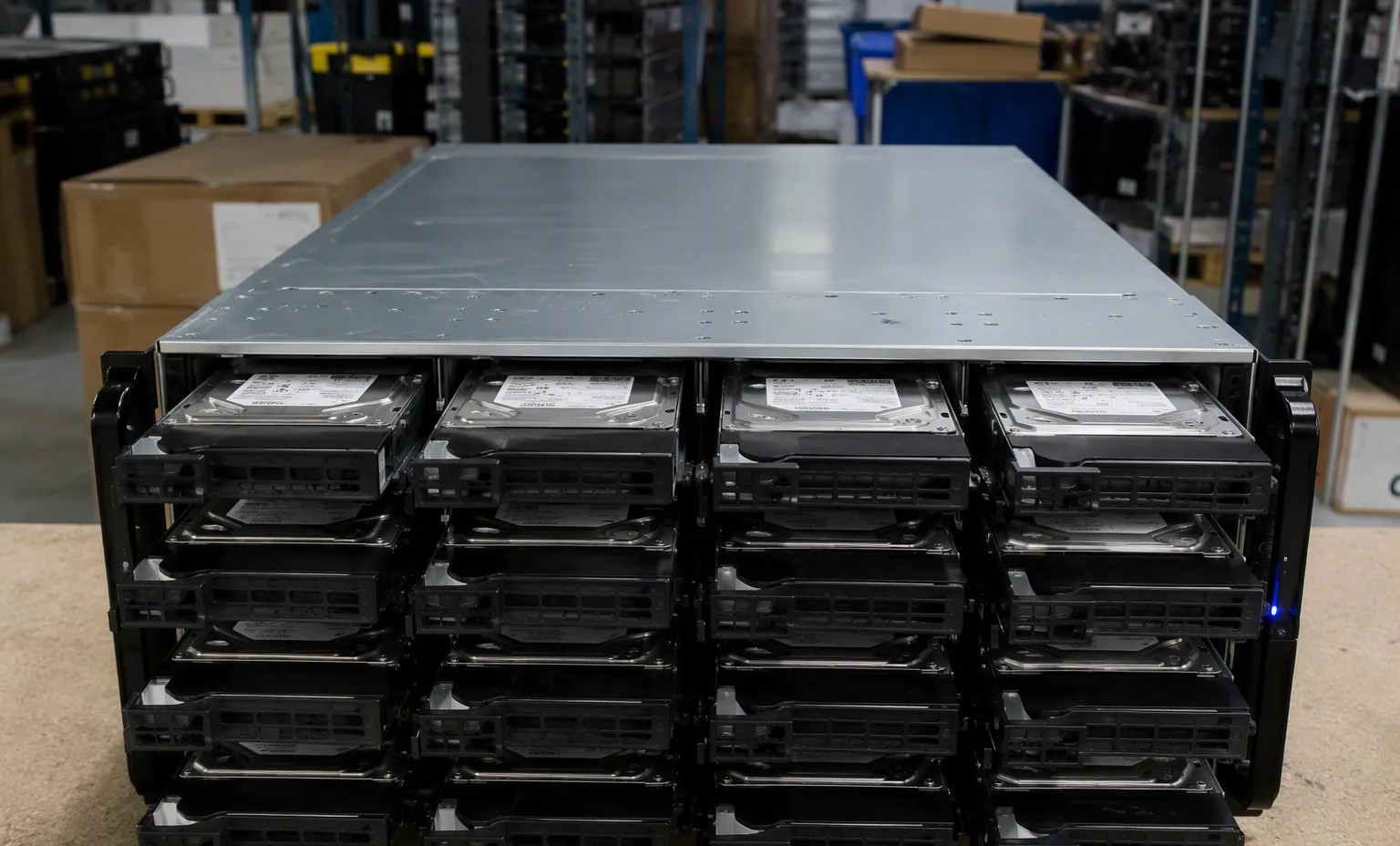
Storage & drive systems — Nvme U2 Lineup facility reference
Nvme U2 Lineup Explore
Storage & drive systems — Storage Array Dense facility reference
Storage Array Dense Explore
1 / 2

Reference-based generated scenes; actual-unit photos are available only through an explicit unit-specific request. Related models are separate catalog records, not substitutes for the item on this page.

09

Keep the supporting material together

Drive & memory search

Continue the relevant directory or service flow.

Open resource

Drive-path checklist

Retain the supporting reference with your project brief.

Open resource
10

Turn the brief into the next step

Dell / Storage & drive systems

Keep the requirement specific.

Full model and suffix preserved · Interface and sector format specified · Carrier and firmware scope recorded · Usable-capacity requirement stated.