Skip to content
Enterprise hardware · New & pre-owned supply
sales@aster-rackit.comEnglish / Global
Quote basket 0Configure system →
☰
PROCUREMENT GUIDE

New, open-box, used and refurbished

Condition belongs to the actual offered unit, not the model.

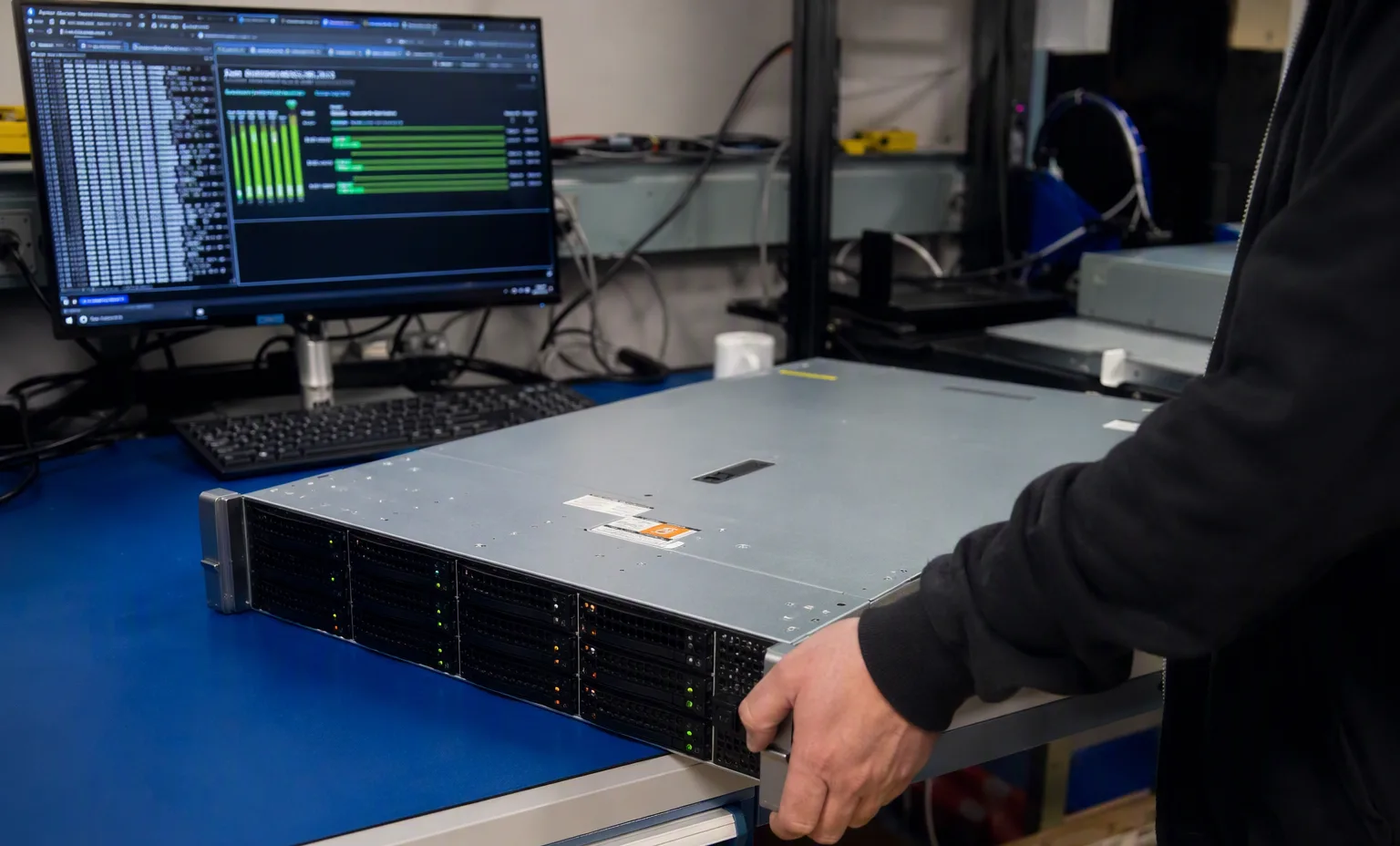
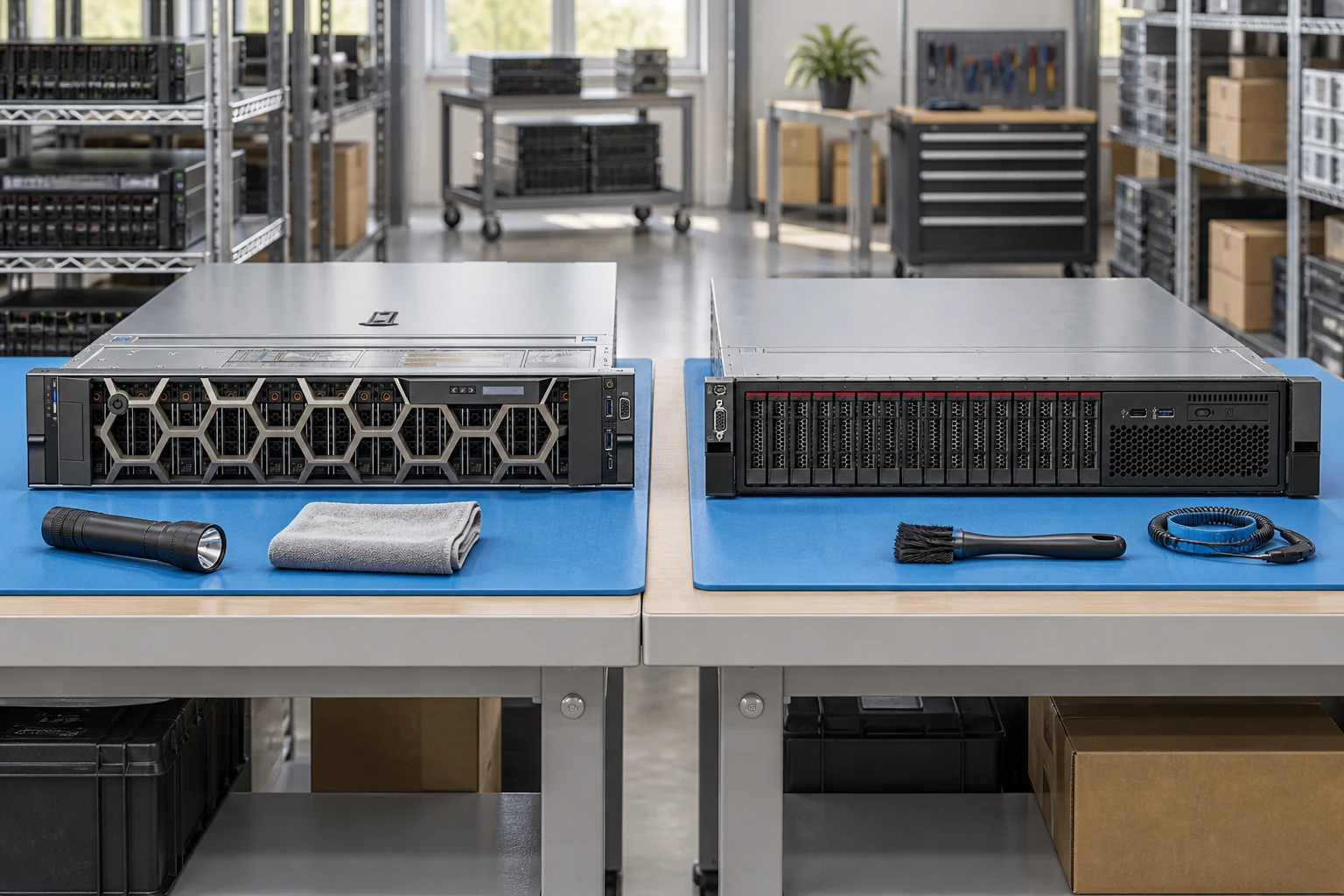
Rack server chassis on the assembly bench

Original editorial guidance. Not manufacturer validation, a service certification or a contractual promise.

Chapters
5
Checklist items
5
Related family
Complete catalog
Evidence stance
Original guidance

Scope

Record acceptable condition in the quotation. Cosmetic grade and the functional-test scope are different requirements.

Dependencies

For mixed builds, state which components are new and which are pre-owned. Do not describe the entire assembly with an unqualified single label.

Evidence

Ask for actual-unit images, replaced-component lists and test scope. Independent refurbishment is not automatically manufacturer certification.

Commercial boundary

Set warranty term, exclusions, return procedure and region explicitly. Other retailers warranties are not inherited by this website.

Handover

At receiving, compare condition, identity and accessories to the accepted bill of materials and document discrepancies.

Facility reference scenes

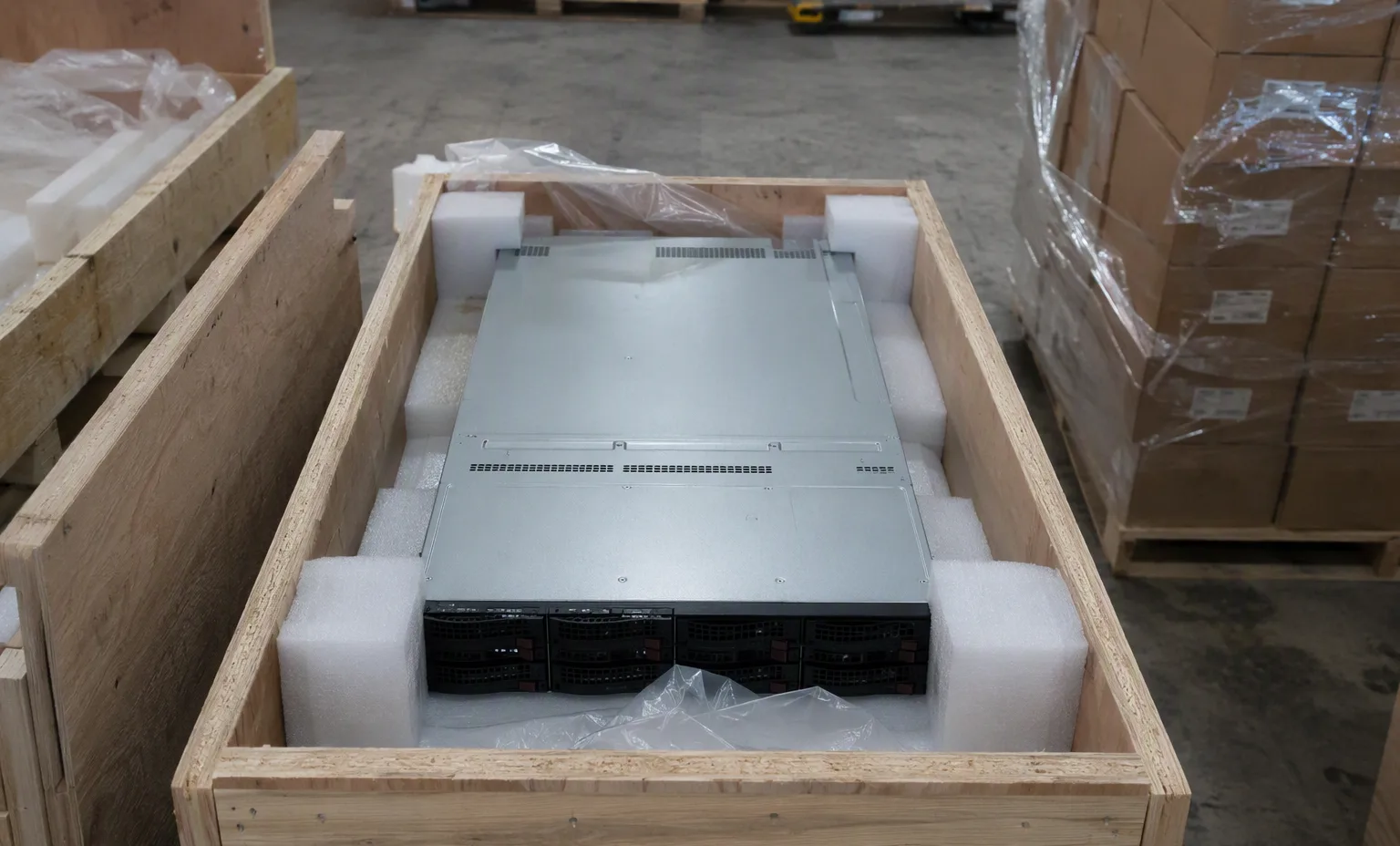
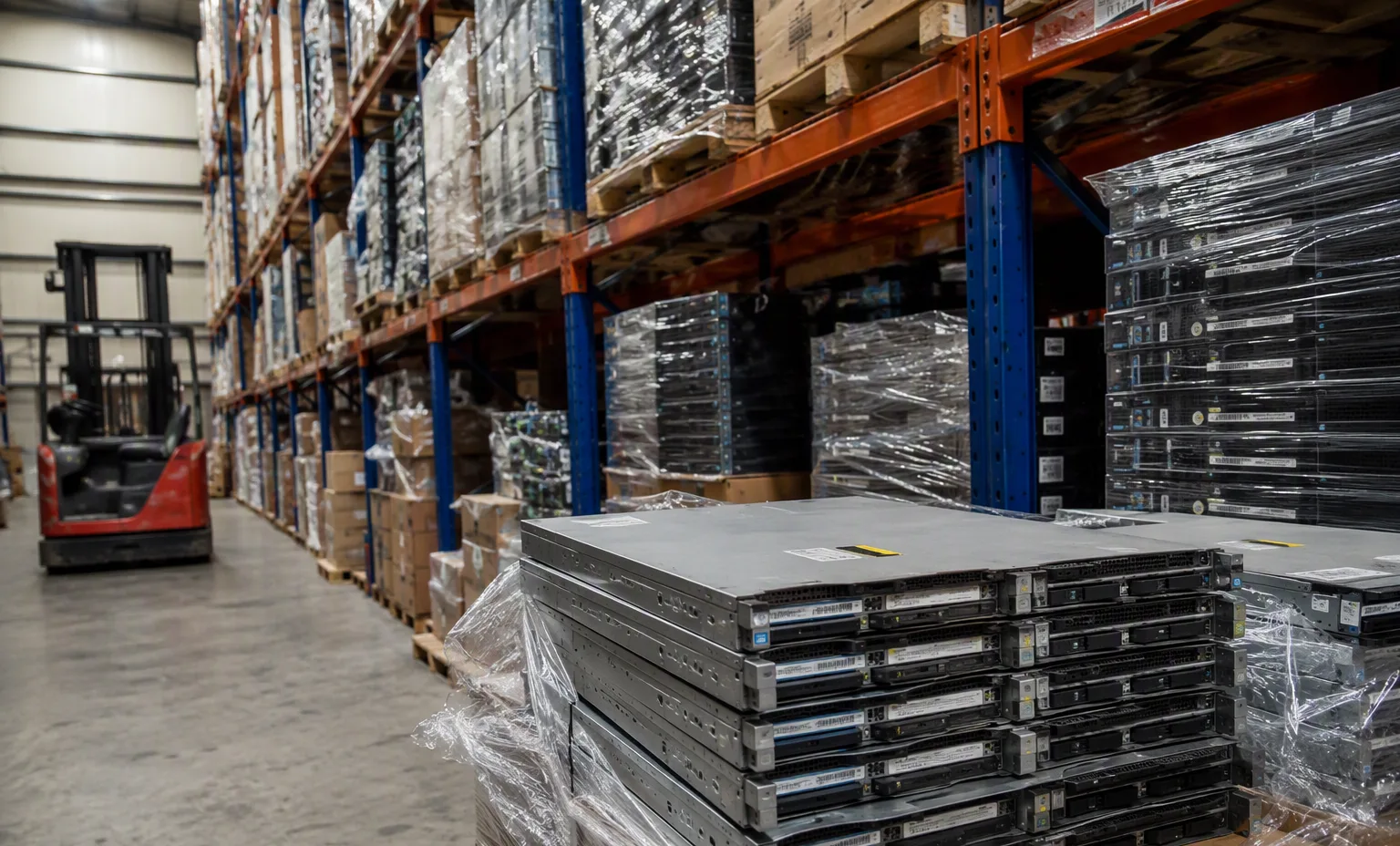
Warehouse and test-bench environment for the equipment family this guide supports.

Your inquiry checklist

  1. Record acceptable condition in the quotation. Cosmetic grade and the functional-test scope are different requirements.
  2. For mixed builds, state which components are new and which are pre-owned. Do not describe the entire assembly with an unqualified single label.
  3. Ask for actual-unit images, replaced-component lists and test scope. Independent refurbishment is not automatically manufacturer certification.
  4. Set warranty term, exclusions, return procedure and region explicitly. Other retailers warranties are not inherited by this website.
  5. At receiving, compare condition, identity and accessories to the accepted bill of materials and document discrepancies.
01

Condition & acceptance — the next decisions

Condition & acceptance

Condition & acceptance

Describe cosmetic wear, missing parts and functional expectations separately.

This guide adds the decisions, documents and next steps that support this page.

Condition options
Condition & acceptance illustrative environment
02

Choose the right route

New equipment

Confirm whether the offer is sealed, open-box or unused and which accessories are included.

Condition options

Pre-owned equipment

Request actual-unit photos and a clear cosmetic and functional description.

Inspection workflow

Refurbished equipment

Ask what work was carried out and which tests apply to the offered unit.

Acceptance guides
03

Details that change the configuration

Condition scope

Describe cosmetic wear, missing parts and functional expectations separately.

Inspection evidence

Request identifiers and test scope for the offered unit.

Written terms

Confirm warranty and returns with the specific quotation.

04

From requirement to handover

  1. 01

    Define acceptable condition

  2. 02

    Request unit evidence

  3. 03

    Review test scope

  4. 04

    Agree acceptance

A planning sequence, not a record of completed work.

05

Explore the relevant catalog

All manufacturers

Recorded catalog identities

Counts show records in the site catalog. They do not represent stock, available quantities or verified compatibility.

Snapshot: 2026-09-15

06

Compare the buying requirements

Condition & acceptance comparison brief
DecisionRecord in your briefEvidence to retain
Condition scopeDescribe cosmetic wear, missing parts and functional expectations separately.Complete identifier and source revision
Inspection evidenceRequest identifiers and test scope for the offered unit.Platform document or written clarification
Written termsConfirm warranty and returns with the specific quotation.Offered-unit details and agreed scope
Open the comparison workspace
07

Build your readiness checklist

Your preparation progress

Tick items as you prepare them. This is your personal checklist, not a hardware validation.

0 / 4 prepared0

Saved in this browser when local storage is available.

08

A closer look at the hardware

Condition & acceptance — Burnin Testing Bench facility reference
Burnin Testing Bench Explore
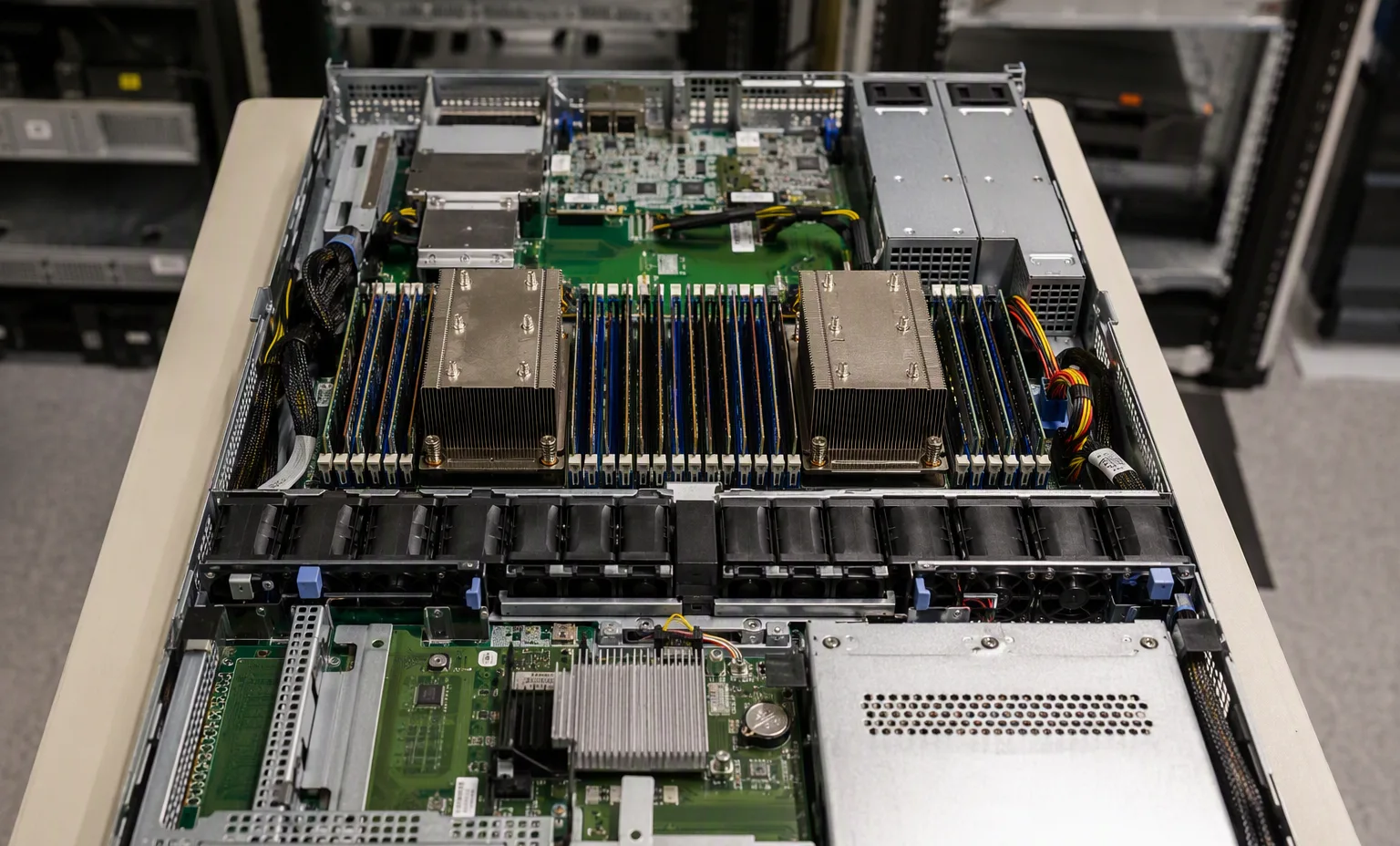
Condition & acceptance — Server Internals Open facility reference
Server Internals Open Explore
1 / 2

Reference-based generated scenes; actual-unit photos are available only through an explicit unit-specific request. Related models are separate catalog records, not substitutes for the item on this page.

09

Keep the supporting material together

Inspection workflow

Use the connected tool to develop the requirement.

Open resource

Acceptance guides

Retain the supporting reference with your project brief.

Open resource
10

Turn the brief into the next step

Condition & acceptance

Keep the requirement specific.

Condition requirement written · Actual-unit photos requested · Test scope and identifiers requested · Quotation terms reviewed.