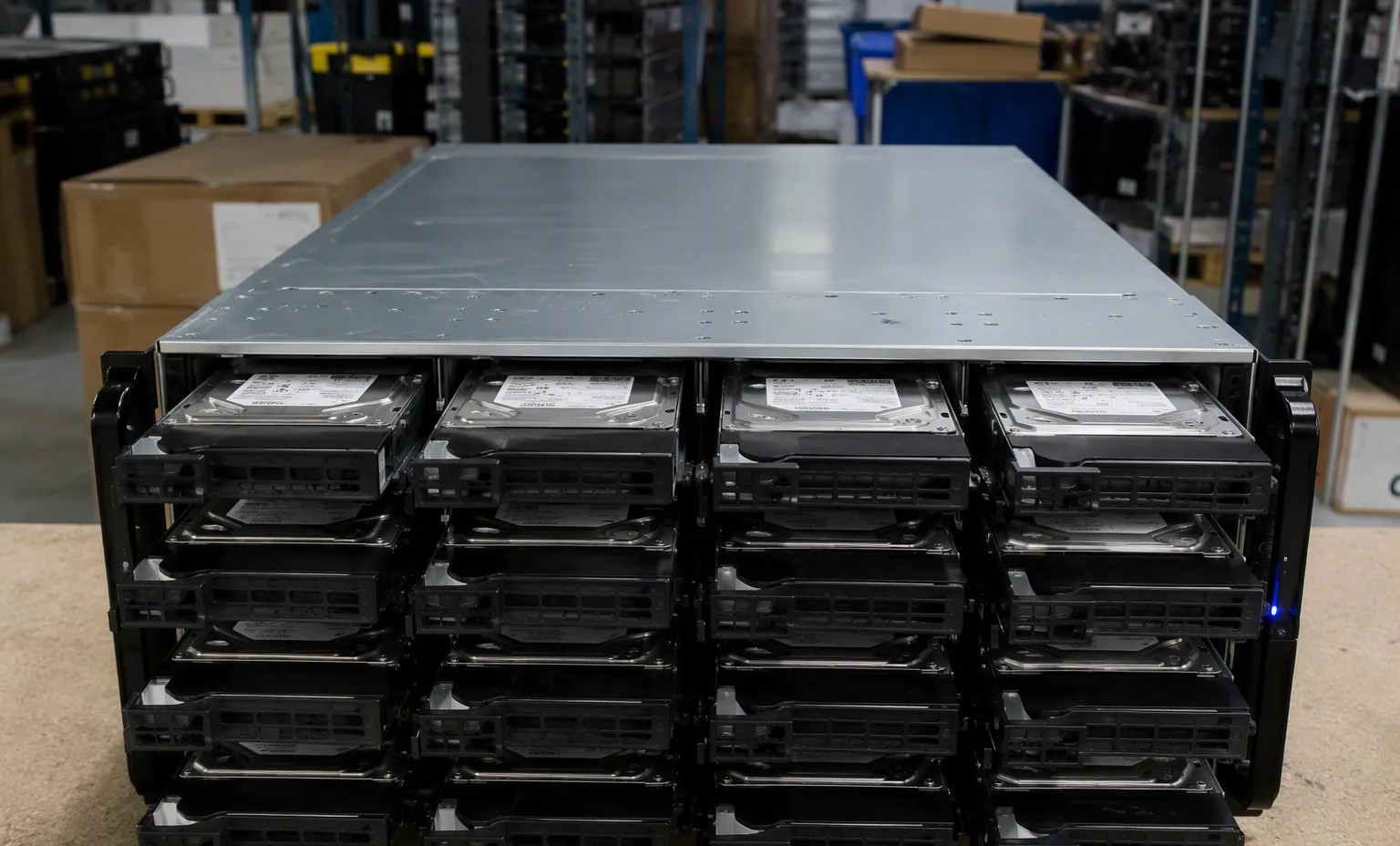
CRUCIALmanufacturer part number
CT240BX500SSD1-RETAILCRUCIAL CT240BX500SSD1-RETAIL — Enterprise SSDs
- hard drive tray
- TRAY / CADDY NOT INCLUDED
- specifications capacity
- 240GB
- flash memory type
- 3D NAND
Source-listed identity · parameters unverified
Compare the fields actually recorded, preserve complete part-number suffixes and carry your choices into a local RFQ.
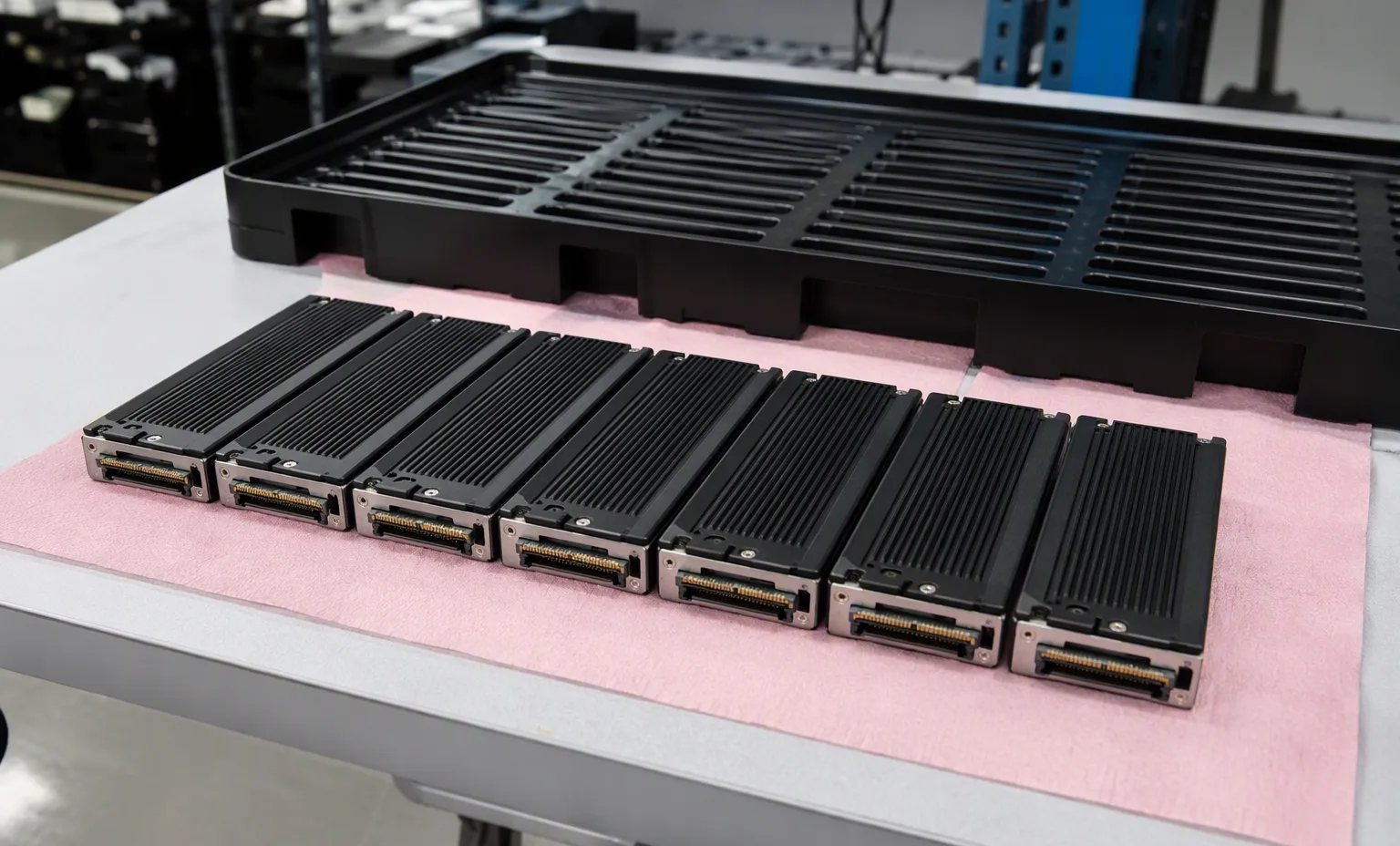
CRUCIAL CT240BX500SSD1-RETAIL — Enterprise SSDs
Source-listed identity · parameters unverified
Trace host adapter, backplane, cable and physical drive interface.
This guide adds the decisions, documents and next steps that support this page.
Drive & memory search
Specify interface, endurance requirement and the complete suffix.
Drive & memory searchSeparate SAS/SATA, sector format, capacity and carrier.
Storage systemsReview controllers, drive shelves, host connectivity and support scope.
Drive-path checklistTrace host adapter, backplane, cable and physical drive interface.
Separate raw capacity from usable capacity and workload requirements.
Confirm OEM firmware, sector format and tray requirements explicitly.
A planning sequence, not a record of completed work.
Counts show records in the site catalog. They do not represent stock, available quantities or verified compatibility.
Snapshot: 2026-09-15
| Decision | Record in your brief | Evidence to retain |
|---|---|---|
| Drive path | Trace host adapter, backplane, cable and physical drive interface. | Complete identifier and source revision |
| Capacity & endurance | Separate raw capacity from usable capacity and workload requirements. | Platform document or written clarification |
| Firmware & carriers | Confirm OEM firmware, sector format and tray requirements explicitly. | Offered-unit details and agreed scope |
Tick items as you prepare them. This is your personal checklist, not a hardware validation.
Saved in this browser when local storage is available.
Reference-based generated scenes; actual-unit photos are available only through an explicit unit-specific request. Related models are separate catalog records, not substitutes for the item on this page.
Continue the relevant directory or service flow.
Open resourceUse the connected tool to develop the requirement.
Open resourceRetain the supporting reference with your project brief.
Open resourceFull model and suffix preserved · Interface and sector format specified · Carrier and firmware scope recorded · Usable-capacity requirement stated.