Skip to content
Enterprise hardware · New & pre-owned supply
sales@aster-rackit.comEnglish / Global
Quote basket 0Configure system →
☰
EXACT IDENTIFIERS · CONNECTED TOOLS

GIGABYTE / Network adapters

Compare the fields actually recorded, preserve complete part-number suffixes and carry your choices into a local RFQ.
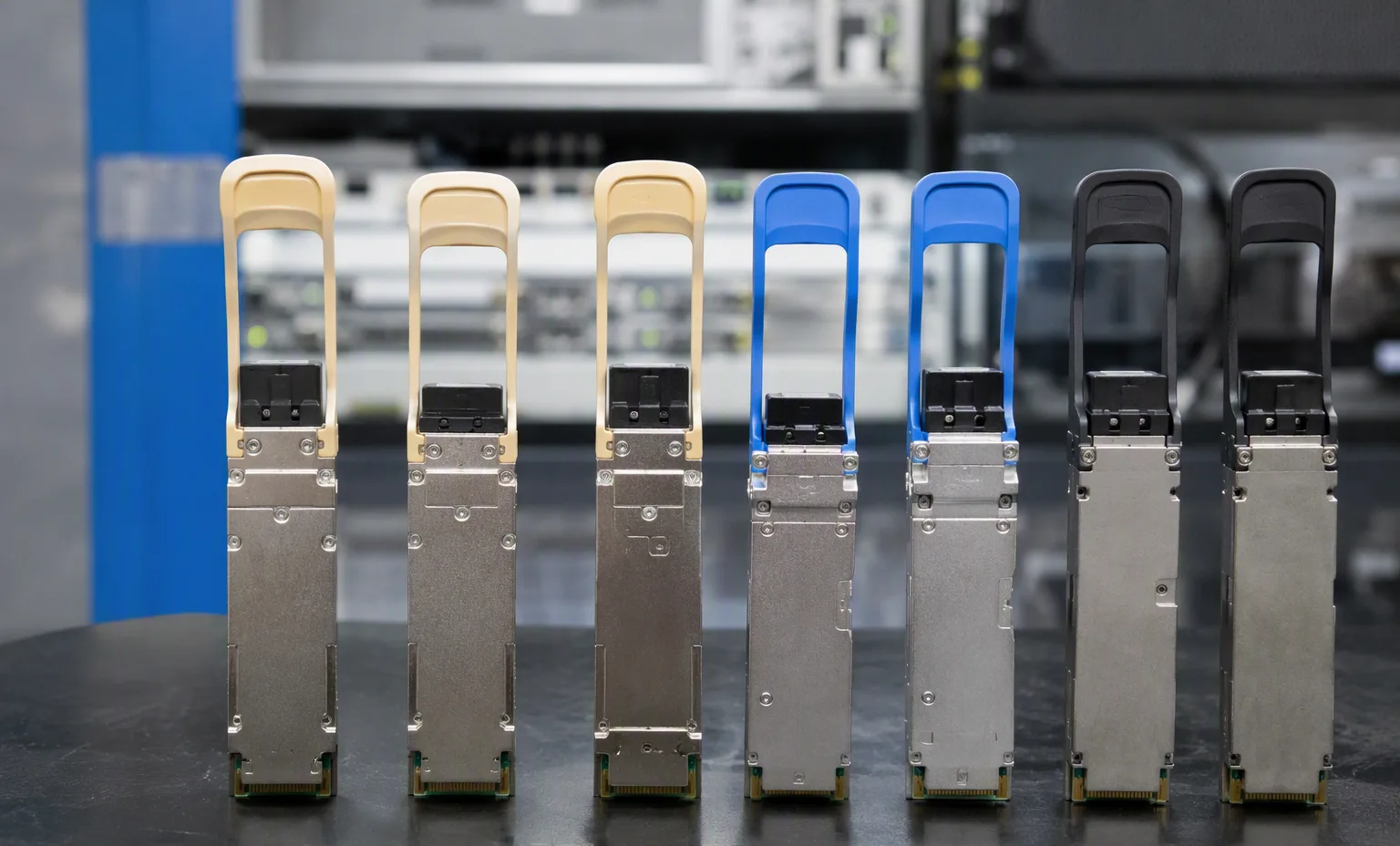
Adapter optics staged for inspection
brand: gigabytecategory: network-adapters
GIGABYTEmodel
CLN4121

GIGABYTE CLN4121 — Network adapters

Ports
1 x 10GBASE-T RJ45 LAN ports Supports 10Gb/s, 1Gb/s per port
Controller
Intel® X550-AT
Interface
PCIe x4 (Gen3 x4 bus)

Inherited technical record

View details →
GIGABYTEmodel
CLN4222

GIGABYTE CLN4222 — Network adapters

Ports
2 x 10GBASE-T RJ45 LAN ports Supports 10Gb/s, 1Gb/s per port
Controller
Intel® X550-AT2
Interface
PCIe x4 (Gen3 x4 bus)

Inherited technical record

View details →
GIGABYTEmodel
CLN4224

GIGABYTE CLN4224 — Network adapters

Ports
4 x 10GBASE-T RJ45 LAN ports Supports 10Gb/s, 1Gb/s per port
Controller
2 x Intel® X550-AT2
Interface
PCIe x8 (Gen3 x8 bus)

Inherited technical record

View details →
GIGABYTEmodel
CLN4312

GIGABYTE CLN4312 — Network adapters

Ports
2 x 1000BASE-T RJ45 LAN ports Supports 1Gb/s, 100Mb/s per port
Controller
Intel® I350-AM2
Interface
PCIe x4 (Gen2 x4 bus)

Inherited technical record

View details →
GIGABYTEmodel
CLN4314

GIGABYTE CLN4314 — Network adapters

Ports
4 x 1000BASE-T RJ45 LAN ports Supports 1Gb/s, 100Mb/s per port
Controller
Intel® I350-AM4
Interface
PCIe x4 (Gen2 x4 bus)

Inherited technical record

View details →
GIGABYTEmodel
CLN4751

GIGABYTE CLN4751 — Network adapters

Ports
1 x QSFP+ LAN ports Supports 40Gb/s per port
Controller
Intel® XL710-BM1
Interface
PCIe x8 (Gen3 x8 bus)

Inherited technical record

View details →
GIGABYTEmodel
CLN4752

GIGABYTE CLN4752 — Network adapters

Ports
2 x QSFP+ LAN ports Supports 40Gb/s per port
Controller
Intel® XL710-BM2
Interface
PCIe x8 (Gen3 x8 bus)

Inherited technical record

View details →
GIGABYTEmodel
CLN4831

GIGABYTE CLN4831 — Network adapters

Ports
1 x SFP+ LAN ports Supports 10Gb/s per port
Controller
Intel® 82599EN
Interface
PCIe x8 (Gen2 x8 bus)

Inherited technical record

View details →
GIGABYTEmodel
CLN4A10

GIGABYTE CLN4A10 — Network adapters

Ports
2 x 1000BASE-T RJ45 LAN ports Supports 1Gb/s, 100Mb/s, 10Mb/s per port
Controller
Broadcom® BCM5720
Interface
PCIe x8 (Gen2 x2 bus)

Inherited technical record

View details →
GIGABYTEmodel
CLN4B20

GIGABYTE CLN4B20 — Network adapters

Ports
2 x 10GBASE-T RJ45 LAN ports Supports 10Gb/s, 1Gb/s per port
Controller
Broadcom® BCM57416
Interface
PCIe x8 (Gen3 x8 bus)

Inherited technical record

View details →
GIGABYTEmodel
CLN4D40

GIGABYTE CLN4D40 — Network adapters

Ports
2 x 25 Gb/s SFP28 LAN ports Supports 25 Gb/s, 10 Gb/s, 1 Gb/s per port
Controller
Broadcom® BCM57414
Interface
PCIe x8 (Gen3 x8)

Inherited technical record

View details →
GIGABYTEmodel
CLNCA12

GIGABYTE CLNCA12 — Network adapters

Ports
2 x 1Gb/s RJ45 LAN ports Supports 1Gb/s, 100Mb/s, 10Mb/s per port
Controller
Broadcom® BCM5720
Interface
PCIe x16 (Gen2.1 x2 bus)

Inherited technical record

View details →
GIGABYTEmodel
CLNCB22

GIGABYTE CLNCB22 — Network adapters

Ports
2 x 10Gb/s RJ45 LAN ports Supports 10Gb/s, 1Gb/s per port
Controller
Broadcom® BCM57416
Interface
PCIe x16 (Gen3 x8 bus)

Inherited technical record

View details →
GIGABYTEmodel
CLNCD42

GIGABYTE CLNCD42 — Network adapters

Ports
2 x 25 Gb/s SFP28 LAN ports Supports 25 Gb/s, 10 Gb/s per port
Controller
Broadcom® BCM57414
Interface
PCIe x16 (Gen3 x8)

Inherited technical record

View details →
GIGABYTEmodel
CLNO222

GIGABYTE CLNO222 — Network adapters

Ports
2 x 10GBASE-T RJ45 LAN ports Supports 10Gb/s, 1Gb/s per port
Controller
Intel® X550-AT2
Interface
PCIe x8 (Gen3 x4 bus)

Inherited technical record

View details →
01

Networking & security — the next decisions

GIGABYTE / Networking & security

Networking & security

Record port speeds, media type and uplink quantities.

This guide adds the decisions, documents and next steps that support this page.

Network equipment
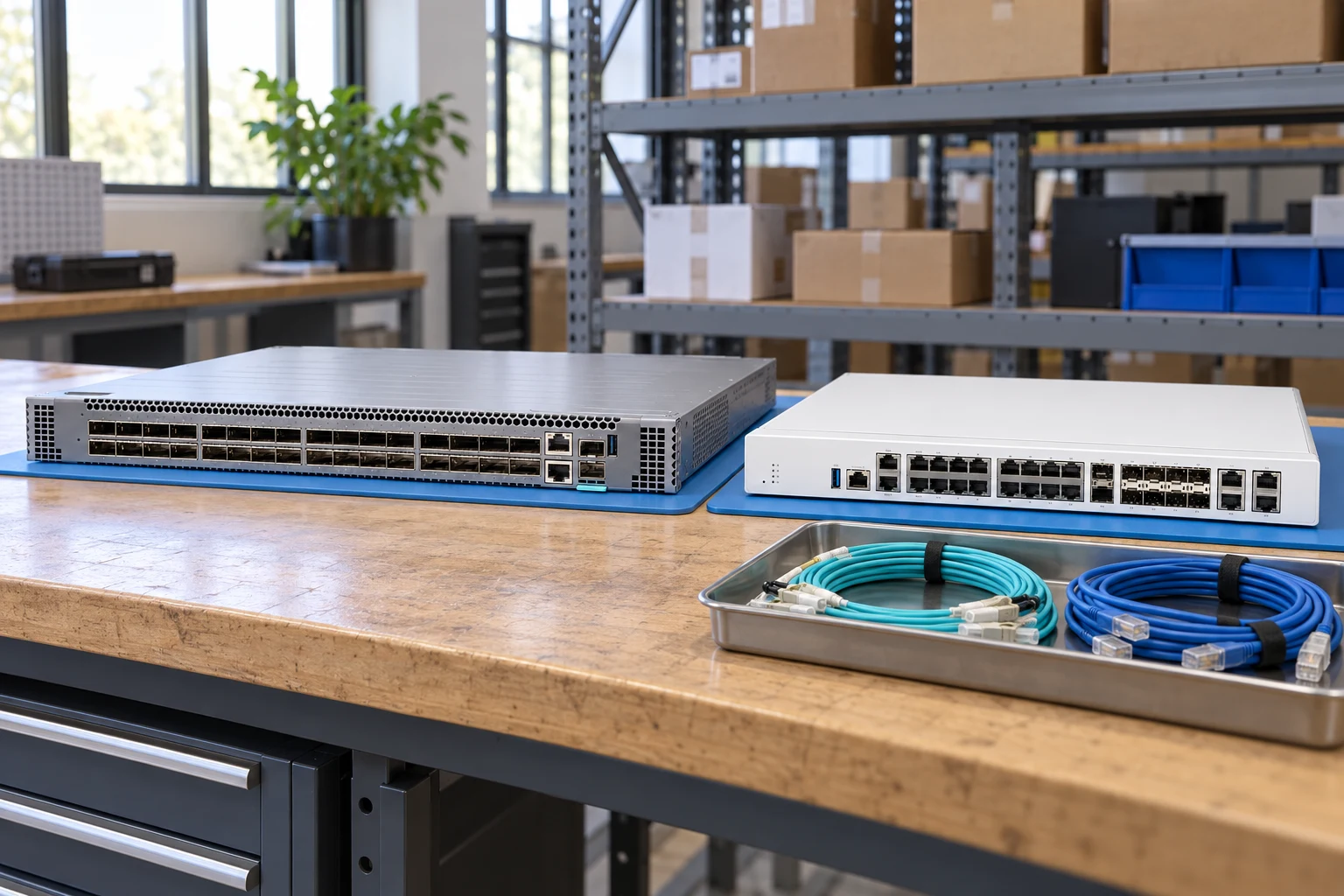
Networking & security illustrative environment
02

Choose the right route

Routing & security

Specify interfaces, throughput test conditions and required software features.

Network planner

Optics & connectivity

Match connector, fiber, reach, wavelength and supported coding.

Network checklist
03

Details that change the configuration

Port map

Record port speeds, media type and uplink quantities.

Airflow & power

Match airflow direction, power supply and rack requirements.

Software entitlement

Request license and transferability details for the exact offer.

04

From requirement to handover

  1. 01

    Map endpoints

  2. 02

    Choose port & uplink plan

  3. 03

    Review optics & licenses

  4. 04

    Prepare deployment brief

A planning sequence, not a record of completed work.

05

Explore the relevant catalog

GIGABYTE

Recorded catalog identities

Counts show records in the site catalog. They do not represent stock, available quantities or verified compatibility.

Snapshot: 2026-09-15

06

Compare the buying requirements

Networking & security comparison brief
DecisionRecord in your briefEvidence to retain
Port mapRecord port speeds, media type and uplink quantities.Complete identifier and source revision
Airflow & powerMatch airflow direction, power supply and rack requirements.Platform document or written clarification
Software entitlementRequest license and transferability details for the exact offer.Offered-unit details and agreed scope
Open the comparison workspace
07

Build your readiness checklist

Your preparation progress

Tick items as you prepare them. This is your personal checklist, not a hardware validation.

0 / 4 prepared0

Saved in this browser when local storage is available.

08

A closer look at the hardware

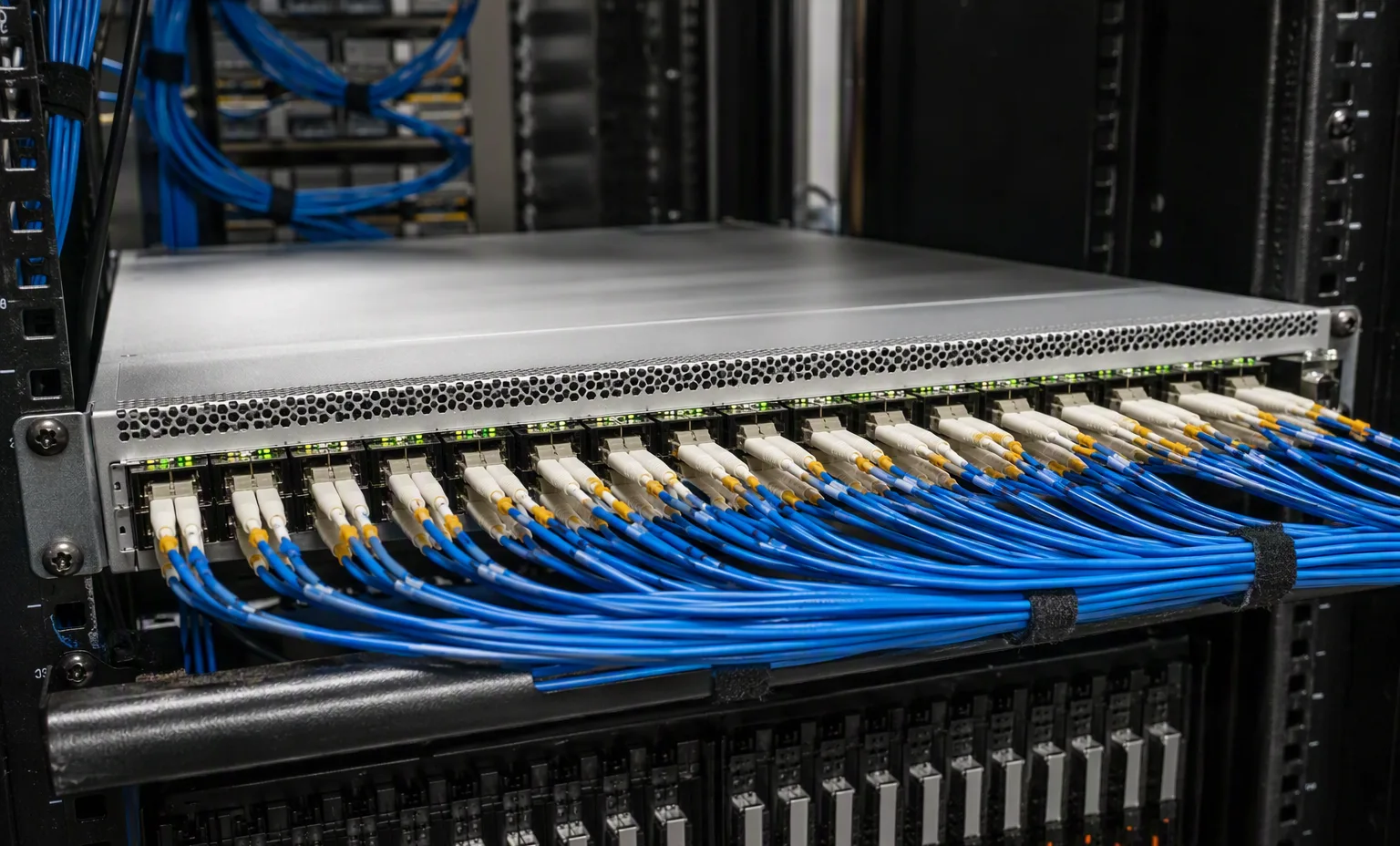
Networking & security — Spine Switch Cabling facility reference
Spine Switch Cabling Explore
Networking & security — Qsfp Transceiver Lineup facility reference
Qsfp Transceiver Lineup Explore
1 / 2

Reference-based generated scenes; actual-unit photos are available only through an explicit unit-specific request. Related models are separate catalog records, not substitutes for the item on this page.

09

Keep the supporting material together

Network checklist

Retain the supporting reference with your project brief.

Open resource
10

Turn the brief into the next step

GIGABYTE / Networking & security

Keep the requirement specific.

Port and uplink schedule drafted · Optics and cable ends identified · Airflow and PSU scope confirmed · Required software entitlement listed.