HPEmanufacturer part number
P72596-B21HPE P72596-B21 — Network adapters
- Technical fields
- Pending source review
Source-listed identity · parameters unverified
Compare the fields actually recorded, preserve complete part-number suffixes and carry your choices into a local RFQ.
HPE P72596-B21 — Network adapters
Source-listed identity · parameters unverified
HPE P72597-B21 — Network adapters
Source-listed identity · parameters unverified
HPE P78868-B21 — Network adapters
Source-listed identity · parameters unverified
HPE P78869-B21 — Network adapters
Source-listed identity · parameters unverified
HPE QLE2660 — Network adapters
Source-listed identity · parameters unverified
HPE QLE2662 — Network adapters
Source-listed identity · parameters unverified
HPE R4K44A — Network adapters
Source-listed identity · parameters unverified
HPE S4P78A — Network adapters
Source-listed identity · parameters unverified
HPE S4P79A — Network adapters
Source-listed identity · parameters unverified
HPE SN1100E — Network adapters
Source-listed identity · parameters unverified
HPE SN1100Q — Network adapters
Source-listed identity · parameters unverified
HPE SN1200E — Network adapters
Source-listed identity · parameters unverified
IBM 39Y6093-HIGH P — Network adapters
Source-listed identity · parameters unverified
IBM 49Y7942 — Network adapters
Source-listed identity · parameters unverified
IBM LPE12002 — Network adapters
Source-listed identity · parameters unverified
Intel E610-XT2 — Network adapters
OEM catalog fields reviewed · remaining checks open
Intel E610-XT2 for OCP 3.0 — Network adapters
OEM catalog fields reviewed · remaining checks open
Intel E610-XT4 — Network adapters
OEM catalog fields reviewed · remaining checks open
Intel E610-XT4 for OCP 3.0 — Network adapters
OEM catalog fields reviewed · remaining checks open
Intel E810-2CQDA2 — Network adapters
OEM catalog fields reviewed · remaining checks open
Intel E810-CQDA1 — Network adapters
OEM catalog fields reviewed · remaining checks open
Intel E810-CQDA1 for OCP 3.0 — Network adapters
OEM catalog fields reviewed · remaining checks open
Intel E810-CQDA2 — Network adapters
OEM catalog fields reviewed · remaining checks open
Intel E810-CQDA2 for OCP 3.0 — Network adapters
OEM catalog fields reviewed · remaining checks open
Specify rack height, bay size and backplane options.
This guide adds the decisions, documents and next steps that support this page.
Server directory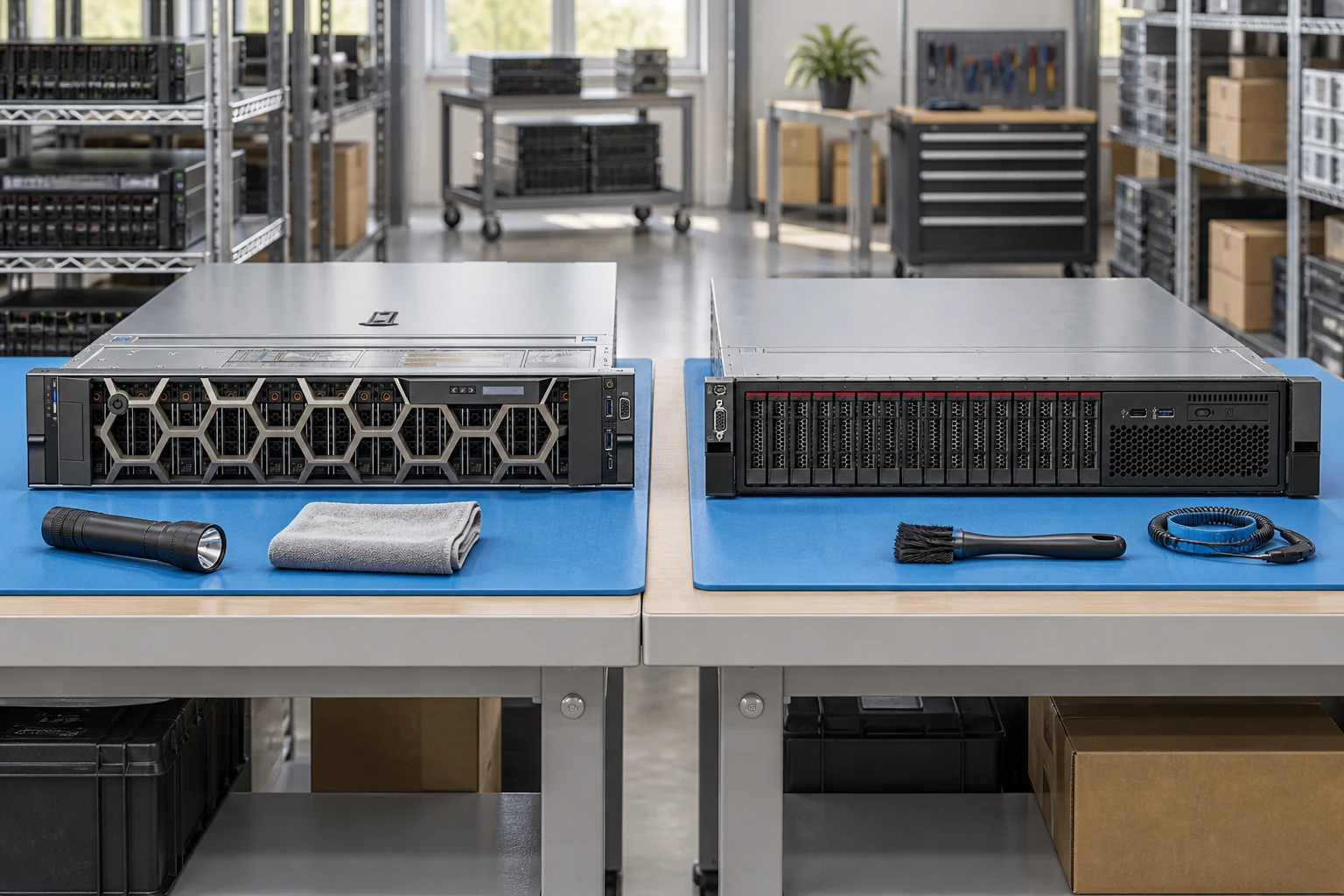
Plan rack depth, rail kit and airflow before choosing a chassis.
Server directoryIdentify the enclosure, fabric modules and generation-specific interconnects.
Server configuratorSeparate shared power, node count and service access in the request.
Buying guidesSpecify rack height, bay size and backplane options.
Record CPU generation, socket count and DIMM population.
Include input power, PSU redundancy and remote-management needs.
A planning sequence, not a record of completed work.
Counts show records in the site catalog. They do not represent stock, available quantities or verified compatibility.
Snapshot: 2026-09-15
| Decision | Record in your brief | Evidence to retain |
|---|---|---|
| Chassis & drive layout | Specify rack height, bay size and backplane options. | Complete identifier and source revision |
| Processor & memory | Record CPU generation, socket count and DIMM population. | Platform document or written clarification |
| Power & management | Include input power, PSU redundancy and remote-management needs. | Offered-unit details and agreed scope |
Tick items as you prepare them. This is your personal checklist, not a hardware validation.
Saved in this browser when local storage is available.
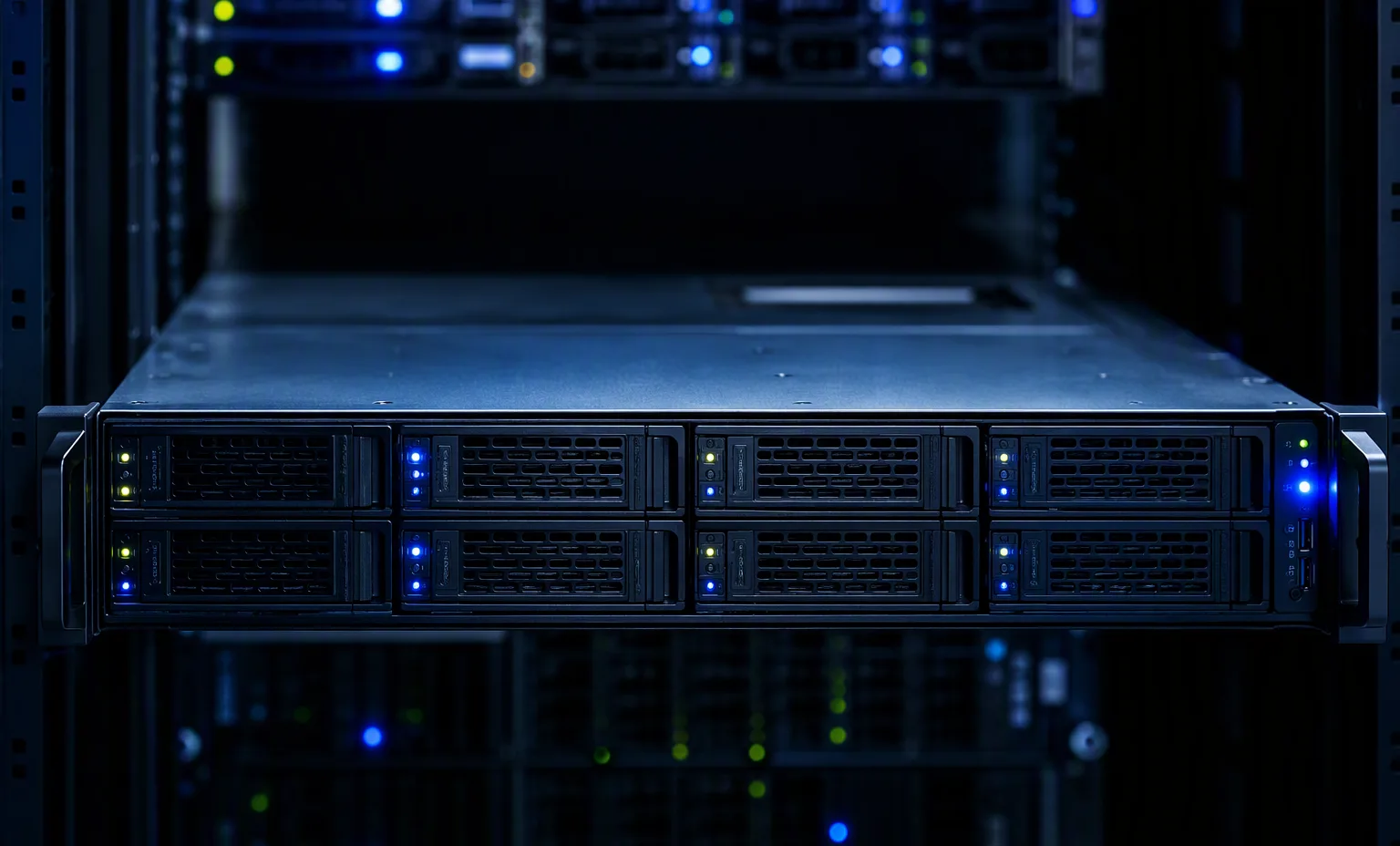
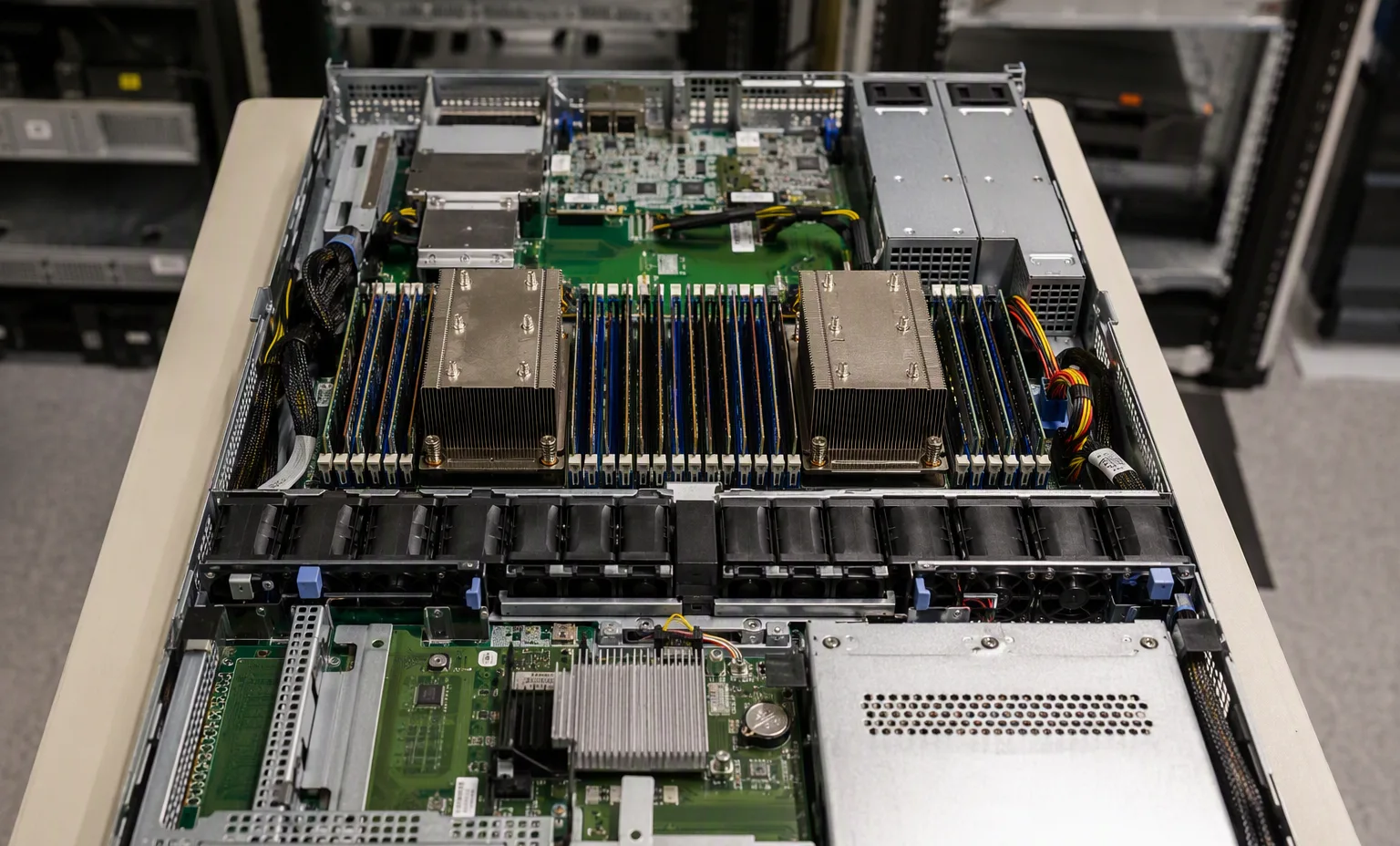
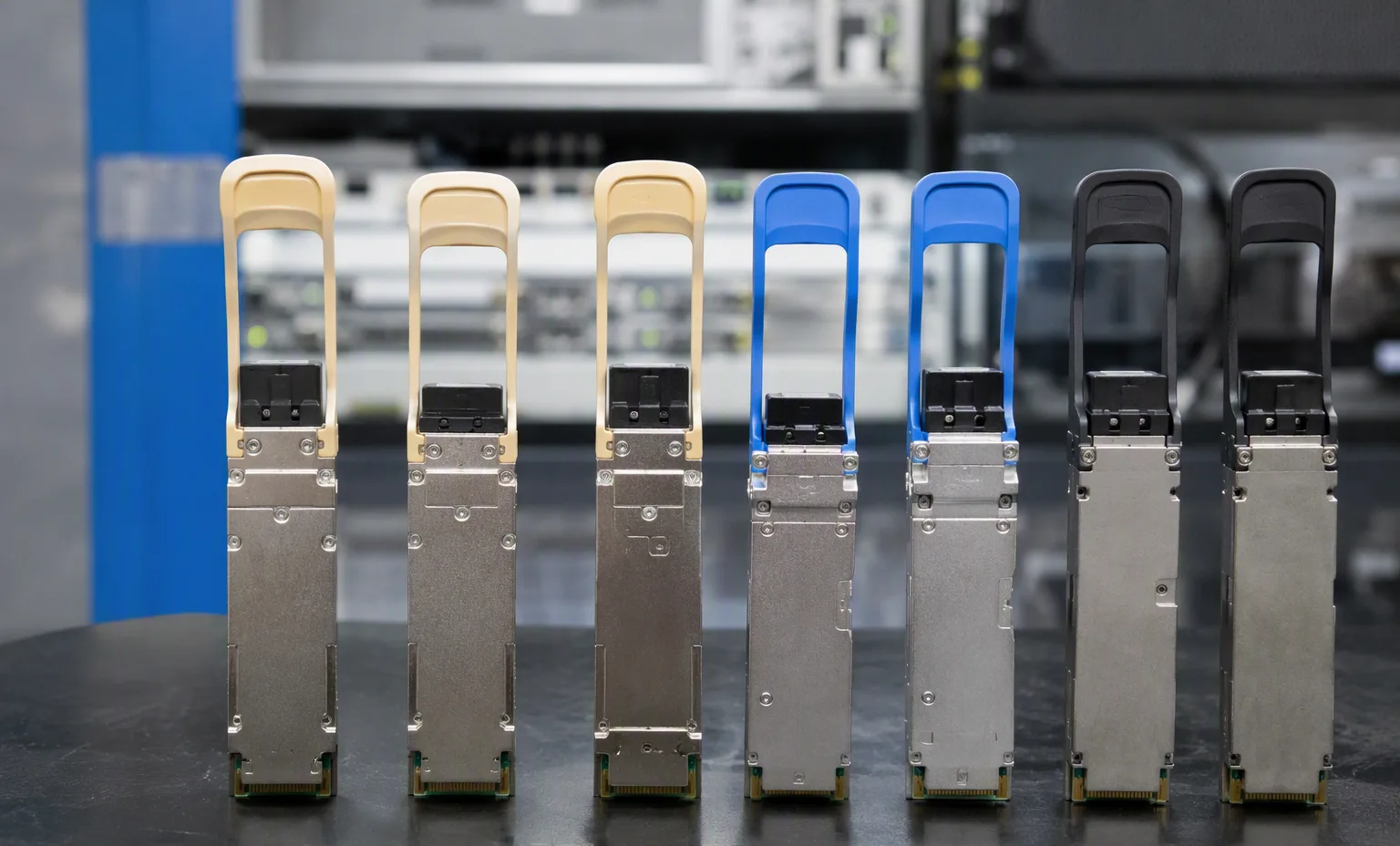
Reference-based generated scenes; actual-unit photos are available only through an explicit unit-specific request. Related models are separate catalog records, not substitutes for the item on this page.
Continue the relevant directory or service flow.
Open resourceUse the connected tool to develop the requirement.
Open resourceRetain the supporting reference with your project brief.
Open resourceExact chassis model recorded · CPU and DIMM plan attached · Drive backplane and risers identified · Rails and power requirements listed.