A technical record does not certify stock, condition, current orderability or a factory-approved BOM.
Identity & purchasing scope
Dell 48YWN — the identity baseline for comparing Dell network switches offers. Field notes: see the full specification table. Evidence labels separate reviewed from unverified values. Use the quote basket to collect this record, then confirm the final configuration with the sales team.
This record identifies 48YWN in the Dell network switches catalog. Its classification is part number. Preserve the full identifier when comparing offers: suffixes, revisions and assembly contents are part of the purchasing question.
Prepare an ASTER RACKIT enquiry for Dell 48YWN in OEM switches. Preserve the full model or ordering number and confirm the target system, quantity, physical and electrical fit, and offered assembly. Source-listed specifications require review. Use the technical record to prepare an inquiry rather than as evidence that an item is available, tested, licensed or covered by a particular warranty. Inherited fast-shipping and stock language is not carried into this catalog's commercial fields.
Inherited search aliases: 48YWN. These are lookup aids, not certified equivalents.
Recorded technical specifications
Each field states its evidence status. Inherited and title-derived values remain unverified; reviewed OEM facts do not certify an offered configuration.
Specifications pending review
No additional technical table was supplied for this identity. Request the current datasheet and item labels rather than guessing specifications from a title.
Configuration & purchase checks
Specify the exact switch identifier, access ports, uplinks and intended network role before selecting optics.
Record power supplies, fan direction and rack accessories as separately checkable items.
Treat software features, subscriptions and support coverage as separate from the existence of a physical port.
For refurbished equipment, request the port-test scope, physical condition and configuration handover checklist.
Product photographs should show the device, its ports and labels without an invented display-connected boot scene.
Adding an item prepares a local RFQ line. It does not create a price offer, reserve inventory or submit an order.
Common project contexts where buyers request this network switches. Contexts inform the inquiry — they are not compatibility claims.
01
Campus access-layer refresh
02
Data-center leaf and spine builds
03
Branch office network rollout
Frequently asked questions
What is the 48YWN?
The 48YWN is a recorded Dell network switches identity (part number).
Are the specifications on this page verified?
The record carries 0 technical fields, each with an evidence label. Reviewed fields come from OEM catalog evidence; unverified fields stay visibly marked and should be confirmed before purchase.
How do I get a price for the 48YWN?
Add the record to the quote basket and send the inquiry — ASTER RACKIT confirms price, condition and availability in a written quotation.
Does an image on this page show the actual offered unit?
No. Images are reference material only. Request exact-unit photography with serial numbers before committing to an order.
Platform relationships & upgrade review
No explicit target-platform relationship is provided for this record. Brand, socket, capacity and visual resemblance alone must not be used to invent a compatibility claim.
Related records below are category neighbors. They are not approved replacement parts.
Actual-unit evidence to request
01
Full front port view
02
Rear PSU and fans
03
Model label
04
Airflow tags
05
Rack ears and accessories
No server boot-screen image is attached to this record. Request product photographs and any diagnostic or entitlement record as separate evidence.
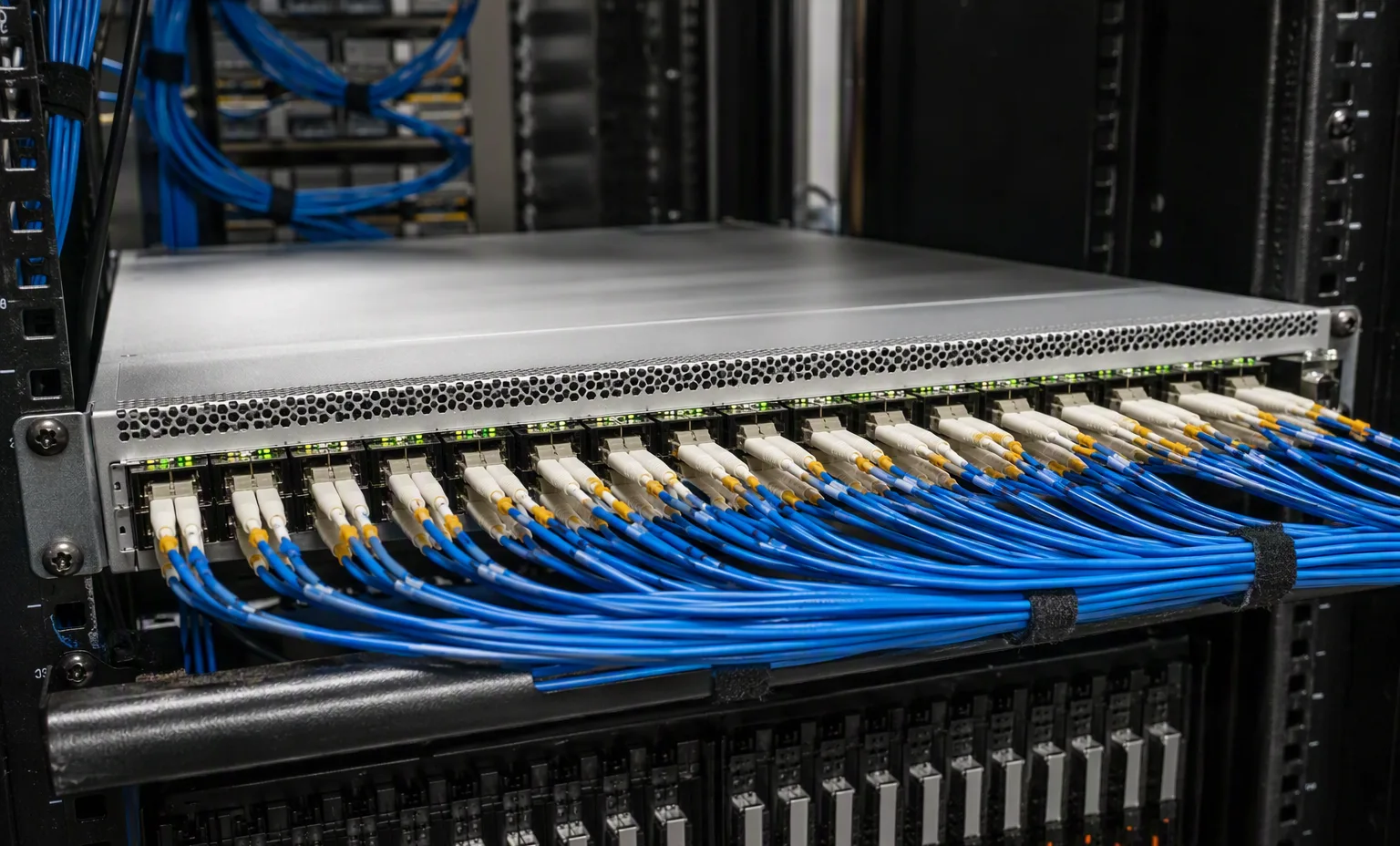
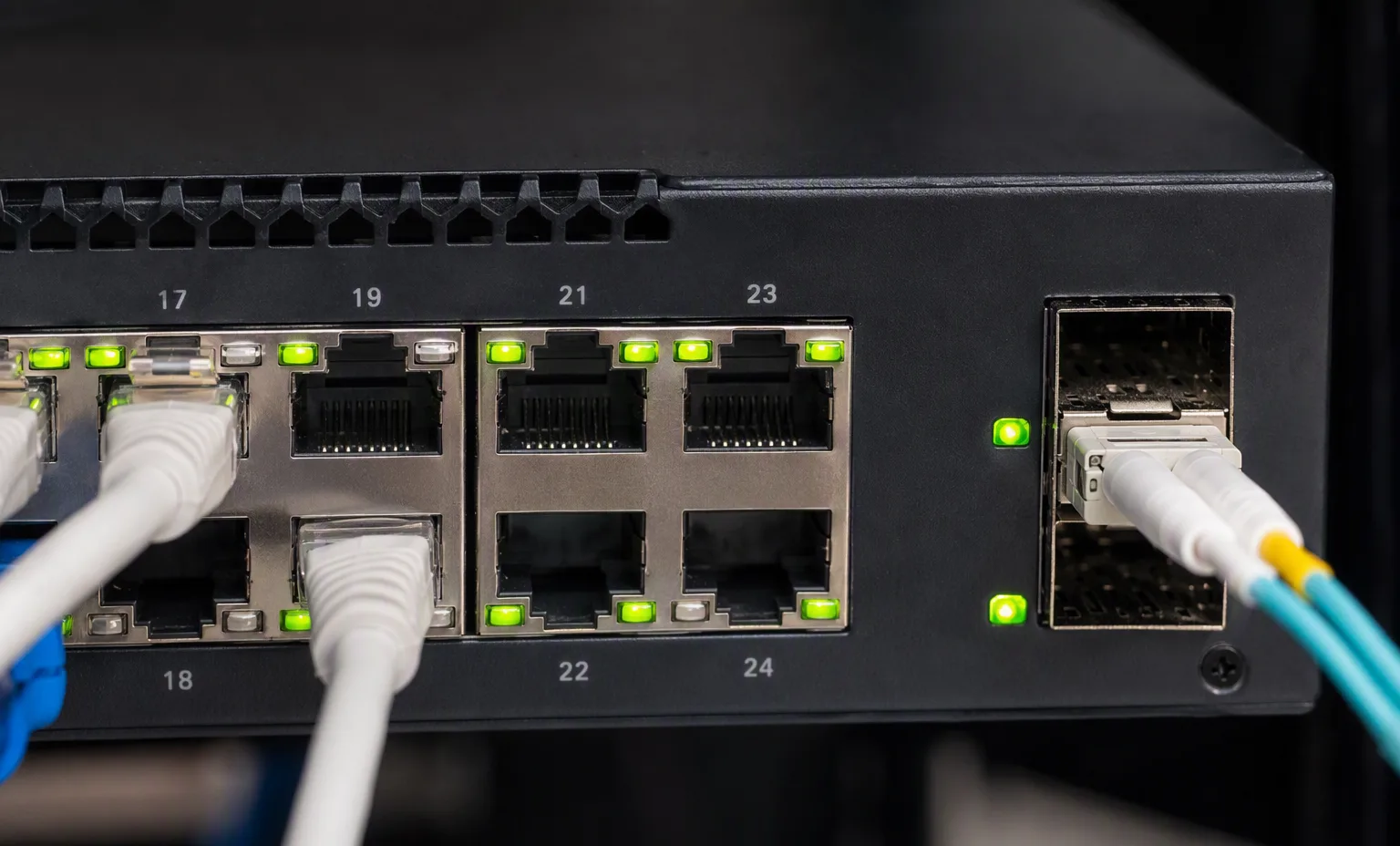
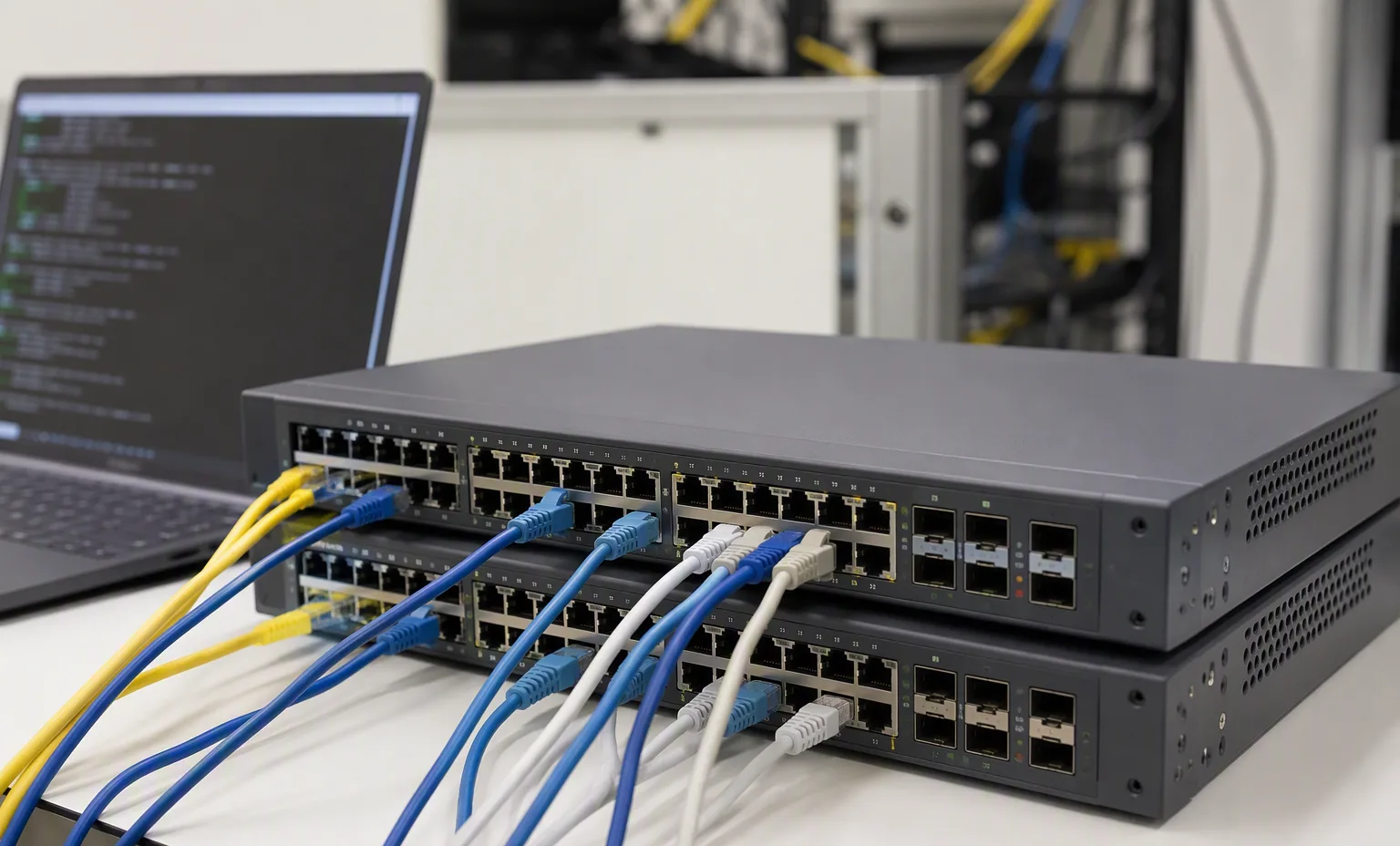
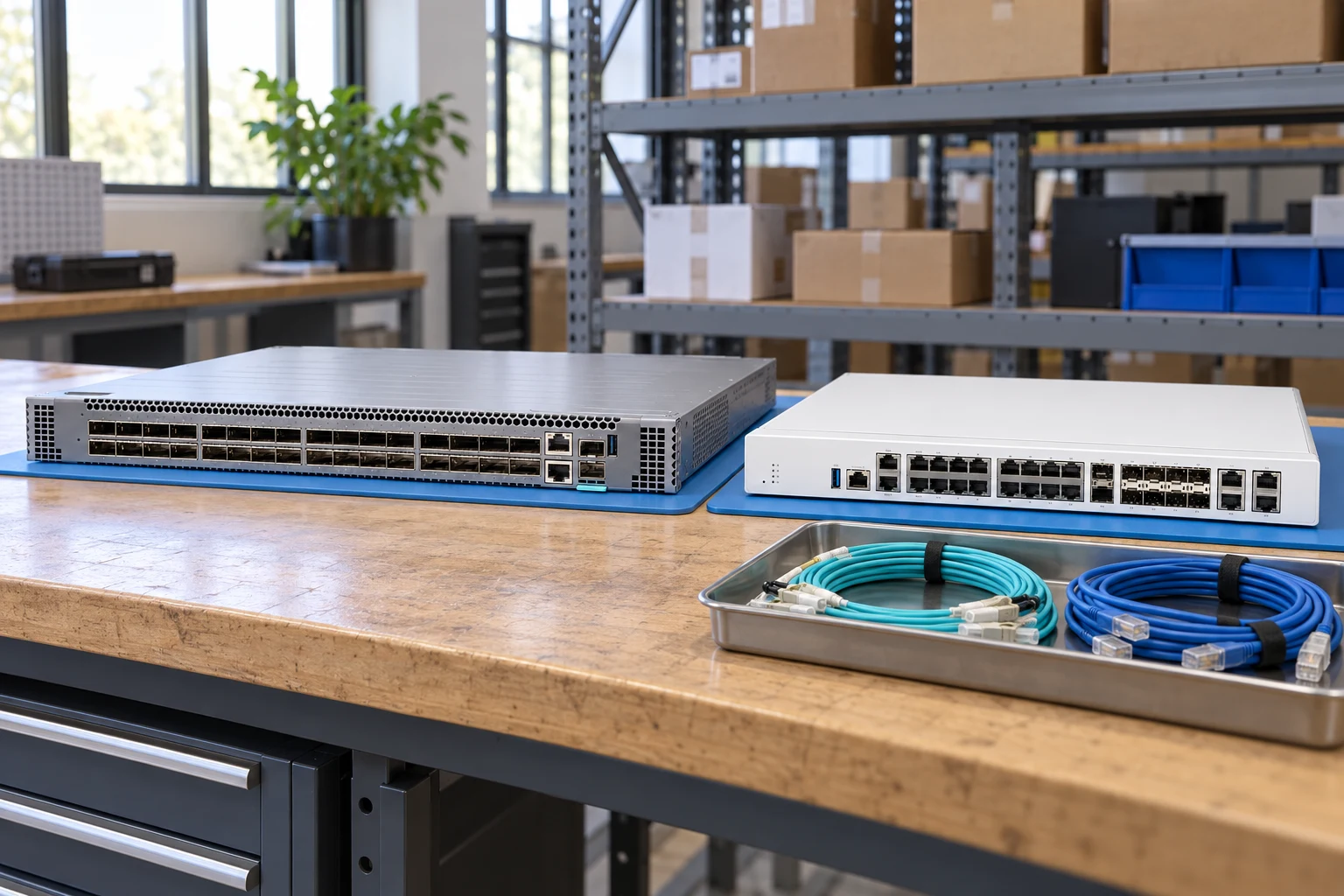
Production spine switch with structured cablingNetwork row in the cold aisleSwitch port panel with patched uplinksSwitches under configuration on the lab bench
Facility reference scenes from our warehouse and test benches. They show the environment and handling standard for this equipment family — they are not photographs of the exact offered unit.
At acceptance, compare the delivered unit, labels and accessories with the approved list. Retain source revisions and receiving records for later maintenance.
Source trace & documentation
Remaining review: OEM model verification · all reseller-asserted parameters · compatibility · lifecycle
Source file
Source record
Evidence status
IT Creations ↗ Source-listed; manufacturer verification required · reseller_product_page · 2026-09-12T13:45:53.370Z · medium
( 2 ) TWO EXTERNAL MINI SAS SFF-8088 PORTS ( 4 ) FOUR RJ45 ETHERNET PORTS ( 2 ) TWO CISCO X2 TRANSCEIVER PORTS ( 1 ) ONE RJ45 CONSOLE PORT ( 2 ) TWO HIGH SPEED STACK CONNECTORS
Reference-based generated scenes; actual-unit photos are available only through an explicit unit-specific request. Related models are separate catalog records, not substitutes for the item on this page.