Enterprise HDDs: procurement and acceptance
Identify the drive, carrier and data path
Original editorial guidance. Not manufacturer validation, a service certification or a contractual promise.
- Chapters
- 4
- Checklist items
- 5
- Related family
- Enterprise HDDs
- Evidence stance
- Original guidance
Identify the purchasing unit
Browse enterprise hdds by manufacturer and exact identifier. This directory separates technical identity from commercial stock. Filter the evidence depth, compare recorded fields and carry a shortlist into your quotation draft.
Keep interface, capacity, form factor, sector format and the full part-number suffix on the inquiry.
State whether the purchasing unit is a bare drive, a drive with carrier or an OEM service assembly. Price comparisons need the same scope.
Resolve dependencies before requesting a price
Check the backplane, cables, controller or direct-attach path and system firmware as a complete storage path.
For pre-owned media, request available health, operating-hour and endurance information. Do not assume remaining life from a cosmetic photograph.
Evidence at acceptance
Agree data-handling and sanitization requirements separately from functional testing. Retain the offered-unit identity with the receiving record.
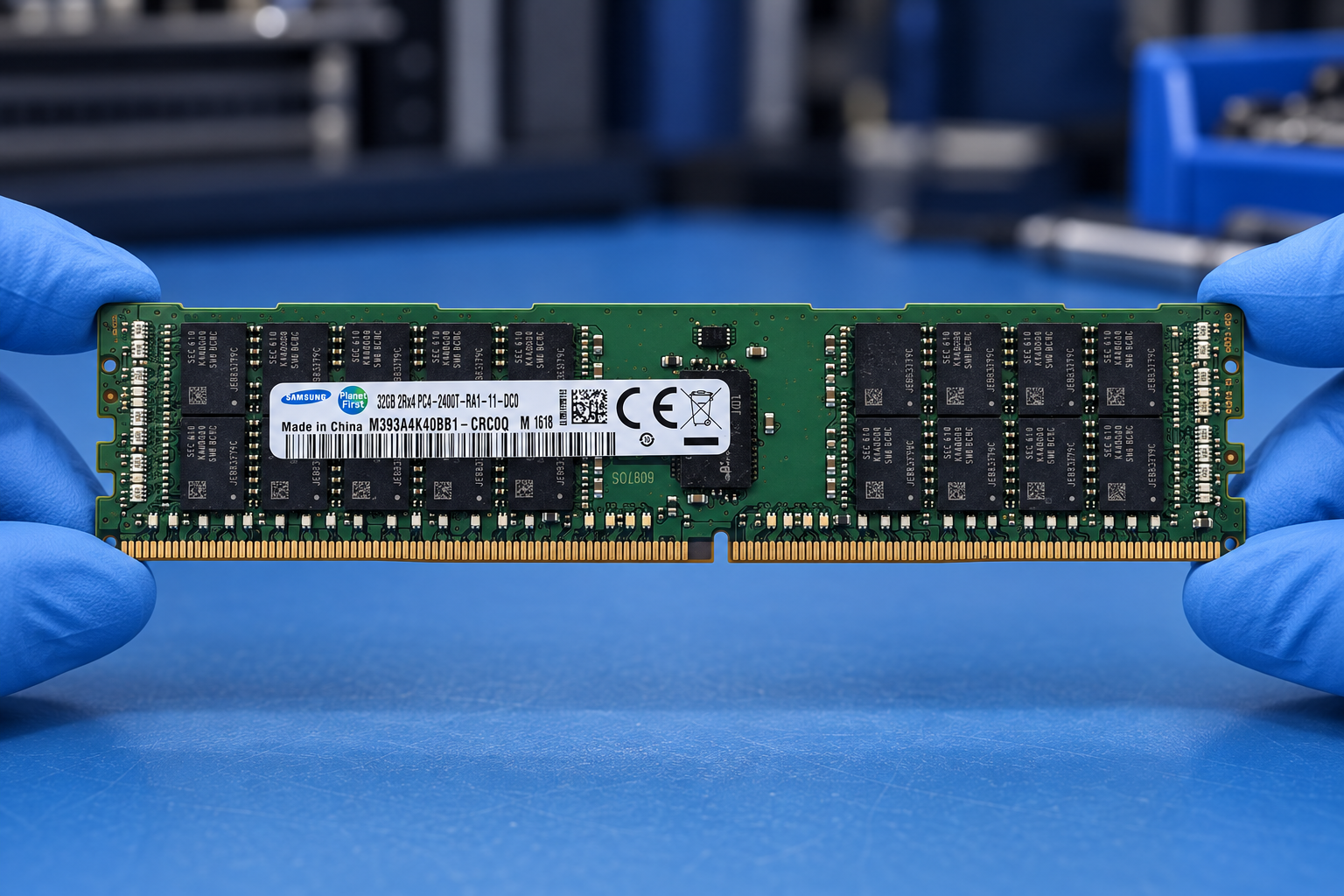
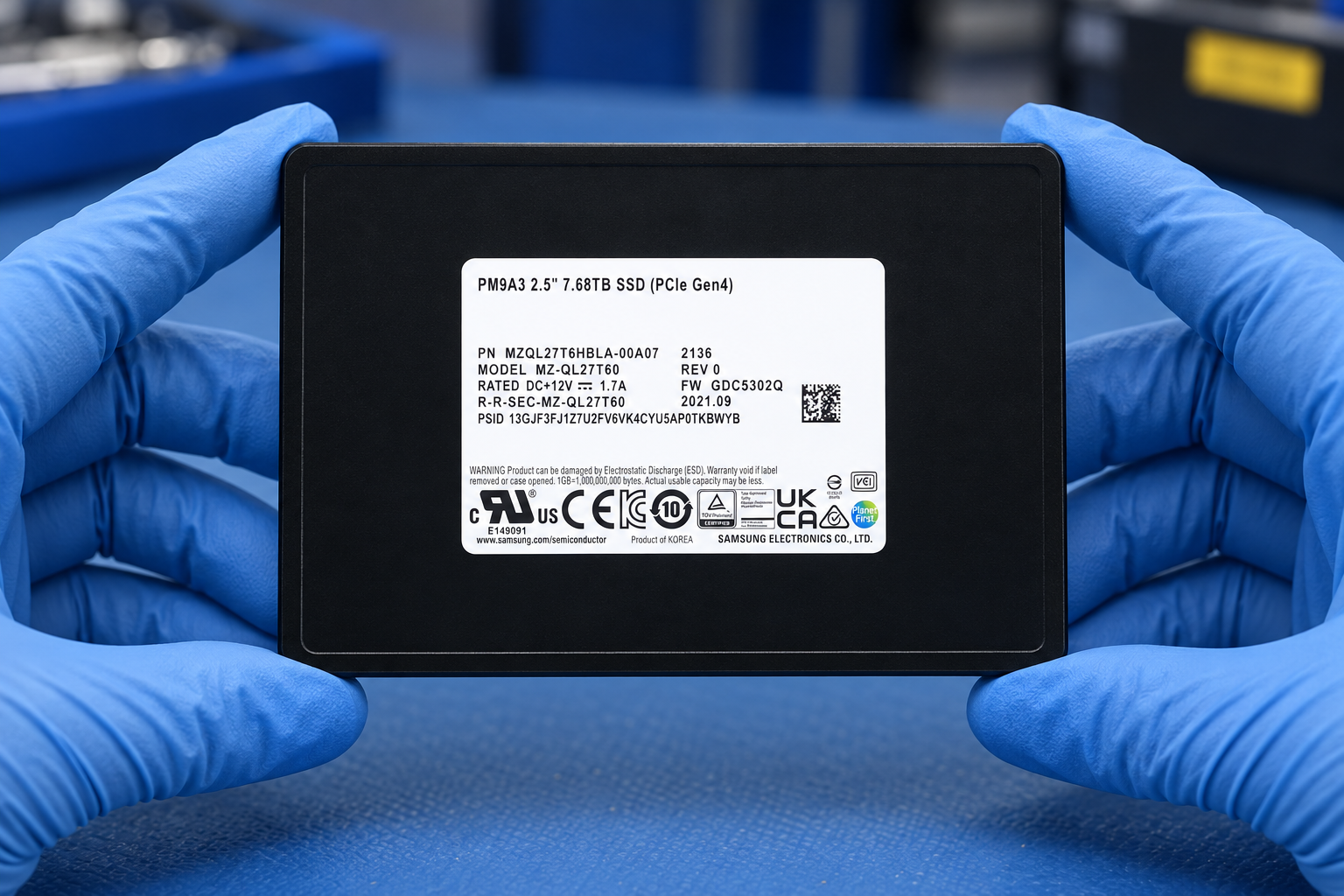
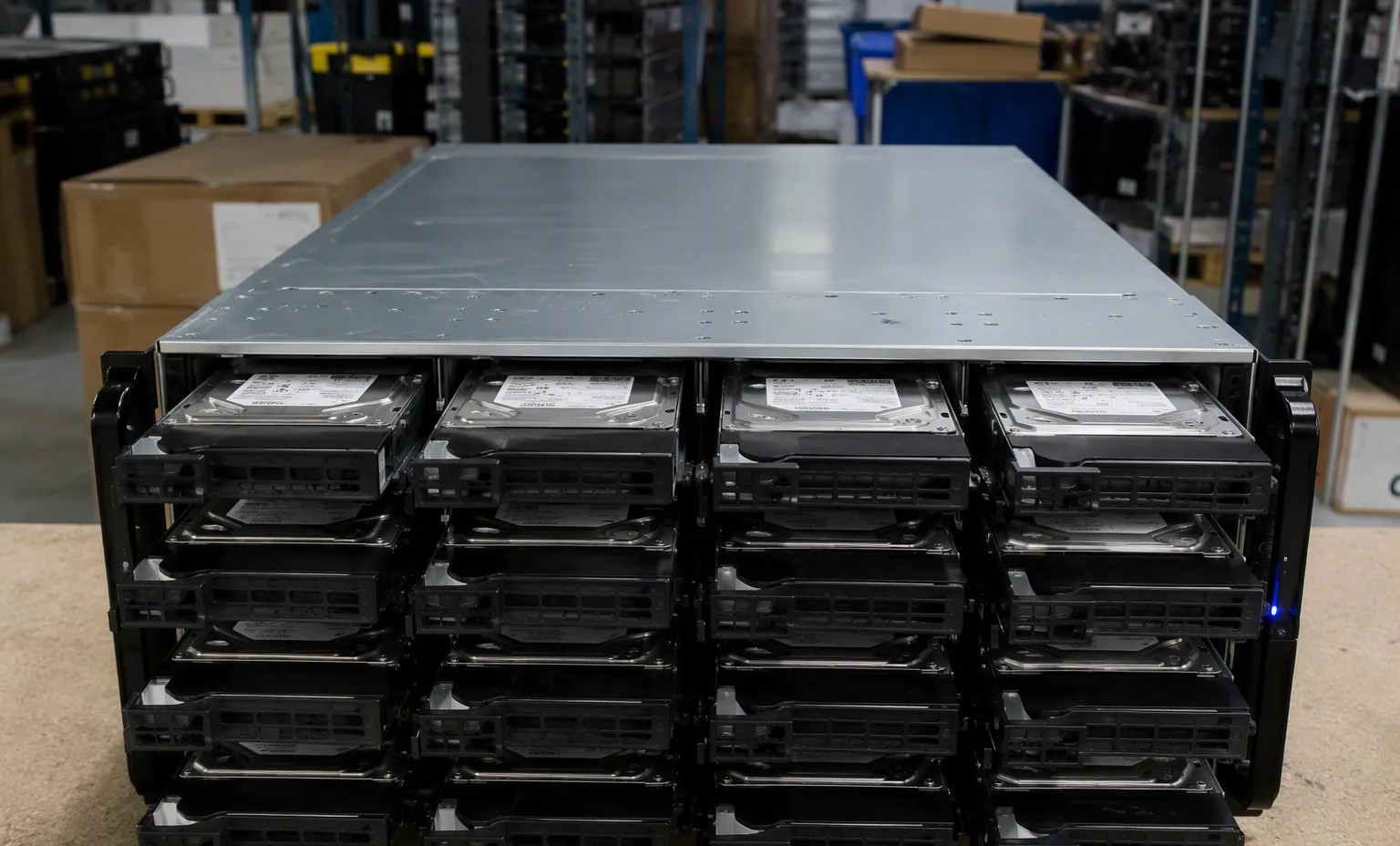
Request: Drive label, Connector, Carrier label, Health record where supported, Protective drive packaging. Attach these to the actual quotation or receiving record. A product-family image or an AI warehouse scene cannot replace evidence of the offered unit.
Create a useful handover record
Use the comparison table to inspect only fields supplied for each record. A blank cell means that information is not recorded; it does not mean a feature is unsupported. Resolve material differences with the supplier before approving a replacement.
Export the full identifiers and quantities to a quotation draft. Include target platform, condition, destination, accessories, test evidence and the party responsible for final technical approval. This planning tool does not issue a price, allocate stock or create license entitlement.
At receipt, match the item labels and accessories to the accepted list. Record discrepancies before integration. Keep the source revision and final bill of materials together so future maintenance is checked against the configuration actually delivered.
Facility reference scenes
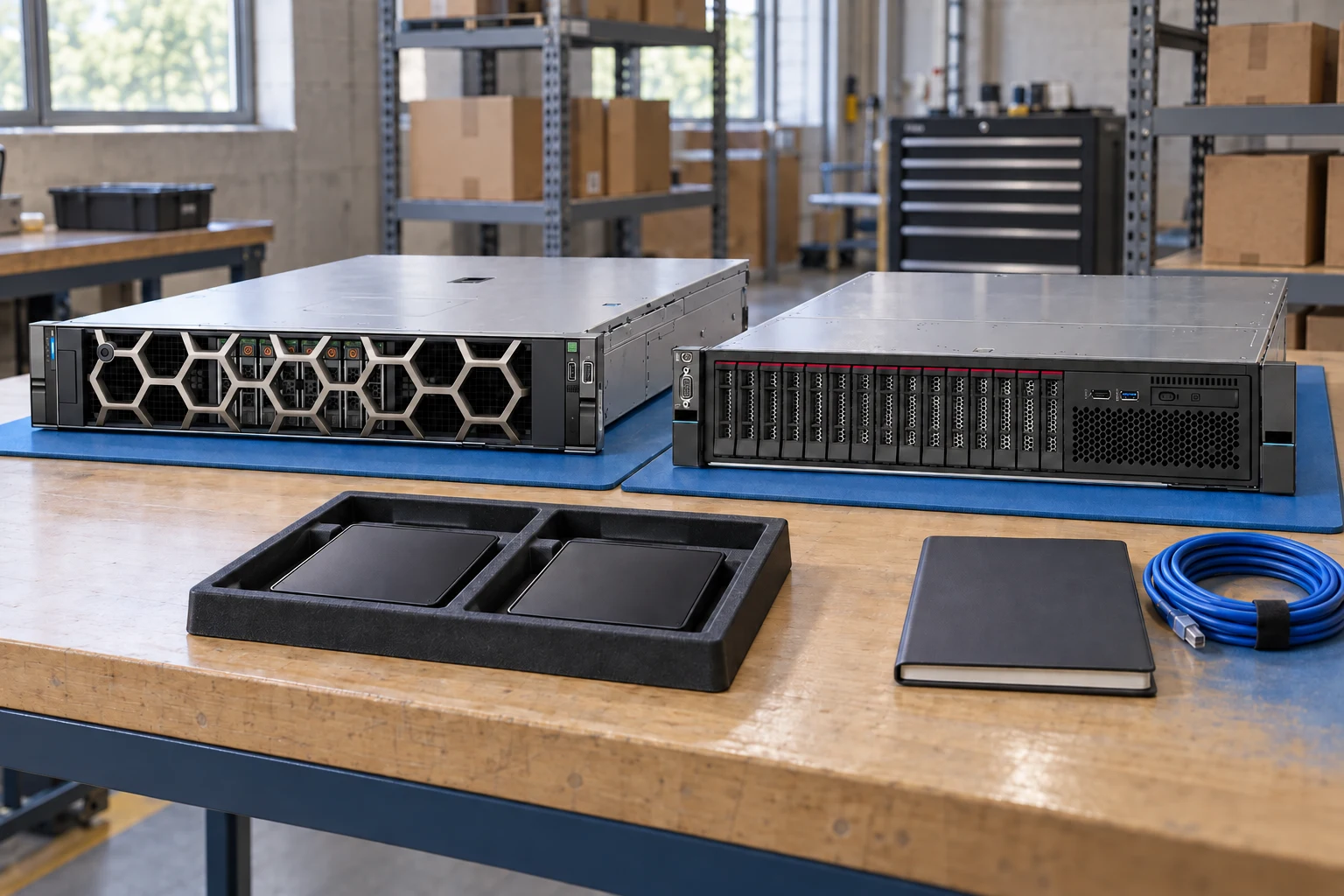
Warehouse and test-bench environment for the equipment family this guide supports.
Your inquiry checklist
- Keep interface, capacity, form factor, sector format and the full part-number suffix on the inquiry.
- State whether the purchasing unit is a bare drive, a drive with carrier or an OEM service assembly. Price comparisons need the same scope.
- Check the backplane, cables, controller or direct-attach path and system firmware as a complete storage path.
- For pre-owned media, request available health, operating-hour and endurance information. Do not assume remaining life from a cosmetic photograph.
- Agree data-handling and sanitization requirements separately from functional testing. Retain the offered-unit identity with the receiving record.