Start at /explore
Use the catalog hub and category pages for discoverable navigation.
The catalog publishes normal HTML pages first, then JSON, Markdown, sitemap and RFQ helper files. These resources support discovery and quotation preparation; they do not prove live stock, price, warranty, or OEM-approved compatibility.
Each product has the same identity, field and source trace in JSON and Markdown.
/explore-data/records/{id}.json/explore-data/records-md/{id}.md/llms.txt for catalog-use boundaries/sitemaps/explore-v27-*.xml for canonical discoveryOriginal technical fields, title-derived values and official-document links are displayed separately. Title-derived values are useful for search, but require OEM or actual-unit verification before quoting.
Public pages never assert price, stock quantity, ratings, certification, entitlement, or that AI-generated imagery is an actual product photo.
Review data-quality rules →Use the catalog hub and category pages for discoverable navigation.
Each detail page contains no-JS identity and technical sections.
Separate inherited, title-derived and official-document entries.
Use editable RFQ files and quote basket, then validate compatibility offline.
Check model, revision and publication date.
This guide adds the decisions, documents and next steps that support this page.
Document directory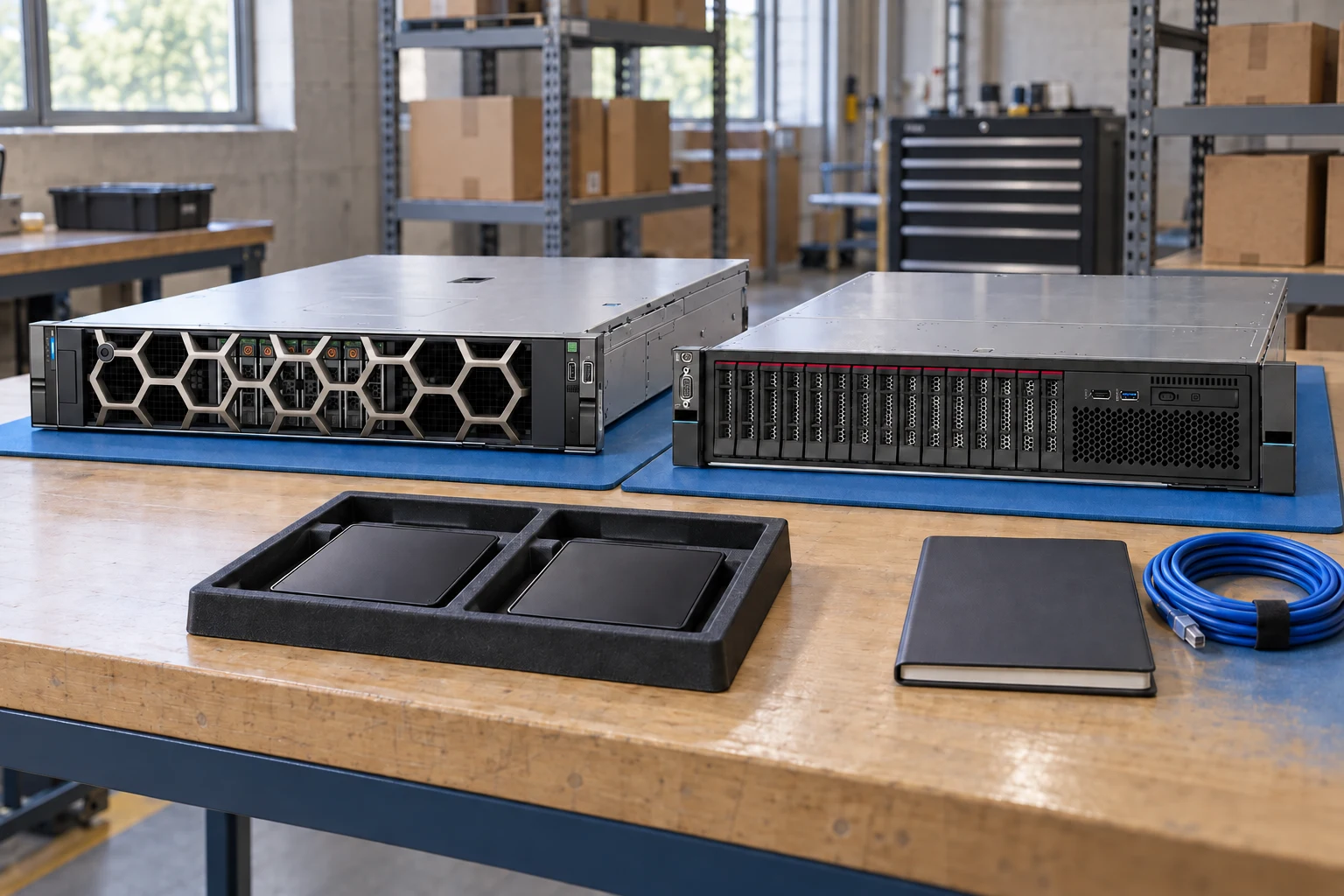
Find product guides, installation manuals and datasheets.
Document directoryTurn the requirement into a structured purchasing checklist.
Buying guidesSeparate official specifications from seller descriptions and generated scenes.
Evidence qualityCheck model, revision and publication date.
Keep a source beside each specification used in the brief.
Record missing or conflicting fields for follow-up.
A planning sequence, not a record of completed work.
Counts show records in the site catalog. They do not represent stock, available quantities or verified compatibility.
Snapshot: 2026-09-15
| Decision | Record in your brief | Evidence to retain |
|---|---|---|
| Document scope | Check model, revision and publication date. | Complete identifier and source revision |
| Claim traceability | Keep a source beside each specification used in the brief. | Platform document or written clarification |
| Open questions | Record missing or conflicting fields for follow-up. | Offered-unit details and agreed scope |
Tick items as you prepare them. This is your personal checklist, not a hardware validation.
Saved in this browser when local storage is available.
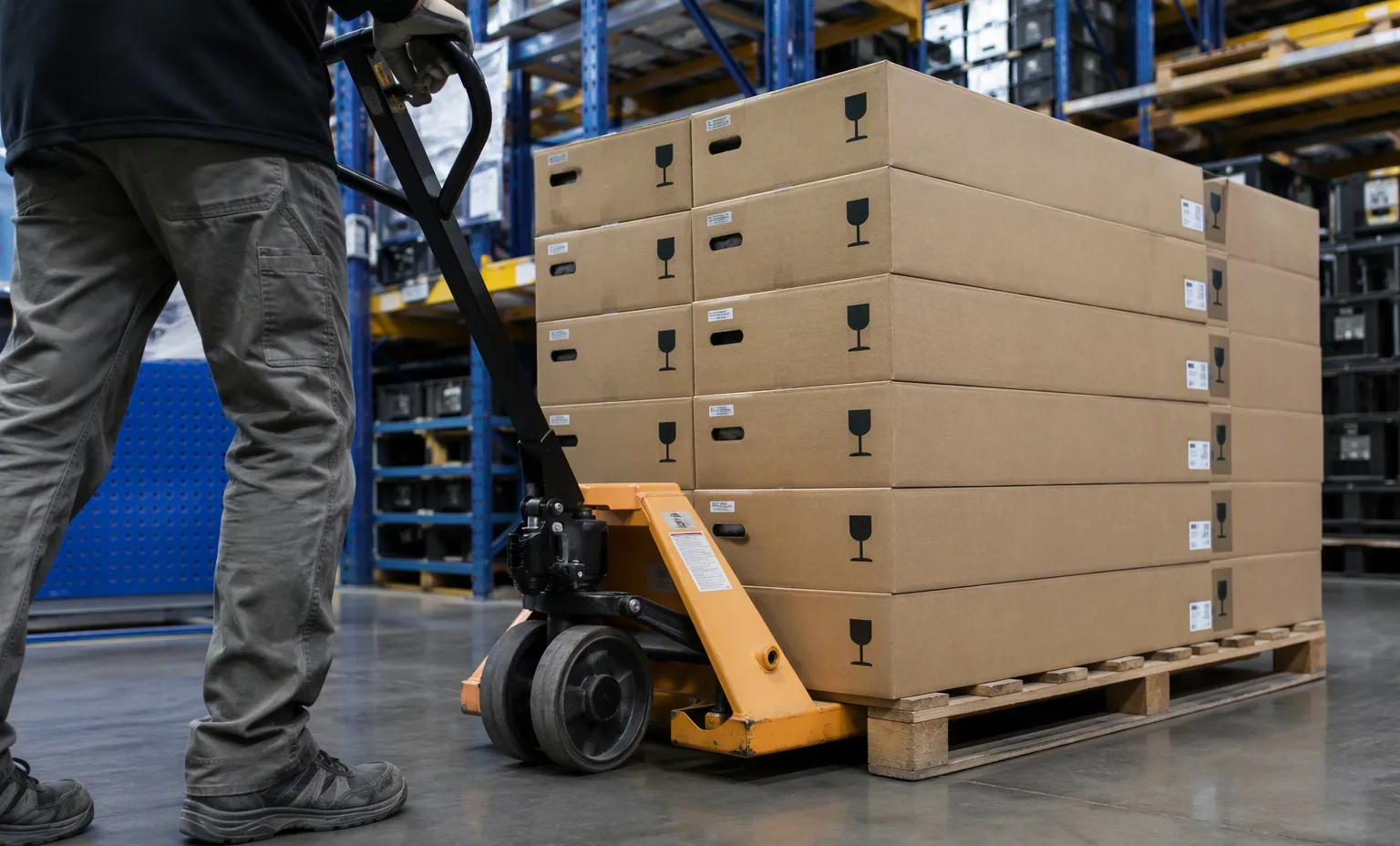
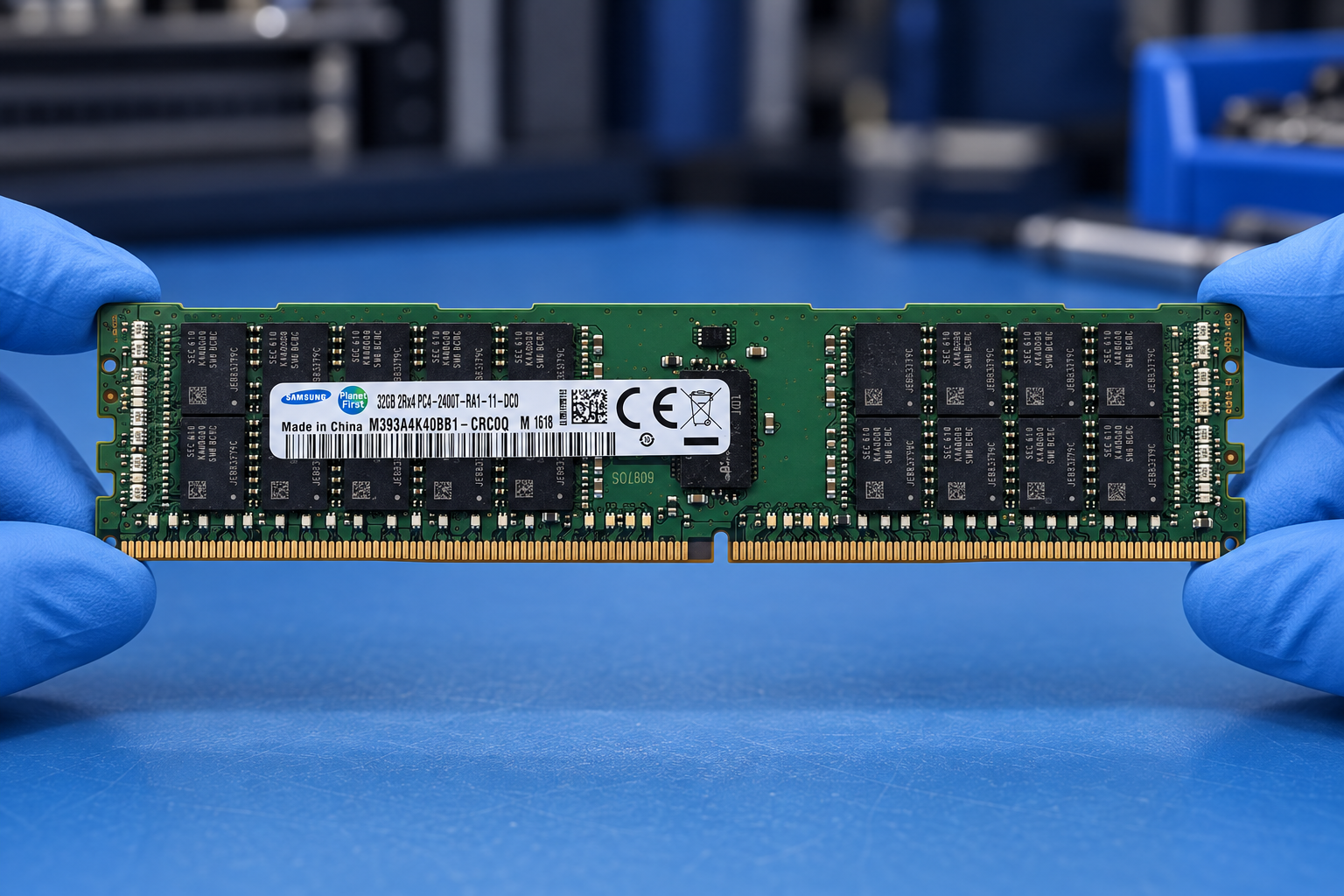
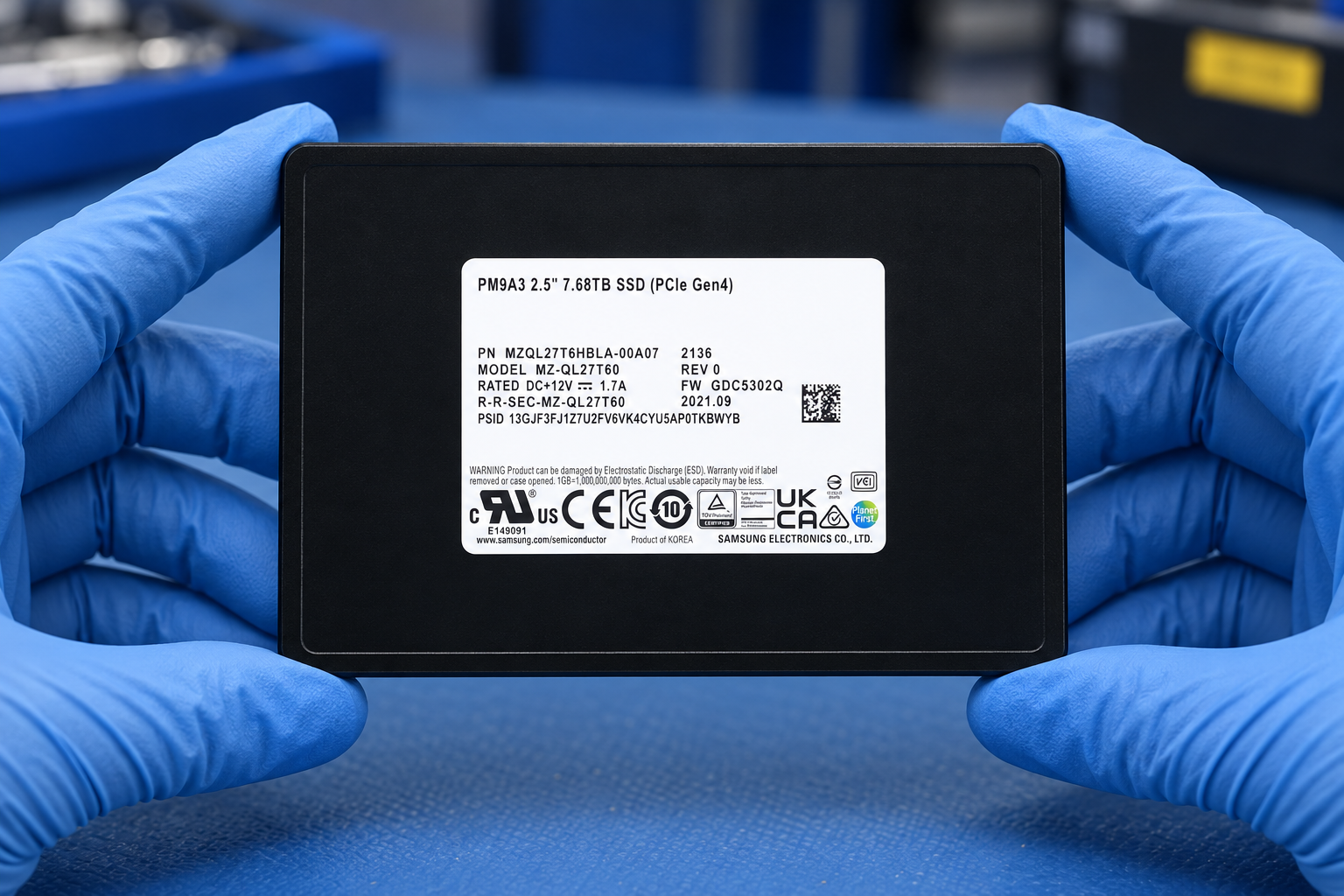
Reference-based generated scenes; actual-unit photos are available only through an explicit unit-specific request. Related models are separate catalog records, not substitutes for the item on this page.
Continue the relevant directory or service flow.
Open resourceUse the connected tool to develop the requirement.
Open resourceRetain the supporting reference with your project brief.
Open resourceDocument model matches request · Revision and date retained · Claims linked to a source · Unverified fields listed.