System planning
Start with the chassis and its documented dependencies.
System configuratorSelect up to four identities. Matching a field does not establish replacement compatibility.
| Recorded field | G492-H80GIGABYTE |
|---|---|
| Identity type | model |
| Evidence status | Inherited technical record |
| Dimensions (WxHxD, mm) | 4U 447 x 175.2 x 880 |
| Motherboard | MG62-G41 |
| CPU | 3rd Generation Intel® Xeon® Scalable Processors Dual processor, 10nm technology TDP up to 270W Note: If only 1 CPU is installed, some PCIe or memory functions might be unavailable. |
| Socket | 2 x LGA 4189 Socket P+ |
| Chipset | Intel® C621A |
| Memory | 32 x DIMM slots DDR4 memory supported only 8-channel memory architecture RDIMM up to 128GB supported LRDIMM up to 128GB supported 3DS RDIMM/LRDIMM up to 256GB supported 1.2V modules: 3200/2933/2666 MT/s |
| LAN | Front side: 2 x 10Gb/s LAN ports (1 x Intel® X550-AT2) Support NCSI function 1 x 10/100/1000 Mbps Management LAN |
| Video | Integrated in Aspeed® AST2600 - 1 x VGA port |
| Storage | Front side: 12 x 3.5"/2.5" SATA hot-swappable bays SATA device supported only Onboard 2 x SATA DOM supported |
| SAS | N/A |
| RAID | Intel® SATA RAID 0/1/10/5 |
| Expansion Slots | 4 x PCIe x16 (Gen4 x16) FHFL slots, from CPU_0, for GPUs 4 x PCIe x16 (Gen4 x16) FHFL slots, from CPU_1, for GPUs - System is validated for population with a uniform GPU model. - Support is not provided for mixed GPU populations. |
| Internal I/O | 1 x TPM header 1 x VROC connector 2 x SATA DOM connectors |
| Front I/O | 2 x USB 3.0 1 x VGA 2 x RJ45 1 x MLAN 1 x Power button with LED 1 x ID button with LED 1 x NMI button 1 x Reset button 1 x Storage activity LED 1 x System status LED |
| Rear I/O | N/A |
| Backplane Board | Speed and bandwidth: SATA 6Gb/s |
| TPM | 1 x TPM header with SPI interface - Optional TPM2.0 kit: CTM010 |
| Power supply | 2+1 2200W 80 PLUS Platinum redundant power supplies (-100) AC Input: - 100-127V~/ 14A, 47-63Hz - 200-240V~/ 12.6A, 47-63Hz DC Input: (Only for China) - 240Vdc/ 12.6A DC Output: - Max 1200W/ 100-127V~ +12.12V/ 95.6A +12Vsb/ 3.5A - Max 2200W/ 200-240V~ or 240Vdc Input +12.12V/ 178.1A +12Vsb/ 3.5A 2+1 2200W 80 PLUS Titanium redundant power supplies (-1T0) AC Input: - 100-127V~/ 15.5A, 50-60Hz - 200-240V~/ 15.5A, 50-60Hz DC Input: (Only for China) - 240Vdc/ 15.5A DC Output: - Max 1000W/ 100-127V~ +12.2V/ 81A +12Vsb/ 3A - Max 2200W/ 200-240V~ or 240Vdc Input +12.2V/ 180A +12Vsb/ 3A Note: The system power supply requires C19 power cord. Power cords are not included. Specify suitable cords separately. |
| System Management | Aspeed® AST2600 Baseboard Management Controller GIGABYTE Management Console web interface Dashboard HTML5 KVM Sensor Monitor (Voltage, RPM, Temperature, CPU Status …etc.) Sensor Reading History Data FRU Information SEL Log in Linear Storage / Circular Storage Policy Hardware Inventory Fan Profile System Firewall Power Consumption Power Control Advanced power capping LDAP / AD / RADIUS Support Backup & Restore Configuration Remote BIOS/BMC/CPLD Update Event Log Filter User Management Media Redirection Settings PAM Order Settings SSL Settings SMTP Settings |
| OS Compatibility | Citrix Hypervisor 8.2.0 or later Red Hat Enterprise Linux 7.9 or later Red Hat Enterprise Linux 8.2 or later Red Hat Enterprise Linux 9.0 or later SUSE Linux Enterprise Server 12 SP5 or later SUSE Linux Enterprise Server 15 SP2 or later Ubuntu 20.04 LTS or later Ubuntu 22.04 LTS or later VMware ESXi 6.7 Update3 P03 or later VMware ESXi 7.0 Update2 or later VMware ESXi 8.0 or later Windows Server 2016 Windows Server 2019 Windows Server 2022 |
| OS Certifications | VMware ESXi 7.0 |
| System Fans | 6 x 60x60x76mm |
| Operating Properties | Operating temperature: 10°C to 35°C Operating humidity: 8% to 80% (non-condensing) Non-operating temperature: -40°C to 60°C Non-operating humidity: 20% to 95% (non-condensing) |
| Weight | Net Weight: 32.6 kg Gross Weight: 42.6 kg |
| Packaging Dimensions | 1109 x 609 x 606 mm |
| Packaging Content | 1 x G492-H80 2 x CPU fansinks 8 x GPU power cables (CPU 8pin, 100mm) 1 x L-shape Rail kit |
Define workload, capacity, constraints and growth needs.
This guide adds the decisions, documents and next steps that support this page.
System configurator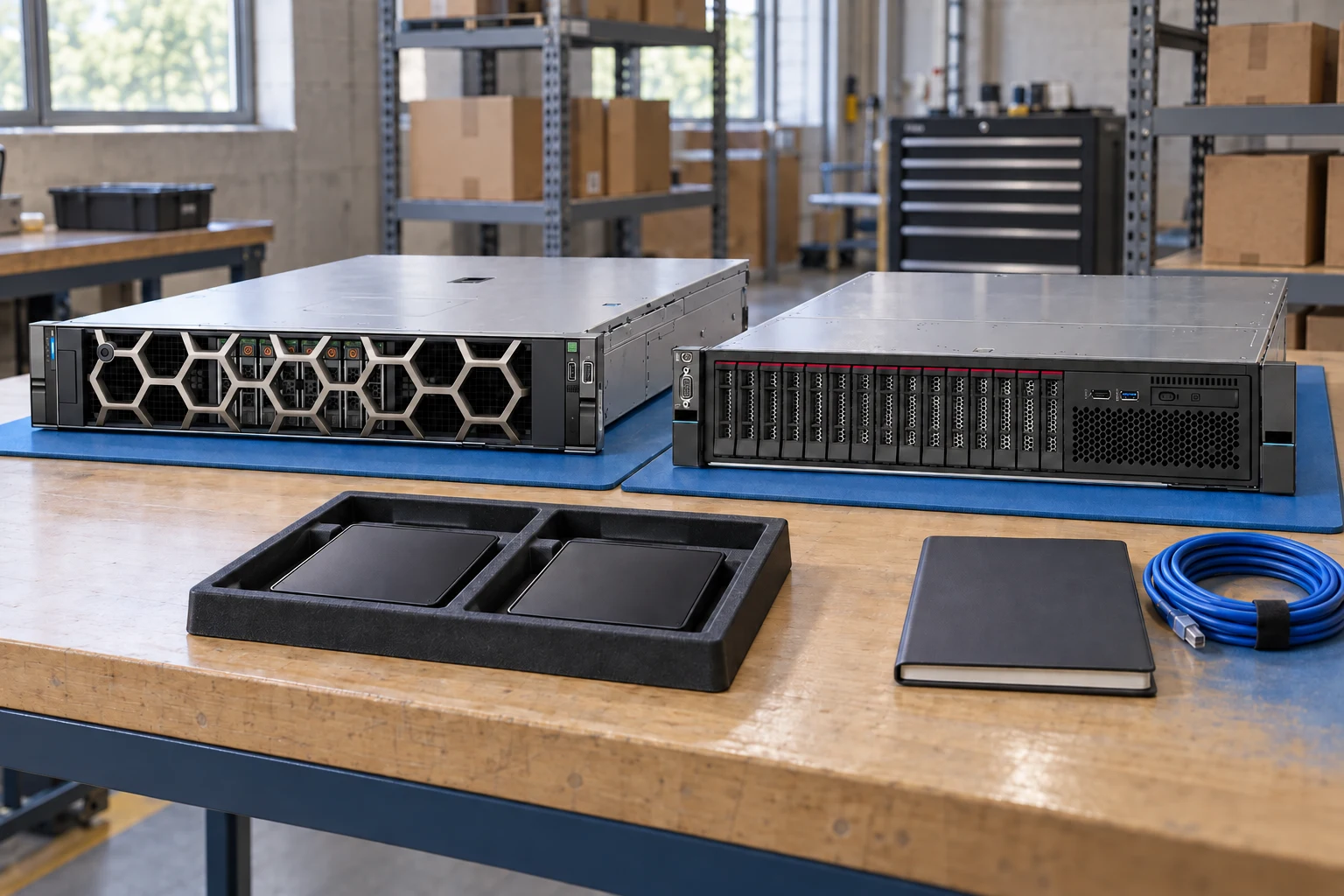
Start with the chassis and its documented dependencies.
System configuratorKeep identifiers and evidence side by side.
Compare recordsBuild a port, optics and cable schedule.
Network plannerDefine workload, capacity, constraints and growth needs.
Check component support, physical fit, power and firmware.
Export a reviewable requirement or quotation draft.
A planning sequence, not a record of completed work.
Counts show records in the site catalog. They do not represent stock, available quantities or verified compatibility.
Snapshot: 2026-09-15
| Decision | Record in your brief | Evidence to retain |
|---|---|---|
| Requirements | Define workload, capacity, constraints and growth needs. | Complete identifier and source revision |
| Dependencies | Check component support, physical fit, power and firmware. | Platform document or written clarification |
| Review output | Export a reviewable requirement or quotation draft. | Offered-unit details and agreed scope |
Tick items as you prepare them. This is your personal checklist, not a hardware validation.
Saved in this browser when local storage is available.
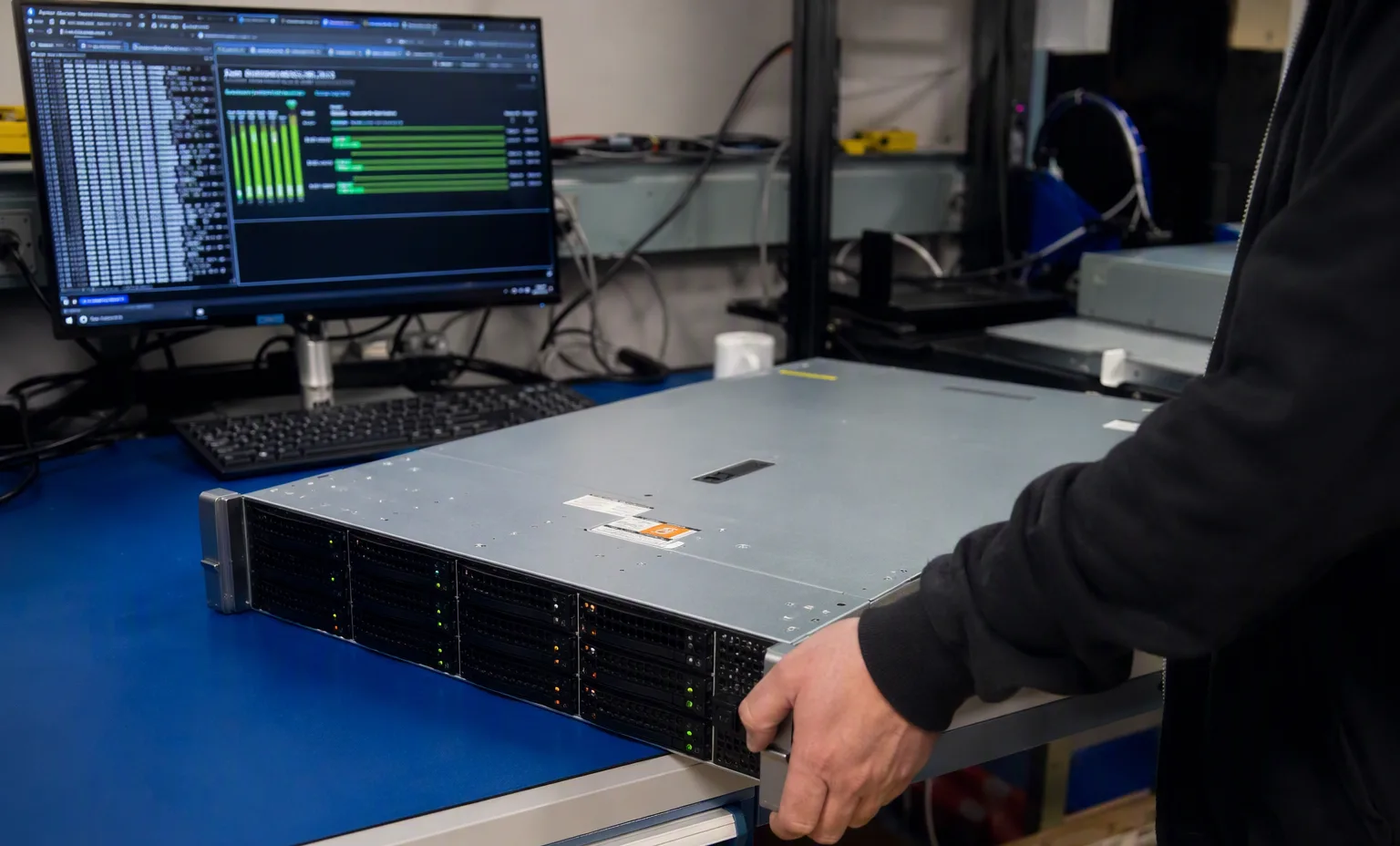
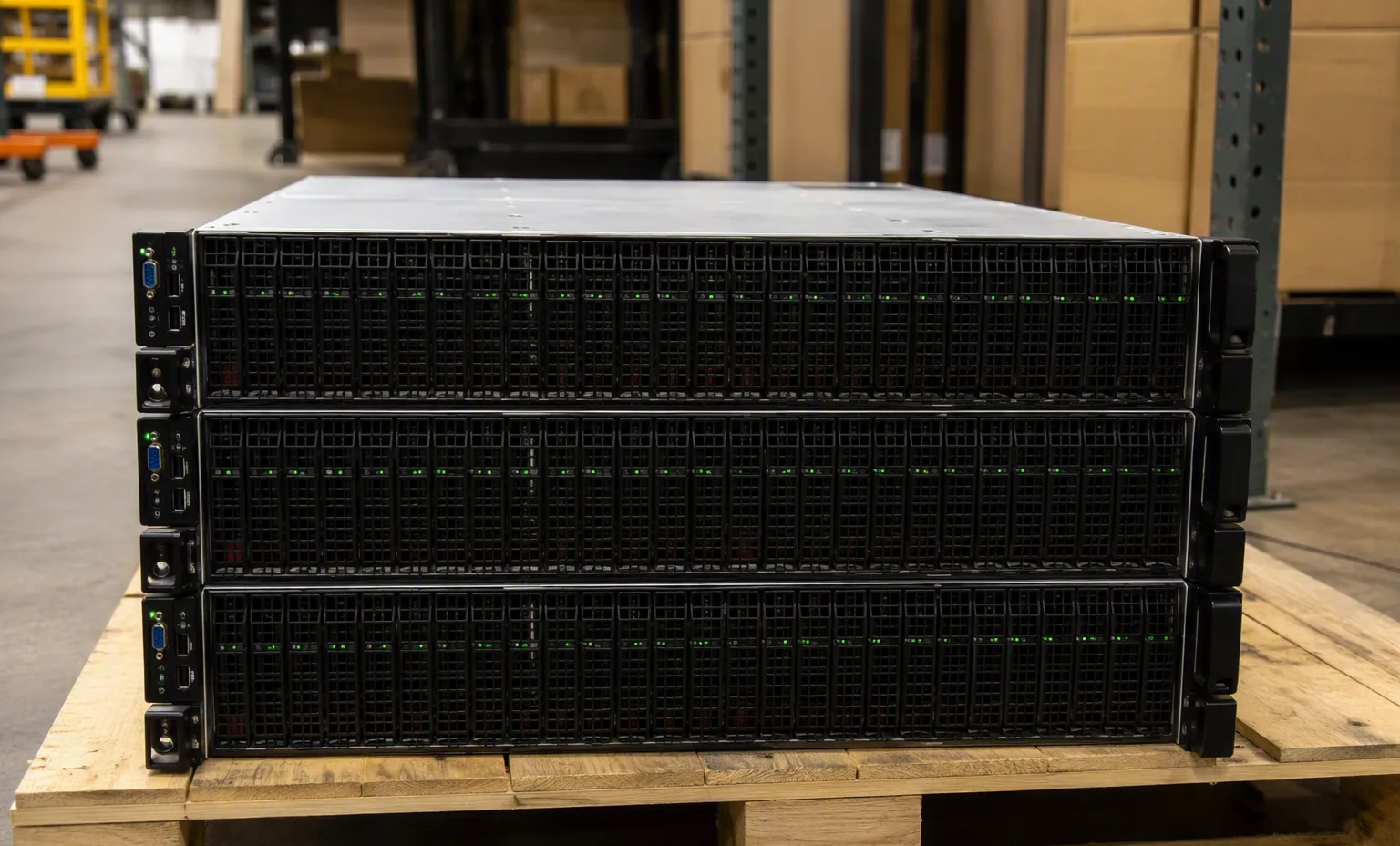
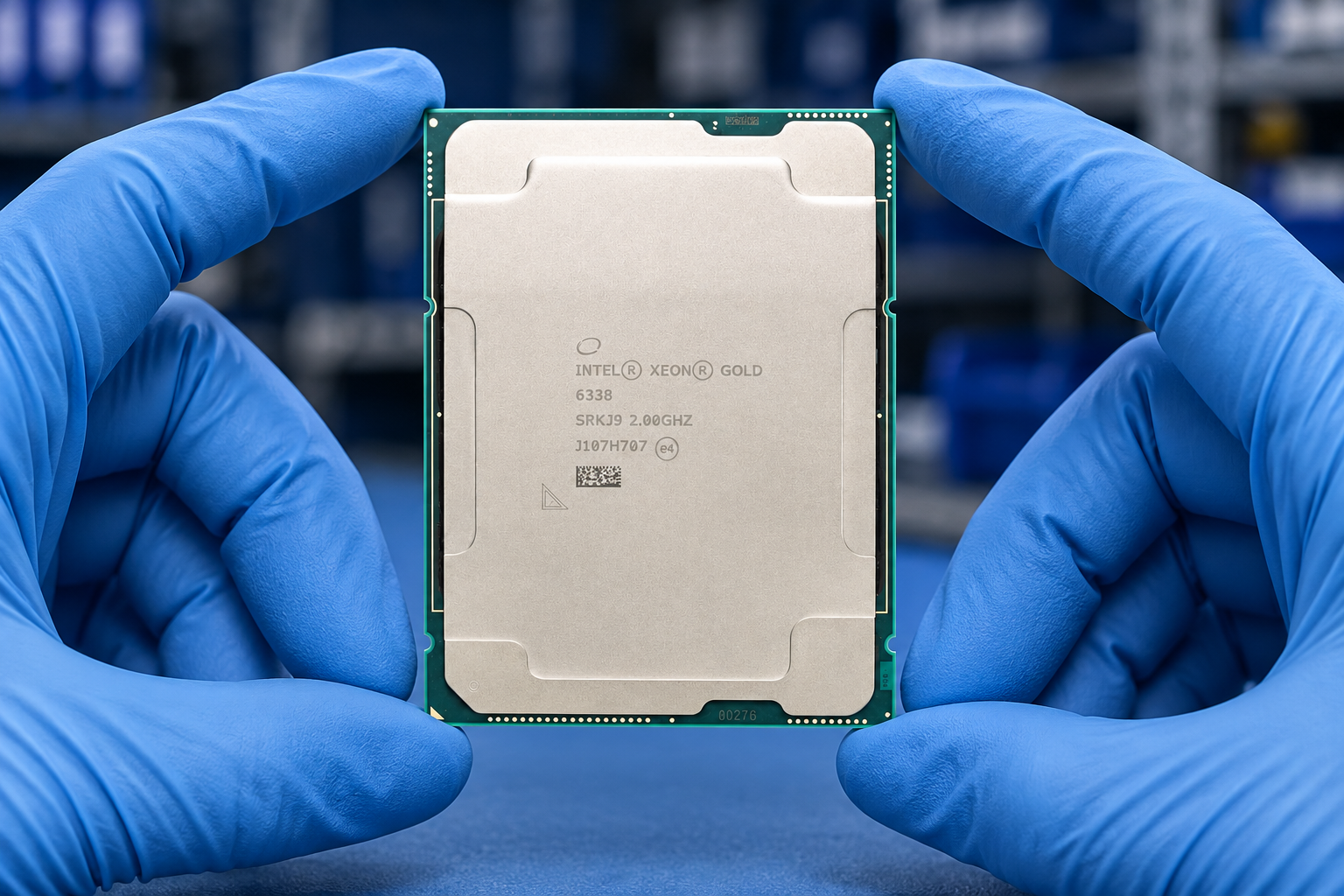
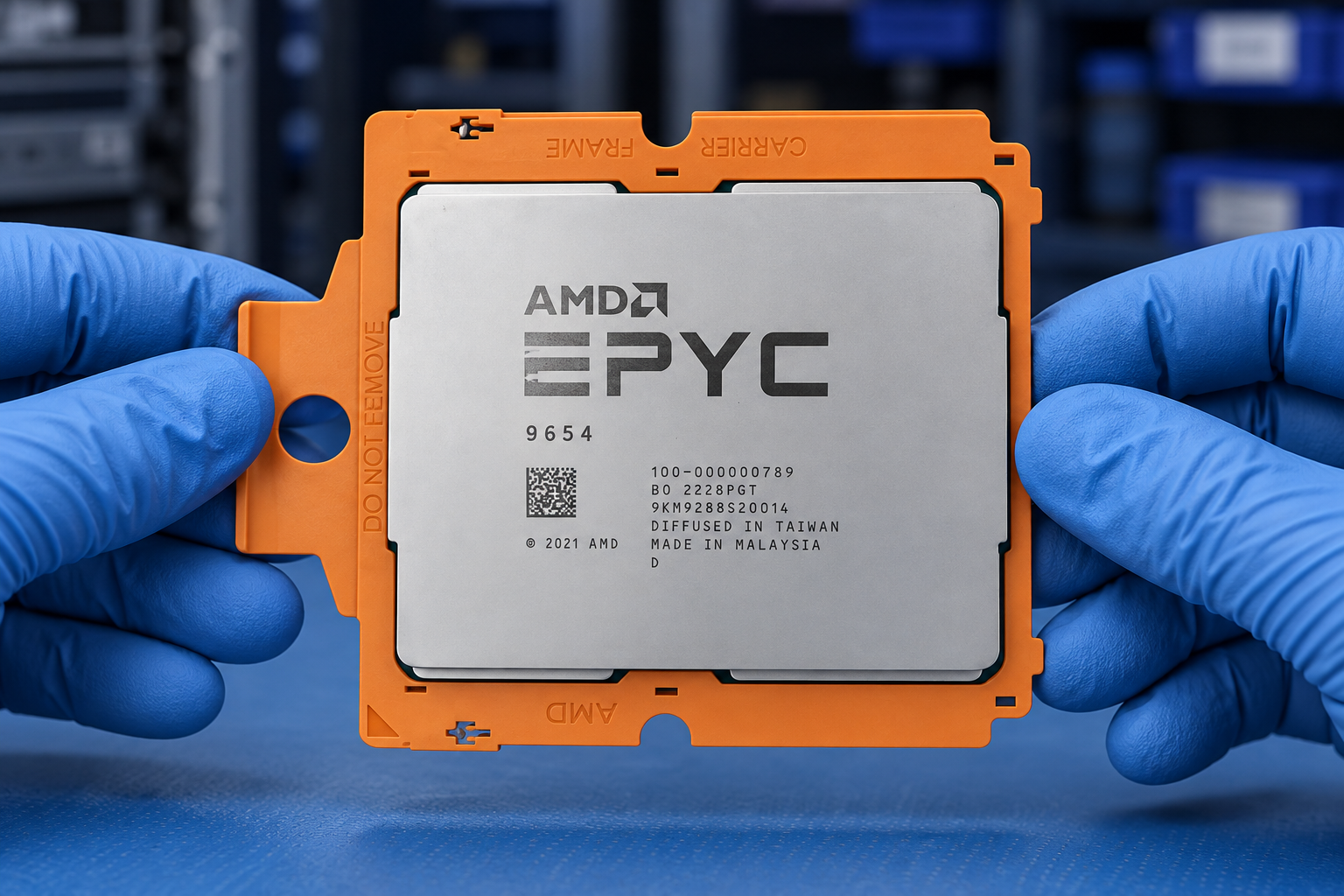
Reference-based generated scenes; actual-unit photos are available only through an explicit unit-specific request. Related models are separate catalog records, not substitutes for the item on this page.
Continue the relevant directory or service flow.
Open resourceUse the connected tool to develop the requirement.
Open resourceRetain the supporting reference with your project brief.
Open resourceWorkload requirements captured · Candidate BOM recorded · Open compatibility questions listed · Reviewer and next action assigned.