System planning
Start with the chassis and its documented dependencies.
System configuratorSelect up to four identities. Matching a field does not establish replacement compatibility.
| Recorded field | ESC8000-E12PASUS |
|---|---|
| Identity type | model |
| Evidence status | OEM fields reviewed · see remaining checks |
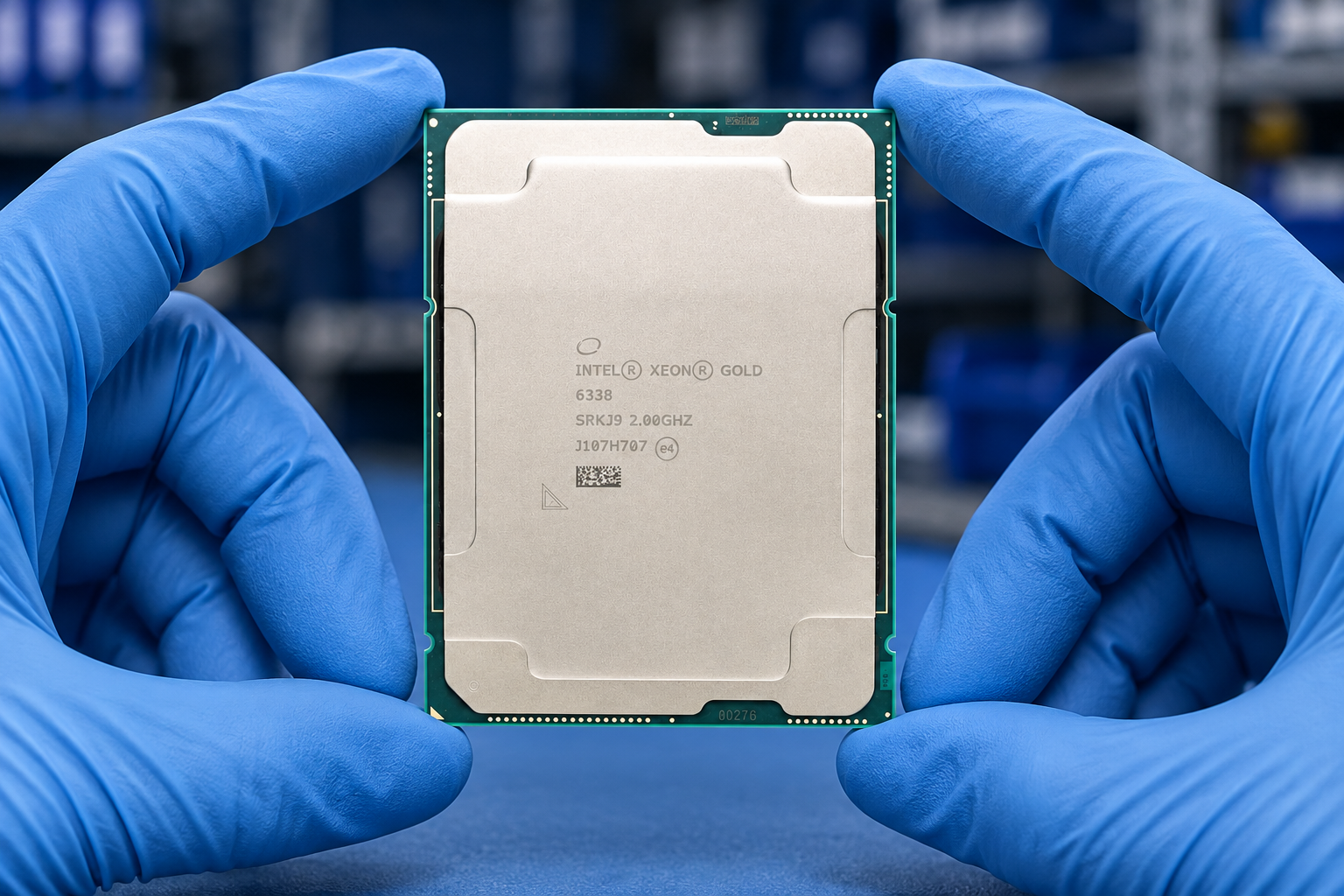
| Processor / System Bus | 2 x LGA 4710 sockets Intel® Xeon® 6500/6700 processors Up to 350 TDP |
| Memory | Total Slots: 32 (8 channel per CPU, 16 DIMM per CPU) Capacity: Maximum up to 4TB Memory Type: DDR5 6400 (1DPC) / 5200 (2DPC) RDIMM/3DS RDIMM Memory Size: 128GB, 96GB, 64GB, 32GB RDIMM 256GB RDIMM 3DS Confirm the supported components for the required configuration. |
| Expansion Slots | -8 x PCIe x 16 for dual-slot GPU cards (Gen5 x 16 link, FHFL) -5 x PCIe x 16 for NIC/ BlueField-3 cards (Gen5 x 16 link, FHFL) -1 x PCIe x 16 (Gen5 x 8 link, FHHL) |
| Storage | 8 x 2.5" Front Hot-swap Storage Bays (Backplane supports up to 8 x NVMe) 2 x M.2 socket (Gen 5 x4 link, up to 22110) |
| Networking | 2 x 10GbE LAN ports (RJ45, X710-AT2) 1 x Management Port (RJ45) |
| Front I/O Ports | 1 x Mini DisplayPort 2 x USB 5Gbps ports 1 x Debug port |
| Rear I/O Ports | 1 x USB 5Gbps port 2 x RJ-45 LAN ports 1 x RJ-45 management LAN port |
| Switch/LED | Front: 1 x Power switch/LED 1 x Location switch/LED 1 x Message LED 1 x Clear CMOS switch 1 x Reset switch 2 x M.2 LEDs 2 x LAN LEDs 1 x Q-Code/Port 80 LED Rear: 1 x Power switch/LED 1 x Location switch/LED 1 x Message LED |
| Management Solution | ASUS Control Center Enterprise (in-band) ASMB12-iKVM for (out-of-band/BMC AST2600) |
| Dimensions | 800mm x 439.5mm x 175mm 31.5” x 17.3” x 6.9” |
| Form Factor | 4U |
| Weight | Net Weight: 45 Kg Gross Weight: 56 Kg |
| Power Supply | 3+1 redundant 3200W 80 PLUS Titanium power supply 20-240 Vac, 16A (x4) 50/60Hz |
| Environment | Operating temperature: 10°C ~ 35°C* Non-operating temperature: -40°C ~ 60°C Non-operating humidity: 20% ~ 95% (Non-condensing) *For operating temperatures above 30°C, please contact your local sales representative |
| OEM review · chassis | 4U rack; 439.5 mm wide, 175 mm high, 800 mm deep |
| OEM review · cpu | Two LGA4710 sockets for Intel Xeon 6500/6700 processors; up to 350 W TDP per socket |
| OEM review · gpu layout | Up to eight dual-slot GPUs, each up to 600 W; exact accelerator qualification required |
| OEM review · memory | 32 DDR5 RDIMM slots; up to 4 TB; 6400 MT/s at 1DPC or 5200 MT/s at 2DPC |
| OEM review · storage | Eight front 2.5-inch NVMe bays and two PCIe 5.0 x4 M.2 sockets |
| OEM review · network | Two Intel X710-AT2 10GbE RJ45 ports |
| OEM review · management interface | Dedicated RJ45 management port; onboard ASMB12-iKVM |
| OEM review · power | Four 3200 W Titanium supplies, 3+1 redundancy; rated 220-240 V AC |
Define workload, capacity, constraints and growth needs.
This guide adds the decisions, documents and next steps that support this page.
System configurator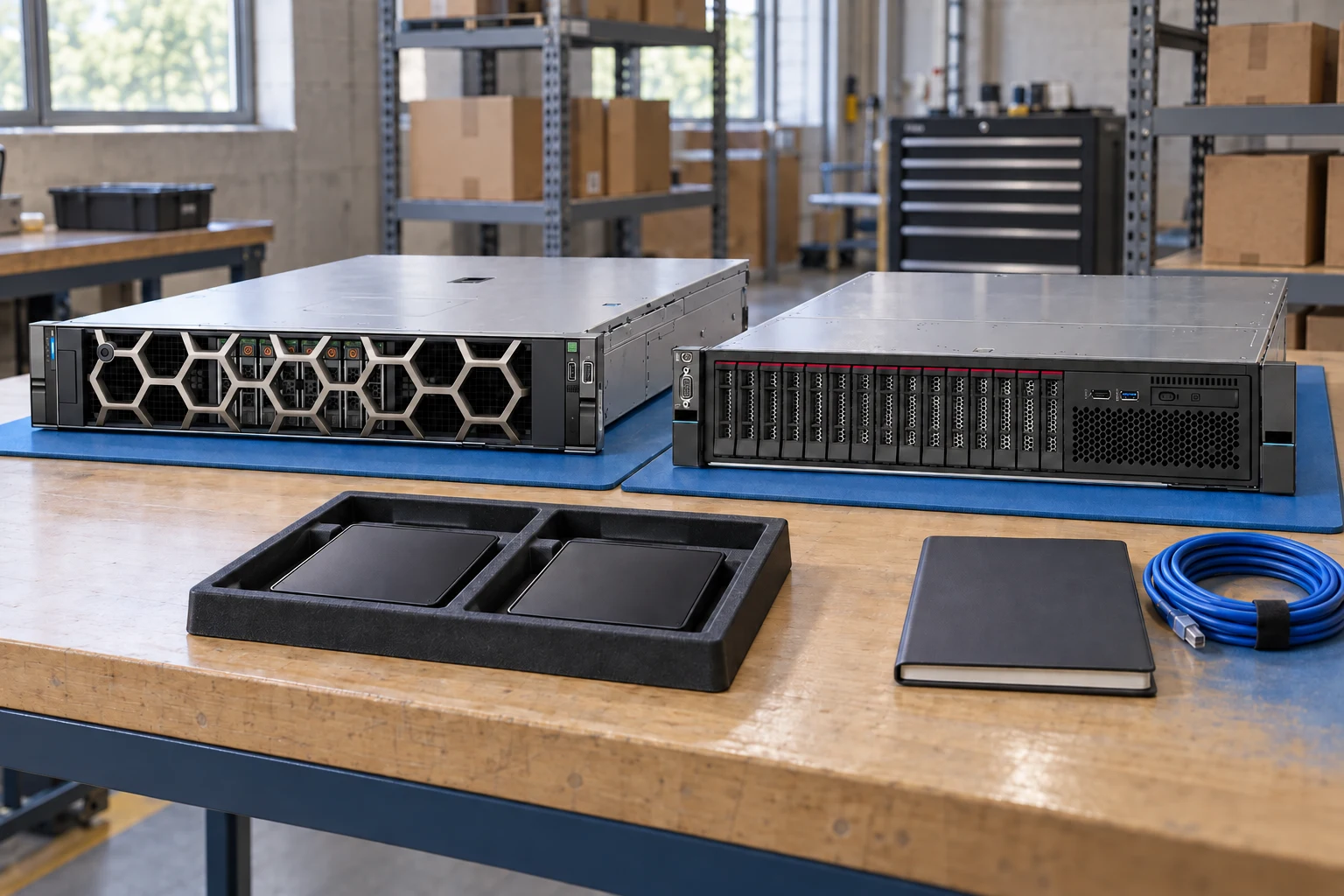
Start with the chassis and its documented dependencies.
System configuratorKeep identifiers and evidence side by side.
Compare recordsBuild a port, optics and cable schedule.
Network plannerDefine workload, capacity, constraints and growth needs.
Check component support, physical fit, power and firmware.
Export a reviewable requirement or quotation draft.
A planning sequence, not a record of completed work.
Counts show records in the site catalog. They do not represent stock, available quantities or verified compatibility.
Snapshot: 2026-09-15
| Decision | Record in your brief | Evidence to retain |
|---|---|---|
| Requirements | Define workload, capacity, constraints and growth needs. | Complete identifier and source revision |
| Dependencies | Check component support, physical fit, power and firmware. | Platform document or written clarification |
| Review output | Export a reviewable requirement or quotation draft. | Offered-unit details and agreed scope |
Tick items as you prepare them. This is your personal checklist, not a hardware validation.
Saved in this browser when local storage is available.
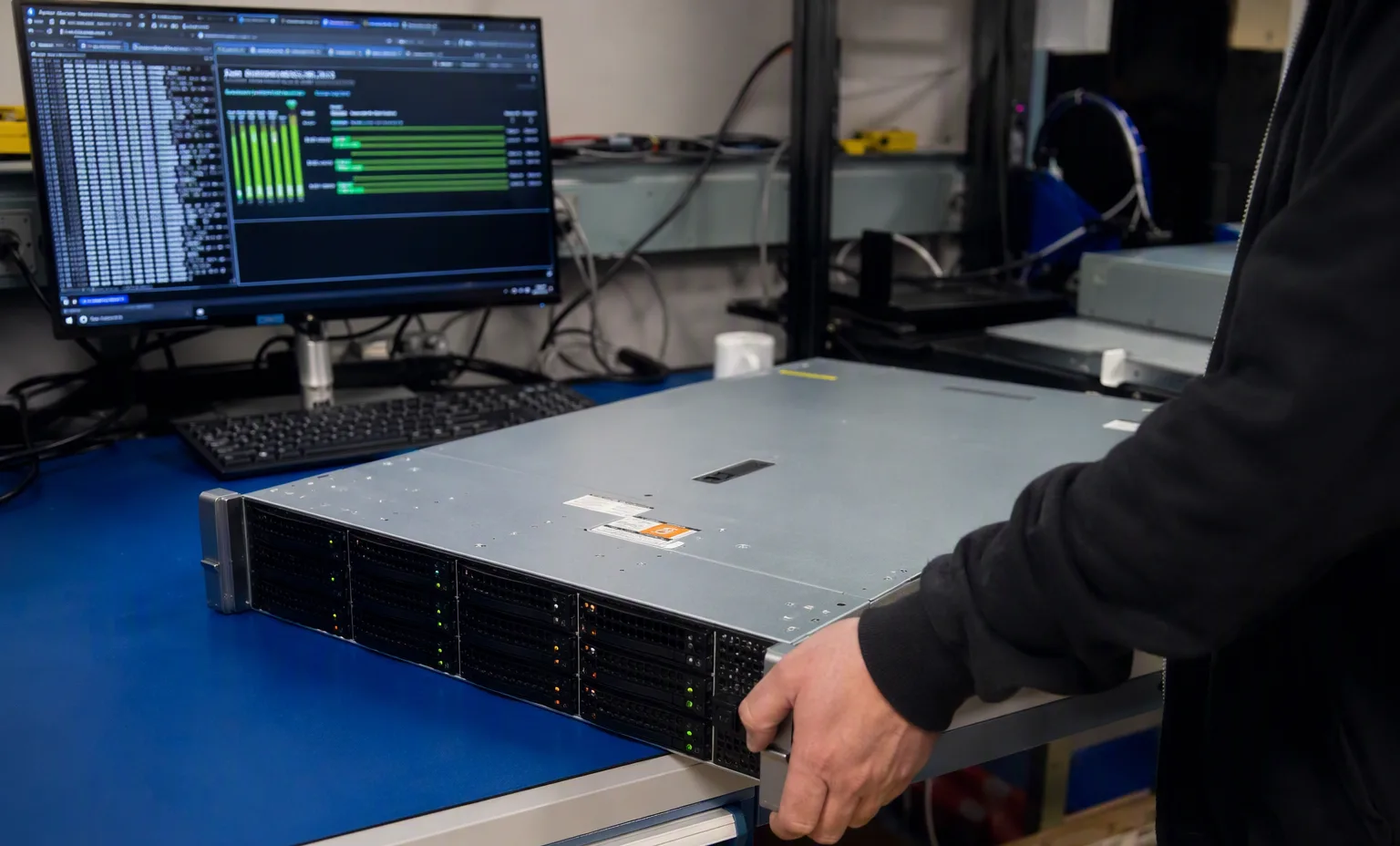
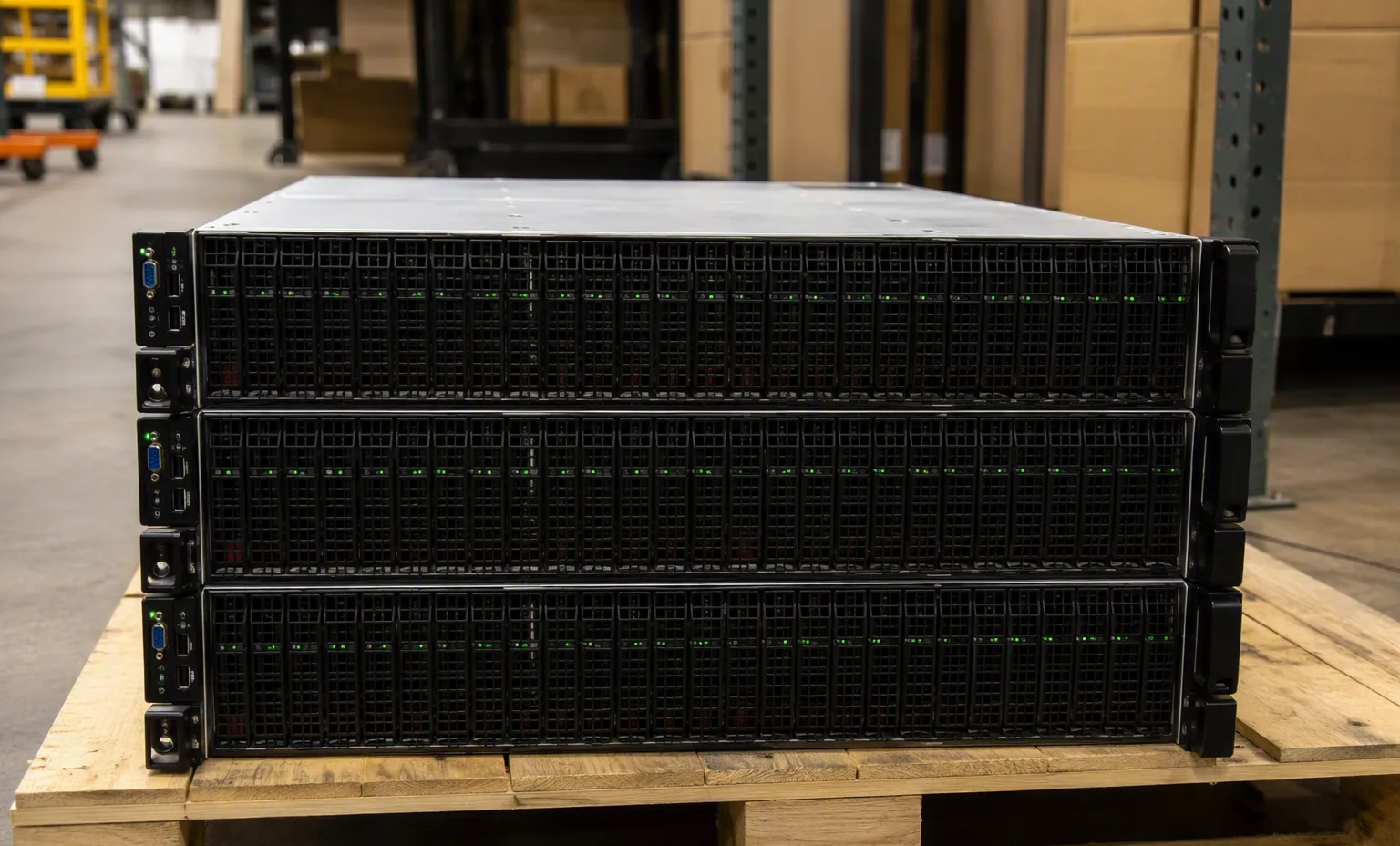
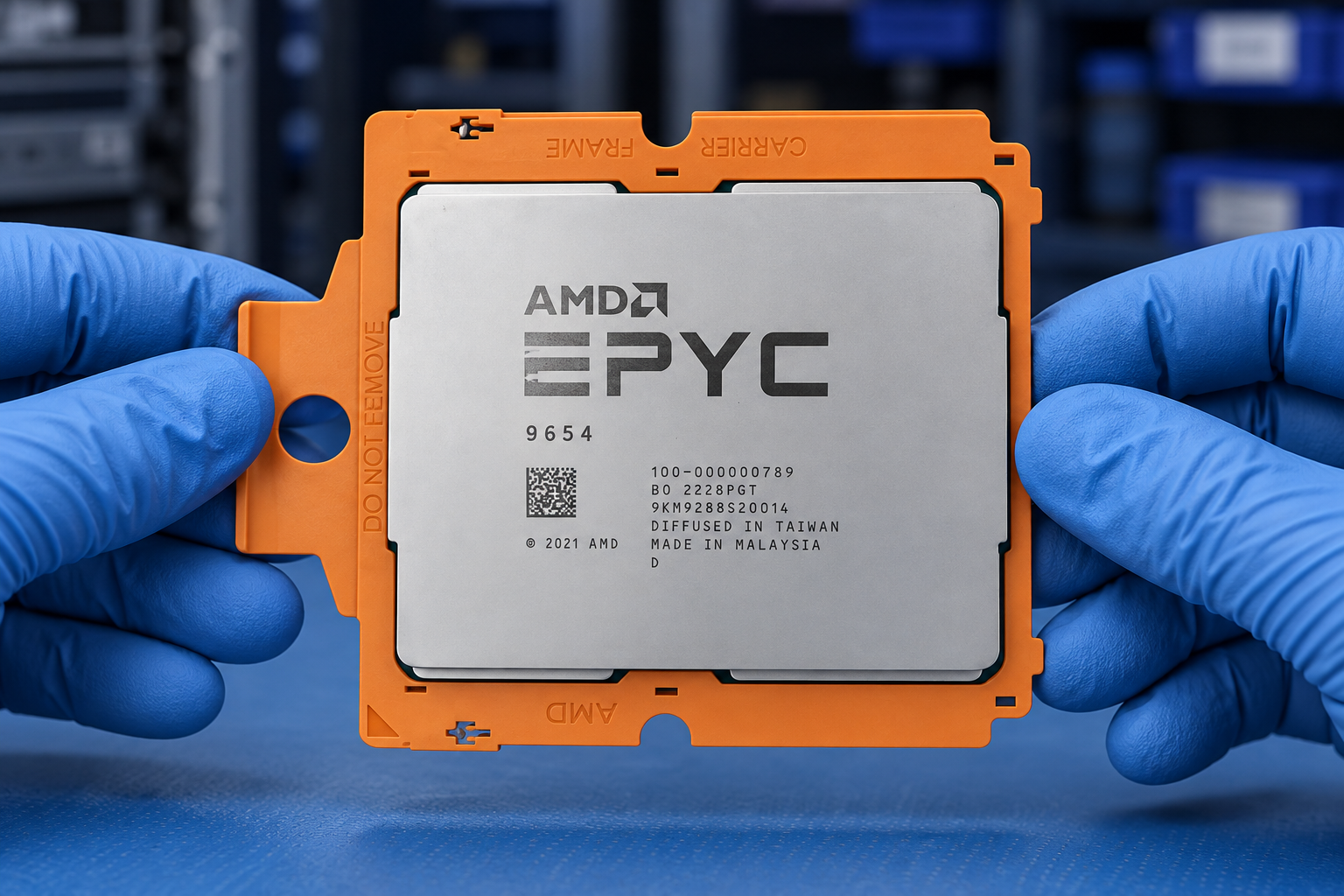
Reference-based generated scenes; actual-unit photos are available only through an explicit unit-specific request. Related models are separate catalog records, not substitutes for the item on this page.
Continue the relevant directory or service flow.
Open resourceUse the connected tool to develop the requirement.
Open resourceRetain the supporting reference with your project brief.
Open resourceWorkload requirements captured · Candidate BOM recorded · Open compatibility questions listed · Reviewer and next action assigned.